 Dargslan
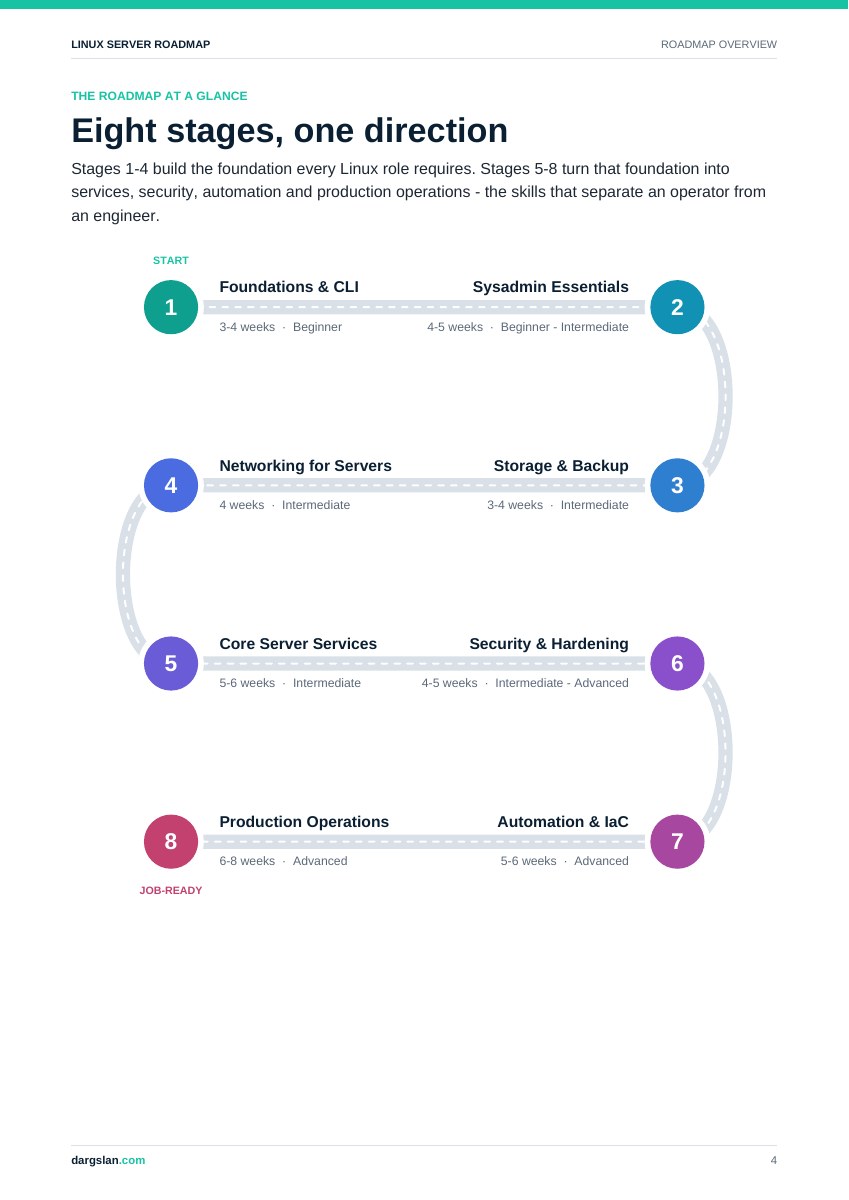
Foundations & CLI
Shell fluency, filesystems, text tools and working without a desktop.
The capstone
A shell survival guide and a daily server-report pipeline.
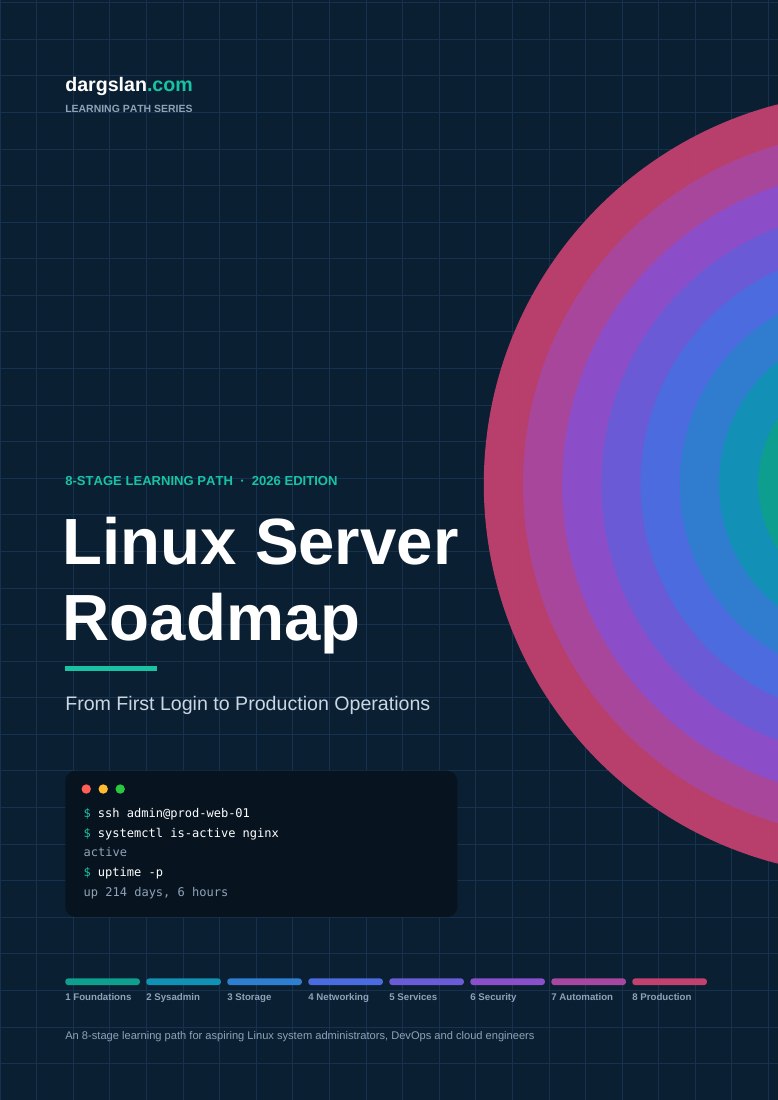
From your first login to production operations. A practical, eight-stage roadmap for learning what matters—and knowing what to work on next.
36 pages · English · Email required · Newsletter optional
You can install a package. You’ve followed a server setup guide. But when a service fails, a disk fills up or permissions get complicated, the gaps become obvious.
The Linux Server Roadmap puts the pieces in order. Start with the shell, build a dependable system, then bring services, security and automation together in a working lab.
Not “have I read about this?”
“Can I build it, explain it and fix it?”
Each stage pairs what to learn with something to build. Your lab grows with you—not just your bookmarks.
Shell fluency, filesystems, text tools and working without a desktop.
A shell survival guide and a daily server-report pipeline.
Users, permissions, packages, processes, systemd and logs.
A documented base server build and a service that survives a reboot.
Partitions, filesystems, LVM, RAID and tested restores.
An application-server storage layout and a backup-and-restore runbook.
IP addressing, DNS, firewalls and secure remote access.
A segmented lab network, bastion host and troubleshooting flowchart.
Web servers, databases, TLS, file sharing and DNS services.
A production-style web platform you can explain and maintain.
Least privilege, mandatory access control, auditing and hardening.
A hardened golden-image baseline for your lab.
Bash, Git, Ansible and infrastructure-as-code concepts.
A version-controlled repository that provisions your web platform.
Monitoring, performance, containers, high availability and reliability.
Operate your lab platform as if it were production for two weeks.
Work through stages 1–4 in sequence. Once the foundations are solid, services and security can overlap. Automation builds on that work; production operations bring it all together.
This is the structure around your learning—not a full course squeezed into a PDF.
Read with a question in mind. Try it on a VM. Break something safely. Find the cause. Write down what worked.
Your notes become a personal runbook. Your capstones become evidence of what you can actually do.
# A useful question beats a copied command.
$ systemctl status myapp
$ journalctl -u myapp -b
# Investigate. Change one thing. Test again.
Six appendices help you turn the stages into a study routine, a home lab and a repeatable way to troubleshoot.
The suggested study plan spans approximately 12 months at 8–10 hours per week. Treat it as a planning example, not a deadline or a promise.
Get the complete Linux Server Roadmap. Pick your starting stage. Build your first lab. Keep going with a clearer idea of what comes next.
Enter your email to unlock the PDF on this page. No account or payment required.
Aspiring Linux administrators, career changers, help-desk and Windows administrators moving into Linux, and developers who want to understand the servers they deploy to. Working admins can also use the milestones to identify gaps.
No. This is a 36-page roadmap, not a full course. It gives you an ordered learning path, topics, commands, lab exercises, milestone checklists and capstone projects. Use documentation, books and hands-on practice to study each topic in depth.
The roadmap covers both the Debian/Ubuntu family using apt and the RHEL/Rocky/AlmaLinux/Fedora family using dnf. Practise on both families to understand the differences.
The study-plan appendix suggests approximately 12 months at 8–10 hours per week. This is an illustrative planning guide, not a completion or employment guarantee. Your starting point and practice time will affect your pace.
No. An email address is required to unlock the PDF, but newsletter consent is separate and optional. After a successful submission, your download link appears here. If you choose the newsletter and a confirmation email is sent, that email confirms the newsletter subscription; it does not deliver the PDF.
No. The certification map shows where optional exams may fit into your study. The roadmap does not award a certification, include an exam voucher or promise employment.