
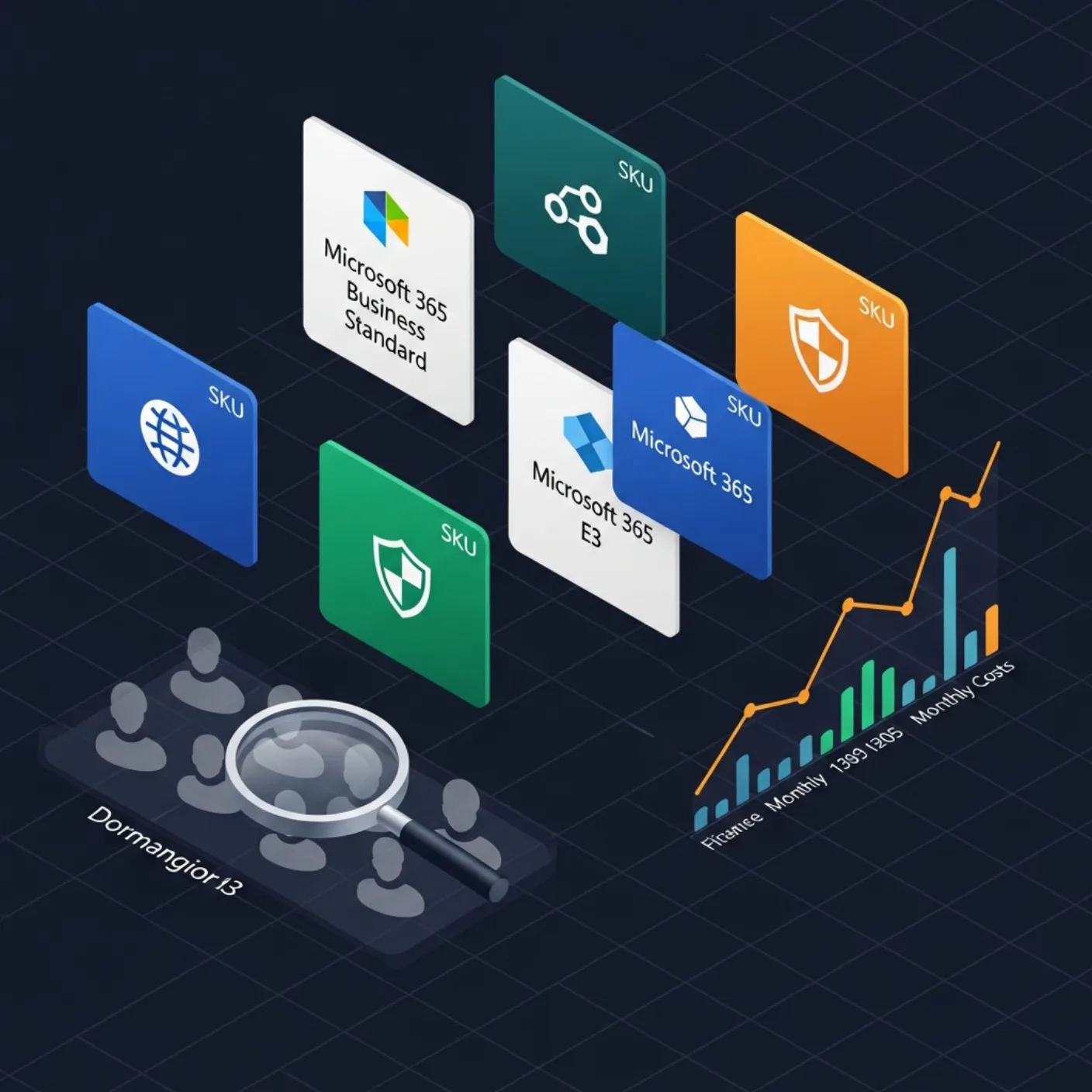
License waste in Microsoft 365 is one of the few IT cost lines that can be fixed in a week. The Graph PowerShell SDK exposes everything needed: assigned SKUs, available units, per-user assignments, group-based assignments, last sign-in date. This guide ships the full report.
Table of Contents
Tenant SKU inventory
Connect-MgGraph -Scopes 'Organization.Read.All','User.Read.All','Directory.Read.All'

Get-MgSubscribedSku | Select SkuPartNumber,
    @{N='Total';E={$_.PrepaidUnits.Enabled}},
    ConsumedUnits,
    @{N='Free';E={$_.PrepaidUnits.Enabled - $_.ConsumedUnits}}
The Free column is the immediate cost lever — every unit you are paying for and not using.
Per-user assignments
Get-MgUser -All -Property Id,UserPrincipalName,AssignedLicenses,AccountEnabled |
    Where-Object { $_.AssignedLicenses.Count -gt 0 } |
    Select UserPrincipalName, AccountEnabled,
        @{N='SKUs';E={ ($_.AssignedLicenses.SkuId | ForEach-Object {
            (Get-MgSubscribedSku -SubscribedSkuId $_).SkuPartNumber }) -join ',' }}
Group-based vs direct
Group-based licensing is the recommended approach but mixed-mode tenants are the norm. Pull the assignment state to see which is which:
Get-MgUser -UserId user@contoso.com -Property LicenseAssignmentStates |
    Select -ExpandProperty LicenseAssignmentStates
AssignedByGroup non-null = group-based. Null = direct. Direct assignments are the ones that resist clean offboarding.
Dormant licensed users
The combined query: licensed + not-signed-in-for-90-days = reclaim candidate.
$threshold = (Get-Date).AddDays(-90).ToString('yyyy-MM-ddTHH:mm:ssZ')
Get-MgUser -All -Property Id,UserPrincipalName,AssignedLicenses,SignInActivity |
    Where-Object {
        $_.AssignedLicenses.Count -gt 0 -and
        ($_.SignInActivity.LastSignInDateTime -lt $threshold -or
         $_.SignInActivity.LastSignInDateTime -eq $null)
    }
Service plan utilisation
An E3 has dozens of service plans (Exchange, SharePoint, Teams, Power Apps, Stream, etc.). Many users use only a few. Disable unused service plans to free capacity for users who need them:
$sku = Get-MgSubscribedSku -SubscribedSkuId <sku>
$sku.ServicePlans | Select ServicePlanName, AppliesTo, ProvisioningStatus
Export the report
Pipe everything into Export-Excel (PowerShell module) for a multi-sheet workbook: SKUs, Users, Dormant, Group-based. Email to finance and IT once a month.
Reclamation playbook
- Mark dormant users (90 days) for reclamation.
- Notify line manager — 14 day grace.
- If still inactive at day 14, remove direct license assignment.
- If still inactive at day 30, disable the account.
- If still inactive at day 90, delete (after backup of the mailbox).
From a one-off report to a recurring cost-control loop
The basic license report tells you who has what today. The version that pays for itself runs on a schedule, compares against last week, identifies dormant assignments, and generates a reclamation list that an admin can action in minutes.
Dormancy: licensed but inactive
An assigned license that has not been used in 90 days is almost always reclaimable. Combine assignment data with sign-in activity:
$cutoff  = (Get-Date).AddDays(-90)
$licUsers = Get-MgUser -Filter 'assignedLicenses/$count ne 0' `
                       -ConsistencyLevel eventual `
                       -CountVariable c `
                       -Property Id,DisplayName,UserPrincipalName,AssignedLicenses,SignInActivity `
                       -All

$dormant = $licUsers | Where-Object {
  $_.SignInActivity.LastSignInDateTime -lt $cutoff -or
  $null -eq $_.SignInActivity.LastSignInDateTime
}

$dormant | Select DisplayName, UserPrincipalName,
                  @{N='LastSignIn';E={$_.SignInActivity.LastSignInDateTime}},
                  @{N='SkuCount'; E={$_.AssignedLicenses.Count}} |
           Export-Csv -Path 'reclaim-candidates.csv' -NoTypeInformation
Cost-per-SKU rollup
Pull list-price-per-SKU into a small lookup table (your Microsoft account team can supply a CSV) and multiply by assigned count. The output is a one-page CFO-ready summary of monthly licence spend, broken down by SKU and by department if you join with Department.
$prices = Import-Csv .\sku-prices.csv  # SkuPartNumber, MonthlyPrice
$skus   = Get-MgSubscribedSku

$skus | Select-Object SkuPartNumber,
        @{N='Assigned'; E={$_.ConsumedUnits}},
        @{N='Total';    E={$_.PrepaidUnits.Enabled}},
        @{N='MonthlyCost'; E={
            $p = ($prices | Where-Object SkuPartNumber -eq $_.SkuPartNumber).MonthlyPrice
            [math]::Round($_.ConsumedUnits * [decimal]$p, 2)
        }} |
        Sort-Object MonthlyCost -Descending |
        Format-Table -AutoSize
Group-based licensing as the long-term answer
Direct assignment scales badly. Move to group-based licensing — assign the SKU to an Entra group, control membership via HR data — and the report becomes a reconciliation between HR and Entra. Drift is visible immediately.
Common pitfalls
- Ignoring service plan disable. A user on E5 with Teams disabled is still consuming an E5. Service-plan-level reporting reveals this.
- Reclaiming without notification. Removing a licence breaks Outlook within minutes. Always notify the user and their manager 7 days before reclamation.
- Forgetting shared mailboxes. Shared mailboxes under 50 GB do not need a licence. A surprising number of tenants are paying for them anyway.
- Counting trial SKUs as production. Trial SKUs expire and pollute the cost rollup. Filter by
SkuPartNumbermatching the production list. - Running the report from an underprivileged account. Graph silently truncates fields the caller cannot read. Use an app registration with
Directory.Read.AllandAuditLog.Read.All.
A weekly license-hygiene runbook
The license report turns into recurring savings only when it runs on a schedule and someone owns the action items. Below is a weekly runbook used by Dargslan-style operators to keep tenants tight without becoming a full-time job.
- Monday morning — automated report. A scheduled task runs the audit script and emails the owner an HTML summary plus a CSV attachment of dormant users. Total runtime: under five minutes for tenants up to 10,000 users.
- Monday afternoon — triage. Owner skims the dormant list. Anyone who has been gone >180 days is auto-disabled (separate runbook). Anyone gone 90–180 days gets a notification; their manager gets a CC.
- Tuesday — service plan review. Cross-check assigned SKUs against actual usage of premium service plans (Power BI Premium, Project, Visio). A user with an E5 who hasn't opened a Power BI report in 90 days probably needs E3.
- Wednesday — group-based assignments. Audit the licensing groups for membership drift. HR-driven groups should match payroll exactly; deviations flag stale offboarding.
- Thursday — purchasing buffer. Compare
ConsumedUnitstoPrepaidUnits.Enabled. Buffer below 5% triggers a reorder ticket; buffer above 20% triggers a true-down conversation with the vendor. - Friday — KPI snapshot. Append the week's totals (assigned, dormant, reclaimed, monthly cost) to a spreadsheet. The trend line is the single most persuasive artifact for the next renewal negotiation.
Two weeks of consistent execution typically reclaims 5–15% of seats in a tenant that has never been audited. The savings are real, recurring, and require no new tooling — only the script and the discipline.
For tenants over 25,000 users, batch the user enumeration with -Top 999 and parallelise across SKUs. Single-threaded enumeration of a 100,000-user tenant takes 20+ minutes; properly batched it stays under 5.
Continuous license hygiene: making the savings stick
License reclamation has a half-life. Reclaim 200 seats this quarter, do nothing for six months, and the count is back where it started. The tenants that maintain the savings treat license hygiene as an ongoing operational metric, not a one-off project, and instrument three flows that run without human prompting.
The first flow is onboarding alignment. Every new account created in HR triggers a license assignment via group-based licensing — never direct assignment. The assignment is recorded with the date and the requesting manager. A weekly report shows new assignments without a corresponding HR record; those flag accounts created outside process and almost always identify either a mistake or a shadow IT pattern worth addressing.
The second is offboarding enforcement. The HR offboarding signal removes the user from the licensing groups, which removes the license, which writes an audit event, which the report sums. The chart of "days from termination date to license removal" should average under one. A creeping average means the offboarding workflow has broken; you find it before finance does.
The third is service-plan tuning. Within an E5, individual service plans (Power BI Premium, Project, Teams Phone) can be disabled to match actual use. The audit cross-references usage telemetry with assigned plans and produces a list of users for whom an E3 + add-on would be cheaper than the full E5. The list goes to managers monthly; they approve or reject; the change is automated. Even a 10% conversion rate compounds significantly over a year.
Tracked as a single dollar number, monthly licence spend should trend slowly downward as the workforce rationalises and slowly upward as it grows; the delta is the metric that proves the practice is working. Plot it next to seat count to normalise for growth, and the slope is the chart that funds the next renewal negotiation.
None of this requires new tooling. The Graph audit script and a small amount of automation glue produce all three flows. The discipline is the deliverable.
A short field note on negotiating renewals
The license report is most valuable in the weeks before a renewal negotiation. A tenant that walks into the conversation with a clean usage breakdown — actual seats by SKU, dormant counts, service-plan utilisation — anchors the discussion in data rather than vendor claims. In practice, the strongest negotiating outcomes come from teams that can present three numbers: current paid seats, current active seats, and projected active seats for the next term based on the prior year's growth curve. Vendors expect to discount; what they do not expect is a customer who knows precisely how much room exists between the seat count on the contract and the seat count actually in use. Closing that gap is the cleanest route to a lower bill, and the report is the artefact that makes the gap legible.
FAQ
Does this need a special role?
License Administrator + Directory Reader is enough for the read path.
Will the SignInActivity field always be populated?
Only for users who have signed in at least once since the property was added. Treat null as "no recent sign-in".
Can I assign licenses with this SDK?
Yes — Set-MgUserLicense. Prefer group-based assignment instead.
How current is the SignInActivity field?
Updated within 24 hours, sometimes faster. For real-time data query the sign-in logs directly via auditLogs/signIns.
Can I exclude executive accounts from the dormancy list?
Yes — tag them in HR with a known attribute and filter out in the script. Just document the exception so the audit trail is clean.
What is the difference between consumed and assigned units?
ConsumedUnits in Get-MgSubscribedSku is the count of actual user assignments. PrepaidUnits.Enabled is the licences you are paying for. The delta is your purchasing buffer.
Will this work for GCC High or DoD tenants?
Yes, with the appropriate Graph endpoint (graph.microsoft.us). Pass -Environment USGov to Connect-MgGraph.



