
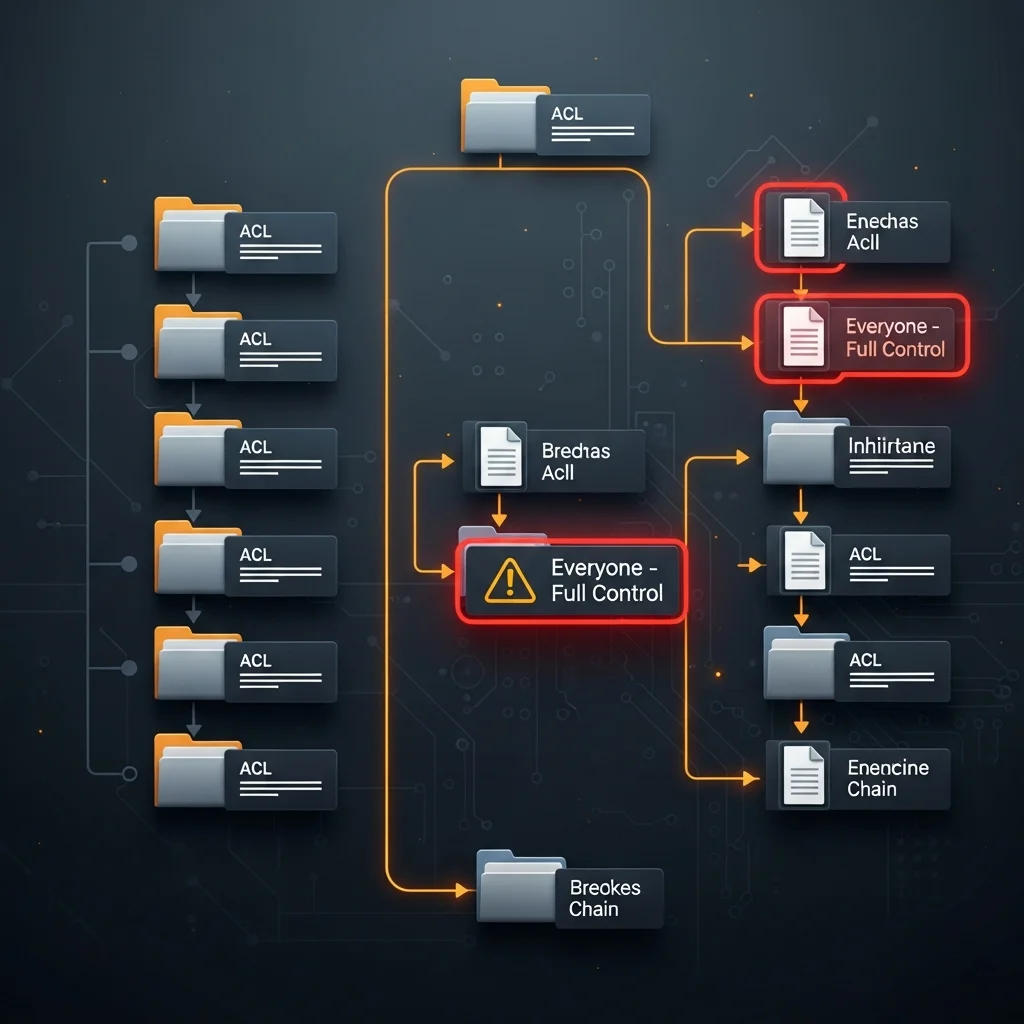
NTFS ACLs drift the way coastlines erode — slowly, then all at once. A vendor installer that grants Everyone Modify "for the install", a project folder where someone disabled inheritance to fix one user, an old domain account whose SID is still on every share. After three years no human knows who has access to what.
This guide audits the three highest-yield findings on a file server (Everyone-FullControl, broken inheritance, orphan SIDs) from PowerShell, and ships the Dargslan.NtfsAclAudit module plus a free PDF cheat sheet.
Table of Contents
Step 1: Recursive ACL inventory
The basic loop is Get-Acl per folder. On a real file server you have to bound the recursion depth — three levels is usually enough to find the structural problems without sitting in icacls hell for an hour:
Get-ChildItem D:\Shares -Directory -Recurse -Depth 3 |
    ForEach-Object {
        $a = Get-Acl $_.FullName
        $a.Access | ForEach-Object {
            [pscustomobject]@{
                Path     = $_.FullName
                Identity = $_.IdentityReference
                Rights   = $_.FileSystemRights
                Inherited= $_.IsInherited
            }
        }
    }
Step 2: Everyone / Authenticated Users excessive
The detection rule: Allow ACE, identity matches Everyone, Authenticated Users, BUILTIN\\Users or INTERACTIVE, rights match FullControl|Modify|Write:
$acls | Where-Object {
    $_.AccessType -eq 'Allow' -and
    $_.Identity -match 'Everyone|Authenticated Users|BUILTIN\\Users|INTERACTIVE' -and
    $_.Rights   -match 'FullControl|Modify|Write'
}
Read on these identities is rarely a finding. Modify or FullControl almost always is — even if the data is non-sensitive, ransomware encrypts everything an account can write to.
Step 3: Broken inheritance
$acl.AreAccessRulesProtected = True means inheritance was disabled on this folder and it now has a hand-crafted ACL. That is sometimes legitimate (a confidential project) and often a forgotten one-off. List them and review:
Get-ChildItem D:\Shares -Directory -Recurse -Depth 3 |
    Where-Object { (Get-Acl $_.FullName).AreAccessRulesProtected } |
    Select FullName
Step 4: Orphan SIDs
If Get-Acl returns an identity that looks like S-1-5-21-... instead of a name, the user / group is gone but the ACE is not. Each one is dead weight; some bear specific risk because the SID could be reactivated.
A pragmatic PASS / WARN / FAIL score
- 0 Everyone / Auth-Users with Write+ (1 pt)
- ≤ 5 broken-inheritance folders (1 pt — some legitimate)
- 0 orphan-SID ACEs (1 pt)
3/3 PASS, 1-2 WARN, 0 FAIL. Per share root.
Dargslan.NtfsAclAudit module
Install-Module Dargslan.NtfsAclAudit -Scope CurrentUser
Import-Module Dargslan.NtfsAclAudit
Export-DargslanNtfsAclAuditReport -Path D:\Shares -Depth 3 -OutDir C:\reports
FAQ
How long does it take?
Depth 3 on a 200-folder share root: 30-90 seconds. Depth 5 on a deep share can be 10+ minutes — bound it.
Does it audit share permissions too?
No — share-level ACLs are Get-SmbShareAccess. Worth a separate pass.
Cheat sheet?
Free PDF at /cheat-sheets/ntfs-acl-permission-audit-2026.



