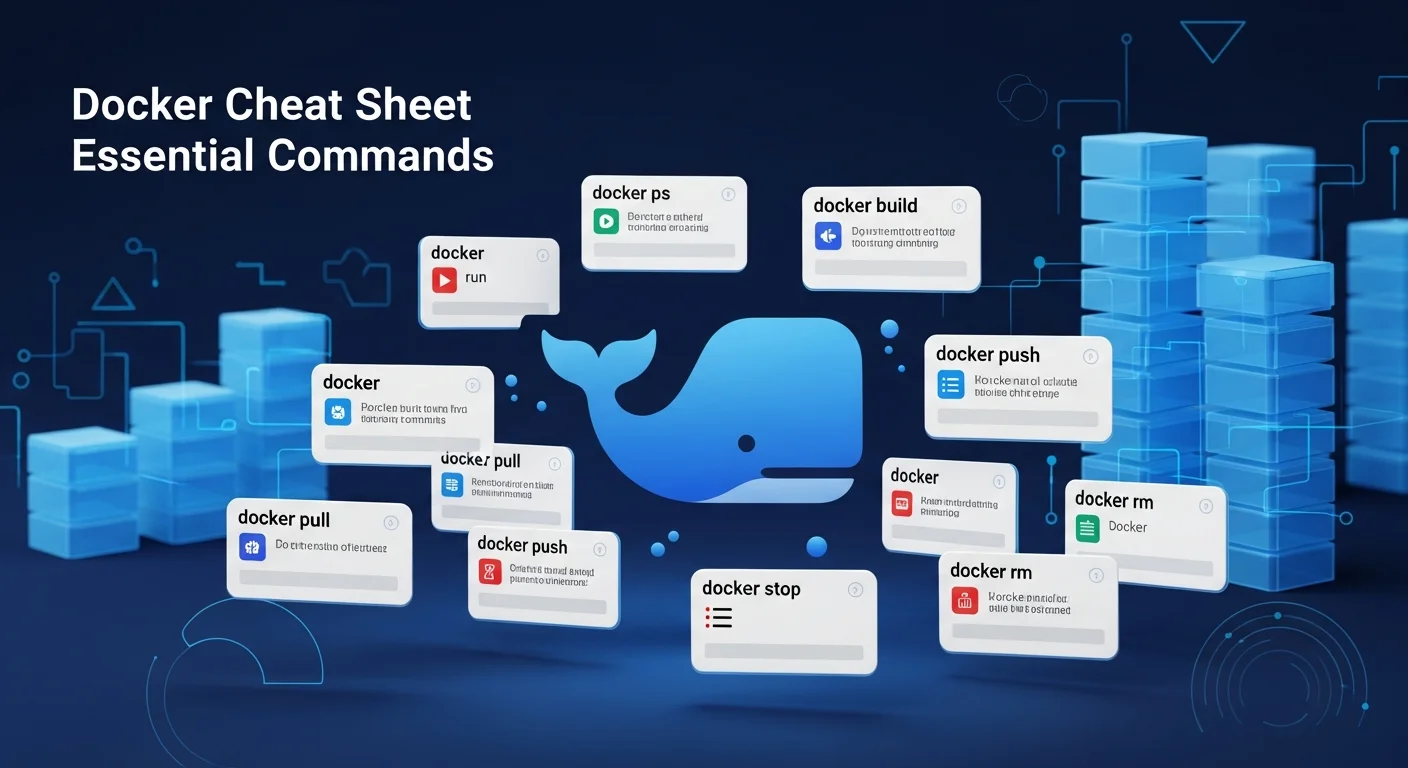
Docker commands can be overwhelming — there are hundreds of options and flags. But in daily work, you only need about 30 commands. Here's your definitive cheat sheet, organized by category.
Bookmark this page. You'll come back to it.
Container Lifecycle
# Run a container
docker run -d --name myapp -p 8080:80 nginx

# Run with auto-remove (great for testing)
docker run --rm -it ubuntu bash

# Run with environment variables
docker run -d --name db -e POSTGRES_PASSWORD=secret -p 5432:5432 postgres:16

# Stop / Start / Restart
docker stop myapp
docker start myapp
docker restart myapp

# Remove container
docker rm myapp
docker rm -f myapp          # Force remove running container

# Remove ALL stopped containers
docker container prune
Container Inspection
# List running containers
docker ps

# List ALL containers (including stopped)
docker ps -a

# Container logs
docker logs myapp
docker logs -f myapp        # Follow (like tail -f)
docker logs --tail 100 myapp  # Last 100 lines

# Container resource usage
docker stats
docker stats myapp

# Inspect container details
docker inspect myapp

# Execute command inside running container
docker exec -it myapp bash
docker exec myapp ls /var/www
Images
# List images
docker images

# Pull image
docker pull nginx:latest
docker pull postgres:16-alpine

# Build image from Dockerfile
docker build -t myapp:latest .
docker build -t myapp:v2 -f Dockerfile.prod .

# Tag image
docker tag myapp:latest myregistry.com/myapp:v2

# Push to registry
docker push myregistry.com/myapp:v2

# Remove image
docker rmi nginx:latest

# Remove ALL unused images
docker image prune -a
Volumes & Data
# Create named volume
docker volume create mydata

# Run with volume
docker run -d -v mydata:/var/lib/postgresql/data postgres:16

# Bind mount (host directory)
docker run -d -v /host/path:/container/path nginx

# List volumes
docker volume ls

# Inspect volume
docker volume inspect mydata

# Backup a volume
docker run --rm -v mydata:/data -v $(pwd):/backup alpine tar czf /backup/data.tar.gz /data
Networks
# Create network
docker network create mynet

# Run container on network
docker run -d --network mynet --name app1 myapp
docker run -d --network mynet --name db postgres:16

# Containers on same network can reach each other by name:
# app1 can connect to "db:5432"

# List networks
docker network ls

# Inspect network
docker network inspect mynet
Docker Compose
# Start all services
docker compose up -d

# Stop all services
docker compose down

# Stop and remove volumes too
docker compose down -v

# Rebuild and start
docker compose up -d --build

# View logs
docker compose logs -f

# Scale a service
docker compose up -d --scale worker=3

# Execute command in service
docker compose exec app bash
Cleanup
# Remove everything unused (containers, images, networks, volumes)
docker system prune -a --volumes

# Check disk usage
docker system df

# Remove specific unused resources
docker container prune   # Stopped containers
docker image prune -a    # Unused images
docker volume prune      # Unused volumes
docker network prune     # Unused networks
📘 Go Deeper with Docker
This cheat sheet covers the essentials. For multi-stage builds, Docker security, CI/CD integration, and production best practices, explore our Docker books:
- Docker Fundamentals — Complete foundation
- Docker Compose Fundamentals — Multi-container apps
- Docker Networking & Storage — Advanced topics
- Docker for Web Developers — PHP, Node.js, Python stacks
Quick Reference Table
| Task | Command |
|---|---|
| Run container | docker run -d --name X image |
| Shell into container | docker exec -it X bash |
| View logs | docker logs -f X |
| Stop container | docker stop X |
| Build image | docker build -t name . |
| Start stack | docker compose up -d |
| Clean everything | docker system prune -a |
| Disk usage | docker system df |
Frequently Asked Questions
What's the difference between docker run and docker compose up?
docker run starts a single container. docker compose up starts multiple containers defined in a docker-compose.yml file with networking, volumes, and dependencies configured. For anything beyond a single container, use Compose.
How do I update a running container?
Pull the new image (docker pull image:tag), stop the old container (docker stop X), remove it (docker rm X), and run a new one with the same settings. With Compose: docker compose pull && docker compose up -d.
How do I reduce Docker disk usage?
Run docker system df to see usage, then docker system prune -a --volumes to clean everything unused. For ongoing maintenance, add docker system prune -f to a weekly cron job.