
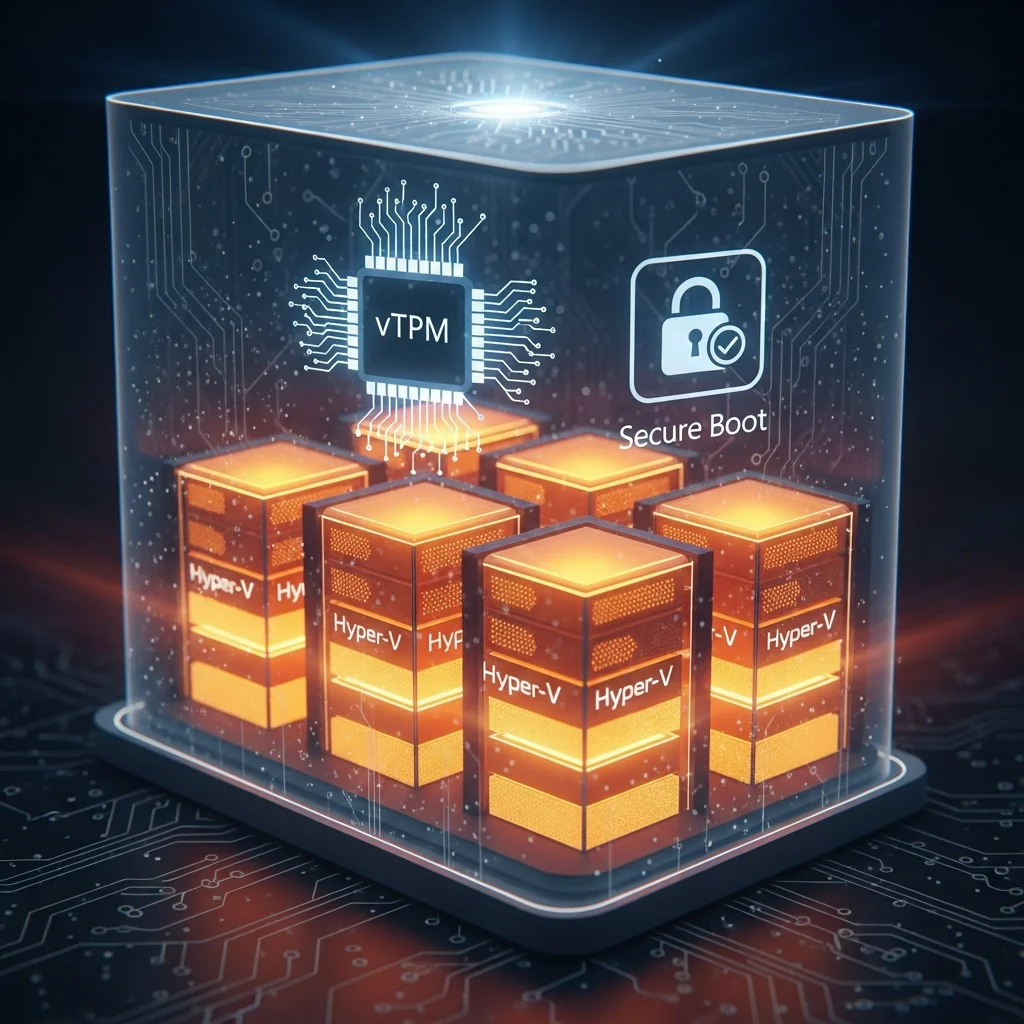
Hyper-V has quietly become a serious security feature, not just a hypervisor. Generation 2 VMs support Secure Boot, vTPM, Shielded VM (with HGS) and traffic encryption. Most fleets, though, still run a mix of Generation 1 leftovers, Gen 2 VMs with vTPM never enabled, and snapshots from "let me try this update" four months ago. This guide audits all of it from PowerShell and ships the Dargslan.HyperVSecurityAudit module plus a free PDF cheat sheet.
Table of Contents
Step 1: Per-VM security state
Get-VM | ForEach-Object {
    $fw  = Get-VMFirmware -VM $_
    $sec = Get-VMSecurity -VM $_
    [pscustomobject]@{
        VM         = $_.Name
        Generation = $_.Generation
        SecureBoot = $fw.SecureBoot
        TpmEnabled = $sec.TpmEnabled
        Shielded   = $sec.Shielded
    }
}
Targets:
Generation = 2on every VM (Gen 1 cannot do Secure Boot or vTPM)SecureBoot = Onon every Gen 2 VMTpmEnabled = Trueon every Gen 2 VM that needs BitLocker, Credential Guard or Windows 11Shielded = Trueif you have HGS deployed
Step 2: Snapshot / checkpoint hygiene
Checkpoints (formerly snapshots) are not backups. They balloon the differencing disk, slow performance, and become unrecoverable if the parent VHDX is touched. The audit answer: production VMs should have zero checkpoints, dev VMs should have at most one and not older than 7 days.
Get-VM | ForEach-Object {
    $s = Get-VMSnapshot -VM $_
    [pscustomobject]@{
        VM      = $_.Name
        Count   = $s.Count
        Oldest  = ($s | Sort CreationTime | Select -First 1).CreationTime
    }
} | Where-Object Count -gt 0
Step 3: Integration components
Get-VMIntegrationService -VMName web01
The five components are Heartbeat, Time Synchronization, Shutdown, VSS (backup) and Guest Service Interface. The first four should be enabled. Guest Service Interface is opt-in and only needed if you use Copy-VMFile.
A pragmatic PASS / WARN / FAIL score
- At least one VM (sanity) (1 pt)
- Zero Gen 2 VMs without Secure Boot (1 pt)
- ≤ 1 Gen 2 VM without vTPM (1 pt — sometimes legacy OS)
- Zero checkpoints older than 7 days (1 pt)
4/4 PASS, 1-3 WARN, 0 FAIL.
Dargslan.HyperVSecurityAudit module
Install-Module Dargslan.HyperVSecurityAudit -Scope CurrentUser
Import-Module Dargslan.HyperVSecurityAudit
Export-DargslanHyperVAuditReport -ComputerName hv01 -OutDir C:\reports
FAQ
Can I convert Gen 1 to Gen 2?
Not in place. The OS disk has to be converted from MBR to GPT and the VM rebuilt. Microsoft has a script (Convert-VMGeneration) but plan a maintenance window.
What about VMware?
This module is Hyper-V only — the cmdlets are completely different on ESXi.
Cheat sheet?
Free PDF at /cheat-sheets/hyperv-vm-security-audit-2026.



