
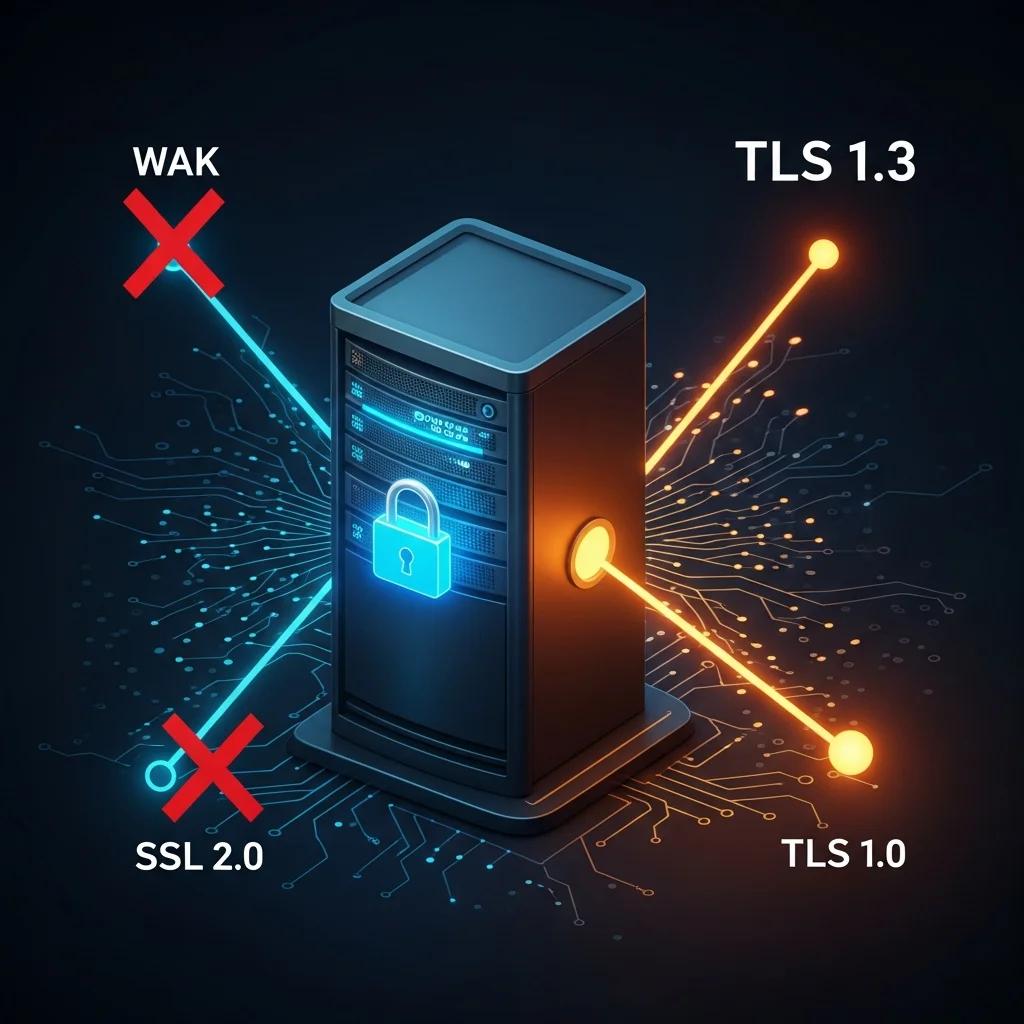
IIS will, by default, accept whatever SChannel allows — and on a server image that has not been touched since 2018, that often still includes TLS 1.0. The other recurring findings are app pools running under SpecificUser with a domain account (replace with a virtual account or gMSA), HTTPS bindings that point at an expired certificate, and HTTP bindings that should have been HSTS-redirected three years ago.
This guide covers the PowerShell audit. The Dargslan.IisSecurityAudit module bundles it and a free PDF cheat sheet ships the workflow on a single page.
Table of Contents
Step 1: Bindings + certificates
Import-Module WebAdministration
Get-Website | ForEach-Object {
    $site = $_
    $site.Bindings.Collection | ForEach-Object {
        [pscustomobject]@{
            Site     = $site.Name
            Protocol = $_.protocol
            Binding  = $_.bindingInformation
            Cert     = $_.certificateHash
        }
    }
}
Resolve every certificateHash against Cert:\\LocalMachine\\ to see expiry. Anything within 30 days needs to be on a renewal calendar.
Step 2: SChannel TLS protocols
SChannel is configured by registry. Read both Server and Client roles for each protocol:
$base = 'HKLM:\SYSTEM\CurrentControlSet\Control\SecurityProviders\SCHANNEL\Protocols'
'TLS 1.0','TLS 1.1','TLS 1.2','TLS 1.3' | ForEach-Object {
    $proto = $_
    'Server','Client' | ForEach-Object {
        $key = "$base\$proto\$_"
        if (Test-Path $key) {
            Get-ItemProperty $key | Select Enabled, DisabledByDefault
        }
    }
}
2026 baseline: TLS 1.0 + 1.1 disabled (server and client), TLS 1.2 enabled, TLS 1.3 enabled if Server 2022+. Disable SSL 2.0 and SSL 3.0 if they are still around (they should not be on any post-2016 image).
One reboot is required for SChannel changes to take effect.
Step 3: App pool identities
Get-ChildItem IIS:\AppPools | Select Name,
    @{N='Identity';E={$_.processModel.identityType}},
    @{N='User';E={$_.processModel.userName}}
The right answer is ApplicationPoolIdentity (a virtual account per app pool) or a gMSA. SpecificUser with a real domain account is acceptable only when an external resource (SQL Server, file share) is accessed and a virtual account cannot reach it.
Step 4: Security headers (sanity)
Not strictly an IIS audit but worth two minutes: confirm Strict-Transport-Security, X-Content-Type-Options and a sane Content-Security-Policy for every public site. Invoke-WebRequest -UseBasicParsing https://site/ -Method Head | Select -Expand Headers lists them.
A defensible PASS / WARN / FAIL score
- TLS 1.0 disabled (1 pt)
- TLS 1.1 disabled (1 pt)
- TLS 1.2 enabled (1 pt)
- ≤ 5 SpecificUser app pools (1 pt)
- Zero certs expiring within 30 days (1 pt)
5/5 PASS, 2-4 WARN, 0-1 FAIL.
Dargslan.IisSecurityAudit module
Install-Module Dargslan.IisSecurityAudit -Scope CurrentUser
Import-Module Dargslan.IisSecurityAudit
Export-DargslanIisSecurityAuditReport -OutDir C:\reports
FAQ
Will disabling TLS 1.0 break anything?
Anything pre-Windows 7 SP1, .NET 4.5, Java 7. In 2026 this is rare; test in non-prod first.
Cipher suites?
Read with Get-TlsCipherSuite. Drop anything 3DES, RC4 or NULL. The IIS Crypto tool is the GUI equivalent.
Cheat sheet?
Free PDF at /cheat-sheets/iis-tls-security-audit-2026.



