
Kali Linux is the undisputed king of penetration testing distributions. Developed and maintained by Offensive Security (OffSec), the same team behind the prestigious OSCP certification, Kali Linux has been the go-to platform for security professionals, ethical hackers, and red team operators since its initial release in 2013 as a successor to BackTrack Linux.
In 2026, Kali Linux continues to set the standard with over 600 pre-installed security tools, a massive global community, and tight integration with professional certification paths. This comprehensive guide will walk you through everything you need to know to leverage Kali Linux effectively in your security career.
What Is Kali Linux?
Kali Linux is a Debian-based Linux distribution specifically designed for digital forensics, penetration testing, and security auditing. It is developed by OffSec (formerly Offensive Security), an organization renowned for its cybersecurity training and certifications, including OSCP, OSEP, OSWE, and OSED.
What sets Kali Linux apart from other security distributions is its professional pedigree. It is not a hobbyist project — it is a professionally maintained platform used by security teams at Fortune 500 companies, government agencies, and cybersecurity consultancies worldwide. Every tool is curated, tested, and maintained by a dedicated team of security professionals.
Kali Linux is available in several deployment formats:
- Full Desktop Installation: The traditional install with all 600+ tools on bare metal or VM
- Kali NetHunter: A mobile penetration testing platform for Android devices
- Kali in the Cloud: Pre-built images for AWS, Azure, and other cloud providers
- Kali Docker: Containerized versions for isolated tool execution
- Kali Live USB: Boot from USB without installation — ideal for forensics
- Kali WSL: Run Kali directly inside Windows Subsystem for Linux
- Kali ARM: Images for Raspberry Pi and other ARM devices
This deployment flexibility is unmatched in the security distribution space. Whether you need Kali on a phone, a Raspberry Pi, a cloud server, or inside Windows, there is an official supported option.
The Security Tool Arsenal
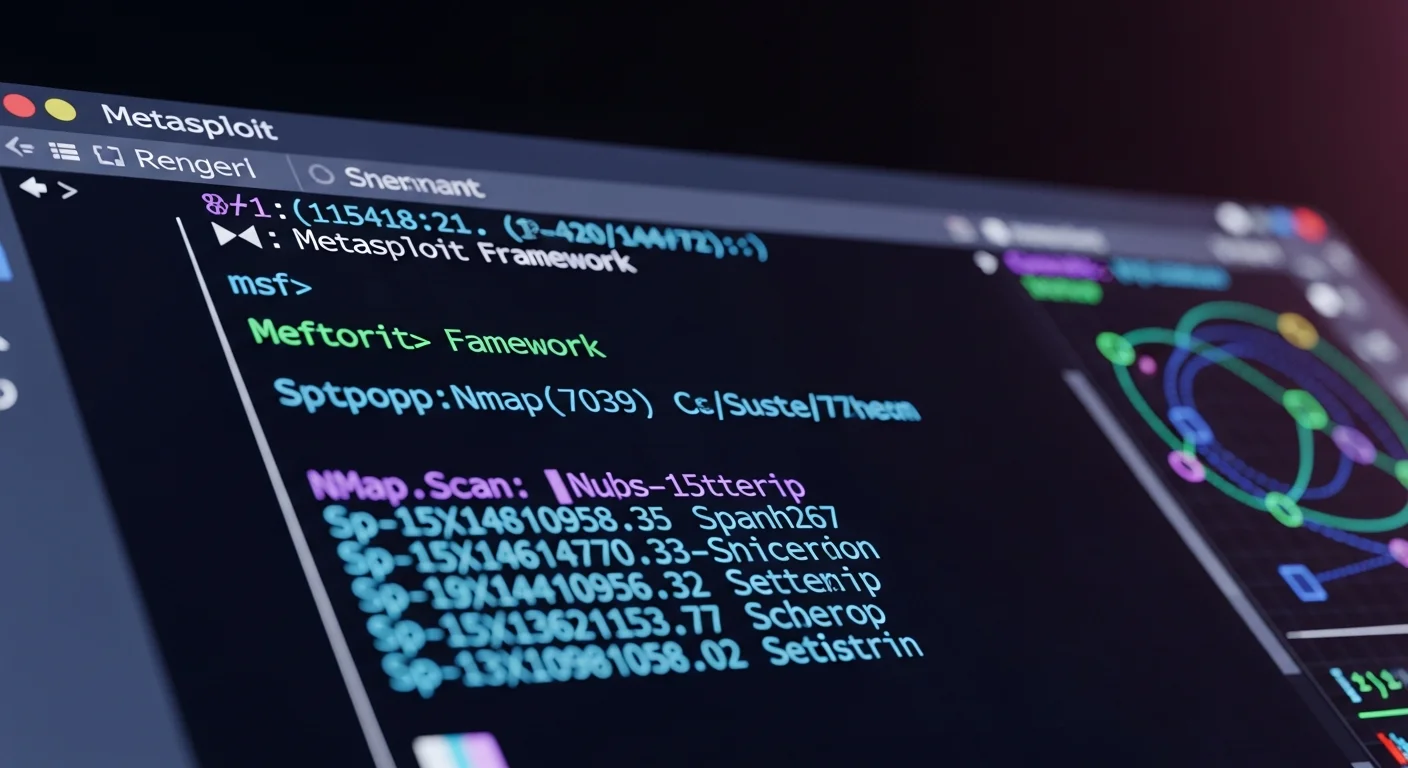
Kali Linux’s tool collection is organized into well-defined categories that mirror the phases of a professional penetration test. Here are the most important categories and their flagship tools:
Information Gathering and OSINT
Nmap remains the cornerstone of network reconnaissance, capable of port scanning, service detection, OS fingerprinting, and script-based vulnerability discovery. Maltego provides visual link analysis for OSINT investigations. Amass handles subdomain enumeration and DNS analysis at scale, while Shodan CLI integration allows querying the Shodan search engine for internet-connected devices. SpiderFoot automates OSINT collection across hundreds of data sources.
Web Application Testing
Burp Suite Community Edition is pre-installed for web application security testing — it intercepts, analyzes, and modifies HTTP/HTTPS traffic between browser and server. OWASP ZAP provides an open-source alternative with automated scanning capabilities. SQLMap automates SQL injection discovery and exploitation, while WPScan targets WordPress installations specifically. Gobuster and DirBuster handle directory and file brute-forcing on web servers.
Exploitation
The Metasploit Framework is the centerpiece of Kali’s exploitation capabilities. With thousands of exploits, payloads, and auxiliary modules, Metasploit allows security professionals to test systems against known vulnerabilities in a controlled manner. Empire provides PowerShell-based post-exploitation, and Covenant offers a modern C2 framework written in .NET.
Password Attacks
Kali includes the most comprehensive password testing suite available: John the Ripper for offline password cracking, Hashcat for GPU-accelerated hash cracking, Hydra for online brute-force attacks against network services, CeWL for creating custom wordlists from target websites, and the massive RockYou wordlist (pre-installed and compressed).
Wireless Attacks
The complete Aircrack-ng suite handles Wi-Fi security assessment: capturing handshakes, deauthentication attacks, WPA/WPA2 cracking, and rogue access point creation. Wifite automates wireless auditing workflows, while Bettercap provides advanced MITM (Man-in-the-Middle) capabilities for both wired and wireless networks.
Digital Forensics
For incident response and digital forensics, Kali provides Autopsy and Sleuth Kit for file system analysis, Volatility for memory forensics, Binwalk for firmware analysis, and Bulk Extractor for automated data carving. The forensic boot mode ensures that target drives are not modified during investigation.
Reverse Engineering
Ghidra (NSA’s open-source reverse engineering tool) is included for binary analysis and decompilation. Radare2 provides a command-line reverse engineering framework, GDB handles debugging, and Objdump offers quick binary inspection capabilities.
Kali Purple: Defensive Security
In a significant expansion of scope, Kali Linux introduced Kali Purple — a variant focused on defensive security (blue team) operations. This edition includes tools for:
- Security Information and Event Management (SIEM): Elasticsearch, Logstash, Kibana stack
- Intrusion Detection: Arkime (full packet capture), Suricata, Zeek
- Vulnerability Management: Greenbone (OpenVAS), Nessus Essentials
- Incident Response: TheHive, Cortex, MISP
- Security Monitoring: Malcolm, CyberChef
Kali Purple recognizes that modern security professionals need both offensive and defensive capabilities. The purple team approach — combining red and blue team techniques — is increasingly demanded by enterprises and reflected in certifications.
Certifications and Professional Training
One of Kali Linux’s strongest advantages is its direct alignment with industry certifications. Since OffSec develops both Kali and the certification exams, using Kali ensures you are practicing with the exact environment you will encounter during testing.
OffSec Certifications (Kali-native)
- OSCP (Offensive Security Certified Professional): The gold standard penetration testing certification — entirely conducted in Kali Linux
- OSEP (Offensive Security Experienced Penetration Tester): Advanced evasion and exploitation
- OSWE (Offensive Security Web Expert): White-box web application security
- OSED (Offensive Security Exploit Developer): Windows exploit development
- OSDA (Offensive Security Defense Analyst): SOC and defense operations using Kali Purple
Other Certifications Compatible with Kali
- CEH (Certified Ethical Hacker): EC-Council’s ethical hacking certification
- CompTIA PenTest+: Vendor-neutral penetration testing certification
- eJPT / eCPPT (INE/eLearnSecurity): Practical penetration testing certifications
- GPEN (GIAC Penetration Tester): SANS/GIAC penetration testing certification
If you are pursuing any of these certifications, Kali Linux is the recommended (or required) platform for exam preparation and hands-on labs.
Installation and System Requirements
Kali Linux has generous hardware support and reasonable requirements:
- Minimum: Dual-core CPU, 2 GB RAM, 20 GB disk space
- Recommended: Quad-core CPU, 8 GB RAM, 50 GB SSD
- Optimal (with GPU cracking): 8+ core CPU, 16+ GB RAM, 100+ GB NVMe SSD, NVIDIA GPU
The most common installation methods include:
- VirtualBox/VMware VM: The safest approach for beginners — pre-built VM images are available for download
- Dual-boot: Alongside Windows for dedicated hardware access
- Full disk installation: For dedicated penetration testing machines
- WSL2: Run Kali tools from within Windows — ideal for developers
- Live USB: No installation needed, boots from USB drive
- Docker: Containerized Kali for specific tool execution
For beginners, starting with a VM is strongly recommended. The pre-built VirtualBox and VMware images eliminate installation complexities and can be reset to a clean state instantly.
Desktop Environment and Workflow
Kali Linux uses XFCE as its default desktop environment (since the 2019 redesign), offering an excellent balance between functionality and resource efficiency. The interface features Kali’s distinctive dark blue and black theme with the iconic dragon logo, creating a professional and focused workspace.
The XFCE menu organizes all 600+ tools into the penetration testing methodology phases: Information Gathering, Vulnerability Analysis, Web Application Analysis, Database Assessment, Password Attacks, Wireless Attacks, Reverse Engineering, Exploitation Tools, Sniffing and Spoofing, Post-Exploitation, Forensics, Reporting Tools, and Social Engineering Tools.
Alternative desktop environments are available: GNOME for a more modern interface, KDE Plasma for heavy customization, and i3 tiling window manager for keyboard-driven power users who want maximum screen real estate during assessments.
Advanced Features in 2026
Recent Kali Linux releases have introduced several noteworthy features:
- Kali Autopilot: Automated attack framework for running pre-defined attack sequences against vulnerable machines
- Kali Unkaputtbar: BTRFS-based snapshots that allow instant system rollback after failed experiments
- Win-KeX: Kali Desktop Experience for Windows WSL — run Kali with full GUI inside Windows
- Default non-root user: Improved security posture with the default "kali" user account
- Themed tool groups: Meta-packages for installing specific tool categories without the full 600+ tool installation
- ARM64 support: Native Apple Silicon (M1/M2/M3/M4) support through UTM or Parallels
Building a Professional Penetration Testing Lab
To get the most out of Kali Linux, consider building a dedicated lab environment:
- Kali VM as your attacking machine
- Vulnerable target VMs: Metasploitable 2/3, DVWA, HackTheBox machines, TryHackMe rooms
- Isolated virtual network: Host-only or internal network in VirtualBox/VMware
- Reporting tools: Cherry Tree (included), Dradis, or Ghostwriter for professional reports
- Note-taking: Obsidian or Joplin for structured methodology notes
This setup allows you to practice attacks safely without risking legal issues from scanning unauthorized systems. Platforms like HackTheBox, TryHackMe, VulnHub, and OffSec’s Proving Grounds provide hundreds of intentionally vulnerable machines for legal practice.
Use Cases: Who Should Use Kali Linux?
Professional Penetration Testers use Kali as their primary working platform. Its comprehensive toolset, professional maintenance, and certification alignment make it the industry standard.
Red Team Operators leverage Kali’s exploitation frameworks and C2 integration for adversary simulation engagements at enterprise scale.
Security Researchers use Kali for vulnerability research, exploit development, and malware analysis with its reverse engineering tools.
CTF (Capture the Flag) Competitors rely on Kali for competitions where speed and tool availability are critical advantages.
Cybersecurity Students use Kali for hands-on learning, certification preparation, and building practical skills alongside theoretical coursework.
SOC Analysts and Blue Teamers now have Kali Purple for defensive security monitoring, incident response, and threat hunting.
Common Mistakes to Avoid
If you are new to Kali Linux, avoid these common pitfalls:
- Do not use Kali as a daily driver. It is designed as a penetration testing platform, not a general-purpose desktop OS. Use a standard distribution (Ubuntu, Fedora) for daily work.
- Never scan systems without authorization. Unauthorized penetration testing is illegal in virtually every jurisdiction. Always obtain written permission before testing.
- Do not skip the fundamentals. Learn networking (TCP/IP, DNS, HTTP), Linux basics, and scripting before diving into exploitation tools.
- Keep your tools updated. Run
sudo apt update && sudo apt full-upgraderegularly — outdated tools may fail against modern targets. - Document everything. Professional penetration testers spend significant time on reporting. Practice documenting your findings from the start.
Conclusion
Kali Linux in 2026 remains the definitive penetration testing platform. Its unmatched tool collection, professional OffSec backing, certification alignment, and deployment flexibility make it the obvious choice for anyone serious about a career in cybersecurity. From the OSCP exam lab to Fortune 500 security assessments, Kali Linux is the platform that professionals trust.
Whether you are just starting your cybersecurity journey or are a seasoned professional, investing time in mastering Kali Linux will pay dividends throughout your career. The skills you build on this platform translate directly into professional certifications, job interviews, and real-world security engagements.



