
If you are entering the cybersecurity field or looking to upgrade your penetration testing toolkit, you have almost certainly encountered the same question: Parrot OS or Kali Linux? These two Debian-based security distributions dominate the ethical hacking landscape, and choosing between them can feel overwhelming — especially when both appear to offer similar capabilities on the surface.
In this comprehensive comparison, we will analyze both distributions across every dimension that matters: tool selection, performance, privacy features, certification alignment, daily usability, community support, and specific use cases. By the end, you will have a clear picture of which distribution best matches your needs in 2026.
Origins and Philosophy
Understanding the philosophy behind each distribution is crucial because it shapes every design decision and feature priority.
Kali Linux: Professional Penetration Testing Platform
Kali Linux was born in 2013 as the successor to BackTrack Linux, developed by Offensive Security (OffSec) — the same company that creates the OSCP, OSEP, and OSWE certifications. This professional pedigree means Kali is designed first and foremost as a penetration testing platform. It is not intended for daily use; it is a specialized tool for security assessments, built by the same people who write the certification exams.
Parrot OS: Security Meets Privacy and Daily Use
Parrot OS was created in 2013 by Lorenzo Faletra and the Parrot Security team in Italy. While it includes a comprehensive security toolset, Parrot OS takes a broader philosophical approach: it aims to be both a security platform and a privacy-focused daily-driver operating system. This dual-purpose vision is reflected in its multiple editions (Security, Home, Cloud, Architect) and its emphasis on anonymity tools like AnonSurf.
Tool Selection and Availability
Both distributions offer extensive security tool collections, but there are important differences in approach and quantity.
Kali Linux: 600+ Curated Tools
Kali Linux ships with over 600 pre-installed security tools, making it the most comprehensive security toolbox available. Every tool is curated by the OffSec team, ensuring compatibility and reliability. The tools are organized into 14 categories that mirror the penetration testing methodology: Information Gathering, Vulnerability Analysis, Web Application Analysis, Database Assessment, Password Attacks, Wireless Attacks, Reverse Engineering, Exploitation Tools, Sniffing and Spoofing, Post-Exploitation, Forensics, Reporting, and Social Engineering.
Notable exclusives and advantages include direct Metasploit Framework integration (Kali is Metasploit’s primary supported platform), Burp Suite Community pre-configured, Ghidra for reverse engineering, and the RockYou wordlist pre-installed.
Parrot OS: 600+ Tools Plus Privacy Suite
Parrot OS Security Edition includes a comparable number of tools — also 600+ — covering the same categories as Kali. However, Parrot differentiates itself by also including privacy and anonymity tools that Kali does not ship by default: AnonSurf (system-wide Tor routing), Firejail (application sandboxing), OnionShare (anonymous file sharing), and MAT2 (metadata anonymization).
The core security tools overlap significantly: both include Nmap, Metasploit, Burp Suite, Aircrack-ng, John the Ripper, Hashcat, SQLMap, Wireshark, and the full wireless auditing suite. The practical difference is not in what security tools are available, but in the additional privacy layer Parrot provides.
Winner: Tie for security tools, Parrot OS for privacy tools
Performance and Resource Usage
Resource efficiency matters — especially if you are running these distributions in virtual machines or on older hardware.
| Metric | Parrot OS (MATE) | Kali Linux (XFCE) |
|---|---|---|
| Idle RAM Usage | ~300-400 MB | ~450-550 MB |
| ISO Size (Full) | ~4.5 GB | ~4.0 GB |
| Installed Size | ~15 GB | ~20 GB |
| Minimum RAM | 2 GB (Security) | 2 GB |
| Recommended RAM | 4-8 GB | 8 GB |
| Boot Time (SSD) | ~15 seconds | ~18 seconds |
Parrot OS consistently uses less RAM and disk space than Kali Linux, primarily because MATE is lighter than XFCE with Kali’s customizations. This makes Parrot the better choice for virtual machines, older hardware, or cloud deployments where resources are constrained. If you are running multiple VMs simultaneously (attacker + targets), Parrot’s lower footprint gives you more headroom.
Winner: Parrot OS
Desktop Experience and Usability
Both distributions have invested significantly in their desktop experience, but they target different aesthetics and workflows.
Kali Linux Desktop
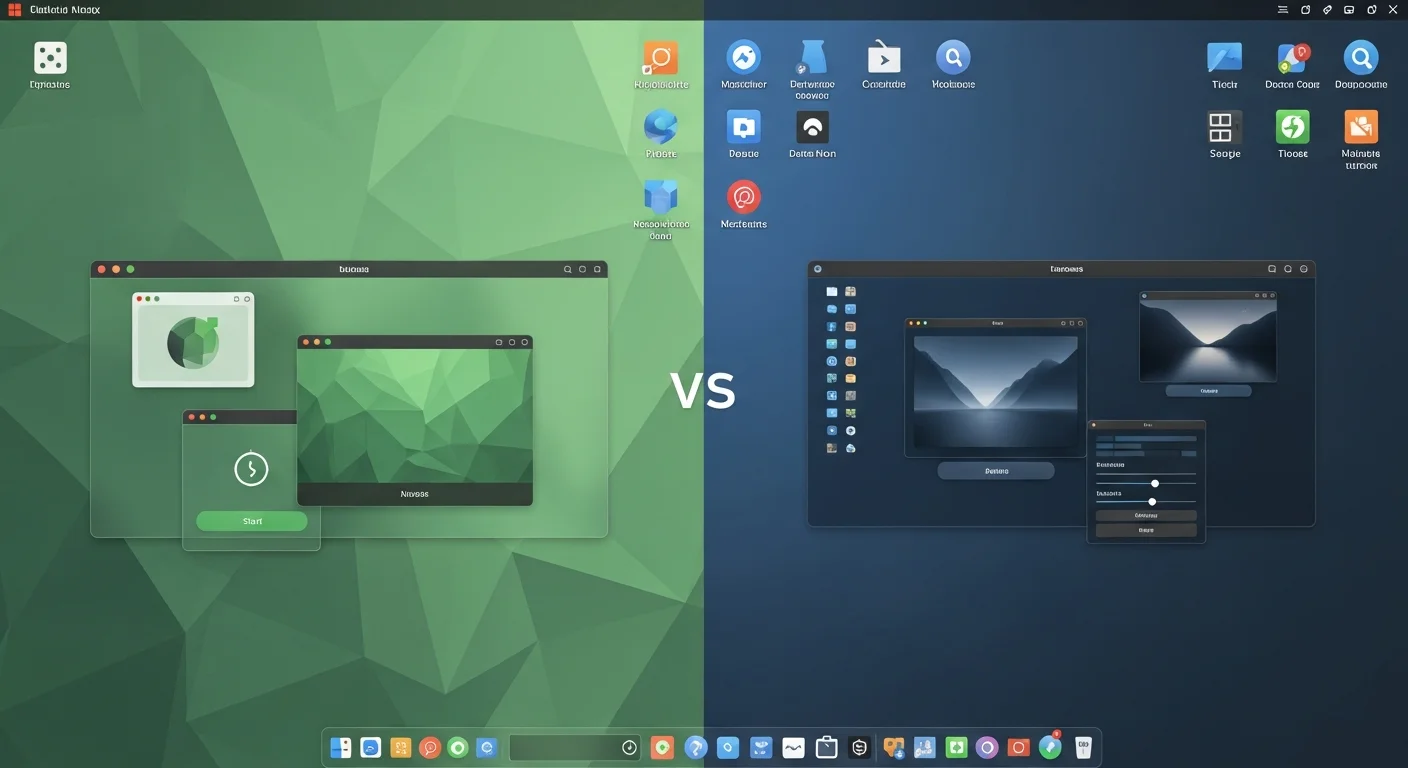
Kali uses XFCE with a heavily customized dark theme featuring the iconic blue-and-black dragon aesthetic. The interface is professional and focused, designed to minimize distractions during security assessments. The top panel provides quick access to terminal, file manager, and web browser, while the application menu organizes tools by methodology phase.
Kali also offers GNOME, KDE Plasma, and i3 window manager variants. The i3 variant is particularly popular among experienced penetration testers who prefer keyboard-driven workflows and tiling window management for maximum screen utilization during assessments.
Parrot OS Desktop
Parrot OS uses MATE with a custom teal-green dark theme. The interface feels more approachable and desktop-like compared to Kali’s stark, tool-focused design. MATE’s traditional menu bar, system tray, and taskbar create a comfortable environment for extended daily use. KDE Plasma and XFCE variants are also available.
The critical difference: Parrot OS is designed to feel like a normal desktop operating system that happens to include security tools, while Kali feels like a security toolkit that includes a desktop environment. This distinction matters for users who want a single-OS solution.
Winner: Parrot OS for daily use, Kali for focused security work
Privacy and Anonymity
This is where the two distributions diverge most dramatically.
Parrot OS: Privacy by Default
Parrot OS treats privacy as a first-class feature:
- AnonSurf: One-click system-wide Tor routing with DNS leak protection and kill switch
- Firejail: Application sandboxing enabled by default for browsers and sensitive apps
- Hardened kernel: Additional security patches and strict sysctl configurations
- Privacy-focused browser: Firefox ESR with uBlock Origin, HTTPS Everywhere, and NoScript
- Metadata removal: MAT2 for stripping metadata from documents, images, and files
- Encrypted communications: OnionShare, Ricochet pre-installed
Kali Linux: Minimal Privacy Focus
Kali Linux includes no built-in privacy or anonymity tools. There is no system-wide Tor routing, no default sandboxing, and no hardened kernel. While you can manually install Tor, Firejail, and other privacy tools, none of this comes configured out of the box. Kali’s philosophy is that it is a penetration testing tool — privacy management is outside its scope.
Winner: Parrot OS (decisively)

Certification and Career Alignment
If you are pursuing cybersecurity certifications, this category may be the most important factor in your decision.
Kali Linux: Direct Certification Integration
Kali Linux has an overwhelming advantage here. OffSec’s certifications — OSCP, OSEP, OSWE, OSED, OSDA — are all conducted in Kali Linux environments. Using Kali for exam preparation means you are practicing in the exact same environment you will encounter during the exam. This eliminates any tool location, configuration, or behavioral differences that might slow you down under exam pressure.
Additionally, most CEH, CompTIA PenTest+, eJPT, and GPEN training materials assume you are using Kali Linux, and most online lab platforms (HackTheBox, TryHackMe, Proving Grounds) provide Kali-based attack machines.
Parrot OS: Compatible but Not Aligned
Parrot OS includes the same tools needed for these certifications, and you can absolutely use it for exam prep. However, you will occasionally encounter minor differences — tool locations, default configurations, or menu organization — that do not match the tutorials and guides you are following. For self-study, this is manageable; for timed certification exams, it can be a disadvantage.
Winner: Kali Linux (strongly)
Community and Support
| Factor | Parrot OS | Kali Linux |
|---|---|---|
| Community Size | Medium (growing) | Very Large |
| Online Tutorials | Moderate | Extensive |
| Stack Overflow Tags | Fewer | Many |
| YouTube Content | Moderate | Massive |
| Official Documentation | Good | Excellent |
| Update Frequency | Regular (rolling) | Quarterly + rolling |
| Professional Support | Community only | OffSec enterprise support |
Kali Linux’s community is significantly larger. When you encounter a problem, search for a tool tutorial, or need help configuring something, you are far more likely to find Kali-specific resources. The OffSec forums, Kali documentation, and massive YouTube tutorial ecosystem make troubleshooting straightforward.
Parrot OS’s community is smaller but growing. The official forums and documentation are well-maintained, and the community Discord/Telegram channels are active. However, you may need to adapt Kali-specific tutorials for Parrot OS, which adds friction for beginners.
Winner: Kali Linux
Updates and Maintenance
Both distributions follow a rolling release model on top of Debian Testing, ensuring you always have access to the latest tool versions without waiting for major releases.
Kali Linux provides quarterly point releases with rolling updates between them. The update process uses standard apt commands: sudo apt update && sudo apt full-upgrade. OffSec maintains a dedicated package repository with tested tool versions.
Parrot OS uses a similar rolling model with its own curated repository. Updates are applied via sudo parrot-upgrade (a wrapper around apt that handles Parrot-specific configurations). The update process is generally smooth, though occasional dependency conflicts can occur with both distributions.
Winner: Tie
Deployment Options
| Platform | Parrot OS | Kali Linux |
|---|---|---|
| Bare Metal | Yes | Yes |
| VirtualBox/VMware | Yes | Yes (pre-built) |
| Docker | Yes | Yes (official) |
| WSL (Windows) | Limited | Yes (Win-KeX) |
| Cloud (AWS/Azure) | Yes | Yes (official AMI) |
| Raspberry Pi / ARM | Yes | Yes (extensive) |
| Android (Mobile) | No | Yes (NetHunter) |
| Apple Silicon | Limited | Yes (official) |
Kali Linux offers more deployment options, particularly with NetHunter for Android devices and Win-KeX for seamless Windows WSL integration. The pre-built VM images for VirtualBox and VMware are also a convenience advantage — download and run in minutes without going through the installation process.
Winner: Kali Linux
Security of the Distribution Itself
An often-overlooked comparison point: how secure is the distribution you are using to test other systems?
Parrot OS has the edge here with its hardened kernel, default Firejail sandboxing, and AppArmor profiles. The privacy tools (AnonSurf, metadata removal) also contribute to the overall security posture. If your attack machine is compromised during an engagement, Parrot’s layered defenses provide better protection.
Kali Linux runs with a standard Debian kernel and does not include default sandboxing or application isolation. While it now uses a non-root default user (improving over the legacy root-only model), it lacks the proactive security hardening that Parrot provides. You are expected to secure your Kali installation yourself if operating in hostile environments.
Winner: Parrot OS
The Verdict: Which Should You Choose?
After analyzing both distributions across 10 comparison categories, here is our recommendation based on your specific use case:
Choose Kali Linux If:
- You are preparing for OSCP, OSEP, OSWE, or other OffSec certifications
- You work as a professional penetration tester and want the industry-standard platform
- You need mobile penetration testing capabilities (NetHunter)
- You want the largest community and most extensive tutorial ecosystem
- You use Windows WSL and want seamless Linux integration
- You already have a separate daily-driver OS and only need a dedicated security platform
Choose Parrot OS If:
- You want one OS for both security work and daily use
- Privacy and anonymity are priorities for you
- You are running on limited hardware or constrained VM resources
- You want built-in sandboxing and kernel hardening out of the box
- You are a developer who also does security assessments
- You are a journalist, activist, or researcher in a sensitive environment
The Pragmatic Approach: Use Both
Many experienced security professionals maintain both distributions: Kali Linux in a dedicated VM for professional penetration testing engagements and certification work, and Parrot OS Home Edition as their daily-driver operating system. This gives you the best of both worlds — Kali’s certification alignment and community resources for professional work, combined with Parrot’s privacy features and polished desktop for everything else.
Final Scorecard
| Category | Parrot OS | Kali Linux |
|---|---|---|
| Security Tools | ★★★★★ | ★★★★★ |
| Privacy Features | ★★★★★ | ★★☆☆☆ |
| Performance | ★★★★★ | ★★★★☆ |
| Daily Usability | ★★★★★ | ★★★☆☆ |
| Certifications | ★★★☆☆ | ★★★★★ |
| Community | ★★★☆☆ | ★★★★★ |
| Deployment Options | ★★★★☆ | ★★★★★ |
| Self-Security | ★★★★★ | ★★★☆☆ |
| Documentation | ★★★★☆ | ★★★★★ |
| Beginner Friendly | ★★★★☆ | ★★★★☆ |
Both Parrot OS and Kali Linux are exceptional security distributions that will serve you well in 2026. The right choice depends not on which is "better" in absolute terms, but on which better aligns with your specific workflow, career goals, and privacy requirements. Regardless of which you choose, you will have access to world-class security tools and a vibrant community to support your journey.



