
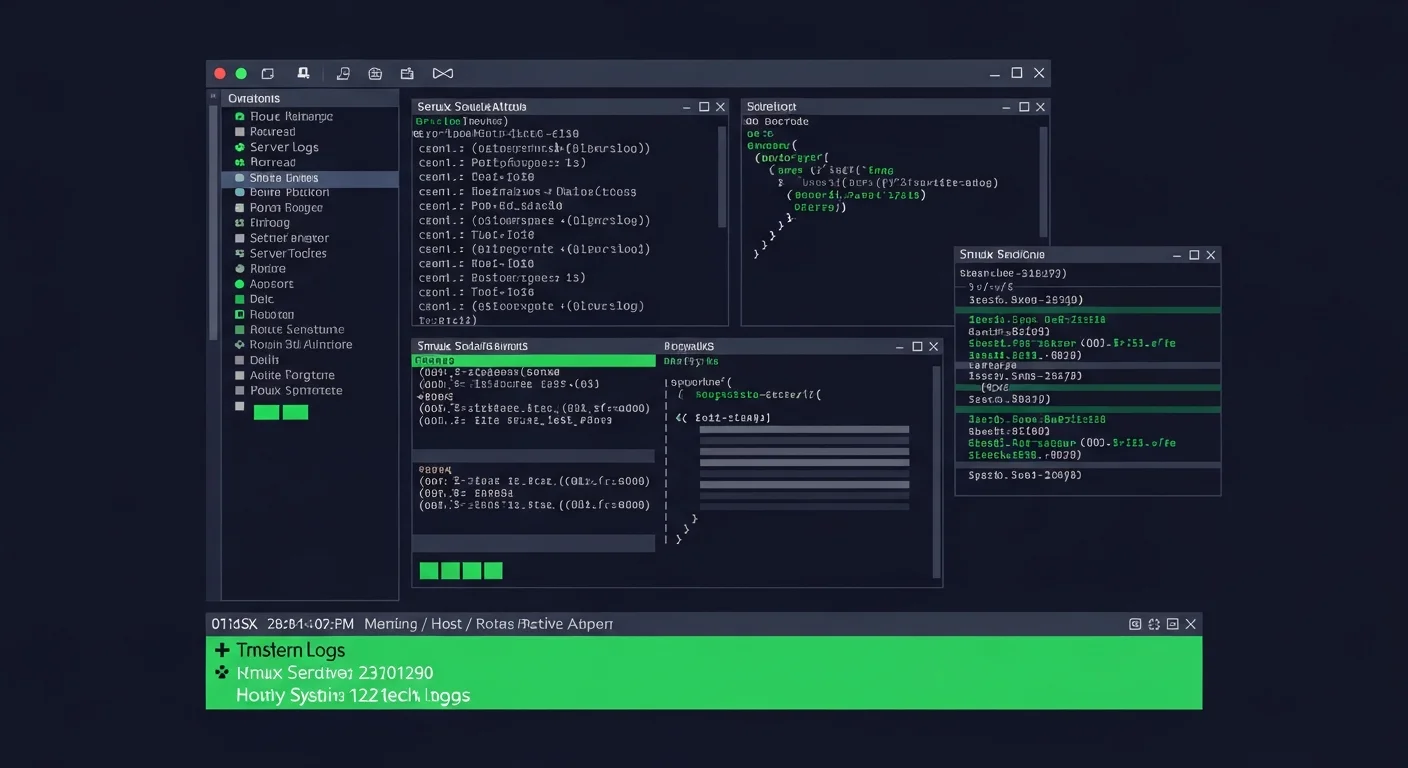
tmux: The Ultimate Terminal Multiplexer
Sessions, windows, panes, plugins & advanced configuration
Download Free Cheat Sheet (8-Page PDF)tmux (terminal multiplexer) is the most popular terminal multiplexer in the Linux/Unix world. It lets you create multiple terminal sessions within a single window, split your screen into panes, and — most importantly — keep sessions alive even when you disconnect. For sysadmins and developers working on remote servers, tmux is indispensable.
Why Use tmux?
Persistent Sessions
SSH disconnects? No problem. Your tmux session keeps running. Reattach anytime and pick up exactly where you left off.
Split Panes
Split your terminal into multiple panes — monitor logs, edit files, and run commands all in one window.
Session Sharing
Share your terminal with colleagues for pair programming or live debugging. Both users see the same session in real-time.
Installation
# Ubuntu/Debian
sudo apt install tmux

# CentOS/RHEL
sudo yum install tmux

# macOS
brew install tmux

# Check version
tmux -V
Session Management
Sessions are the top-level container in tmux. Each session is independent and persists until you kill it.
tmux                          # Start new unnamed session
tmux new -s myproject         # Start named session
tmux ls                       # List all sessions
tmux attach -t myproject      # Attach to session
tmux kill-session -t myproject # Kill session| Shortcut | Action |
|---|---|
| Ctrl+B, D | Detach from session |
| Ctrl+B, $ | Rename session |
| Ctrl+B, s | List sessions (interactive) |
| Ctrl+B, ( | Switch to previous session |
| Ctrl+B, ) | Switch to next session |
Window Management
Windows are like tabs within a session. Each window has its own shell.
| Shortcut | Action |
|---|---|
| Ctrl+B, c | Create new window |
| Ctrl+B, , | Rename window |
| Ctrl+B, n / p | Next / Previous window |
| Ctrl+B, 0-9 | Jump to window by number |
| Ctrl+B, w | Interactive window list |
| Ctrl+B, & | Kill window |
Pane Splitting & Navigation
Panes split a window into multiple terminal areas. This is where tmux really shines.
| Shortcut | Action |
|---|---|
| Ctrl+B, % | Split vertically (left | right) |
| Ctrl+B, " | Split horizontally (top / bottom) |
| Ctrl+B, Arrow | Navigate between panes |
| Ctrl+B, z | Zoom pane (toggle fullscreen) |
| Ctrl+B, x | Kill current pane |
| Ctrl+B, Space | Cycle pane layouts |
| Ctrl+B, q | Show pane numbers |
Pro Tip: Zoom is your best friend
Press Ctrl+B, z to zoom any pane to fullscreen. Press it again to restore. This is incredibly useful when you need to temporarily see more of a log file or code editor without reorganizing your layout.
Copy Mode & Scrollback
Ctrl+B, [    # Enter copy mode (navigate with arrow keys/Page Up/Down)
Space        # Start selection
Enter        # Copy selection
Ctrl+B, ]    # Paste
/            # Search forward in copy mode
?            # Search backward
q            # Exit copy mode
Configuration (.tmux.conf)
Place this file at ~/.tmux.conf for a productive setup:
# Change prefix to Ctrl+A (more ergonomic)
set -g prefix C-a
unbind C-b
bind C-a send-prefix

# Enable mouse
set -g mouse on

# Start numbering at 1
set -g base-index 1
setw -g pane-base-index 1

# 256 color support
set -g default-terminal "screen-256color"

# Increase scrollback
set -g history-limit 50000

# Faster escape time
set -sg escape-time 0

# Reload config with R
bind r source-file ~/.tmux.conf \; display "Config reloaded!"

# Intuitive splits
bind | split-window -h
bind - split-window -v
Essential Plugins (TPM)
Install Tmux Plugin Manager for easy plugin management:
git clone https://github.com/tmux-plugins/tpm ~/.tmux/plugins/tpm| Plugin | What it does |
|---|---|
| tmux-resurrect | Save and restore sessions (survives system restarts) |
| tmux-continuum | Auto-save sessions every 15 minutes |
| tmux-sensible | Sane default settings |
| tmux-yank | Copy to system clipboard |
| tmux-pain-control | Better pane management keybindings |
Download the Complete Cheat Sheet
Get all tmux, Screen, Byobu, and Zellij commands in a professionally designed 8-page PDF.
Download 8-Page Cheat Sheet (PDF)
Related Articles
- GNU Screen Complete Guide: The Classic Terminal Multiplexer
- tmux vs Screen vs Zellij: Which Terminal Multiplexer Should You Use?
Master Linux Administration
Explore our collection of 200+ IT eBooks covering Linux, DevOps, Cloud, and System Administration.
Browse All Books


