
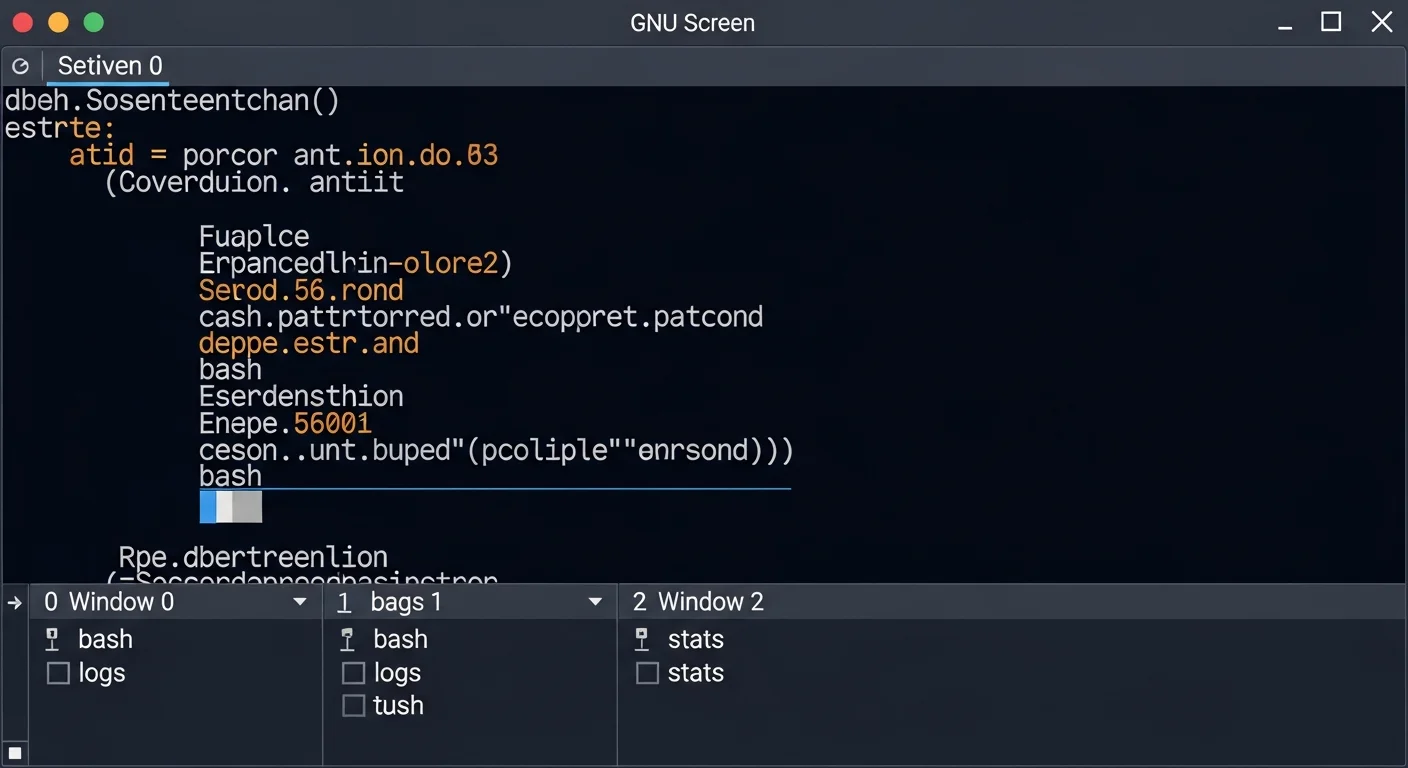
GNU Screen: The Classic Terminal Multiplexer
Sessions, windows, split regions, configuration & monitoring
Download Free Cheat Sheet (8-Page PDF)GNU Screen has been the go-to terminal multiplexer since 1987. While tmux has gained popularity in recent years, Screen remains pre-installed on many servers and is the tool you'll find when nothing else is available. Knowing Screen is essential for any sysadmin.
Why Learn Screen?
Pre-installed Everywhere
Screen is available on virtually every Linux/Unix server. When you SSH into a bare-bones server with nothing installed, Screen is often already there.
Battle-Tested Reliability
Nearly 40 years of active use. Screen is extremely stable and handles edge cases gracefully. Your sessions won't crash.
Simple & Effective
Quick to learn, does what you need. Perfect for SSH sessions where you just need persistent terminals without complex setup.
Installation
# Ubuntu/Debian
sudo apt install screen

# CentOS/RHEL
sudo yum install screen

# macOS
brew install screen

# Check version
screen --version
Session Management
screen                    # Start new session
screen -S myserver        # Start named session
screen -ls                # List all sessions
screen -r myserver        # Reattach to session
screen -d -r myserver     # Detach elsewhere, reattach here
screen -x myserver # Multi-attach (share session)| Shortcut | Action |
|---|---|
| Ctrl+A, D | Detach from session |
| Ctrl+A, \ | Kill all windows and quit |
Important: Ctrl+A Conflict
Screen uses Ctrl+A as its prefix key, which conflicts with the Bash shortcut for "move to beginning of line." To send a literal Ctrl+A to the terminal, press Ctrl+A, A.
Window Management
| Shortcut | Action |
|---|---|
| Ctrl+A, C | Create new window |
| Ctrl+A, A | Rename current window |
| Ctrl+A, N / P | Next / Previous window |
| Ctrl+A, 0-9 | Jump to window by number |
| Ctrl+A, " | List windows interactively |
| Ctrl+A, K | Kill current window |
Split Regions
Screen supports splitting, though it's less intuitive than tmux panes:
| Shortcut | Action |
|---|---|
| Ctrl+A, S | Split horizontally |
| Ctrl+A, | | Split vertically |
| Ctrl+A, Tab | Switch between regions |
| Ctrl+A, X | Close current region |
| Ctrl+A, Q | Close all regions except current |
Key Difference from tmux
When you split in Screen, the new region is empty. You must press Ctrl+A, C to create a new window in it or Ctrl+A, N to navigate an existing window into it. In tmux, splits automatically open a new shell.
Monitoring & Logging
Ctrl+A, M    # Toggle activity monitoring (alerts when output appears)
Ctrl+A, _    # Monitor for silence (alerts when output stops)
Ctrl+A, H    # Toggle logging to screenlog.N file
.screenrc Configuration
# Disable startup message
startup_message off

# Set scrollback buffer
defscrollback 10000

# Status bar
hardstatus alwayslastline
hardstatus string '%{= kG}[ %{G}%H %{g}][%= %{= kw}%?%-Lw%?%{r}(%{W}%n*%f%t%?(%u)%?%{r})%{w}%?%+Lw%?%?%= %{g}][%{B} %m/%d %{W}%c %{g}]'

# Enable mouse scrollback (xterm)
termcapinfo xterm* ti@:te@

# Auto-detach on hangup
autodetach on

# Visual bell instead of audible
vbell on
Byobu: Screen Made Easy
Byobu is a wrapper around Screen (or tmux) that adds intuitive F-key shortcuts:
| Key | Action |
|---|---|
| F2 | Create new window |
| F3 / F4 | Previous / Next window |
| F6 | Detach |
| F8 | Rename window |
| Shift+F2 | Split horizontally |
| Ctrl+F2 | Split vertically |
Download the Complete Cheat Sheet
Get all tmux, Screen, Byobu, and Zellij commands in a professionally designed 8-page PDF.
Download 8-Page Cheat Sheet (PDF)
Related Articles
- tmux Complete Guide: The Ultimate Terminal Multiplexer
- tmux vs Screen vs Zellij: Which Terminal Multiplexer Should You Use?
Level Up Your Linux Skills
Browse our library of 200+ IT eBooks — Linux Administration, Bash Scripting, DevOps, Security, and more.
Browse All Books


