Automating Microsoft 365 with Python
Automating Microsoft 365 with Python
What's Included:
At a Glance
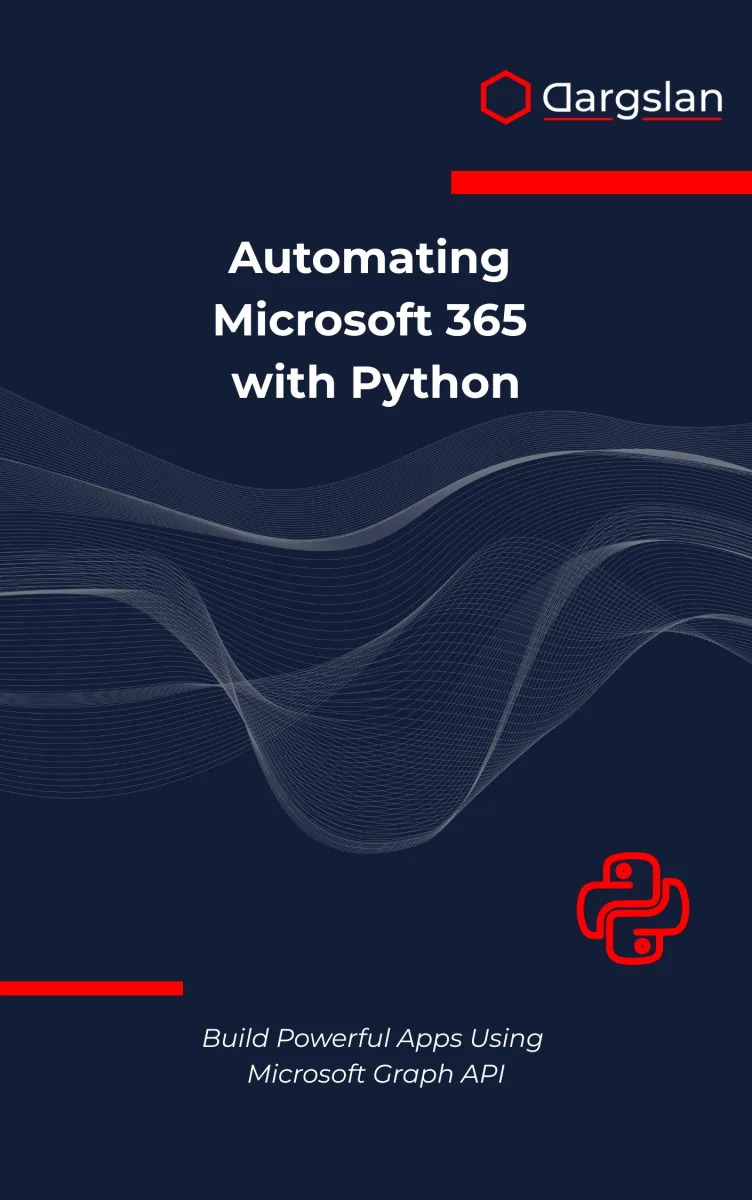
Automating Microsoft 365 with Python is a professional Python eBook by Dargslan Editorial Team (Dargslan), 413 pages, available as an instant PDF and EPUB download for €12.90 with lifetime access and free updates. Automating Microsoft 365 with Python.
- Length: 413 pages
- Format: PDF and EPUB (instant download)
- Language: English
- Topic: Python
- Edition: 1st Edition
- Price: €12.90
Key Highlights
- Secure Microsoft Identity authentication with Python
- Work with Outlook, Teams, SharePoint, and OneDrive APIs
- Build real automation projects
- Handle OAuth tokens and permission scopes correctly
- Implement rate limiting and retry logic
- Deploy Python automation to production
- Understand Microsoft Graph architecture deeply
Overview
Learn how to automate Microsoft 365 using Python and Microsoft Graph API. Build real-world apps for Outlook, Teams, SharePoint, and OneDrive.
The Problem
Managing Microsoft 365 manually is time-consuming and repetitive.
Teams rely on dashboards and interfaces when many tasks could be automated through APIs. Without proper guidance, authentication, permissions, and rate limits quickly become obstacles.
The Solution
This book provides a structured, practical approach to Microsoft 365 automation using Python and Microsoft Graph API.
You will learn secure authentication, efficient API usage, and production-ready development patterns.
About This Book
Automating Microsoft 365 with Python is a practical, hands-on guide to building powerful automation solutions using Python and the Microsoft Graph API.
Microsoft 365 powers modern organizations—email, calendars, documents, collaboration, and identity management. While most users interact through web interfaces, developers and administrators can unlock far greater efficiency by automating tasks programmatically. This book shows you how.
You will learn how to authenticate securely using Microsoft’s identity platform, work with OAuth token flows, and interact with Microsoft Graph endpoints using clean, production-ready Python code. From sending and reading Outlook emails to managing OneDrive files and SharePoint lists, you will gain practical skills that can be immediately applied in real environments.
The book moves beyond theory. You will build real applications: a daily Outlook summary bot, a OneDrive synchronization tool, a Teams announcement automation system, and a SharePoint reporting solution. Each project demonstrates how multiple Microsoft 365 services can work together through Python.
Security and reliability are treated as first-class concerns. You will understand permission scopes, token handling, rate limiting, retry strategies, and production deployment considerations. By the end, you will not only know how to call Microsoft Graph APIs—you will know how to design secure, maintainable automation systems.
This book is ideal for developers, IT professionals, automation engineers, and anyone looking to modernize Microsoft 365 workflows using Python.
Who Is This Book For?
- Python developers building cloud integrations
- Microsoft 365 administrators automating workflows
- DevOps and automation engineers
- Data analysts extracting insights from Microsoft 365
- Backend developers working with REST APIs
Who Is This Book NOT For?
- Complete beginners with no Python knowledge
- Users looking for GUI-based Microsoft 365 tutorials
- Readers not working with Microsoft 365 environments
Table of Contents
- Setting Up Your Microsoft 365 Developer Account
- Python and Microsoft Identity Authentication
- Microsoft Graph API Fundamentals
- Reading and Sending Outlook Emails
- Automating Calendar Events
- OneDrive File Management
- Accessing SharePoint Online
- Managing Teams and Channels
- Automating User Directory Operations
- Daily Summary Bot with Outlook and Calendar
- File Sync Between Local and OneDrive
- Automated Teams Announcements Bot
- SharePoint List Reporter
- Token Security and Permission Scopes
- Rate Limits, Error Handling, and Retries
- Moving to Production
Requirements
- Basic Python knowledge
- Understanding of REST APIs
- Microsoft 365 developer tenant (recommended)
- Python 3.10+ installed