PowerShell Intermediate Guide
Download This Cheat Sheet
Enter your email to download the PDF for free.
About This Cheat Sheet
PowerShell Intermediate Guide is a 5-10 page guide that assumes you already know the basics and focuses on the techniques, idioms, and trade-offs that separate competent users from confident practitioners.
PowerShell Intermediate Guide covers PowerShell — Microsoft's object-oriented automation shell and scripting language, the standard tool for managing Windows, Microsoft 365, Azure, and cross-platform infrastructure. It is written for Windows administrators, Microsoft 365 admins, Azure engineers, and DevOps teams managing mixed Windows/Linux fleets who need accurate, working syntax without wading through documentation. A 7-page guide to intermediate PowerShell. Covers advanced pipeline, custom functions with validation, error handling, remoting, module management, Active Directory administration, and system monitoring with CIM.
Every command, flag, and pattern in this sheet has been validated against current stable releases as of 2026. Where syntax differs between distributions, versions, or platforms, both forms are shown so you can copy-paste safely regardless of the environment you are working in. The PDF is print-ready in both A4 and US Letter formats and remains free to download forever.
What's Inside the PDF
- Most-used commands grouped by task, not alphabetically, so you find what you need by intent.
- Common flag combinations with one-line comments explaining what each option actually does.
- Real-world examples that show inputs and expected outputs, not contrived hello-world snippets.
- Edge cases and gotchas that the official documentation buries on page 47.
- Print-friendly layout that works equally well on screen and on paper next to your monitor.
When to Use This Cheat Sheet
- 1Automating bulk Active Directory operations — provisioning, deprovisioning, group management, and audit reporting across thousands of accounts.
- 2Managing Microsoft 365 (Exchange Online, Teams, SharePoint, Entra ID) where the GUI cannot keep up with the volume of changes.
- 3Writing scheduled tasks and event-driven scripts for Windows Server, file servers, and print servers.
- 4Building cross-platform automation with PowerShell 7+ that runs identically on Windows, Linux, and macOS targets.
- 5Wrapping REST APIs into reusable cmdlets with `Invoke-RestMethod` and pipeline-friendly objects.
Key Concepts to Master
Objects in the pipeline
Unlike Bash, PowerShell pipes structured .NET objects, not text. `Get-Process | Where-Object CPU -gt 10` filters by a real property, not a column position.
Verb-Noun cmdlet naming
Every cmdlet follows `Verb-Noun` (`Get-Service`, `Set-ItemProperty`, `New-PSSession`). Approved verbs are listed via `Get-Verb`, which makes discovery predictable.
Execution policy
Scripts are blocked by default on Windows. `Set-ExecutionPolicy RemoteSigned -Scope CurrentUser` is the standard developer setting; signed scripts only is the standard production setting.
Modules and gallery
Functionality is shipped as modules from the PowerShell Gallery. `Install-Module Az`, `Install-Module Microsoft.Graph`, and `Install-Module ExchangeOnlineManagement` cover most cloud admin work.
Remoting
PSRemoting (`Invoke-Command`, `Enter-PSSession`) lets you run commands on hundreds of remote machines in parallel over WinRM or SSH, with rich object output streamed back.
Pro Tips from Practitioners
- Use PowerShell 7+ (`pwsh`) for new scripts — it is cross-platform, faster, and has parallel `ForEach-Object -Parallel`. Reserve Windows PowerShell 5.1 for legacy modules.
- Always use full cmdlet names in scripts (`Where-Object`, not `?`). Aliases are fine interactively but make scripts unreadable and unportable.
- Set `$ErrorActionPreference = 'Stop'` at the top of scripts so failures throw exceptions you can `try`/`catch` instead of being silently ignored.
- Output objects, not formatted text. Let the caller (or `Format-Table`) decide how to display — that is the whole point of the object pipeline.
- Use Pester for unit testing and `Invoke-ScriptAnalyzer` for linting. Both ship as modules and integrate into CI/CD.
Related Books for Deeper Learning
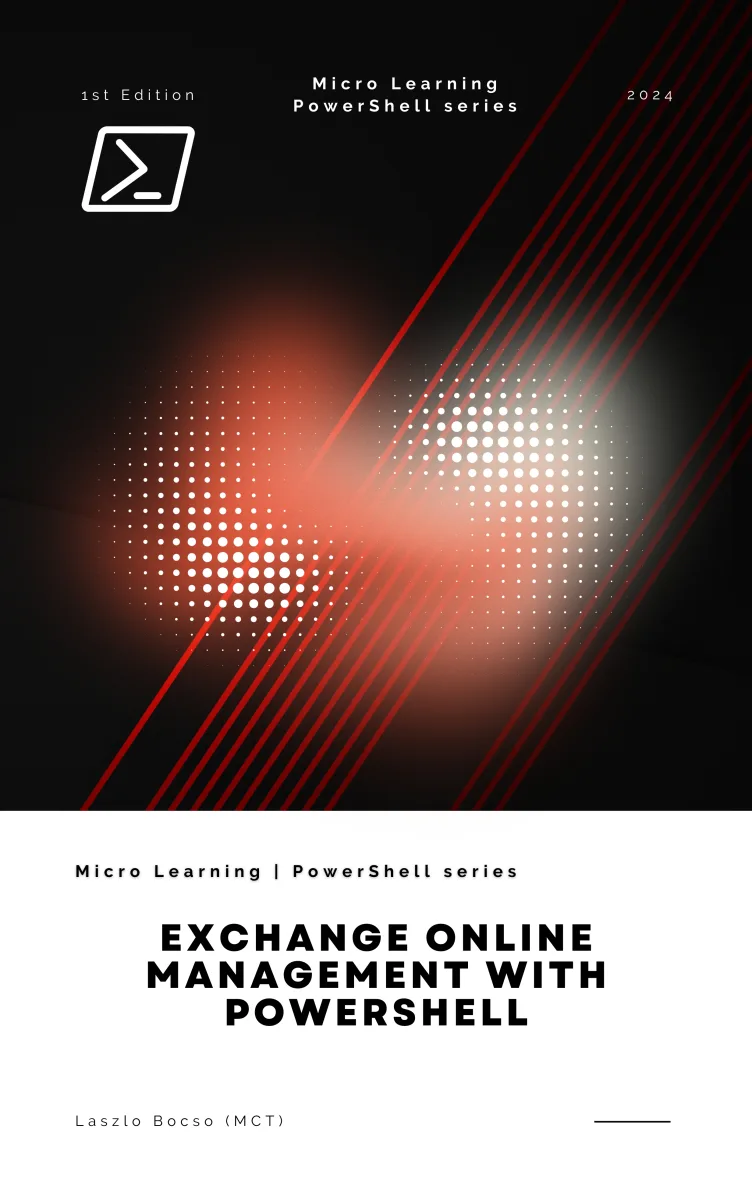
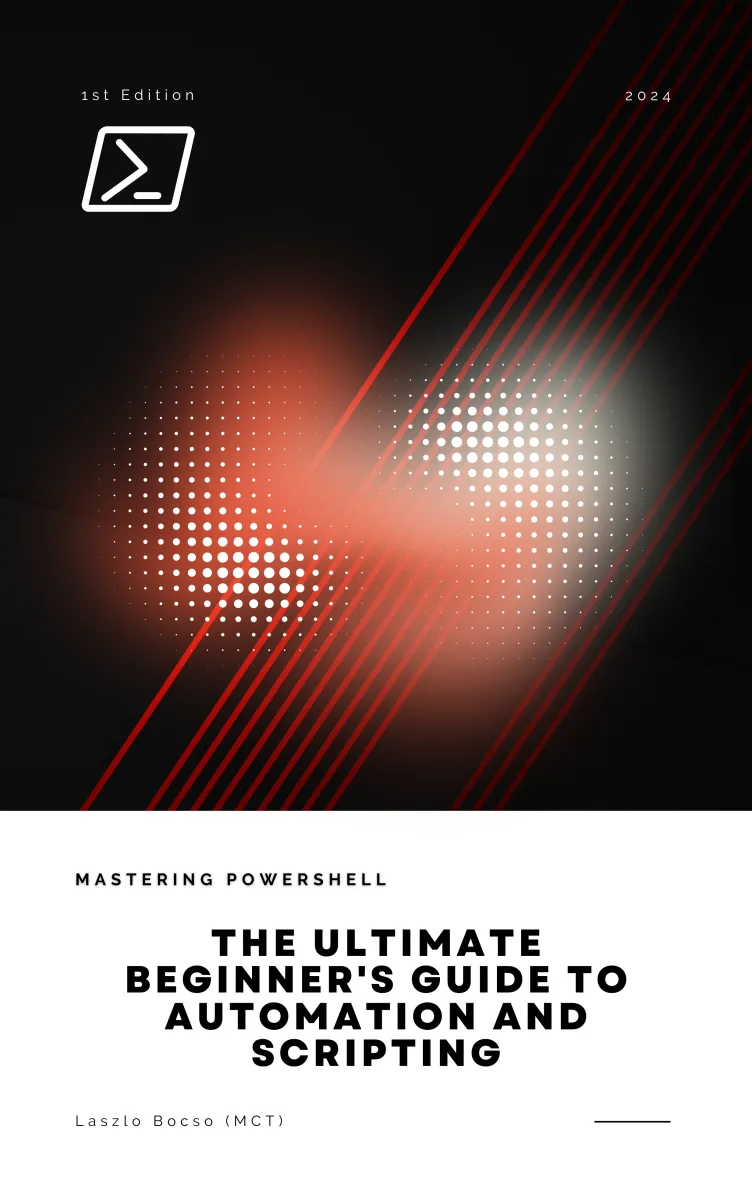
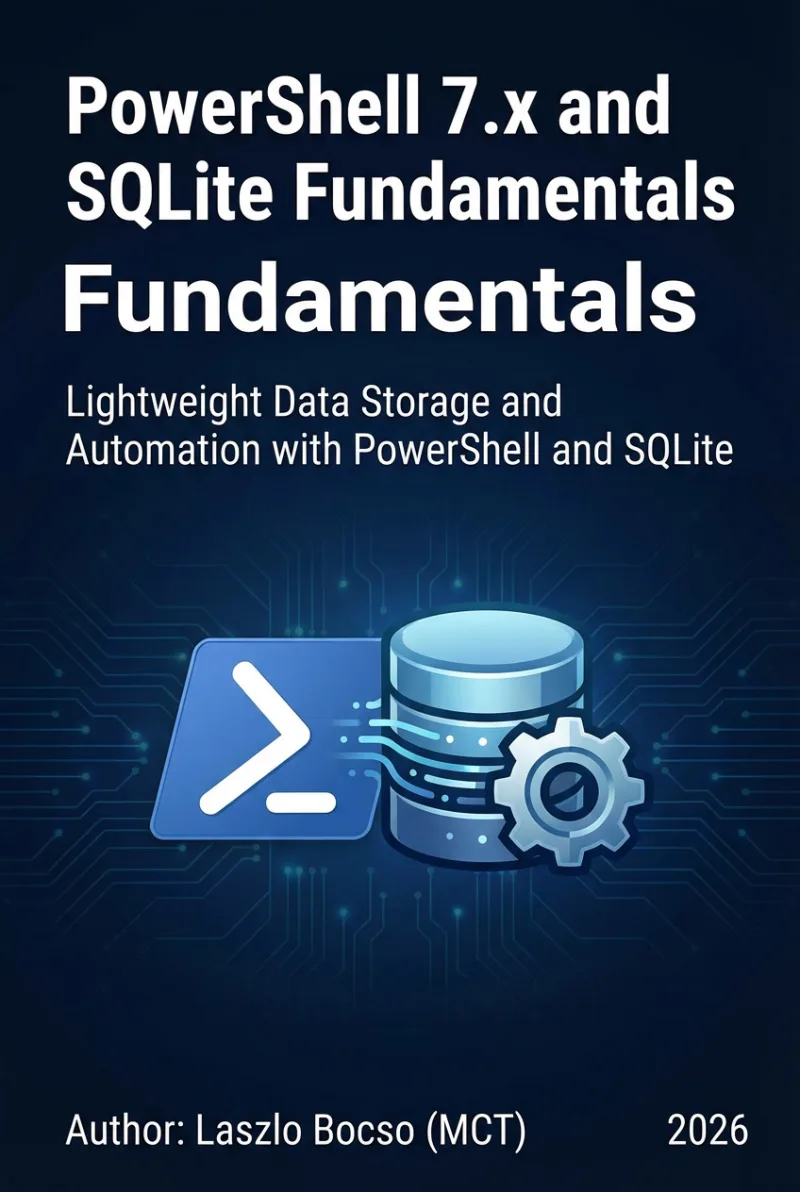
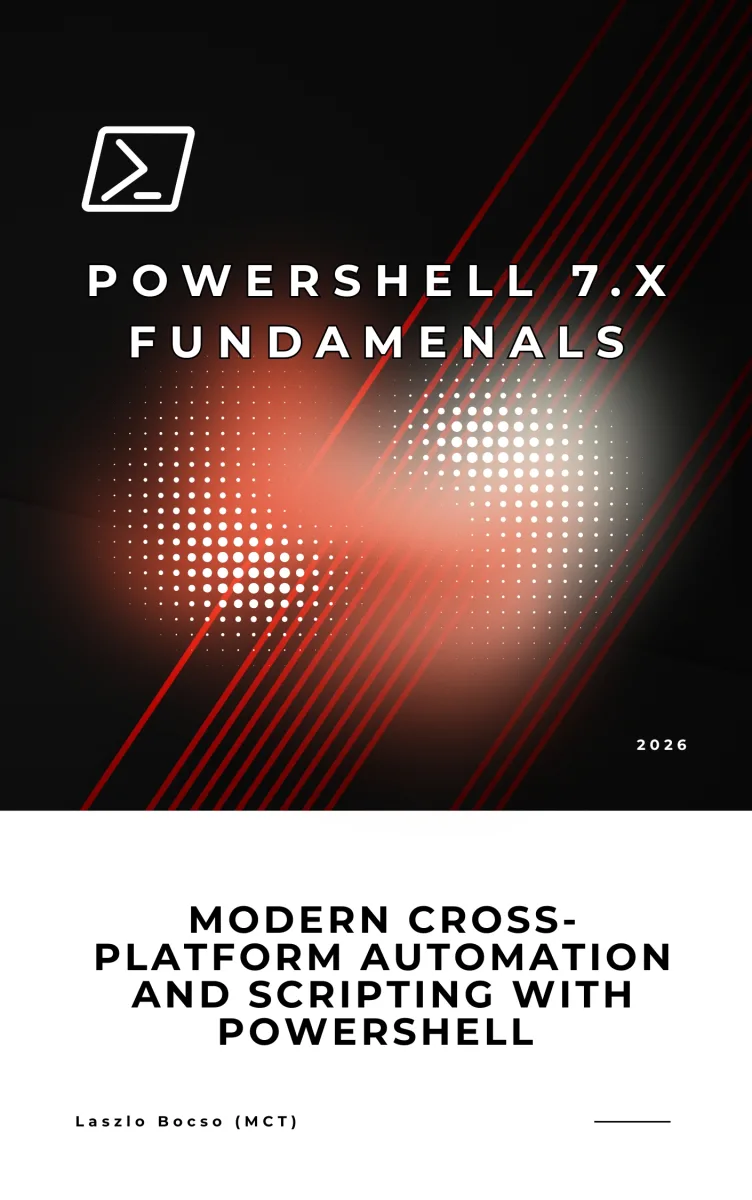
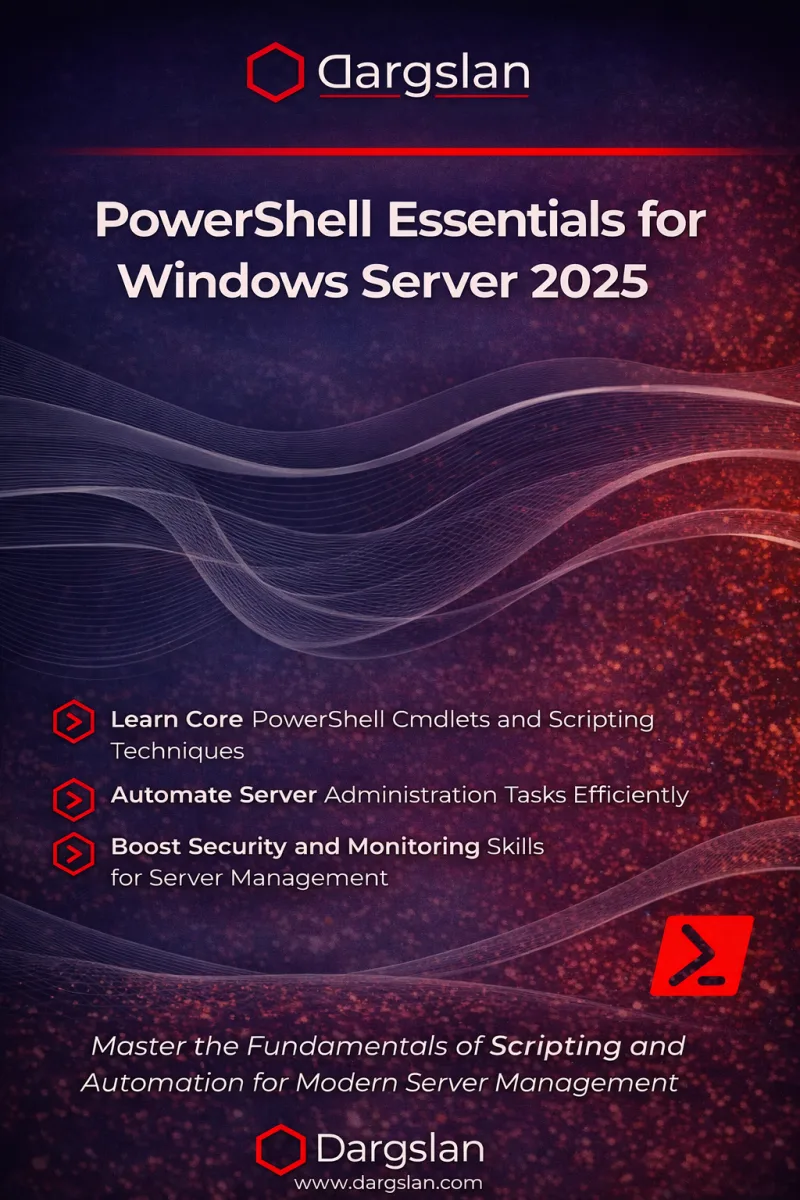
More Cheat Sheets
Interactive Linux Commands Reference
Explore 232+ commands with syntax, examples, options, and pro tips.
Frequently Asked Questions
What is the PowerShell Intermediate Guide?
The PowerShell Intermediate Guide is a free, professionally designed PDF reference covering PowerShell. It is curated by practitioners and validated against current stable releases as of 2026.
What level of PowerShell experience does this assume?
Roughly six months of regular use. You should be comfortable with the daily commands and ready to learn the patterns, trade-offs, and idioms that come with experience.
What is the difference between Windows PowerShell and PowerShell 7?
Windows PowerShell 5.1 is built on .NET Framework, Windows-only, and in maintenance mode. PowerShell 7+ is built on .NET (Core), cross-platform, actively developed, and recommended for all new work.
Do I need to learn the .NET framework to write PowerShell?
No, but it helps. PowerShell exposes .NET types directly (`[datetime]::Now`, `[System.IO.File]::ReadAllText(...)`), so basic familiarity unlocks a lot of capability.
Can I run PowerShell scripts on Linux?
Yes. Install PowerShell 7 from Microsoft's repos and run `.ps1` scripts natively. Most cmdlets work cross-platform; Windows-specific ones (`Get-Service`, `Get-EventLog`) do not.
How do I distribute PowerShell scripts safely?
Sign scripts with an Authenticode certificate, host modules in a private PowerShell Gallery (or Azure Artifacts), and require `RemoteSigned` or `AllSigned` execution policy on production hosts.
Is this cheat sheet really free?
Yes, completely free. We ask for your email so we can let you know when new cheat sheets are released and to keep our spam-detection systems happy. You can unsubscribe in one click at any time.
Can I print and share this cheat sheet?
Yes — print it, pin it to your wall, share it with your team, hand it out at meetups. The only thing we ask is that you do not strip the Dargslan attribution or republish the PDF as your own work.