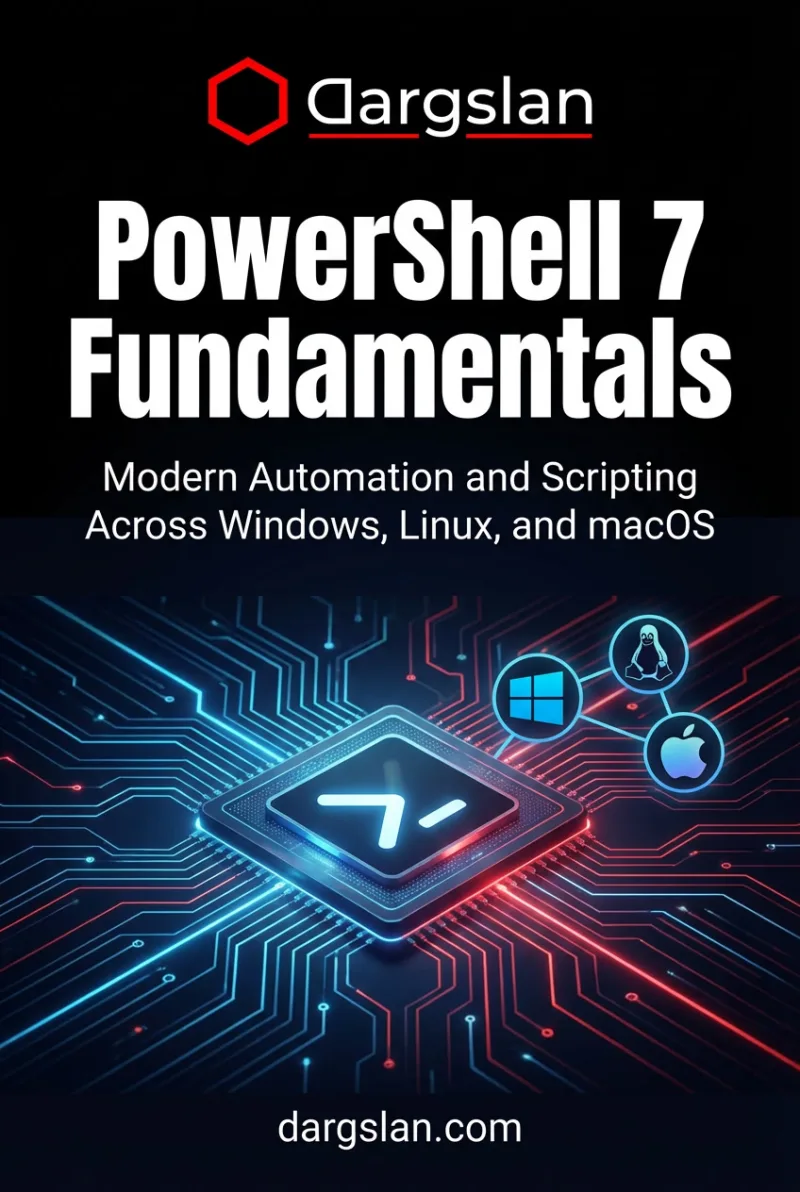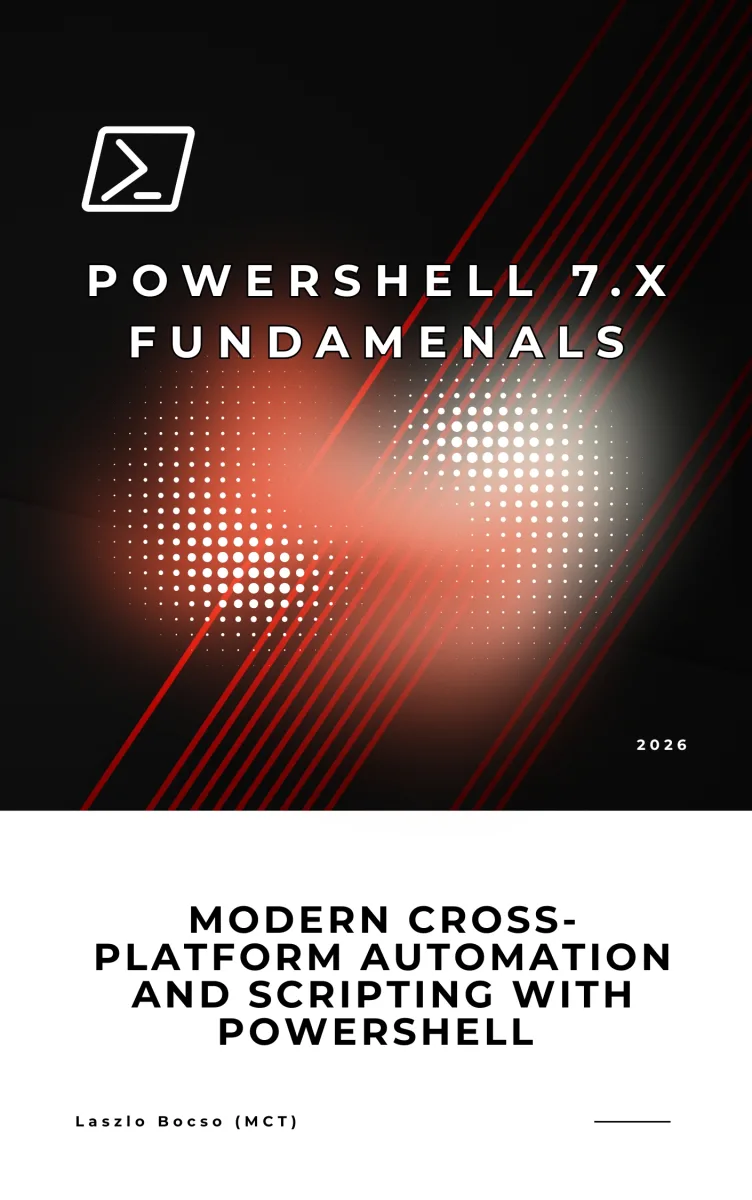
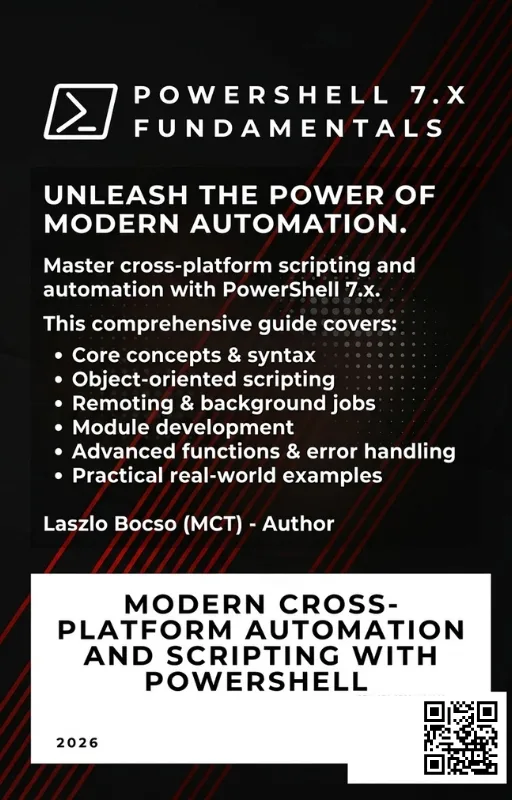
PowerShell 7.x Fundamentals
Modern Cross-Platform Automation and Scripting with PowerShell
What's Included:
At a Glance
PowerShell 7.x Fundamentals is a professional PowerShell eBook by Laszlo Bocso, 412 pages, available as an instant PDF and EPUB download for €18.90 with lifetime access and free updates. Modern Cross-Platform Automation and Scripting with PowerShell.
- Length: 412 pages
- Format: PDF and EPUB (instant download)
- Language: English
- Topic: PowerShell
- Edition: 1st Edition
- Price: €18.90
Key Highlights
- Modern PowerShell 7.x across Windows, Linux, and macOS
- Deep understanding of the object pipeline
- Clear introduction to scripting and functions
- Proper error handling and exceptions
- Automation with files, services, and APIs
- Professional PowerShell best practices
Overview
PowerShell 7.x Fundamentals teaches modern, cross-platform scripting and automation with PowerShell. Learn cmdlets, pipelines, functions, error handling, and real-world automation on Windows, Linux, and macOS.
The Problem
Many professionals still see PowerShell as a Windows-only command-line tool or struggle to move beyond basic one-liners.
Without a solid foundation in the object pipeline, scripting structure, and error handling, PowerShell scripts quickly become fragile, hard to maintain, and difficult to reuse across environments.
The Solution
PowerShell 7.x Fundamentals provides a structured learning path from basic concepts to real automation workflows.
The book teaches PowerShell as a modern, cross-platform scripting language, emphasizing objects, reusability, and best practices that scale from simple scripts to production automation.
About This Book
PowerShell 7.x Fundamentals is a practical, modern introduction to one of the most powerful automation and scripting platforms available today.
PowerShell is no longer a Windows-only tool. With PowerShell 7.x, Microsoft transformed it into a truly cross-platform automation engine that runs consistently on Windows, Linux, and macOS. This evolution makes PowerShell a critical skill not only for Windows administrators, but also for developers, DevOps engineers, and IT professionals working in heterogeneous environments.
This book was written to provide a clear, structured foundation for anyone who wants to learn PowerShell properly—from first principles to real-world automation.
You will begin by understanding what PowerShell 7.x really is, how it differs from traditional shells, and how to install and run it across operating systems. From there, the book builds systematically through the core language concepts: cmdlets, the object pipeline, variables, data types, operators, and control flow.
Unlike text-based shells, PowerShell works with rich objects. This book places strong emphasis on understanding the object pipeline, because it is the key to writing clean, efficient, and maintainable PowerShell code.
As you progress, you will learn how to work with the file system, processes, services, and the operating system itself using PowerShell. You will then move into writing reusable functions and scripts, handling errors correctly, and organizing your code with modules.
The final chapters focus on practical automation. You will work with structured data formats such as JSON, CSV, and XML, interact with REST APIs, and apply best practices that distinguish professional PowerShell scripts from ad-hoc command sequences.
This book favors clarity over cleverness. Every concept is explained in plain language, reinforced with practical examples, and tied directly to real-world use cases. By the end of the book, you will not only understand PowerShell syntax—you will understand how to think in PowerShell.
Who Is This Book For?
- IT professionals new to PowerShell
- System administrators moving to PowerShell 7.x
- Developers who want to automate tasks cross-platform
- DevOps engineers building automation pipelines
Who Is This Book NOT For?
- Readers looking only for Windows CMD or Bash tutorials
- Advanced PowerShell users seeking deep internals
- Those wanting copy-paste scripts without understanding fundamentals
Table of Contents
- What PowerShell 7.x Really Is
- Installing and Running PowerShell 7.x
- Cmdlets and the Object Pipeline
- Variables, Data Types, and Objects
- Operators and Expressions
- Conditional Logic and Loops
- Files, Directories, and the File System
- Processes, Services, and System Interaction
- Writing Functions
- Writing PowerShell Scripts
- Error Handling and Exceptions
- Working with Modules
- Automating Tasks with PowerShell
- Working with Data Formats and APIs
- PowerShell Best Practices
- From PowerShell Fundamentals to Advanced Automation
Requirements
- Basic computer literacy
- No prior PowerShell experience required
- Windows, Linux, or macOS system