Exchange Online Management with PowerShell
Automating, Securing, and Optimizing Microsoft 365 Email Environments
What's Included:
At a Glance
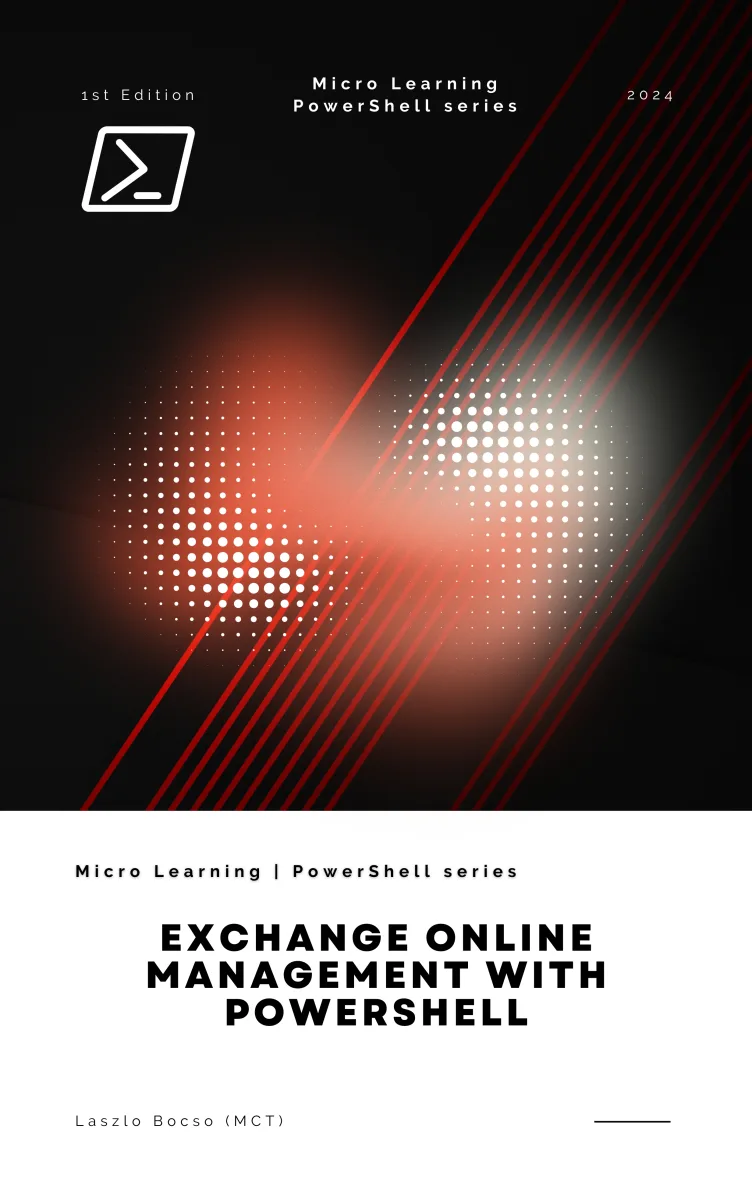
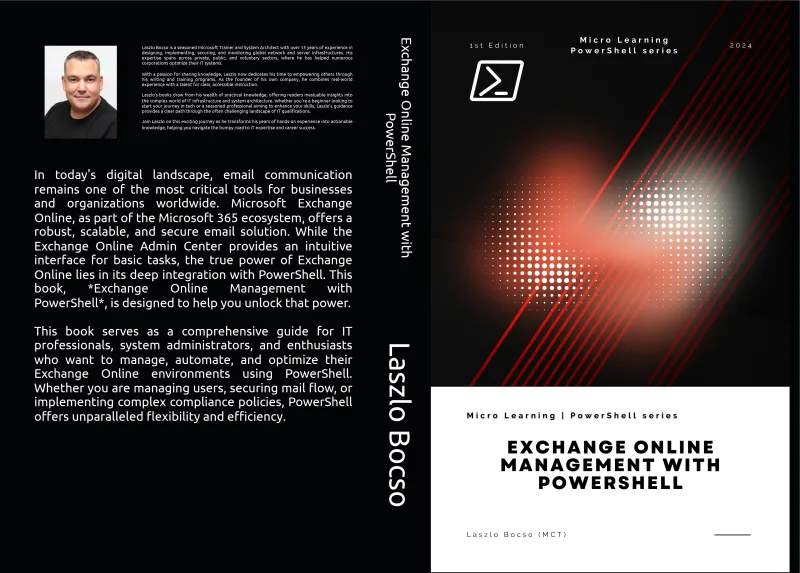
Exchange Online Management with PowerShell is a professional PowerShell eBook by Laszlo Bocso, 221 pages, available as an instant PDF and EPUB download for €11.90 with lifetime access and free updates. Automating, Securing, and Optimizing Microsoft 365 Email Environments.
- Length: 221 pages
- Format: PDF and EPUB (instant download)
- Language: English
- Topic: PowerShell
- Edition: 1st Edition
- Price: €11.90
Key Highlights
- Securely connect to Exchange Online with PowerShell
- Automate mailbox and user management
- Manage mail flow, transport rules, and domains
- Implement compliance and retention policies
- Harden Exchange Online security with PowerShell
- Generate reports and monitor environment health
Overview
Exchange Online Management with PowerShell teaches you how to manage, automate, and secure Microsoft 365 email environments using real-world PowerShell scripts and administrative best practices.
The Problem
Managing Exchange Online through the web interface alone does not scale.
Bulk operations, advanced security configuration, reporting, and compliance tasks become slow, error-prone, or impossible without automation.
The Solution
This book teaches a PowerShell-first approach to Exchange Online administration.
You will learn how to automate routine tasks, enforce consistency, improve security, and gain deep visibility into your Microsoft 365 email environment.
About This Book
Exchange Online Management with PowerShell is a practical, hands-on guide to managing Microsoft 365 email environments with precision, efficiency, and confidence.
While the Exchange Online Admin Center is sufficient for basic tasks, it quickly reaches its limits in real-world enterprise environments. PowerShell is where Exchange Online administration truly comes alive—enabling automation, bulk operations, advanced reporting, and deep security configuration that simply cannot be achieved through the graphical interface alone.
This book was written for IT professionals who want to move beyond manual, repetitive administration and adopt a scalable, script-driven approach to Exchange Online management.
You will begin by establishing a solid foundation: understanding how Exchange Online PowerShell works, how to connect securely using the Exchange Online Management Module, and how to prepare your environment for automation. From there, the book guides you through the most common and critical administrative tasks—managing users and mailboxes, configuring permissions, handling shared resources, and controlling mail flow.
As you progress, the focus shifts to policies, compliance, and security. You will learn how to manage retention and DLP policies, audit mailbox activity, and integrate Exchange Online administration with Microsoft Purview. Dedicated chapters cover security hardening, multi-factor authentication for PowerShell access, and protecting your organization against spam, phishing, and malicious content.
Advanced chapters address hybrid scenarios, bulk operations, delegated administration, and performance optimization. You will also learn how to generate meaningful reports, monitor your environment proactively, and troubleshoot common Exchange Online issues using PowerShell-based diagnostics.
Throughout the book, every concept is reinforced with practical examples and real-world scripts. The emphasis is on clarity, safety, and repeatability—helping you build automation that is not only powerful, but also maintainable and secure.
If you manage Exchange Online in a professional environment, this book will become an essential part of your administrative toolkit.
Who Is This Book For?
- Microsoft 365 and Exchange Online administrators
- System engineers and IT operations professionals
- PowerShell users managing cloud-based email systems
- IT students preparing for enterprise administration roles
Who Is This Book NOT For?
- Users looking only for basic Outlook usage guides
- Non-technical Microsoft 365 end users
- Readers with no interest in automation or scripting
Table of Contents
- Getting Started with Exchange Online PowerShell
- Managing Exchange Online Users
- Managing Distribution Groups and Teams
- Mail Flow Management
- Policies and Compliance Management
- Managing Calendar and Resource Mailboxes
- Security Management in Exchange Online
- Advanced Management Tasks
- Reporting and Monitoring
- Troubleshooting Exchange Online
Requirements
- Access to an Exchange Online tenant (Microsoft 365)
- Basic PowerShell knowledge
- PowerShell 7.x or later recommended