In an era of cloud-native tools, container orchestration, and AI-assisted coding, one technology remains quietly indispensable: Bash. Every Linux server, every CI/CD pipeline, every Docker container, and every cloud instance runs Bash. It is the universal glue that holds modern infrastructure together.
Yet most developers and sysadmins only scratch the surface. They write basic scripts with simple loops and conditionals, unaware of the powerful features that can transform Bash from a simple scripting language into a robust automation platform.
This guide takes you from competent to masterful — covering the techniques that separate casual scripters from Bash experts.
Why Bash Still Matters in 2026
Before diving into techniques, let us address the elephant in the room: with Python, Go, and Rust available, why invest in Bash mastery?
- Ubiquity: Bash is pre-installed on every Linux system, every macOS machine, and available on Windows via WSL. No installation, no dependencies, no runtime — it just works
- Speed of development: For system administration tasks, a 10-line Bash script often replaces a 50-line Python program
- Pipeline integration: Bash is the native language of CI/CD. GitHub Actions, GitLab CI, Jenkins — they all run Bash
- Composability: Unix philosophy at its finest — combine small tools into powerful pipelines
According to the 2024 Stack Overflow Developer Survey, Bash/Shell remains among the top 10 most commonly used scripting languages, with over 30% of professional developers using it regularly.
Foundation: Variables and Data Types
Variable Best Practices
Bash variables are more nuanced than most people realize. Here are the rules experts follow:
- Always quote your variables:
"$variable"prevents word splitting and globbing issues — the single most common source of Bash bugs - Use lowercase for local variables: Reserve UPPERCASE for environment variables and constants
- Use
readonlyfor constants:readonly MAX_RETRIES=5prevents accidental modification - Use
localin functions: Always declare function variables withlocalto prevent scope leaks
Arrays — The Underused Powerhouse
Most Bash users never touch arrays, but they solve many common problems elegantly:
- Indexed arrays:
files=("file1.txt" "file2.txt" "file3.txt") - Associative arrays (Bash 4+):
declare -A config; config[host]="localhost" - Array slicing:
"${files[@]:1:2}"— get elements 1 and 2 - Array length:
"${#files[@]}"
The GNU Bash Reference Manual is the definitive resource for all built-in features — bookmark it.
Control Flow: Beyond Basic If/Else
Pattern Matching with Case Statements
Case statements are far more readable than chained if/elif blocks and support glob patterns:
- Glob matching:
*.tar.gz)matches compressed archives - Multiple patterns:
start|begin)matches either word - Character classes:
[yY]|[yY][eE][sS])matches "y", "Y", "yes", "YES", etc.
Advanced Loop Techniques
- C-style for loops:
for ((i=0; i<10; i++))— familiar syntax for precise control - Reading files line by line:
while IFS= read -r line— preserves whitespace and backslashes - Process substitution in loops:
while read -r line; do ... done < <(command)— avoids subshell variable scope issues
Functions: Writing Reusable Code
Well-structured functions transform messy scripts into maintainable code:
- Return values: Use
echofor data andreturnfor status codes (0-255) - Local variables: Always use
localto prevent variable leaks - Error handling: Check return codes with
$?or use|| return 1for early exits - Documentation: Add a comment block above each function describing its purpose, arguments, and return values
Error Handling: Production-Grade Scripts
The difference between a toy script and a production script is error handling. Use these techniques:
The Essential Set Options
set -e— Exit immediately on any errorset -u— Treat unset variables as errorsset -o pipefail— Catch errors in pipe chains- Combined:
set -euo pipefail— the holy trinity of Bash safety
Trap for Cleanup
The trap command ensures cleanup happens even when scripts fail:
trap cleanup EXIT— runs cleanup function on any exittrap 'rm -f "$tmpfile"' EXIT— inline cleanup for temporary filestrap '' INT— ignore Ctrl+C during critical sections
The Google Shell Style Guide is an excellent reference for writing production-quality Bash scripts used in enterprise environments.
Advanced Techniques
Process Substitution
Process substitution (<(command) and >(command)) lets you treat command output as a file. This is incredibly powerful for:
- Comparing outputs:
diff <(sort file1) <(sort file2) - Feeding multiple inputs:
paste <(cut -f1 data.tsv) <(cut -f3 data.tsv) - Tee-like workflows:
command | tee >(grep ERROR > errors.log) > full.log
Here Documents and Here Strings
Generate multi-line text and feed it to commands:
- Here docs:
<<EOF ... EOF— multi-line strings with variable expansion - Here strings:
<<< "string"— single-line input to commands - Quoted here docs:
<<'EOF'— disable variable expansion for literal text
Parameter Expansion Magic
Bash's parameter expansion features replace many uses of sed, awk, and cut:
- Default values:
${var:-default}— use "default" if var is unset - String manipulation:
${filename%.txt}— remove .txt extension - Search and replace:
${string//old/new}— replace all occurrences - Substring:
${string:0:5}— first 5 characters
Real-World Script Patterns
The Robust Script Template
Every production Bash script should start with a solid template that includes:
- Strict mode (
set -euo pipefail) - A cleanup trap
- Logging functions (info, warn, error)
- Usage/help function
- Argument parsing
Parallel Execution
Bash can run tasks in parallel using background processes:
- Background jobs:
command &followed bywait - GNU Parallel: For complex parallel workloads, GNU Parallel is indispensable
- xargs -P: Simple parallelism with
xargs -P 4for 4 concurrent processes
Testing Bash Scripts
Yes, you should test your Bash scripts. Tools available:
- ShellCheck — Static analysis that catches common bugs. Use it on every script. Available as a VS Code extension
- Bats (Bash Automated Testing System) — Unit testing framework for Bash
- shfmt — Automatic formatting for consistent code style
Recommended Resources
Deepen your Bash and command-line skills:
- Linux Terminal Basics — build a solid foundation
- Linux Command Line Mastery — advanced CLI techniques
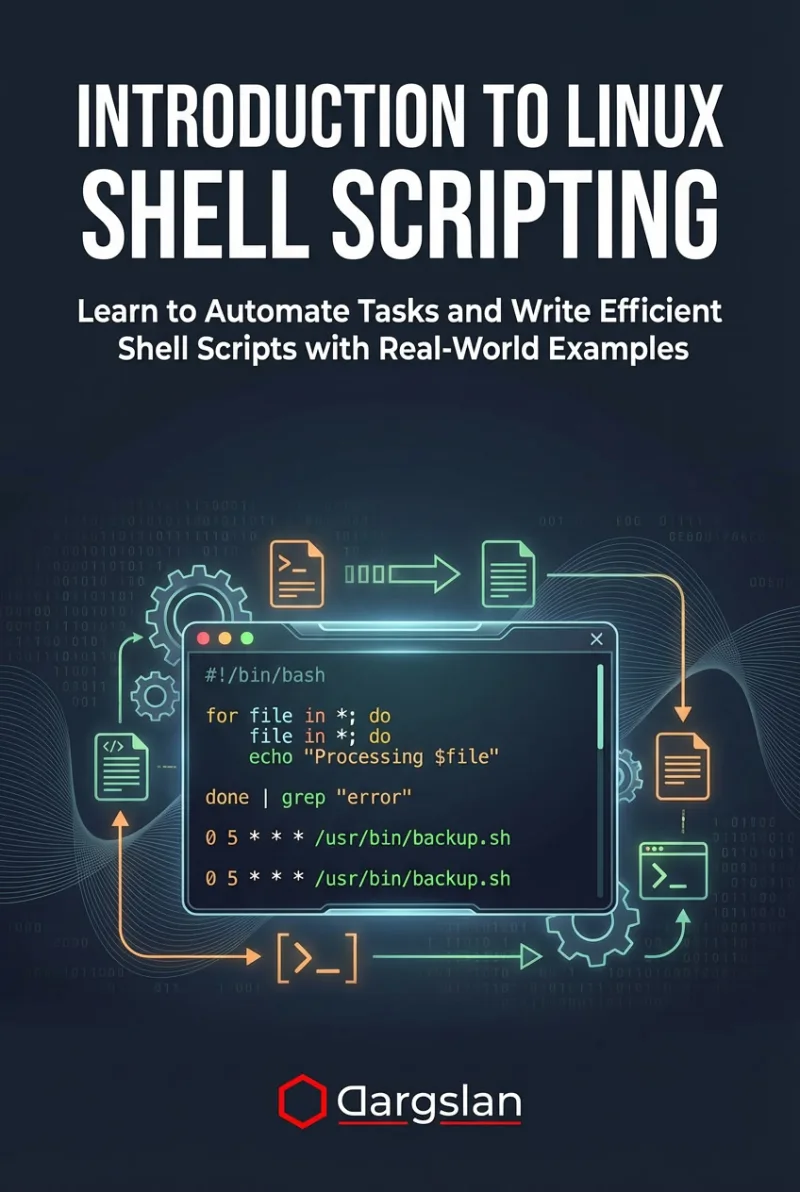
- Introduction to Linux Shell Scripting — structured scripting course
- Ansible Automation — take your automation further
Bash mastery is not about memorizing syntax — it is about understanding the Unix philosophy and applying it to solve real problems efficiently. Start with one technique from this guide, practice it this week, and build from there.