
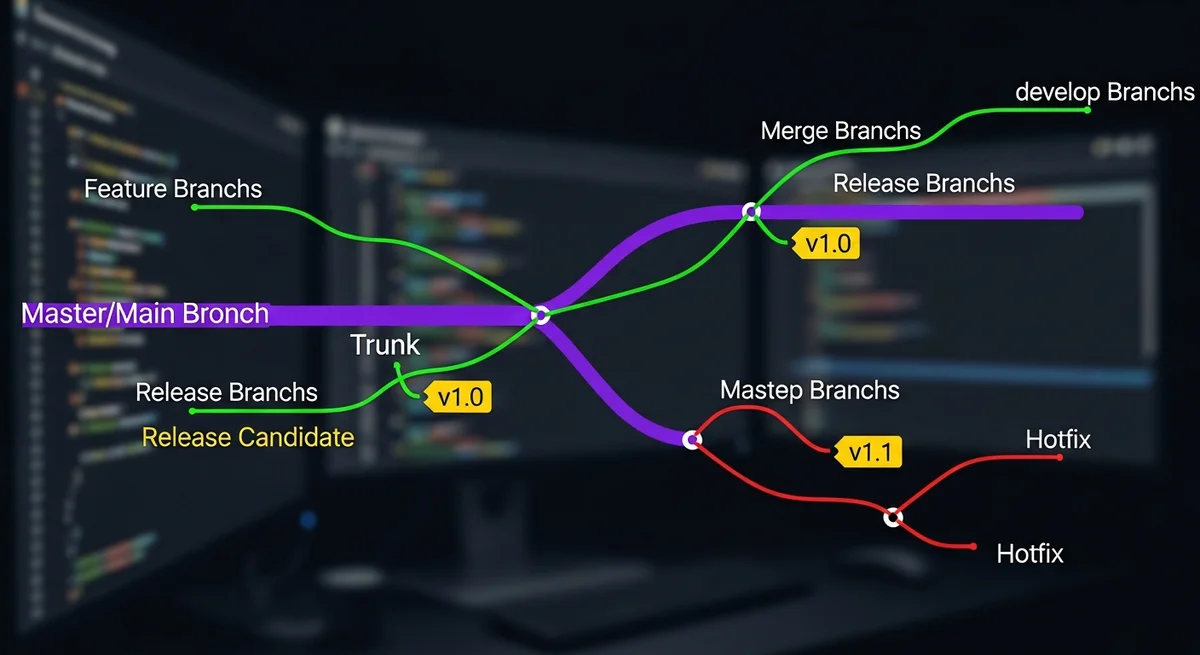
Quick Summary: A branching strategy defines how a development team organizes code changes using branches in version control. The right strategy prevents merge conflicts, enables parallel development, and ensures stable releases. The three main approaches are: Feature Branching (branch per feature), Trunk-Based Development (short-lived branches, frequent merges), and release branching models like the popular "flow" pattern.
Why Branching Strategy Matters
Without a clear branching strategy, teams face frequent merge conflicts, unclear deployment states, and broken main branches. The right strategy depends on your team size, release frequency, and deployment model.
Strategy Comparison
| Strategy | Branch Lifetime | Best For | Release Cadence |
|---|---|---|---|
| Trunk-Based | Hours to 1 day | CI/CD teams, SaaS products | Continuous |
| Feature Branching | Days to weeks | Most teams (default choice) | Sprint-based |
| Flow Model | Varies by type | Versioned software, libraries | Scheduled releases |
| Release Branching | Until next release | Products with multiple versions | Version-based |
1. Trunk-Based Development
Developers commit directly to main (trunk) or use very short-lived branches (merged within hours):
- Advantages: Minimal merge conflicts, fast feedback, encourages small commits
- Challenges: Requires excellent CI/CD, feature flags for incomplete work
- Best for: Teams deploying multiple times per day, SaaS products
- Used by: Google, Facebook, Netflix
2. Feature Branching
Each feature gets its own branch, merged via pull request after code review:
- Advantages: Clean separation, code review enforced, easy to revert features
- Challenges: Long-lived branches cause merge conflicts
- Best for: Most development teams (5-50 developers)
- Rule: Keep feature branches short (< 1 week) to minimize conflicts
3. Release Branching
Create a branch when preparing a release, allowing bug fixes on the release while new development continues on main:
- Advantages: Stabilize releases without freezing development
- Challenges: Cherry-picking fixes between branches
- Best for: Products with scheduled release cycles
Branch Naming Conventions
| Type | Pattern | Example |
|---|---|---|
| Feature | feature/description | feature/user-authentication |
| Bug fix | bugfix/description | bugfix/login-redirect-loop |
| Hotfix | hotfix/description | hotfix/critical-security-patch |
| Release | release/version | release/2.1.0 |
Code Review Best Practices
- Keep pull requests small (< 400 lines of code changes)
- Write descriptive PR titles and descriptions
- Require at least one approval before merging
- Run automated tests (CI) before allowing merge
- Use draft PRs for work-in-progress that needs early feedback
Frequently Asked Questions
Which branching strategy should my team use?
For most teams (5-50 developers), feature branching with pull requests is the best default. For high-velocity teams deploying continuously, trunk-based development with feature flags is superior. For products with multiple supported versions, use release branching.
How do I prevent long-lived branches?
Set team agreements on maximum branch lifetime (3-5 days). Break large features into smaller, independently mergeable pieces. Use feature flags to hide incomplete features in production.
What is the difference between merge and rebase?
Merge creates a merge commit preserving the branch history (branches visible in log). Rebase replays commits on top of the target branch creating a linear history (cleaner log). Use merge for shared branches, rebase for local cleanup before merging.



