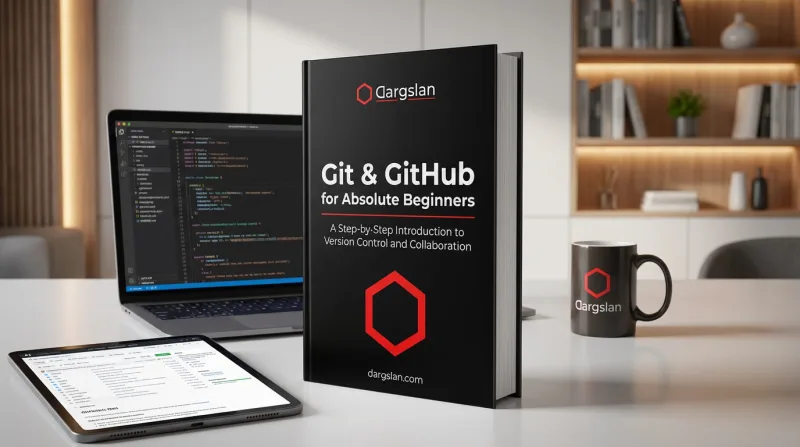
Git & GitHub for Absolute Beginners
A Step-by-Step Introduction to Version Control and Collaboration
What's Included:
At a Glance
Git & GitHub for Absolute Beginners is a professional PROGRAMMING & DEVELOPMENT eBook by Nico Brandt, 410 pages, available as an instant PDF and EPUB download for €0.00 with lifetime access and free updates. A Step-by-Step Introduction to Version Control and Collaboration.
- Length: 410 pages
- Format: PDF and EPUB (instant download)
- Language: English
- Topic: PROGRAMMING & DEVELOPMENT
- Edition: 1st Edition
- Price: €0.00
Key Highlights
- No prior Git or GitHub knowledge required
- Clear explanations with real-world examples
- Step-by-step beginner workflow
- Includes collaboration and pull requests
- Practical cheat sheets and diagrams
Overview
Learn Git and GitHub from scratch with a clear, beginner-friendly guide. Understand version control, repositories, commits, branches, and collaboration step by step-no prior experience required.
The Problem
Many beginners struggle with Git and GitHub because tutorials assume prior knowledge and introduce too many concepts at once.
The Solution
This book provides a clear, step-by-step introduction to Git and GitHub, focusing on understanding workflows before complexity.
About This Book
Learn Git and GitHub from Absolute Zero
Git & GitHub for Absolute Beginners is a practical, step-by-step guide designed for anyone who wants to understand version control and modern collaboration without confusion or prior technical knowledge. Git is the industry-standard version control system, and GitHub is the world's largest platform for code collaboration.
This book explains Git and GitHub in plain English, focusing on real-world workflows rather than abstract theory. You will learn how to track changes, manage project history, work with branches, and collaborate with others using GitHub.
What You Will Learn
- What version control is and why every developer needs it
- The difference between Git (the tool) and GitHub (the platform)
- Installing and configuring Git on your computer
- Creating and initializing Git repositories
- Tracking changes, staging files, and making commits
- Understanding and navigating project history
- Working with branches for features and experiments
- Merging branches and resolving conflicts
- Connecting local projects to GitHub
- Pushing, pulling, and syncing with remote repositories
- Collaborating with others using pull requests and code review
- Git best practices for individuals and teams
Who Is This Book For?
This book is designed for complete beginners with no version control experience. It is ideal for:
- New developers learning professional workflows
- Students working on coding projects and portfolios
- Self-taught programmers filling knowledge gaps
- Designers and writers who work with developers
- Anyone who has been intimidated by Git before
Why This Book?
This book is ideal for beginners who want to use GitHub confidently for personal projects, studies, or professional collaboration without feeling overwhelmed.
Prerequisites
No programming or version control experience required. Basic computer skills are sufficient.
Author: Nico Brandt
Who Is This Book For?
- Absolute beginners with no Git experience
- Programming students
- Self-taught developers
- Career switchers entering tech
- Anyone using GitHub for the first time
Who Is This Book NOT For?
- Experienced Git users
- Advanced DevOps engineers
- Readers looking for complex Git internals
Table of Contents
- What Version Control Is (Explained Simply)
- Git vs GitHub
- Installing Git and First Setup
- Creating Your First Git Repository
- Tracking Changes with Git
- Making Your First Commits
- Viewing and Understanding Git History
- Undoing Changes Safely
- Understanding Branches
- Working with Branches
- Getting Started with GitHub
- Connecting Git to GitHub
- Collaborating with Others
- Pull Requests and Code Reviews
- Git Best Practices for Beginners
- What’s Next After Git & GitHub Basics
Requirements
- Basic computer skills
- Any operating system (Windows, macOS, Linux)
- No programming experience required