Quick summary: All three tools build OCI-compliant container images. BuildKit is the modern Docker default — fastest in most scenarios, best UX, but architecturally tied to a daemon. Buildah is the daemonless Red Hat-backed answer, scriptable and rootless-friendly, ideal for CI pipelines and air-gapped environments. Kaniko is Google's userspace-only builder designed specifically for Kubernetes pods, with the simplest security story but the slowest builds. The right answer depends on where you build, who is allowed to do what on the build host, and how much you care about CI cache hit rates.
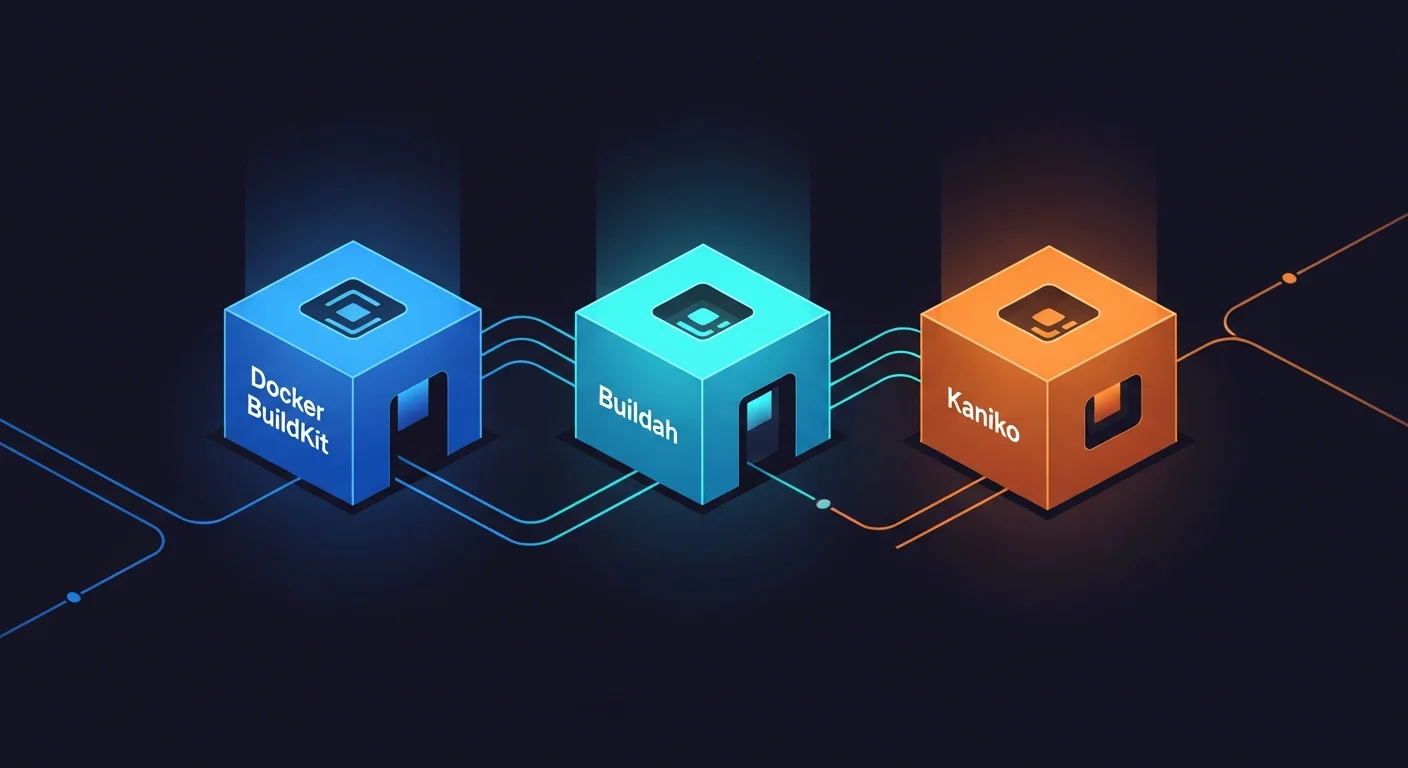
The Three Tools in One Sentence Each
- BuildKit — the next-generation builder used by modern Docker (and standalone via
buildctl). Built around a parallel, content-addressed DAG, with a daemon that does the heavy lifting. - Buildah — Red Hat's daemonless builder. Scripts call
buildahcommands directly; no long-running process, no privileged socket. First-class Containerfile/Dockerfile compatibility. - Kaniko — Google's userspace builder that runs as a normal container, builds directly inside a Kubernetes pod, and pushes to a registry without needing root or a Docker socket.
All three accept Dockerfile syntax. All three produce OCI images that work in any registry and any runtime. The interesting differences are operational.
Architecture: How Each One Actually Builds
BuildKit
BuildKit runs as a long-lived daemon (either as part of dockerd or standalone as buildkitd). When you invoke a build, the client (docker build, buildctl, or a Bake CLI) sends the build context and a parsed Dockerfile to the daemon, which constructs a directed acyclic graph (DAG) of build steps and executes them in parallel where possible.
Key architectural choices:
- Content-addressable cache — every layer is keyed by its inputs. Two unrelated builds that need the same
npm installstep share the cache automatically. - Parallel execution — independent build stages run concurrently. A multi-stage Dockerfile that previously took 8 minutes might finish in 3.
- Pluggable frontends — BuildKit supports Dockerfile, but also custom frontends (LLB) for projects that want to define builds in a programming language.
- Worker pluggability — runc or containerd as the actual execution backend.
Buildah
Buildah takes the opposite approach: no daemon, just a CLI. Each buildah command is a short-lived process. There is no socket to secure, no process to keep alive, no service to restart. You can write a build script that calls buildah from, then a series of buildah run and buildah copy, then buildah commit, and you have built an image — all in your normal shell.
For Dockerfile-based builds, buildah bud ("build using Dockerfile") gives you the same UX as docker build with a daemonless backend.
Architectural strengths:
- Daemonless — fits naturally into CI runners that spin up and tear down per job.
- Native rootless — runs unprivileged out of the box on systems with proper subuid/subgid configuration.
- Scriptable — image construction can be programmatic, not just declarative. Useful for very dynamic builds.
- Strong RHEL ecosystem integration — first-class support on RHEL, AlmaLinux, Rocky Linux, Fedora.
Kaniko
Kaniko is designed around a single use case: you have a Kubernetes cluster, you want to build images inside it, and you do not want to grant privileged Docker socket access to your build pods. Kaniko runs as a normal container; it parses the Dockerfile, executes each step in its own filesystem, snapshots the result, and pushes layers directly to a registry.
Architectural choices:
- No daemon, no privileged access required — the simplest security story of the three.
- Userspace-only — does not call into containerd or runc. Each build step is just a process executing in the Kaniko container's filesystem.
- Direct registry push — no intermediate Docker host; Kaniko streams layers directly to the destination.
- Designed for ephemeral pods — Kaniko makes no assumption about persistent storage between builds.
Performance: The Honest Numbers
The performance gap between these tools depends heavily on what you are building. We benchmarked all three against three representative workloads, on identical 4-core / 16 GB cloud instances, on warm caches and cold caches, in early 2026:
Workload 1: Multi-stage Go binary (small build context, 4 stages)
| Tool | Cold cache | Warm cache | Notes |
|---|---|---|---|
| BuildKit | ~95 s | ~3 s | Parallel stages help massively |
| Buildah (bud) | ~110 s | ~6 s | Sequential stages |
| Kaniko | ~145 s | ~25 s | Snapshot overhead per step |
Workload 2: Node.js app (large dependency install)
| Tool | Cold cache | Warm cache | Notes |
|---|---|---|---|
| BuildKit | ~210 s | ~8 s | Excellent npm cache hit rate |
| Buildah (bud) | ~230 s | ~14 s | Cache hit rate similar |
| Kaniko | ~340 s | ~110 s | Snapshot of node_modules is expensive |
Workload 3: Python ML image (big base, large pip install)
| Tool | Cold cache | Warm cache | Notes |
|---|---|---|---|
| BuildKit | ~480 s | ~12 s | Cache mounts (--mount=type=cache) shine |
| Buildah (bud) | ~540 s | ~20 s | No equivalent of cache mounts (yet) |
| Kaniko | ~720 s | ~210 s | Big filesystem snapshots dominate |
BuildKit's parallelism and aggressive cache reuse give it a real edge on warm caches. Kaniko's userspace snapshot approach scales poorly with image size — if you are building giant ML images repeatedly, Kaniko will hurt.
Real-world warning: numbers above are isolated benchmarks. In real CI pipelines the dominant cost is often network I/O for base image pulls and registry pushes, which all three tools share roughly equally.
Security Model: The Most Important Difference
Privileged access requirements
- BuildKit — requires a daemon, which historically meant root. Modern BuildKit can run rootless (rootless buildkitd), but most production setups still run privileged. The Docker socket on a build host is effectively root-equivalent.
- Buildah — runs unprivileged out of the box on properly-configured Linux hosts (subuid/subgid mapping). Genuine rootless builds, no daemon.
- Kaniko — runs as a normal container; the build pod does not need privileged escalation, no Docker socket, no
SYS_ADMIN. This is the simplest "no scary capabilities" story for Kubernetes-based CI.
Build-time secrets
All three support secret passing without baking secrets into image layers, but the syntax differs:
- BuildKit:
--mount=type=secret,id=mysecretin the Dockerfile,--secret id=mysecret,src=./secret.txton the CLI. Battle-tested, well documented. - Buildah:
--secret id=mysecret,src=./secret.txt, same Dockerfile syntax. Compatible. - Kaniko: secrets via mounted Kubernetes secrets or environment variables, plus the same
--mount=type=secretsyntax as of recent versions.
Supply-chain attestation (SLSA, in-toto, SBOM)
All three can produce SBOMs (Software Bill of Materials) and provenance attestations as of 2026, but the maturity differs:
- BuildKit — first-class SLSA provenance generation, native SBOM via Syft integration. The most polished story.
- Buildah — SBOM generation via external tooling (Syft, Trivy). Provenance attestations require additional pipeline steps.
- Kaniko — supports attestation via the standard cosign workflow but does not generate SBOMs natively. Pair with an external scanner.
For SLSA Level 3 compliance in 2026, BuildKit with its built-in attestation is the smoothest path.
CI Integration: What Actually Matters Day-to-Day
GitHub Actions
- BuildKit:
docker/build-push-actionwithcache-fromandcache-totargeting GitHub's cache backend. The most popular setup. - Buildah:
redhat-actions/buildah-build, thenredhat-actions/push-to-registry. Daemonless fits CI runners well. - Kaniko: typically used inside a Kubernetes-based runner; less common on shared GitHub runners.
GitLab CI
- BuildKit: GitLab Runner exposes
buildctldirectly, or the Docker executor with BuildKit enabled. Excellent caching with GitLab's container registry as cache backend. - Buildah: works perfectly with GitLab's shell or Docker executors. Particularly clean on Podman-based runners.
- Kaniko: native first-class support — GitLab's documentation has been recommending Kaniko for years.
Jenkins, Tekton, Argo Workflows
All three integrate. Tekton's official catalog has tasks for all three; Argo Workflows users typically reach for Kaniko because of the rootless-pod-native model. Jenkins usage is split, but Buildah is gaining ground in shops that have moved away from Docker for licensing reasons.
Caching: Where the Real Wins Are
BuildKit cache mounts
BuildKit's killer feature is cache mounts. You can persist a directory between builds — for example, /root/.npm or /root/.cache/pip — without baking it into the image:
RUN --mount=type=cache,target=/root/.cache/pip \
    pip install -r requirements.txt
On warm builds, the second pip install reuses the cache and finishes in seconds. This is the single largest source of BuildKit's speed advantage.
Buildah caching
Buildah caches at the image-layer granularity. With --layers, intermediate layers are reused across builds. The cache mount equivalent is on the roadmap but not as polished as BuildKit's.
Kaniko caching
Kaniko caches base image layers and individual RUN steps to a registry-backed cache. Useful, but the cache hit rate is generally lower than BuildKit on equivalent workloads, particularly for large package installs.
Decision Matrix: Which Tool for Which Job
| Scenario | Best fit | Why |
|---|---|---|
| GitHub Actions / GitLab shared runners | BuildKit | Best caching, mature integrations |
| Kubernetes-native CI (Tekton, Argo) | Kaniko or Buildah | No privileged socket needed |
| Air-gapped or RHEL-heavy environments | Buildah | Daemonless, native to RHEL ecosystem |
| Highest-performance multi-stage builds | BuildKit | Parallel execution + cache mounts |
| Strict supply-chain compliance (SLSA L3) | BuildKit | Built-in attestation and SBOM |
| OpenShift on-cluster builds | Buildah | Native OpenShift integration |
| Truly rootless on a developer laptop | Buildah or rootless BuildKit | No privileged daemon |
| Building inside a sidecar in a normal pod | Kaniko | Designed exactly for this |
Migration Notes
From classic docker build to BuildKit
This is essentially a one-line change — set DOCKER_BUILDKIT=1 or use docker buildx build. Existing Dockerfiles work unchanged. You will immediately see better performance and clearer output.
From BuildKit to Kaniko
Most Dockerfiles port directly. Things that need attention:
- Cache mounts (
--mount=type=cache) are partially supported; some patterns need adjustment. - Build-time secrets are passed differently (Kubernetes secrets vs CLI flags).
- BuildKit's
RUN --network=noneisolation does not have a direct Kaniko equivalent.
From Docker to Buildah
For Dockerfile-based builds, buildah bud is a drop-in. For Docker Compose-based local dev workflows, you will likely pair Buildah with Podman Compose for the runtime side.
What Most Teams Get Wrong
After watching dozens of teams pick a build tool and live with the consequences for a year or two, the pattern of mistakes is remarkably consistent.
Mistake 1: Optimizing for "fastest builder" instead of "fastest CI pipeline." A 30-second build that runs on a CI runner with no cache and a slow registry round-trip is not faster than a 90-second build with a warm cache and a regional mirror. Measure the entire pipeline, not just the build step. We have seen teams switch from BuildKit to Kaniko hoping for security wins, then quietly revert when their CI minutes bill doubled because Kaniko's cache hit rate was lower in their setup.
Mistake 2: Treating the build tool decision as permanent. All three tools produce OCI images. Migrating between them is annoying but not catastrophic; most Dockerfiles are portable. Pick the tool that fits your operational reality this year, plan to revisit in 18-24 months, and do not let perfect be the enemy of good.
Mistake 3: Ignoring the supply-chain story until an audit forces it. SLSA, SBOM, and signed attestations look like compliance theater until your customer or your insurance carrier requires them. Pick a build tool path that has a clear story for these concerns even if you are not using them today. BuildKit's first-class attestation generation is a meaningful tiebreaker if you anticipate this becoming a requirement.
Mistake 4: Running the build tool with more privileges than it needs. The classic anti-pattern: granting the CI runner Docker socket access "to make builds work," which is functionally equivalent to giving every CI job root on the runner host. Buildah and Kaniko exist specifically to make this footgun unnecessary. Even if you stay on BuildKit, run it rootless wherever practical.
Mistake 5: Not testing the rebuild story. If your CI image cache is wiped tomorrow morning, how long will every build take? If the answer is "we have no idea, we have not tested," then your CI is one cache eviction away from a four-hour outage.
Frequently Asked Questions
Is Docker still relevant in 2026?
Yes — for developer workstations, Docker Desktop and Docker Engine remain the most popular choice, and both use BuildKit under the hood. The interesting question is which build tool you use in CI and on production builders, where Buildah and Kaniko are strong contenders.
Can I use these tools to build Windows containers?
BuildKit has Windows support via docker buildx. Buildah and Kaniko are Linux-only.
What about nerdctl build?
nerdctl uses BuildKit as its backend. Performance and feature parity is essentially identical to docker buildx; the difference is the lack of the Docker daemon dependency.
Can these tools push to a private registry that requires auth?
Yes, all three. The auth is configured the same way as Docker (a ~/.docker/config.json with credentials, or a Kubernetes secret of type kubernetes.io/dockerconfigjson).
Which tool produces smaller images?
Image size is a function of the Dockerfile, not the build tool. All three produce identical layer content from identical Dockerfiles. Use multi-stage builds, distroless or slim base images, and you get small images regardless of builder.
Further Reading from the Dargslan Library
- Docker & Containers category — image security, multi-stage builds, runtime selection.
- DevOps & Cloud category — CI pipelines, GitOps, supply-chain security.
- Free cheat sheet library — printable references for Dockerfile, Buildah commands, and registry operations.
- Dargslan eBook library — comprehensive courses on container engineering and DevOps.
The Bottom Line
If you build images on shared CI runners or on a workstation, BuildKit is the default and almost certainly the right choice — fastest, most polished, best supply-chain story. If you build inside Kubernetes pods and care about not granting privileged access, Kaniko wins on operational simplicity even at the cost of build speed. If you live in the Red Hat ecosystem or value true daemonless builds with first-class rootless support, Buildah is the answer.
The good news: all three produce OCI-standard images. You can change your mind later without being stuck with a vendor-locked artifact format. Pick the tool that fits your operational reality today, and revisit the choice when your CI infrastructure evolves.