
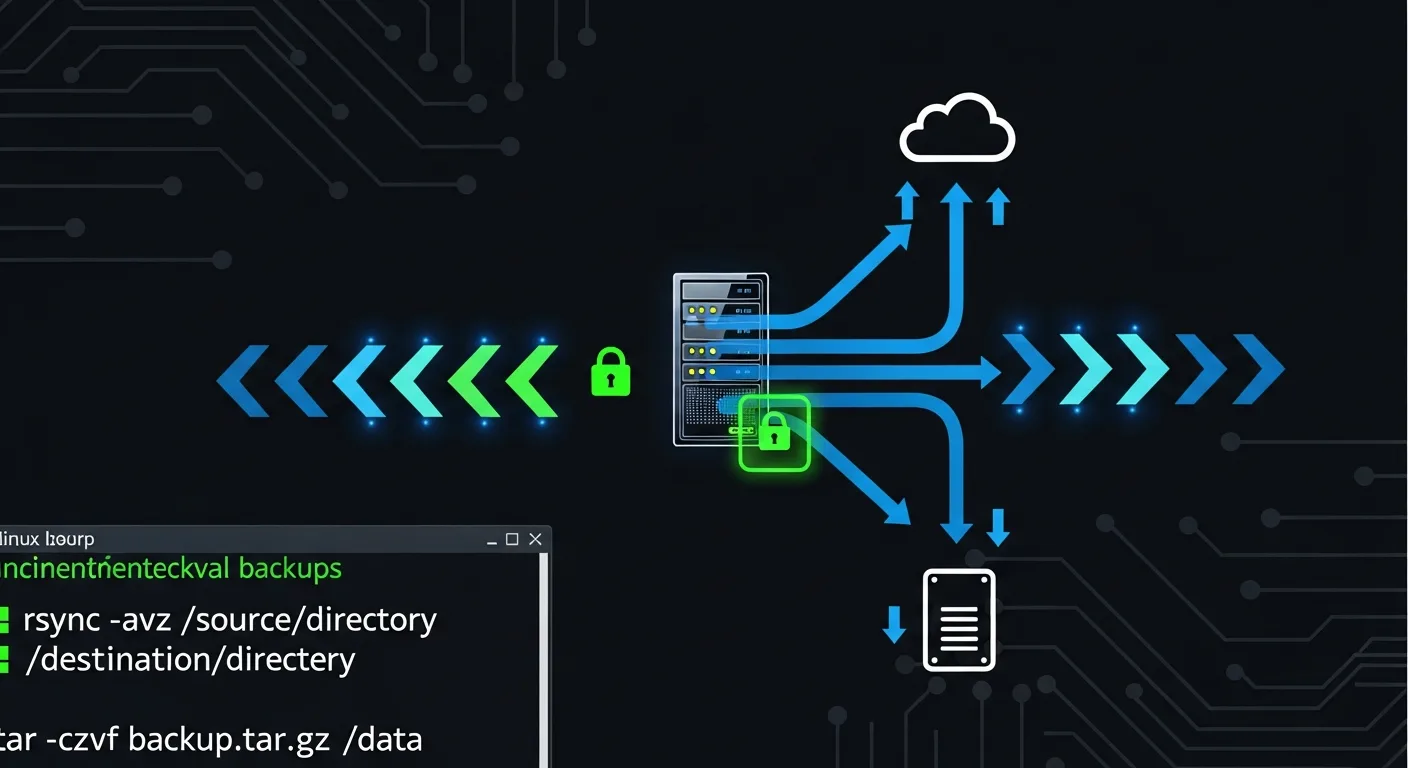
Data loss is not a matter of if, but when. Hardware failures, accidental deletions, ransomware attacks, and corrupted updates can all wipe out critical data in seconds. A robust backup strategy is your insurance policy. This guide covers every major Linux backup tool and technique — from simple file-level backups to enterprise-grade deduplicating solutions with automated disaster recovery procedures.
📥 Free Cheat Sheet
Download our Linux Backup & Recovery Cheat Sheet PDF — all backup commands, rsync flags, and recovery procedures on one page.
The 3-2-1 Backup Rule
Before diving into tools, understand the golden rule of backups:
- 3 copies of your data (1 primary + 2 backups)
- 2 different storage media (local disk + cloud/tape/external)
- 1 offsite copy (protection against fire, flood, theft)
rsync — The Swiss Army Knife of Backups
rsync is the most versatile and widely-used backup tool on Linux. It transfers only changed data, making it highly efficient for incremental backups:
Basic rsync Usage
# Local backup
rsync -avh /home/user/documents/ /backup/documents/

# Remote backup via SSH
rsync -avhz /home/user/ user@backup-server:/backups/myserver/

# Key rsync flags:
# -a  Archive mode (preserves permissions, timestamps, symlinks)
# -v  Verbose output
# -h  Human-readable sizes
# -z  Compress during transfer
# -P  Show progress + allow partial resume
# --delete  Remove files from dest that don't exist in source
# --exclude  Skip specific patterns
# --dry-run  Preview what would happen
Production rsync Examples
# Full server backup with exclusions
rsync -avhz --progress \
  --exclude='/proc' \
  --exclude='/sys' \
  --exclude='/tmp' \
  --exclude='/dev' \
  --exclude='/run' \
  --exclude='/mnt' \
  --exclude='/media' \
  --exclude='/lost+found' \
  / user@backup:/backups/myserver/

# Mirror backup (exact copy, deletes removed files)
rsync -avh --delete /var/www/ /backup/www/

# Backup with bandwidth limit
rsync -avhz --bwlimit=5000 /data/ user@remote:/backup/data/

# Backup using SSH on custom port
rsync -avhz -e "ssh -p 2222" /data/ user@server:/backup/

# Resume interrupted transfer
rsync -avhzP /data/ user@server:/backup/
tar — Archive Creation
# Create compressed archive
tar -czf backup-$(date +%Y%m%d).tar.gz /etc/ /home/ /var/www/

# Create with exclusions
tar -czf backup.tar.gz \
  --exclude='*.log' \
  --exclude='node_modules' \
  --exclude='.git' \
  /var/www/myapp/

# List archive contents
tar -tzf backup.tar.gz

# Extract archive
tar -xzf backup.tar.gz

# Extract to specific directory
tar -xzf backup.tar.gz -C /restore/

# Incremental backup with tar
# Level 0 (full backup)
tar -czf full-backup.tar.gz --listed-incremental=/var/backup/snapshot.snar /data/
# Level 1 (incremental, only changes since last)
tar -czf inc-backup-1.tar.gz --listed-incremental=/var/backup/snapshot.snar /data/

# Different compression algorithms
tar -cjf backup.tar.bz2 /data/    # bzip2
tar -cJf backup.tar.xz /data/     # xz (best compression)
tar -c --zstd -f backup.tar.zst /data/  # zstd (fast + good ratio)
dd — Full Disk Imaging
# Create full disk image
sudo dd if=/dev/sda of=/backup/disk-image.img bs=4M status=progress

# Create compressed disk image
sudo dd if=/dev/sda bs=4M status=progress | gzip > /backup/disk-image.img.gz

# Restore disk image
sudo dd if=/backup/disk-image.img of=/dev/sda bs=4M status=progress

# Clone disk to disk
sudo dd if=/dev/sda of=/dev/sdb bs=4M status=progress

# Create partition image
sudo dd if=/dev/sda1 of=/backup/partition.img bs=4M status=progress
Borg Backup — Deduplicating Backups
Borg is a modern deduplicating backup tool that offers encryption, compression, and space-efficient storage:
# Install Borg
sudo apt install borgbackup    # Debian/Ubuntu
sudo dnf install borgbackup    # RHEL/Fedora

# Initialize repository
borg init --encryption=repokey /backup/borg-repo

# Initialize remote repository
borg init --encryption=repokey user@backup-server:/backup/borg-repo

# Create backup
borg create --stats --progress \
  /backup/borg-repo::server-{now:%Y-%m-%d_%H:%M} \
  /etc /home /var/www /var/lib/postgresql

# Create with exclusions
borg create --stats --progress \
  --exclude '*.log' \
  --exclude '/home/*/.cache' \
  /backup/borg-repo::daily-{now} \
  /home /etc /var/www

# List backups
borg list /backup/borg-repo

# View backup contents
borg list /backup/borg-repo::server-2026-01-15_10:00

# Restore from backup
borg extract /backup/borg-repo::server-2026-01-15_10:00

# Restore specific files
borg extract /backup/borg-repo::server-2026-01-15_10:00 home/alice/documents

# Prune old backups (keep 7 daily, 4 weekly, 6 monthly)
borg prune -v --list --keep-daily=7 --keep-weekly=4 --keep-monthly=6 /backup/borg-repo

# Compact repository (reclaim space)
borg compact /backup/borg-repo
restic — Modern Cloud-Native Backups
# Install restic
sudo apt install restic

# Initialize repository (local)
restic init --repo /backup/restic-repo

# Initialize on S3
restic init --repo s3:s3.amazonaws.com/mybucket/backups

# Create backup
restic -r /backup/restic-repo backup /home /etc /var/www

# List snapshots
restic -r /backup/restic-repo snapshots

# Restore latest snapshot
restic -r /backup/restic-repo restore latest --target /restore/

# Prune old snapshots
restic -r /backup/restic-repo forget --keep-daily 7 --keep-weekly 4 --keep-monthly 12 --prune
Automated Backup with Cron
#!/bin/bash
# /usr/local/bin/daily-backup.sh

BACKUP_DIR="/backup/daily"
DATE=$(date +%Y%m%d_%H%M)
LOG="/var/log/backup.log"

echo "=== Backup started: $(date) ===" >> $LOG

# Database backup
pg_dump -h localhost mydb | gzip > "$BACKUP_DIR/db-$DATE.sql.gz"

# File backup
rsync -avh --delete \
  --exclude='*.log' \
  /var/www/ "$BACKUP_DIR/www/" >> $LOG 2>&1

# Config backup
tar -czf "$BACKUP_DIR/etc-$DATE.tar.gz" /etc/

# Clean old backups (keep 30 days)
find "$BACKUP_DIR" -type f -mtime +30 -delete

echo "=== Backup completed: $(date) ===" >> $LOG

# Crontab entry (daily at 2 AM):
# 0 2 * * * /usr/local/bin/daily-backup.sh
Database Backup Strategies
# PostgreSQL
pg_dump dbname > backup.sql
pg_dump -Fc dbname > backup.dump    # Custom format (compressed)
pg_dumpall > all-databases.sql       # All databases
pg_restore -d dbname backup.dump     # Restore

# MySQL/MariaDB
mysqldump -u root -p dbname > backup.sql
mysqldump -u root -p --all-databases > all-databases.sql
mysql -u root -p dbname < backup.sql  # Restore

# Automated database backup with rotation
pg_dump -Fc mydb > /backup/db/mydb-$(date +%Y%m%d).dump
find /backup/db/ -name "*.dump" -mtime +14 -delete
Disaster Recovery Checklist
- Test your backups regularly — A backup that can't be restored is useless
- Document your recovery procedure — Step-by-step instructions
- Practice recovery drills — Run disaster recovery tests quarterly
- Monitor backup jobs — Alert on failures immediately
- Encrypt offsite backups — Protect data in transit and at rest
- Version your backups — Keep multiple generations for ransomware protection
- Keep restore tools available — Ensure recovery software is accessible
- Calculate RTO and RPO — Recovery Time and Recovery Point Objectives
📚 Master Linux Backup & Storage
- Linux Backup Strategies — The definitive guide to protecting your data
- Linux Disk Management & RAID — Resilient storage for production servers
- Linux System Administration Masterclass — Complete sysadmin training



