Running multiple web applications on a single server is one of the most common sysadmin tasks — and Nginx reverse proxy is the best way to do it. Instead of giving each app its own public port, Nginx sits in front and routes traffic based on domain name or URL path.
This guide covers everything from basic reverse proxy setup to advanced configurations with WebSocket support, load balancing, and caching.
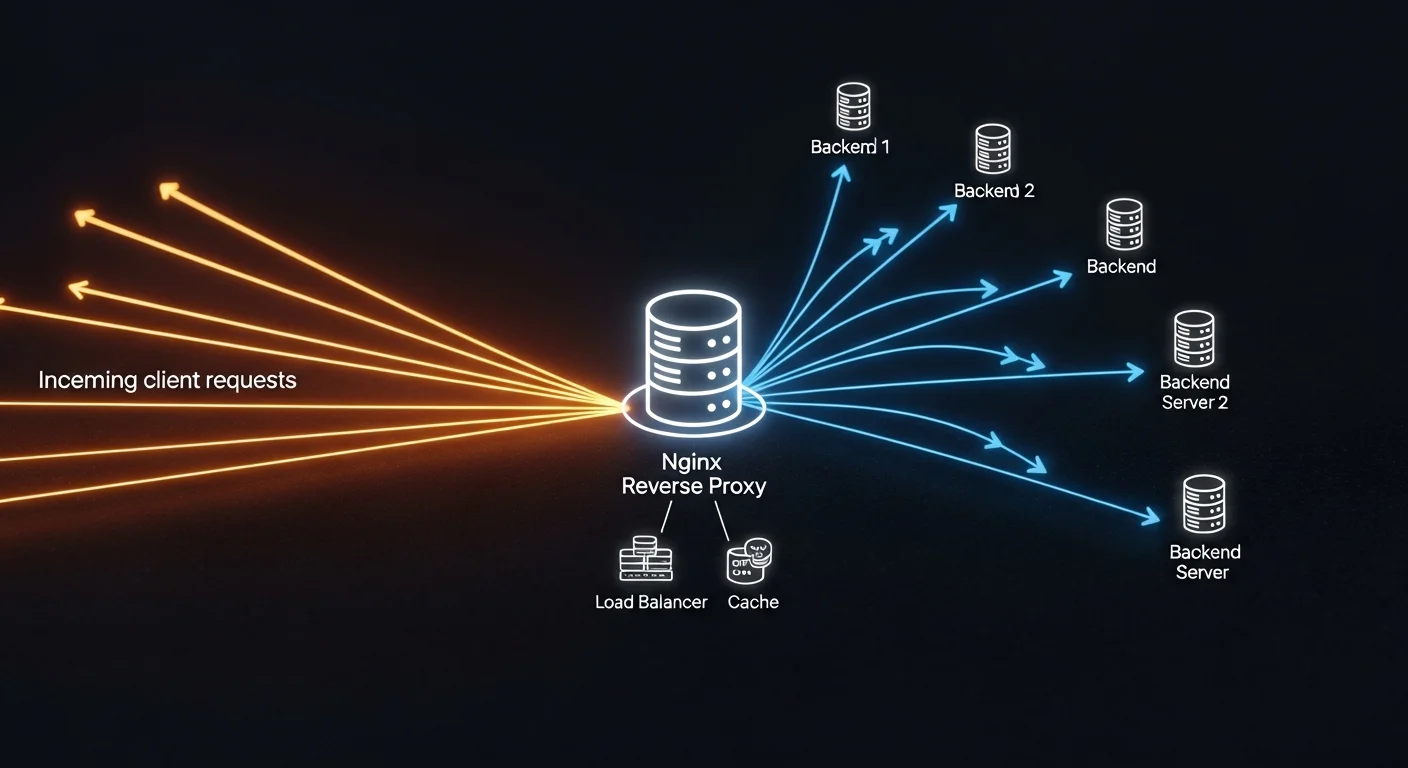
Basic Reverse Proxy Setup
The simplest use case: route app1.example.com to a Node.js app on port 3000:
server {
    listen 80;
    server_name app1.example.com;

    location / {
        proxy_pass http://127.0.0.1:3000;
        proxy_set_header Host $host;
        proxy_set_header X-Real-IP $remote_addr;
        proxy_set_header X-Forwarded-For $proxy_add_x_forwarded_for;
        proxy_set_header X-Forwarded-Proto $scheme;
    }
}
Multiple Applications on One Server
# App 1: WordPress on port 8080
server {
    listen 80;
    server_name blog.example.com;
    location / {
        proxy_pass http://127.0.0.1:8080;
        proxy_set_header Host $host;
        proxy_set_header X-Real-IP $remote_addr;
    }
}

# App 2: Python API on port 5000
server {
    listen 80;
    server_name api.example.com;
    location / {
        proxy_pass http://127.0.0.1:5000;
        proxy_set_header Host $host;
        proxy_set_header X-Real-IP $remote_addr;
    }
}

# App 3: React SPA served statically
server {
    listen 80;
    server_name app.example.com;
    root /var/www/app/build;
    index index.html;
    location / {
        try_files $uri $uri/ /index.html;
    }
}
WebSocket Support
location /ws {
    proxy_pass http://127.0.0.1:3000;
    proxy_http_version 1.1;
    proxy_set_header Upgrade $http_upgrade;
    proxy_set_header Connection "upgrade";
    proxy_set_header Host $host;
    proxy_read_timeout 86400;
}
Load Balancing
upstream backend {
    least_conn;
    server 127.0.0.1:3001 weight=3;
    server 127.0.0.1:3002 weight=2;
    server 127.0.0.1:3003 backup;
}

server {
    listen 80;
    server_name app.example.com;
    location / {
        proxy_pass http://backend;
        proxy_set_header Host $host;
        proxy_set_header X-Real-IP $remote_addr;
    }
}
Caching for Performance
# Define cache zone
proxy_cache_path /var/cache/nginx levels=1:2 keys_zone=app_cache:10m max_size=1g inactive=60m;

server {
    listen 80;
    server_name app.example.com;

    location / {
        proxy_pass http://127.0.0.1:3000;
        proxy_cache app_cache;
        proxy_cache_valid 200 10m;
        proxy_cache_valid 404 1m;
        add_header X-Cache-Status $upstream_cache_status;
    }

    # Don't cache dynamic content
    location /api {
        proxy_pass http://127.0.0.1:3000;
        proxy_no_cache 1;
        proxy_cache_bypass 1;
    }
}
📘 Complete Nginx Reference
For advanced topics including rate limiting, GeoIP blocking, HTTP/3, and Nginx Unit, get NGINX Fundamentals (€21.90) — covers everything from beginner to production-grade configurations.
Docker + Nginx Reverse Proxy
When running Docker containers, Nginx reverse proxy becomes essential:
# docker-compose.yml
services:
  nginx:
    image: nginx:alpine
    ports:
      - "80:80"
      - "443:443"
    volumes:
      - ./nginx/conf.d:/etc/nginx/conf.d
      - ./certbot/www:/var/www/certbot
      - ./certbot/conf:/etc/letsencrypt

  app1:
    build: ./app1
    expose:
      - "3000"

  app2:
    build: ./app2
    expose:
      - "5000"
🐳 Docker + Web Development
Learn Docker networking, volumes, and multi-container setups with Docker for Web Developers (€13.90). Perfect companion to this Nginx guide.
Frequently Asked Questions
Can Nginx handle thousands of connections?
Yes. Nginx uses an event-driven, non-blocking architecture and can easily handle 10,000+ concurrent connections on modest hardware. It's used by Netflix, Cloudflare, and many other high-traffic sites.
Should I use Nginx or Traefik for Docker?
Traefik has automatic service discovery which is great for dynamic Docker environments. Nginx is better for static configurations, performance, and when you need fine-grained control. For most setups, Nginx is the safer choice.