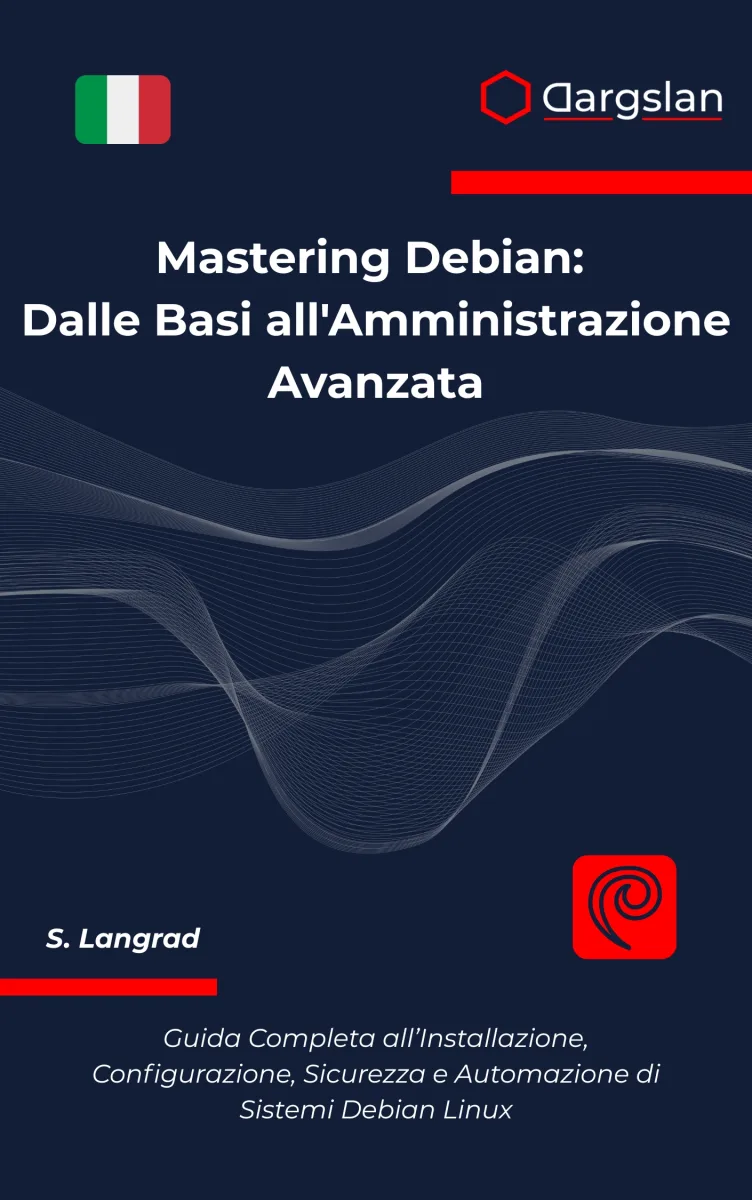
Mastering Debian Linux: From Beginner to Advanced
The Complete Hands-On Guide to Installing, Administering, Securing, and Automating Debian Systems
What's Included:
At a Glance
Mastering Debian Linux: From Beginner to Advanced is a professional Debian / Ubuntu eBook by CloudMatrix sro, 264 pages, available as an instant PDF and EPUB download for €7.90 with lifetime access and free updates. The Complete Hands-On Guide to Installing, Administering, Securing, and Automating Debian Systems.
- Length: 264 pages
- Format: PDF and EPUB (instant download)
- Language: English
- Topic: Debian / Ubuntu
- Edition: 2nd Edition
- Price: €7.90
Key Highlights
- 15 progressive chapters taking you from zero to advanced Debian administration.
- 4 reference appendices: Command Cheat Sheet, Common Errors & Fixes, Practice Labs, and a full Glossary.
- Complete Debian installation walkthrough — bare metal, VM, and post-install hardening.
- Deep dive into the Linux filesystem hierarchy and shell fluency.
- Master
apt,dpkg, backports, and safe package management. - Full coverage of
systemd: units, services, timers, journaling, and targets. - Storage mastery: partitions, filesystems, LVM, swap, and mount strategies.
- Networking essentials: interfaces, DNS, SSH, firewalls (
nftables/ufw), and remote access. - Security hardening: SSH keys, fail2ban, AppArmor, unattended-upgrades, auditing.
- Professional shell scripting and automation with cron and systemd timers.
- Reliable backup, recovery, and maintenance workflows.
- Real production service deployment: Nginx, PostgreSQL/MariaDB, TLS with Let's Encrypt.
- Expert troubleshooting using
journalctl,strace,ss, and systematic diagnosis. - Hands-on practice labs to lock in every skill through real exercises.
- Written for modern Debian (Bookworm and beyond) — not outdated or generic Linux content.
Overview
Master Debian Linux step-by-step — from your first install to advanced server administration, shell scripting, security hardening, and real-world service deployment. 15 progressive chapters + 4 reference appendices.
The Problem
Debian Linux powers a huge portion of the modern internet — but learning it properly is surprisingly hard. Most tutorials are fragmented blog posts, outdated forum answers, or generic "Linux" guides that ignore Debian's specific tools, release cycles, and conventions.
You have probably experienced this already:
- You copy commands without understanding what they actually do.
- When something breaks, you have no idea where to start looking.
- You know
apt install, butsystemd, permissions, networking, and security still feel like black boxes. - You want to run real services — web servers, databases, SSH — but every guide assumes knowledge you do not yet have.
- You lack a clear, structured path from beginner to confident administrator.
The result? Frustration, fragile systems, and a nagging feeling that you are always one step away from breaking something you cannot fix.
The Solution
Mastering Debian Linux: From Beginner to Advanced replaces scattered tutorials with a single, carefully engineered learning path. Across 15 progressive chapters and 4 reference appendices, you build real, lasting Debian competence — the kind that lets you diagnose problems, deploy services, and administer systems with confidence.
This book delivers what tutorials cannot:
- Structured progression — each chapter builds on the last, with no unexplained leaps.
- Deep understanding — you learn why, not just what, so troubleshooting becomes intuitive.
- Hands-on practice — type commands, break things, fix them, and lock in real muscle memory.
- Debian-specific expertise — tools, paths, and conventions tailored to modern Debian.
- Lifetime reference — cheat sheet, error-fix guide, labs, and glossary you will revisit for years.
By the end, you will not just use Debian — you will master it.
About This Book
Master Debian Linux the Right Way — From Your First Install to Production-Grade Administration
Mastering Debian Linux: From Beginner to Advanced is the most complete, structured, and practical guide you will find for learning Debian — the operating system that powers millions of servers, workstations, and critical internet infrastructure worldwide. Whether you have never opened a terminal before or you already run Linux daily and want to level up, this book is your definitive roadmap to true Debian mastery.
Debian is revered for three reasons: rock-solid stability, uncompromising security, and a deep commitment to free and open-source principles. But those strengths come with a learning curve. Most tutorials give you commands to copy — this book gives you understanding. You will learn not just what to type, but why Debian behaves the way it does, how its subsystems connect, and how to confidently diagnose and resolve problems on your own.
A Carefully Engineered Learning Path
The book unfolds across 15 progressive chapters and 4 reference appendices, each building logically on the last. You begin with foundations — installation, the filesystem, the shell — and progress through core administration, services, storage, networking, security hardening, scripting, automation, backup strategies, and finally real-world service deployment and advanced troubleshooting.
Every chapter is built around three pillars: clear explanation, hands-on practice, and real-world relevance. You will type commands, break things intentionally, fix them, and emerge with the muscle memory that separates confident professionals from tutorial-followers.
What You Will Learn
Foundations (Chapters 1–4): Get comfortable with Debian's philosophy and release model. Install Debian correctly on bare metal or virtual machines. Understand the Linux filesystem hierarchy (FHS), navigate the shell with speed, and master essential command-line operations that will be used in every future chapter.
Core Skills (Chapters 5–9): Edit and understand configuration files with vim and nano. Master users, groups, permissions, and the sudo model. Install and manage software with apt, dpkg, and backports. Control processes and services with systemd. Partition disks, create filesystems, and manage storage — including LVM and swap.
System Administration (Chapters 10–13): Configure networking with systemd-networkd and NetworkManager. Secure remote access with SSH keys, firewalls (nftables/ufw), and fail2ban. Harden your system with AppArmor, unattended-upgrades, and audit logging. Write professional shell scripts, automate tasks with cron and systemd timers, and design reliable backup and recovery workflows.
Advanced Mastery (Chapters 14–15): Deploy real production services — web servers (Nginx), databases (PostgreSQL/MariaDB), reverse proxies, and Let's Encrypt TLS certificates. Develop an expert troubleshooting mindset using journalctl, strace, ss, and systematic diagnosis. Tackle realistic end-to-end projects that consolidate every skill you have learned.
Why This Book Is Different
- Mastery-focused — not a command dump, but a structured journey that builds understanding layer by layer.
- Debian-specific — every example, path, and package is tested on modern Debian (Bookworm and beyond), not generic "Linux".
- Production-ready — the techniques you learn are the same ones used on real servers running the modern internet.
- Hands-on by design — Practice Labs in Appendix C are where real learning happens.
- Reference you will keep — the Essential Command Cheat Sheet, Common Errors and Fixes, and Glossary make this book valuable long after the first read.
Who This Book Is For
This book is for anyone who wants to truly understand Debian Linux — curious beginners, self-taught developers, IT students, aspiring system administrators, DevOps engineers, homelab enthusiasts, and professionals migrating from Windows or macOS who need a serious Linux foundation. If you want to stop guessing and start knowing, this book is for you.
Your Journey to Debian Mastery Starts Here
By the final chapter you will not just know Debian — you will have the mindset, habits, and confidence of a Linux professional. Open a terminal, follow along, and let's begin mastering Debian together.
Who Is This Book For?
- Complete beginners who want a serious, structured introduction to Linux through Debian.
- Self-taught developers who want to stop guessing and finally understand their system.
- IT students and career changers preparing for sysadmin, DevOps, or cloud roles.
- Windows or macOS users migrating to Linux for development or server work.
- Aspiring system administrators who need real-world, production-grade skills.
- Homelab enthusiasts running self-hosted services on Debian.
- DevOps and cloud engineers who want a solid Debian foundation for Docker, Kubernetes, and CI/CD.
- Professionals preparing for Linux certifications (LPIC, LFCS) who want practical depth alongside theory.
Who Is This Book NOT For?
- Readers looking for a pure GUI, click-through guide — this book embraces the terminal as the path to mastery.
- Advanced kernel developers seeking low-level kernel internals — this is a system administration book, not a kernel hacking book.
- Users who want Red Hat, CentOS, or Arch-specific content — examples are Debian-focused (though many concepts transfer).
- Anyone unwilling to practice hands-on — reading alone will not build mastery.
- Readers seeking a quick 30-minute "Linux crash course" — this book is designed for real, lasting competence.
Table of Contents
- Getting Started with Debian Linux
- Installing Debian the Right Way
- Understanding the Linux Filesystem and Shell
- Essential Command-Line Skills
- Working with Text and Configuration Files
- Users, Groups, and Permissions
- Installing and Managing Software
- Processes, Services, and systemd
- Storage, Disks, and Filesystems
- Networking and Remote Access
- Security and System Hardening
- Shell Scripting and Automation
- Backup, Recovery, and Maintenance
- Running Real Services on Debian
- Advanced Troubleshooting and Real-World Projects
- Essential Debian Command Cheat Sheet
- Common Errors and Fixes
- Practice Labs and Mini Projects
- Debian/Linux Glossary
Requirements
- A computer capable of running Debian Linux — physical machine, virtual machine (VirtualBox, VMware, KVM), or cloud VPS.
- At least 20 GB of free disk space and 2 GB of RAM (4 GB+ recommended).
- A stable internet connection for package installation and updates.
- Basic computer literacy — knowing how to download files and use a keyboard is enough.
- No prior Linux experience required — the book starts from absolute zero.
- Willingness to use the terminal and practice hands-on (this is where mastery is built).