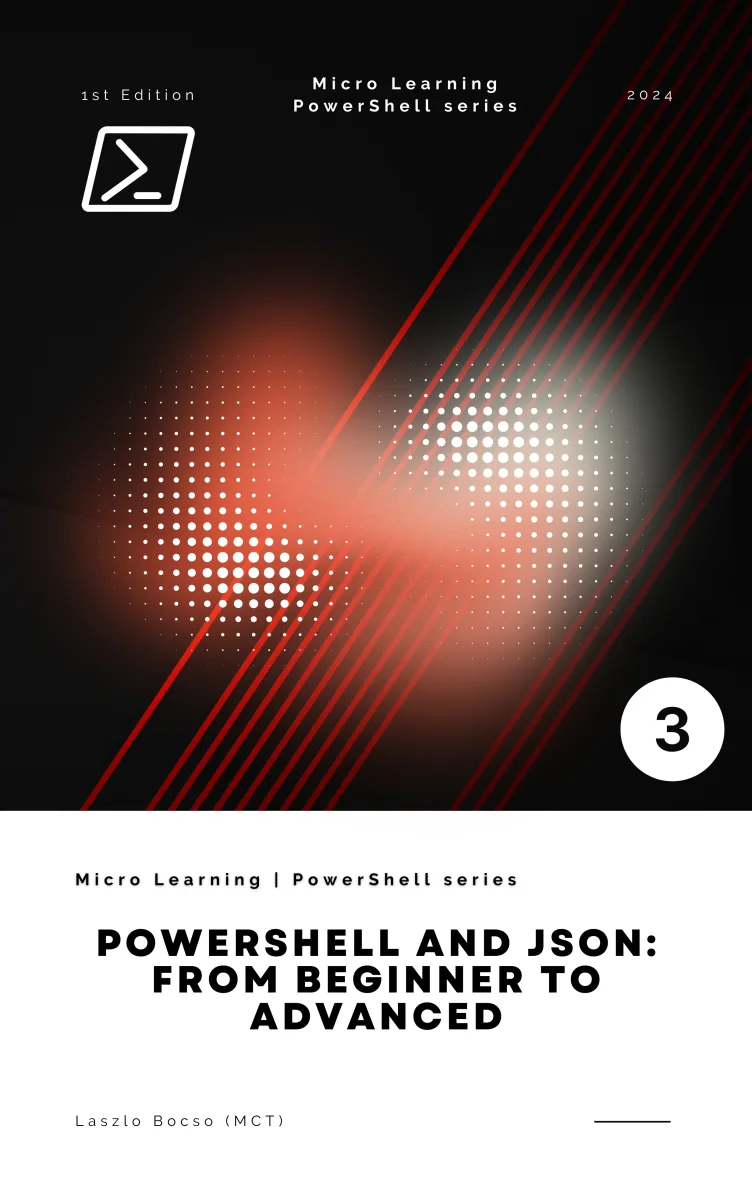
PowerShell and JSON: From Beginner to Advanced
Part of Micro Learning | PowerShell Series – Book No. 3
What's Included:
At a Glance
PowerShell and JSON: From Beginner to Advanced is a professional PowerShell eBook by Laszlo Bocso, 189 pages, available as an instant PDF and EPUB download for €8.90 with lifetime access and free updates. Part of Micro Learning | PowerShell Series – Book No. 3.
- Length: 189 pages
- Format: PDF and EPUB (instant download)
- Language: English
- Topic: PowerShell
- Edition: 1st Edition
- Price: €8.90
Key Highlights
- Complete beginner-to-advanced JSON roadmap
- PowerShell object-based JSON processing
- REST API integration examples
- Dynamic and nested JSON handling
- Performance optimization guidance
- Real-world automation case studies
- Troubleshooting and debugging strategies
- Reference appendices with cmdlets and examples
Overview
Learn how to parse, create, and manipulate JSON in PowerShell. Master API integration, automation workflows, dynamic data processing, and advanced JSON scripting techniques.
The Problem
Many PowerShell users struggle when working with JSON because:
- They treat JSON as plain text instead of structured data
- They misunderstand nested objects and arrays
- They encounter API integration issues
- Performance slows down with large datasets
- Error handling and validation are often ignored
- Scripts become difficult to maintain and debug
Without a structured approach, JSON processing becomes fragile and unreliable.
The Solution
PowerShell and JSON: From Beginner to Advanced provides a clear, progressive roadmap.
- Step-by-step JSON parsing and creation techniques
- Object-based thinking instead of string manipulation
- Real-world API integration examples
- Performance optimization strategies
- Schema validation and dynamic data handling
- Robust debugging and best-practice guidance
This book transforms JSON from a confusing data blob into a powerful automation asset.
About This Book
PowerShell and JSON: From Beginner to Advanced is a practical, structured guide to mastering JSON processing within PowerShell.
JSON has become the universal language of modern IT systems. APIs, cloud platforms, configuration files, DevOps pipelines, and automation frameworks all rely heavily on JSON. At the same time, PowerShell has evolved into one of the most powerful cross-platform automation tools available today. When combined, PowerShell and JSON form a highly efficient toolkit for managing infrastructure, automating workflows, and integrating systems.
This book takes you from foundational concepts to advanced, production-ready scripting techniques. You will learn not just how to convert JSON data, but how to design reliable, maintainable automation solutions that interact with real-world services.
What You'll Learn
- PowerShell fundamentals and object-based pipelines
- Understanding JSON syntax and structure
- Parsing JSON using ConvertFrom-Json
- Creating JSON with ConvertTo-Json
- Manipulating complex nested JSON structures
- Filtering, transforming, and merging JSON data
- Integrating PowerShell with REST APIs
- Handling authentication and secure API requests
- Working with JSON configuration files
- Optimizing performance for large JSON datasets
- Dynamic JSON processing and schema validation
- Debugging and troubleshooting JSON-based scripts
By the end of this book, you will confidently use PowerShell and JSON together to build automation solutions that are scalable, secure, and production-ready.
Modern automation runs on JSON. PowerShell lets you control it.
Who Is This Book For?
- PowerShell beginners learning automation fundamentals
- System administrators working with cloud APIs
- DevOps engineers integrating JSON-based workflows
- IT professionals managing configuration files
- Developers automating RESTful services
Who Is This Book NOT For?
- Readers with no familiarity with PowerShell basics
- Users looking for GUI-only solutions
- Developers uninterested in automation scripting
Table of Contents
- Introduction to PowerShell and JSON
- Getting Started with PowerShell
- Understanding JSON Syntax
- Working with JSON in PowerShell
- Advanced JSON Manipulation
- Integrating JSON with External Services
- Advanced PowerShell Scripting with JSON
- Real-World Use Cases and Examples
- Troubleshooting and Best Practices
- Appendices and Reference Materials
Requirements
- Basic familiarity with PowerShell
- General understanding of scripting concepts
- Access to Windows, Linux, or macOS with PowerShell installed
- Willingness to practice API calls and JSON manipulation