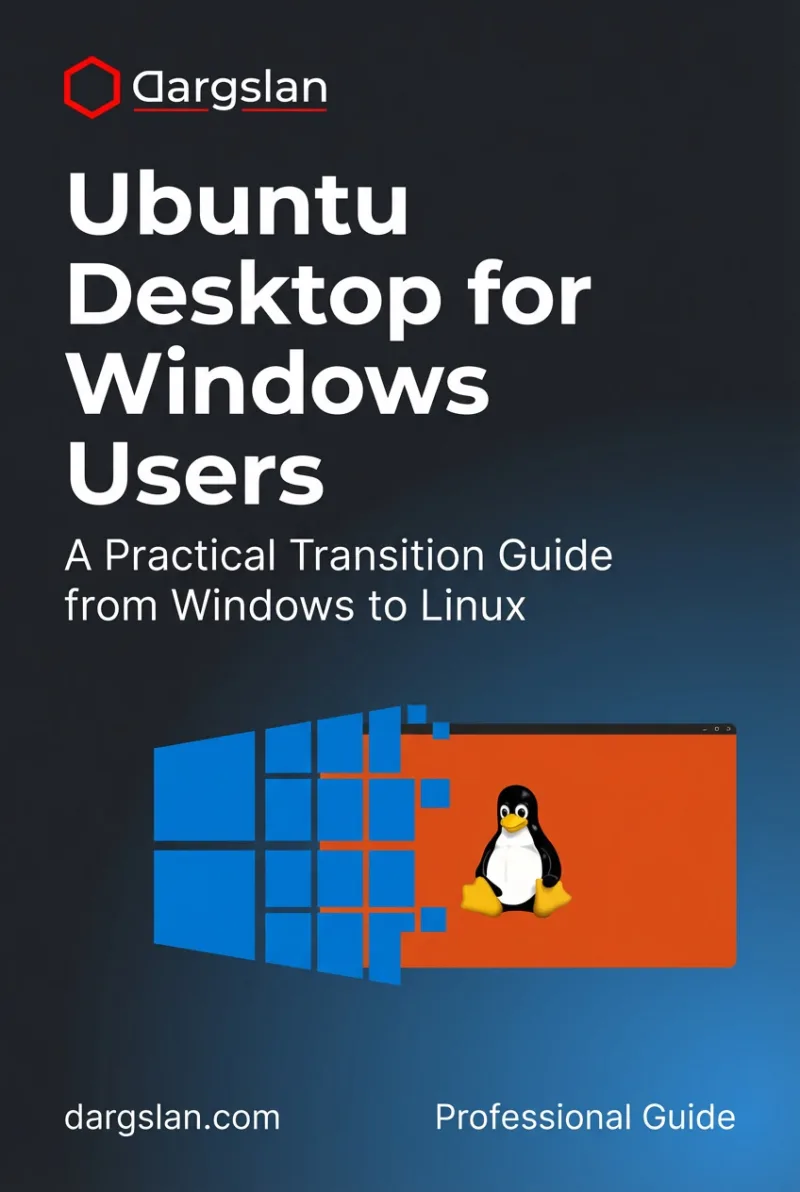
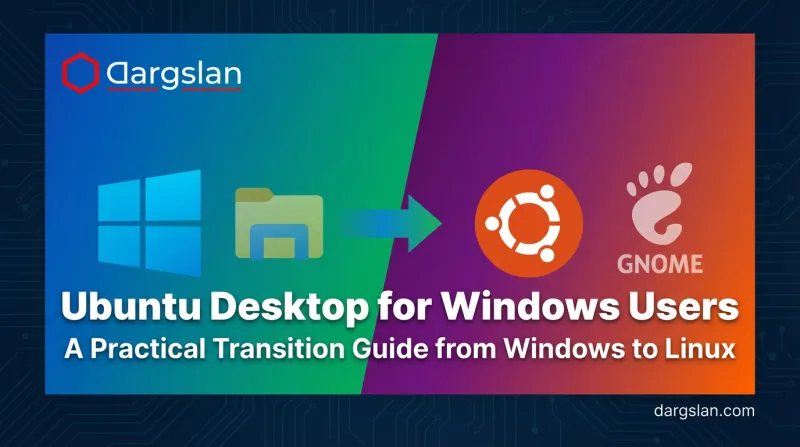
Ubuntu Desktop for Windows Users
A Practical Transition Guide from Windows to Linux
What's Included:
At a Glance
Ubuntu Desktop for Windows Users is a professional Debian / Ubuntu eBook by Dorian Thorne, 340 pages, available as an instant PDF and EPUB download for €0.00 with lifetime access and free updates. A Practical Transition Guide from Windows to Linux.
- Length: 340 pages
- Format: PDF and EPUB (instant download)
- Language: English
- Topic: Debian / Ubuntu
- Edition: 1st Edition
- Price: €0.00
Key Highlights
- Written specifically for Windows users
- Safe installation and migration guidance
- Clear explanations without technical jargon
- Windows-to-Ubuntu software replacements
- Beginner-friendly terminal introduction
Overview
Switch from Windows to Ubuntu with confidence. Learn installation, daily usage, software alternatives, security, and customization-explained clearly for Windows users with no Linux experience.
The Problem
Many Windows users want to switch to Linux but feel overwhelmed by unfamiliar tools, terminology, and fear of breaking their system.
The Solution
This book guides Windows users step by step through the Ubuntu desktop, explaining every concept using familiar Windows comparisons and practical examples.
About This Book
A Beginner-Friendly Guide from Windows to Ubuntu
Ubuntu Desktop for Windows Users is a practical, hands-on guide designed specifically for people who are comfortable with Windows and want to transition to Ubuntu Linux safely and confidently. Ubuntu is the most popular Linux distribution for desktops, and this book makes the transition smooth and stress-free.
This book explains Ubuntu through familiar Windows concepts, helping you understand Linux by comparing it to what you already know. No Linux background is required.
What You Will Learn
- Why Ubuntu is a powerful, free alternative to Windows
- How to install Ubuntu safely alongside Windows (dual-boot) or standalone
- Navigating the GNOME desktop environment
- Managing files, folders, and settings as a Windows user
- Finding Ubuntu equivalents for Windows applications
- Installing software from the Ubuntu Software Center and command line
- Running Windows applications on Ubuntu with Wine and alternatives
- Understanding Ubuntu security: updates, permissions, and user accounts
- Using the terminal with beginner-friendly explanations
- Customizing Ubuntu to match your preferences
- Troubleshooting common issues Windows users face
- Gaming on Ubuntu: Steam, Proton, and Linux gaming
Who Is This Book For?
This book is designed for Windows users considering Ubuntu. It is ideal for:
- Windows users frustrated with updates, bloatware, or privacy concerns
- People who want to try Linux without feeling lost
- Users with older hardware looking for a faster operating system
- Privacy-conscious users seeking open-source alternatives
- Anyone curious about Linux but intimidated by the learning curve
Why This Book?
This book focuses on real daily usage, not theory. By the end, you will feel comfortable using Ubuntu as your primary operating system.
Prerequisites
No Linux experience required. Windows familiarity is helpful but not mandatory.
Author: Dorian Thorne
Who Is This Book For?
- Windows users curious about Linux
- Beginners switching to Ubuntu for the first time
- Users concerned about privacy and system control
- Students and home users
- Non-technical users wanting a clear guide
Who Is This Book NOT For?
- Experienced Linux system administrators
- Advanced terminal or server users
- Readers looking for deep kernel-level topics
Table of Contents
- Why Switch from Windows to Ubuntu
- Ubuntu Desktop Overview
- Installing Ubuntu Safely
- First Login and System Basics
- File Management for Windows Users
- Installing and Managing Software
- Replacing Common Windows Software
- Running Windows Applications
- System Settings Explained
- Hardware and Drivers
- Security on Ubuntu
- Keeping Ubuntu Healthy
- Customizing Ubuntu Desktop
- Introduction to the Terminal
- Ubuntu in Everyday Use
- What’s Next After Ubuntu Basics
Requirements
- Basic Windows computer experience
- No Linux knowledge required
- A PC or laptop capable of running Ubuntu