What Are Operating Systems?
An operating system (OS) is the fundamental software that manages computer hardware and provides services for programs. It acts as an intermediary between users and computer hardware, handling tasks like memory management, process scheduling, file systems, and device drivers.
Modern operating systems range from desktop environments like Windows and macOS to server-focused distributions like Linux and FreeBSD. Understanding operating systems is essential for anyone working in IT, from help desk technicians to cloud architects.
Our operating systems collection covers the three major platforms — Linux, Windows, and cross-platform tools — giving you the knowledge to work confidently in any environment.
Why Operating Systems Knowledge Matters
- Foundation of All IT: Every application, service, and cloud platform runs on an operating system
- Career Essential: OS knowledge is required for virtually every IT role
- Server Management: 96% of the world's top servers run Linux
- Security: Understanding OS internals helps you secure systems effectively
- Troubleshooting: Deep OS knowledge enables faster problem resolution
- Cloud & DevOps: Container orchestration and cloud infrastructure rely heavily on OS concepts
Who Should Learn About Operating Systems?
- IT Beginners: Starting your career and need foundational OS knowledge
- System Administrators: Managing servers and workstations daily
- DevOps Engineers: Building and maintaining infrastructure
- Security Professionals: Hardening and protecting systems
- Developers: Understanding the platform your code runs on
- Career Changers: Transitioning into IT from another field
Key Topics Covered
- Linux distributions and package management
- Windows Server administration and Active Directory
- File systems, permissions, and storage
- Process management and system monitoring
- Networking configuration and troubleshooting
- Security hardening and best practices
- Shell scripting and automation
- Virtualization and containerization
- Cross-platform administration tools
Recommended Learning Path
- Start with Fundamentals: Learn basic OS concepts, file systems, and command-line basics
- Choose Your Platform: Focus on Linux or Windows depending on your career goals
- Build Administration Skills: User management, services, networking, and storage
- Learn Security: Firewalls, access controls, auditing, and hardening
- Master Automation: Shell scripting, PowerShell, and configuration management
- Go Advanced: Virtualization, containers, clustering, and high availability
Career Opportunities
- System Administrator: €45,000 – €75,000/year
- Linux Engineer: €55,000 – €90,000/year
- Windows Administrator: €45,000 – €70,000/year
- DevOps Engineer: €60,000 – €100,000/year
- Site Reliability Engineer: €70,000 – €120,000/year
- Cloud Infrastructure Engineer: €65,000 – €110,000/year
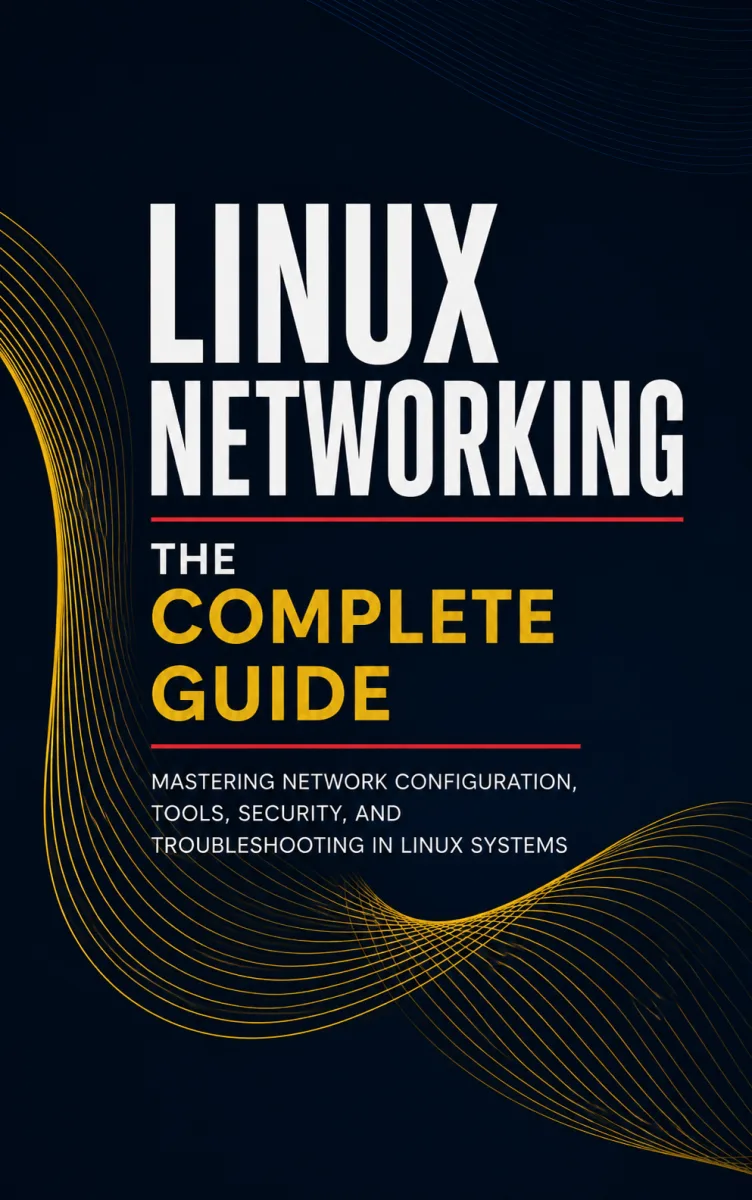
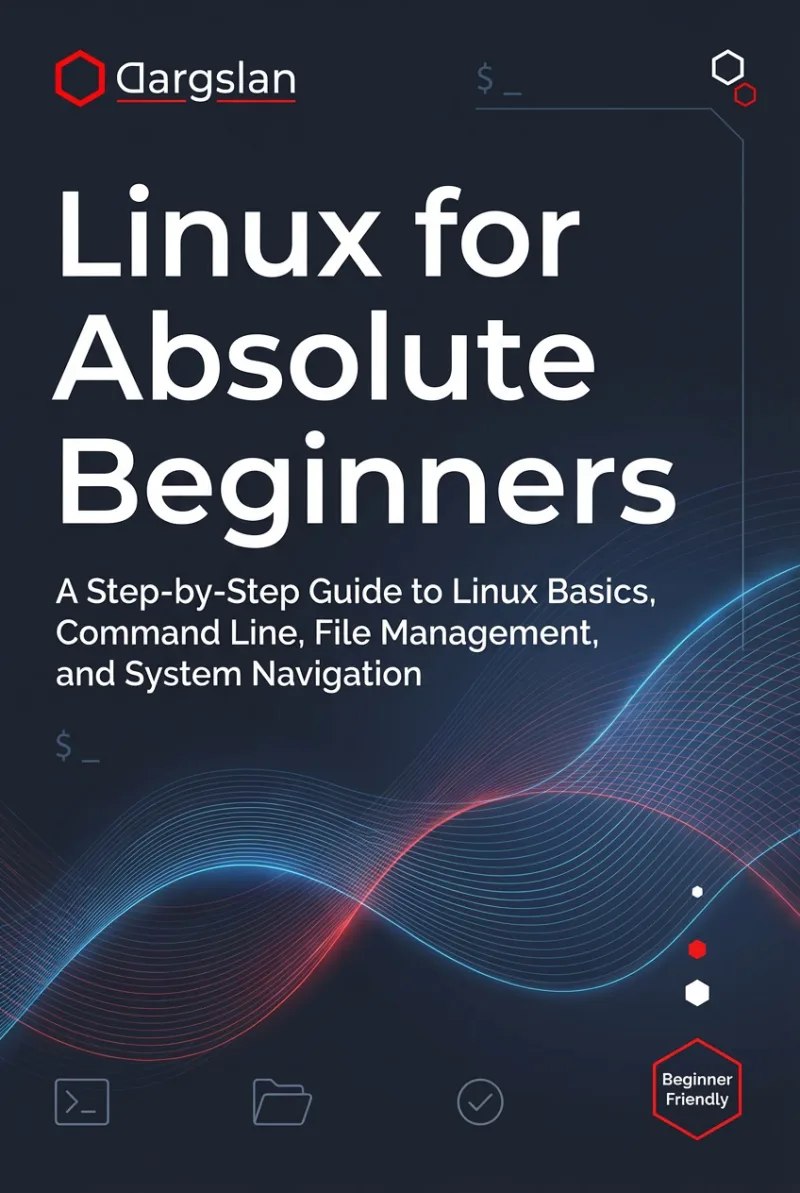
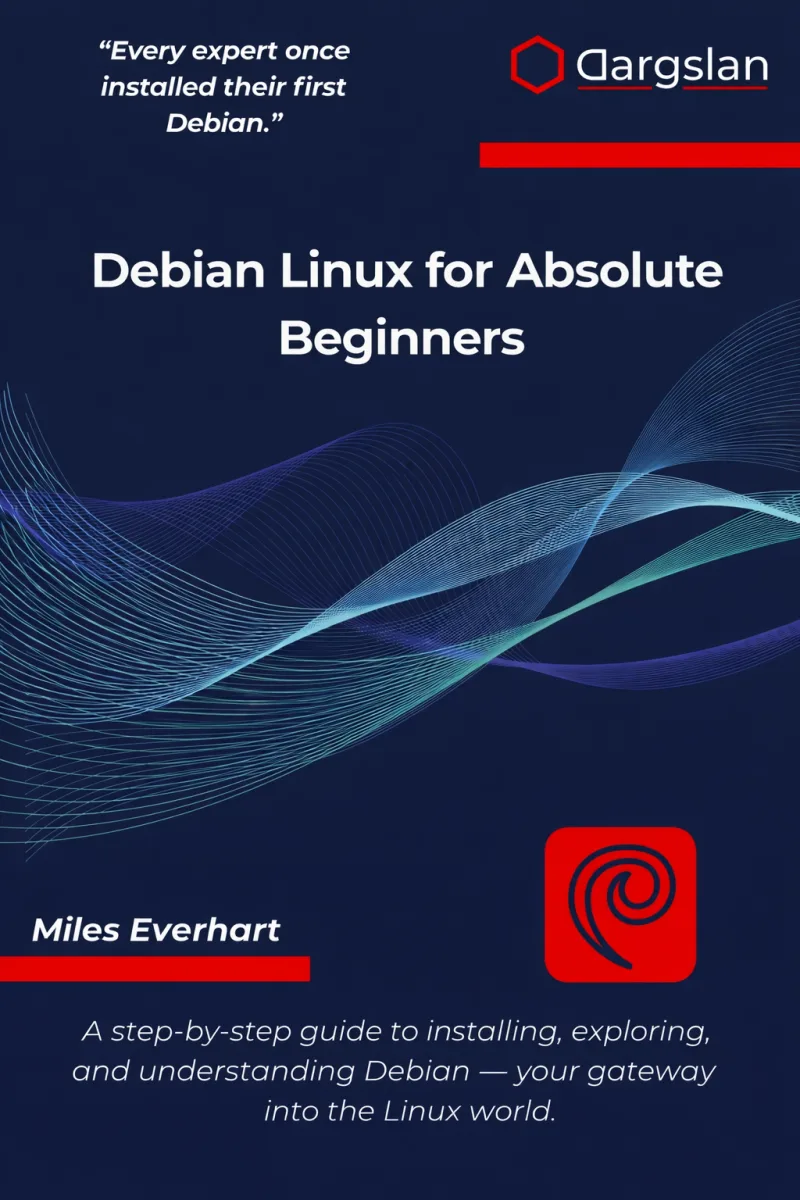
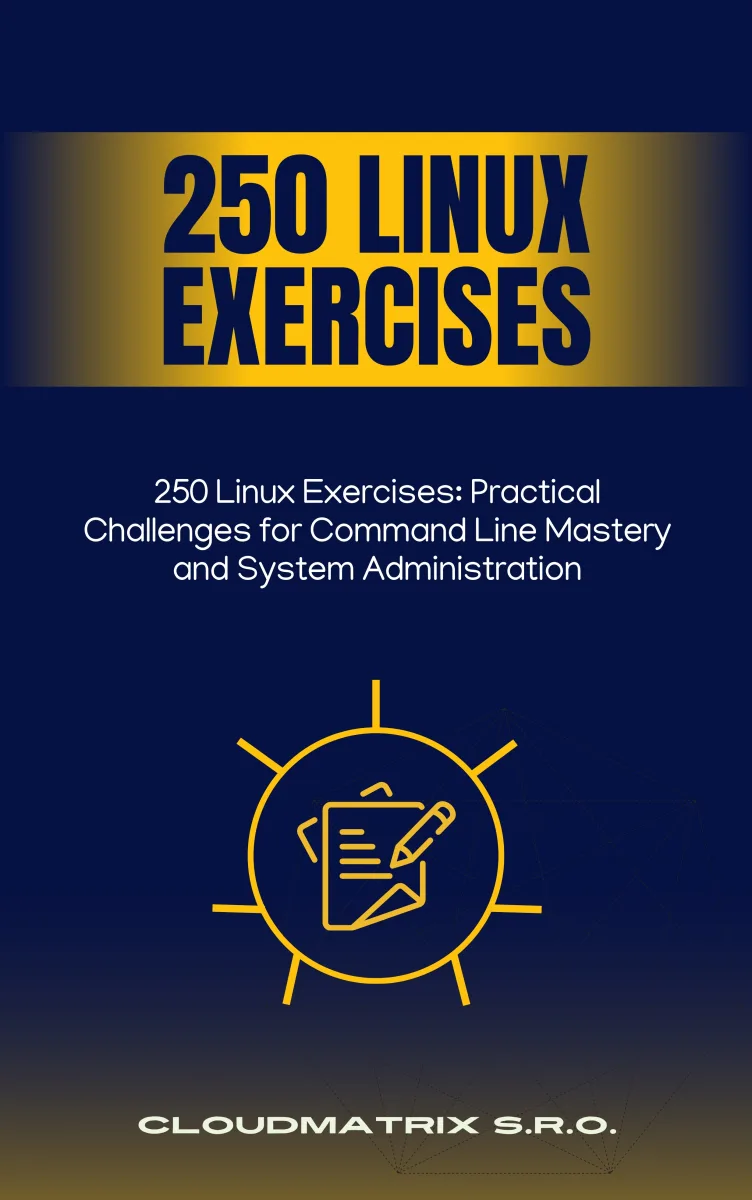
Recommended OPERATING SYSTEMS Books
Frequently Asked Questions
Start Your OS Mastery Journey
Browse our complete collection of operating system books and find the perfect starting point for your skill level.
Browse OS Books