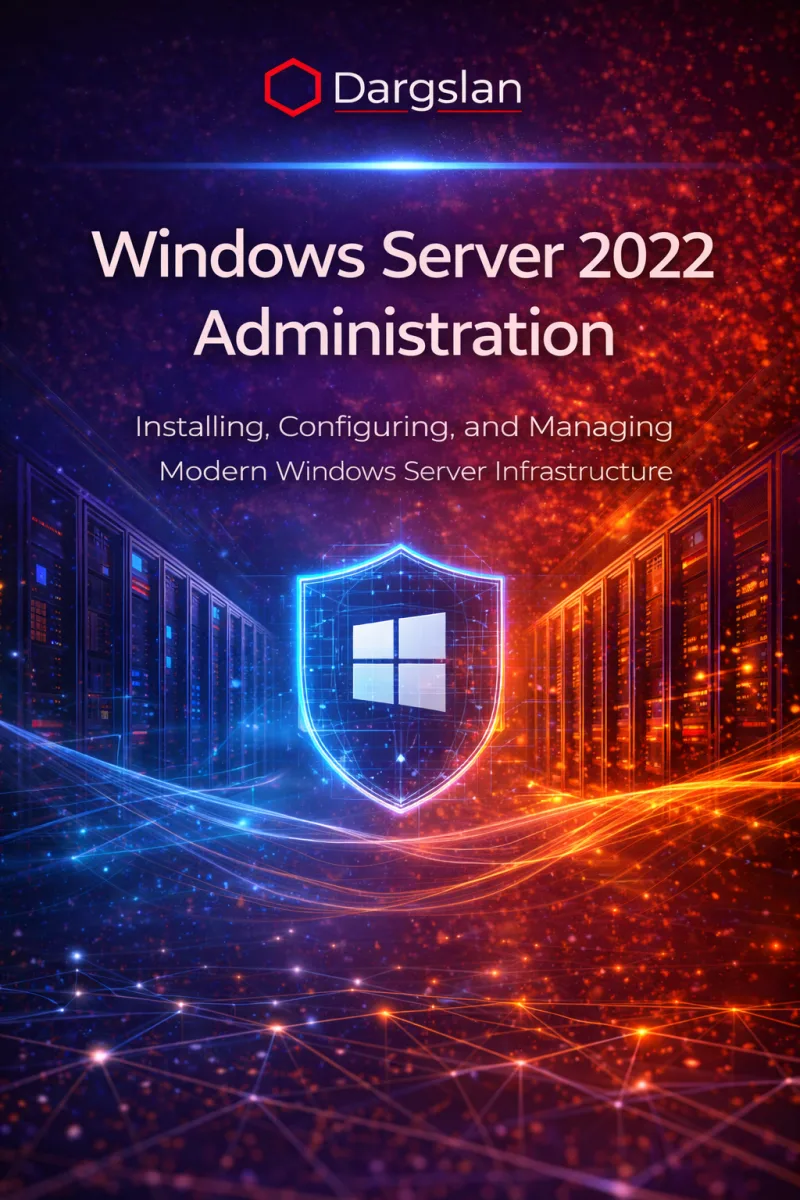
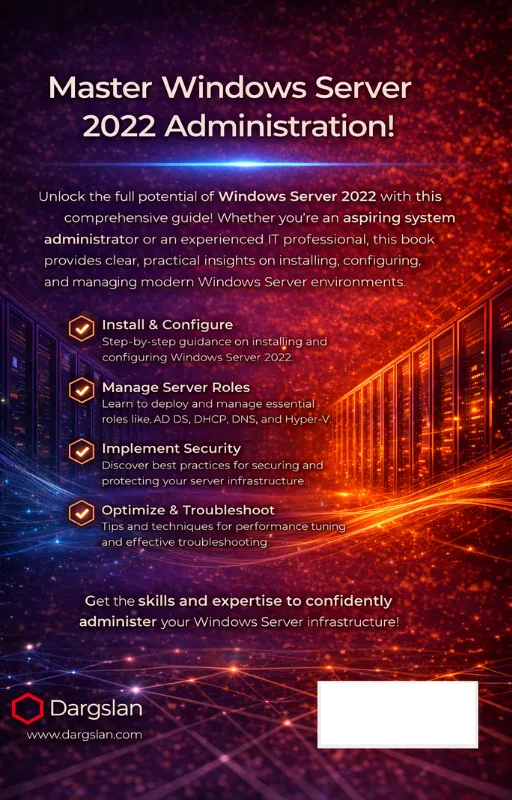
Windows Server 2022 Administration
Installing, Configuring, and Managing Modern Windows Server Infrastructure
What's Included:
At a Glance
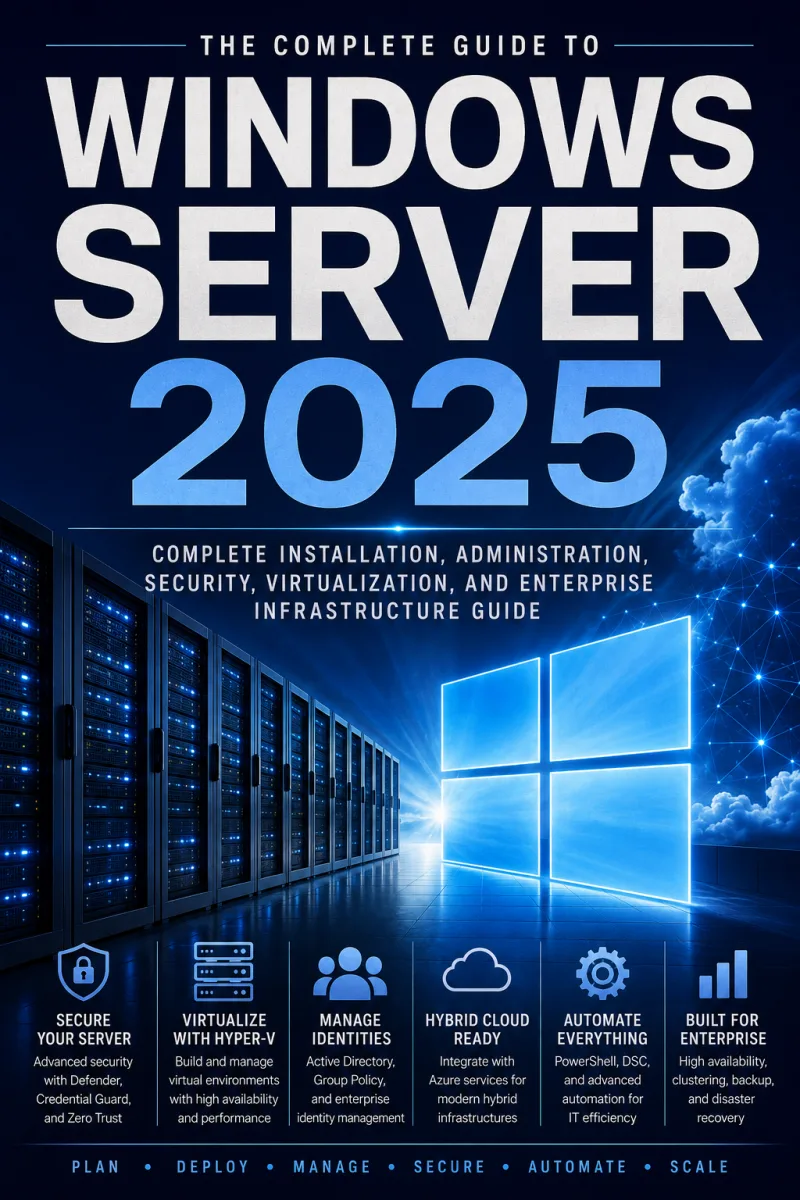
Windows Server 2022 Administration is a professional Windows Server eBook by Even R. Whitlock, 427 pages, available as an instant PDF and EPUB download for €11.90 with lifetime access and free updates. Installing, Configuring, and Managing Modern Windows Server Infrastructure.
- Length: 427 pages
- Format: PDF and EPUB (instant download)
- Language: English
- Topic: Windows Server
- Price: €11.90
Key Highlights
- Complete Windows Server 2022 administration coverage
- Active Directory and Group Policy fundamentals
- Networking, DNS, and DHCP explained clearly
- Hyper-V and container basics
- Security best practices and hardening
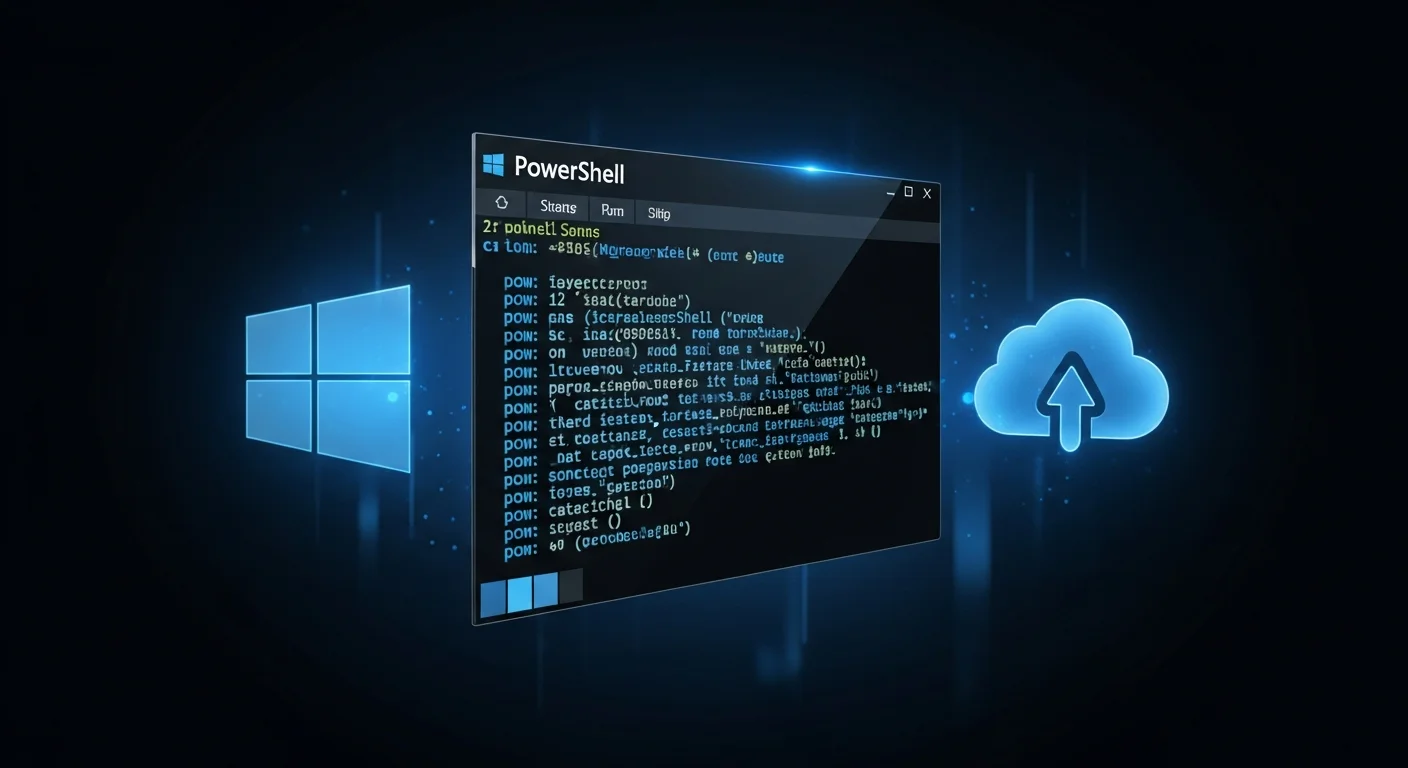
- PowerShell automation for daily admin tasks
- Hybrid and cloud integration overview
- Production-ready best practices
Overview
Master Windows Server 2022 administration from installation to production. Learn roles, Active Directory, networking, security, PowerShell automation, and hybrid cloud integration.
The Problem
Many administrators manage Windows Server environments without a structured understanding of roles, security, automation, and production best practices. This often leads to misconfigurations, security risks, and operational instability.
The Solution
This book provides a complete, structured approach to Windows Server 2022 administration, covering installation, configuration, security, automation, and production operations step by step.
About This Book
Master Modern Windows Server Administration
Windows Server 2022 Administration is a complete, hands-on guide for installing, configuring, and managing modern Windows Server environments in real-world production scenarios. Windows Server 2022 is Microsoft's latest long-term servicing channel release, with major improvements in security, hybrid cloud integration, and virtualization.
This book helps you understand not only how to configure these features, but how to operate Windows Server reliably, securely, and efficiently in enterprise environments.
What You Will Learn
- Windows Server 2022 editions, licensing, and deployment options
- Installation methods: Desktop Experience, Server Core, and containers
- Post-installation configuration and initial hardening
- Managing server roles and features
- Active Directory Domain Services installation and administration
- User, group, and organizational unit management
- Group Policy design and implementation
- DNS, DHCP, and core networking services
- File services, storage spaces, and permissions
- Backup strategies and Windows Server Backup
- Hyper-V virtualization: VMs, virtual networking, storage
- Windows containers fundamentals
- Security hardening and Windows security baselines
- PowerShell automation for server management
- Hybrid cloud integration with Azure Arc
Who Is This Book For?
This book is designed for IT professionals managing Windows Server. It is ideal for:
- Windows Server administrators at all levels
- IT professionals upgrading from earlier versions
- Help desk staff advancing to server roles
- Professionals preparing for Microsoft certifications
- Organizations deploying Windows Server 2022
Why This Book?
This book focuses on practical administration, not theory alone. Every chapter reflects real-world scenarios, common pitfalls, and best practices.
Prerequisites
Basic Windows administration experience is helpful but not required.
Author: Evan R. Whitlock
Who Is This Book For?
- Windows Server administrators
- IT professionals managing on-prem infrastructure
- System engineers upgrading to Windows Server 2022
- Helpdesk and junior admins moving into server roles
- IT students and certification candidates
Who Is This Book NOT For?
- Readers looking only for basic Windows usage
- Cloud-only administrators with no on-prem servers
- Advanced PowerShell-only automation specialists
Table of Contents
- Introduction to Windows Server 2022
- Windows Server Architecture
- Installing Windows Server 2022
- Post-Installation Setup
- Managing Roles and Features
- File and Storage Services
- Active Directory Domain Services
- User, Group, and Computer Management
- Networking on Windows Server
- DNS and DHCP Services
- Windows Server Security Fundamentals
- Group Policy Management
- Hyper-V Administration
- Containers and Modern Workloads
- Monitoring and Troubleshooting
- Backup, Recovery, and Maintenance
- Automation with PowerShell
- Windows Server in Production
- Hybrid and Cloud Integration
- Best Practices and Admin Checklist
Requirements
- Basic knowledge of Windows operating systems
- Interest in system administration or IT infrastructure
- No prior Windows Server experience required