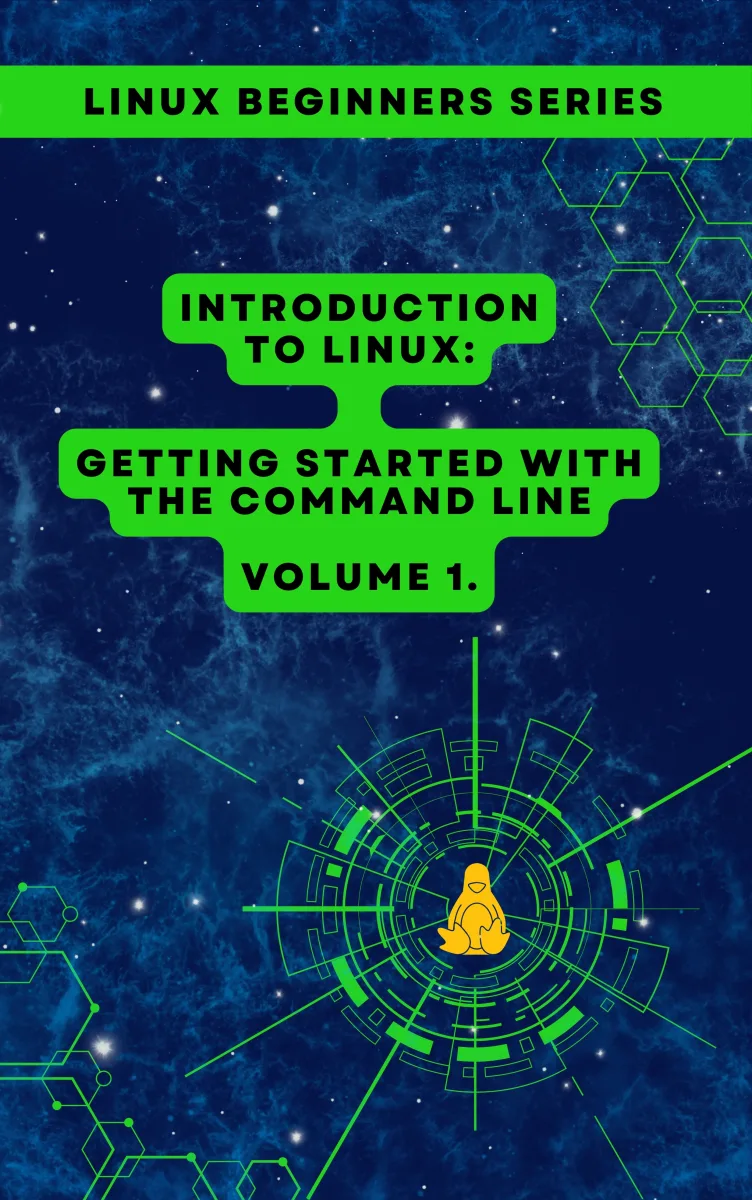
Introduction to Linux
Getting Started with the Command Line - Volume 1
What's Included:
At a Glance
Introduction to Linux is a professional Linux Fundamentals eBook by CloudMatrix sro, 181 pages, available as an instant PDF and EPUB download for €5.90 with lifetime access and free updates, last updated in 2026. Getting Started with the Command Line - Volume 1.
- Length: 181 pages
- Format: PDF and EPUB (instant download)
- Language: English
- Topic: Linux Fundamentals
- Edition: 2nd Edition
- Last updated: 2026
- Price: €5.90
Key Highlights
- Zero prior experience required — starts from absolute beginner level
- 10 progressive chapters that build logically on each other
- 4 practical appendices: cheat sheet, labs, error fixes, and glossary
- Hands-on approach — every concept reinforced with real commands
- Clear, plain-language explanations without unnecessary jargon
- Safe learning environment setup using virtual machines
- Complete filesystem navigation and file management coverage
- Master pipes, redirection, and command chaining
- Troubleshooting guide for common terminal errors
- Essential command-line cheat sheet for lifelong reference
- Beginner practice labs to build real muscle memory
- Glossary of core Linux terminology
- Volume 1 of a structured multi-volume Linux learning series
- Prepares you for system administration, scripting, DevOps, and security
Overview
Your zero-to-confident guide to the Linux command line. Learn to navigate, manage files, search, and use pipes with clear, hands-on lessons — no prior experience required. The perfect first step into Linux.
The Problem
Linux can feel impenetrable to newcomers. The terminal is intimidating, tutorials assume knowledge you do not have, and one wrong command can leave you staring at cryptic error messages with no idea what to do next.
Most Linux books are written for people who already kind of know Linux. They skip the fundamentals, overwhelm you with options, or bury critical concepts under advanced topics. The result: frustration, wasted hours, and the false belief that "Linux is just not for me."
Meanwhile, Linux skills are more valuable than ever — powering the cloud, servers, DevOps pipelines, and cybersecurity careers. Staying locked out of Linux means staying locked out of modern tech opportunities.
The Solution
Introduction to Linux is the beginner-first guide that actually starts at the beginning. No prior experience is assumed. No advanced concepts sneak in early. Every idea is introduced one step at a time, in plain language, with hands-on commands you type yourself.
Across 10 progressive chapters and 4 practical appendices, you will go from never having opened a terminal to navigating the filesystem, managing files, chaining commands with pipes, and troubleshooting errors — with genuine confidence.
This is Volume 1 of a structured Linux learning series, designed so that each skill you build becomes the foundation for the next. By the end, the terminal will feel like a tool, not a puzzle.
About This Book
Master the Linux Command Line — Starting from Absolute Zero
Introduction to Linux: Getting Started with the Command Line is the first volume in the CloudMatrix Linux learning series — a carefully structured, beginner-friendly guide designed to transform curious newcomers into confident Linux users. If you have ever opened a terminal window and felt lost, or if you have never opened one at all, this book was written specifically for you.
Linux powers the modern digital world. It runs the majority of web servers, every Android device, most supercomputers, cloud infrastructure at Amazon, Google, and Microsoft, as well as countless embedded systems, routers, and smart devices. Learning Linux is no longer a niche skill — it is a foundational competency for developers, system administrators, DevOps engineers, cybersecurity professionals, data scientists, and anyone who wants to understand how modern computing really works.
But here is the challenge: most Linux books throw beginners into the deep end. They assume prior knowledge, skip over critical fundamentals, or drown readers in advanced topics before they have mastered the basics. The result? Frustration, abandoned tutorials, and the false belief that Linux is "too hard."
This book takes a radically different approach. It is deliberately introductory, scoped precisely to meet you where you are, and built on three core principles: clarity over complexity, hands-on learning, and genuine confidence building.
What You Will Learn
Across ten progressive chapters and four practical appendices, you will build a rock-solid foundation in Linux and the command line. By the end of this volume, you will be able to open a terminal on any Linux system and get real work done — no guesswork, no panic, no copy-pasting commands you do not understand.
You will learn to:
- Understand what Linux is, where it came from, and why it matters in today's technology landscape
- Set up a safe, repeatable learning environment using virtual machines or live USB installations
- Navigate the Linux filesystem hierarchy with confidence and precision
- Work fluently with files, directories, and text content directly from the terminal
- Search, filter, and combine commands using pipes and input/output redirection
- Read and interpret command output, error messages, and system feedback
- Build genuine muscle memory and comfort at the command line
- Troubleshoot common terminal errors and recover from mistakes
A Structured Learning Path
This book is not a loose collection of tips — it is a progressive curriculum. Each chapter builds naturally on the previous one, ensuring you never feel overwhelmed and never miss a critical concept.
Chapters 1–3 introduce Linux itself, help you set up your learning environment, and guide you through your very first steps after installation. You will understand the history, philosophy, and ecosystem of Linux before writing a single command.
Chapters 4–6 explore the Linux filesystem and teach you to navigate, create, move, copy, and delete files and directories. These are the foundational skills that every Linux user — from hobbyist to senior engineer — uses every single day.
Chapters 7–9 expand your toolkit significantly. You will learn to view and read file contents, search for information across the filesystem, master the basics of the shell, and combine commands using pipes and redirection — the superpowers that make the Linux command line so uniquely productive.
Chapter 10 consolidates everything into real, practical command-line comfort. You will finish this chapter feeling genuinely at home in the terminal.
Appendices A–D provide lasting reference material: a complete command-line cheat sheet, beginner practice labs, a troubleshooting guide for common terminal errors, and a glossary of essential Linux terminology — resources you will return to long after finishing the book.
Why This Book Is Different
Unlike sprawling reference manuals or dense technical tomes, this book is scoped, intentional, and self-contained. It does not try to teach you everything about Linux in 500 pages. Instead, it teaches you the right things, in the right order, with the right depth for a beginner.
Every command is explained in plain language. Every concept is reinforced with practical examples you can type and run yourself. Every chapter ends with hands-on exercises so you build skill, not just knowledge. The book encourages you to type every command rather than merely read about it — because real comfort with Linux only comes from real practice.
Who Should Read This Book
This book is for anyone taking their first steps into Linux: students preparing for computer science coursework, aspiring developers building their technical foundation, system administrators transitioning from Windows or macOS, career changers entering IT or DevOps, curious professionals who want to understand the operating system powering the internet, and self-taught learners who want a clear, structured starting point.
You do not need any prior Linux experience. You do not need programming knowledge. You do not need to own special hardware. All you need is a computer, curiosity, and a willingness to type real commands into a real terminal.
What Comes Next
This is Volume 1 of a multi-volume Linux learning series from CloudMatrix. Completing this volume will prepare you for everything that follows: system administration, shell scripting, networking, server management, DevOps workflows, cybersecurity fundamentals, and advanced command-line mastery — all topics explored in future volumes of this series.
Linux is a craft. Learning it well is not a weekend sprint — it is a layered, progressive journey. This book is the deliberate, confident first step.
Turn the page, open a terminal, and take the first step of a journey you will never regret.
Who Is This Book For?
- Absolute beginners who have never used Linux or a command line before
- Students starting computer science, IT, or cybersecurity studies
- Windows and macOS users who want to finally understand Linux
- Aspiring developers, DevOps engineers, and system administrators
- Career changers moving into tech, cloud, or infrastructure roles
- Self-taught learners who want a clear, structured starting point
- Curious professionals who want to understand how modern servers work
- Anyone preparing for Linux certifications (LPI, CompTIA Linux+, RHCSA pathway)
Who Is This Book NOT For?
- Experienced Linux users looking for advanced shell scripting or system internals
- System administrators seeking deep coverage of services, networking, or security hardening
- Readers looking for distribution-specific package management deep dives
- Developers wanting DevOps, Docker, Kubernetes, or cloud tooling content (covered in later volumes)
- Anyone expecting a comprehensive reference manual rather than a guided learning path
- Readers who already feel comfortable in a Linux terminal
Table of Contents
- What Is Linux?
- Setting Up a Linux Learning Environment
- First Steps After Installation
- Understanding the Linux Filesystem
- Navigating the Command Line
- Working with Files and Directories
- Viewing and Reading File Content
- Searching and Finding Information
- Shell Basics, Pipes, and Redirection
- Becoming Comfortable with the Command Line
- Appendix A: Essential Command-Line Cheat Sheet
- Appendix B: Beginner Practice Labs
- Appendix C: Common Terminal Errors and Fixes
- Appendix D: Glossary of Basic Linux Terms
Requirements
- A computer running Windows, macOS, or Linux (any modern OS works)
- At least 4 GB of RAM (8 GB recommended for virtual machines)
- Around 20 GB of free disk space for a Linux VM installation
- A stable internet connection for downloading Linux and tools
- No prior Linux, terminal, or programming experience required
- Willingness to type commands rather than just read them
- Basic computer literacy (files, folders, installing software)