Manual backups are the number one cause of data loss in small and medium businesses. Not because the backup tool failed — but because someone forgot to run it. The solution? Complete automation with two of the most powerful tools in the Linux ecosystem: rsync and Borg Backup.
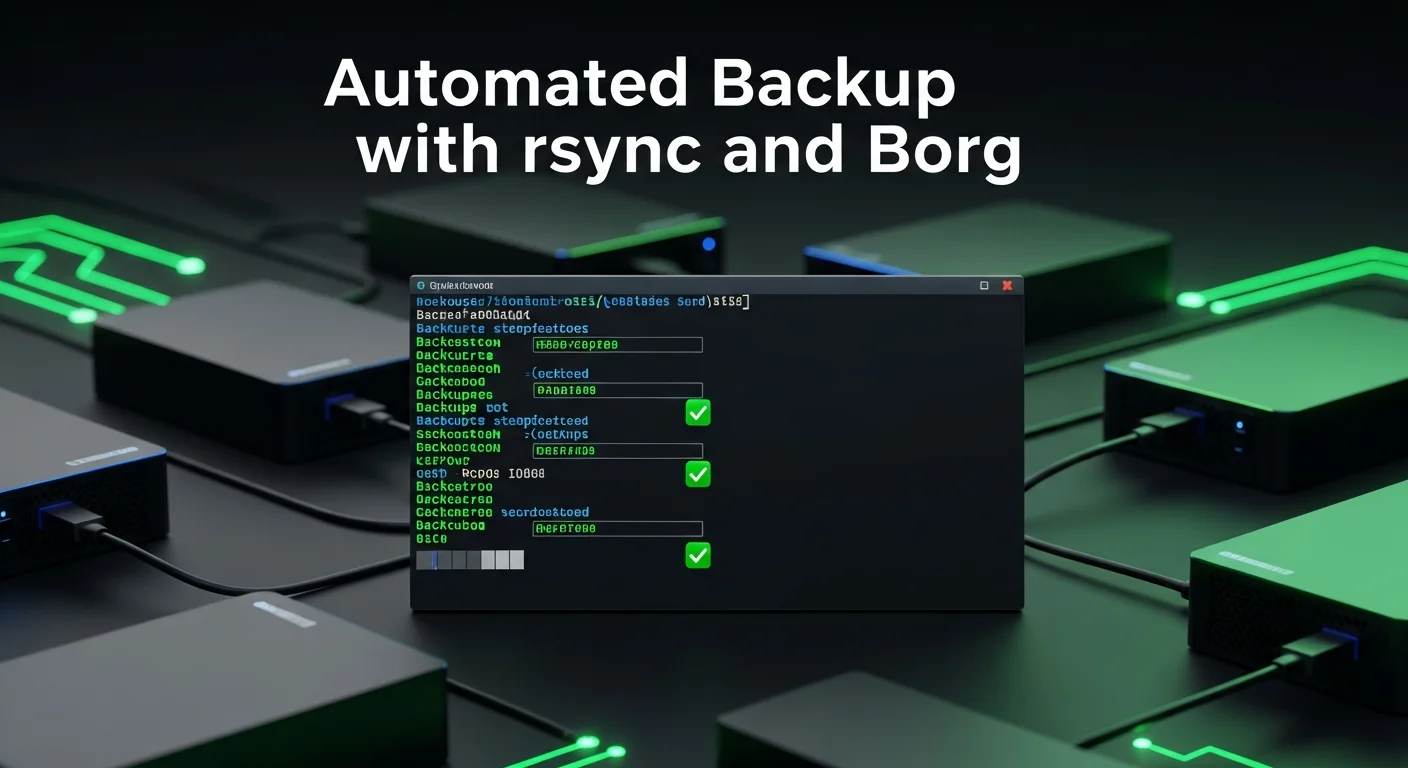
In this guide, you'll set up a fully automated backup system that runs without human intervention, verifies itself, and alerts you only when something goes wrong.
rsync vs Borg: When to Use Which
| Feature | rsync | Borg Backup |
|---|---|---|
| Deduplication | No | Yes (block-level) |
| Encryption | Via SSH only | Built-in AES-256 |
| Compression | Basic | zstd, lz4, lzma |
| Versioning | Manual (hardlinks) | Automatic archives |
| Best for | Simple file mirroring | Versioned, encrypted backups |
Setting Up rsync for File Mirroring
rsync is perfect for simple, fast file synchronization. Here's a production-ready script:
#!/bin/bash
# /usr/local/bin/backup-rsync.sh

SOURCE="/var/www /etc /home"
DEST="/backup/rsync"
LOG="/var/log/backup-rsync.log"
REMOTE="backup@offsite.example.com:/backup/server1"

echo "[$(date)] Starting rsync backup..." >> "$LOG"

for dir in $SOURCE; do
    rsync -avz --delete \
        --exclude='*.tmp' \
        --exclude='.cache' \
        --exclude='node_modules' \
        "$dir" "$DEST/" >> "$LOG" 2>&1
done

# Sync to offsite
rsync -avz --delete "$DEST/" "$REMOTE/" >> "$LOG" 2>&1

echo "[$(date)] Backup complete" >> "$LOG"
Setting Up Borg for Encrypted Versioned Backups
#!/bin/bash
# /usr/local/bin/backup-borg.sh

export BORG_REPO="/backup/borg"
export BORG_PASSPHRASE="your-secure-passphrase"

# Create archive with date-based name
borg create \
    --verbose --stats \
    --compression zstd,6 \
    --exclude '*.pyc' \
    --exclude '__pycache__' \
    --exclude 'node_modules' \
    ::'{hostname}-{now:%Y-%m-%d_%H:%M}' \
    /var/www /etc /home /var/lib/postgresql

# Prune old backups - keep 24 hourly, 7 daily, 4 weekly, 6 monthly
borg prune --verbose --stats \
    --keep-hourly=24 \
    --keep-daily=7 \
    --keep-weekly=4 \
    --keep-monthly=6

# Verify integrity
borg check --verbose "$BORG_REPO"
Automate with Cron
# /etc/cron.d/automated-backups
# rsync every 4 hours
0 */4 * * * root /usr/local/bin/backup-rsync.sh

# Borg backup every hour
0 * * * * root /usr/local/bin/backup-borg.sh

# Weekly integrity check
0 3 * * 0 root borg check /backup/borg 2>&1 | mail -s "Weekly Backup Check" admin@example.com
📘 Complete Backup Automation
This article covers the basics. For production-ready scripts including error handling, Slack notifications, S3 offsite sync, and database-specific backup strategies, get Linux Backup Automation with rsync & Borg (€14.90).
Monitoring and Alerting
#!/bin/bash
# /usr/local/bin/backup-monitor.sh
# Check if last backup is less than 2 hours old

LAST_BACKUP=$(borg list --last 1 --format '{time}' /backup/borg 2>/dev/null)

if [ -z "$LAST_BACKUP" ]; then
    echo "CRITICAL: No backups found!" | mail -s "⚠️ Backup FAILED" admin@example.com
    exit 1
fi

# Compare timestamps
LAST_TS=$(date -d "$LAST_BACKUP" +%s 2>/dev/null)
NOW_TS=$(date +%s)
DIFF=$(( (NOW_TS - LAST_TS) / 3600 ))

if [ "$DIFF" -gt 2 ]; then
    echo "WARNING: Last backup is ${DIFF} hours old" | mail -s "⚠️ Backup Delayed" admin@example.com
fi
Frequently Asked Questions
Is Borg Backup better than rsync?
They solve different problems. Use rsync for simple file mirroring and quick restores. Use Borg when you need deduplication, encryption, and versioned archives. Many production setups use both — Borg for primary backup and rsync for offsite replication.
How much storage do I need for Borg backups?
Thanks to deduplication, Borg typically uses 30–50% less storage than traditional incremental backups. A 50GB server with hourly backups and 7-day retention might need only 60–80GB of backup storage.
Can I backup to cloud storage?
Yes. Use rclone to sync Borg repositories to S3, Backblaze B2, or any cloud provider. Our Linux Backup Strategies book covers all cloud backup scenarios.