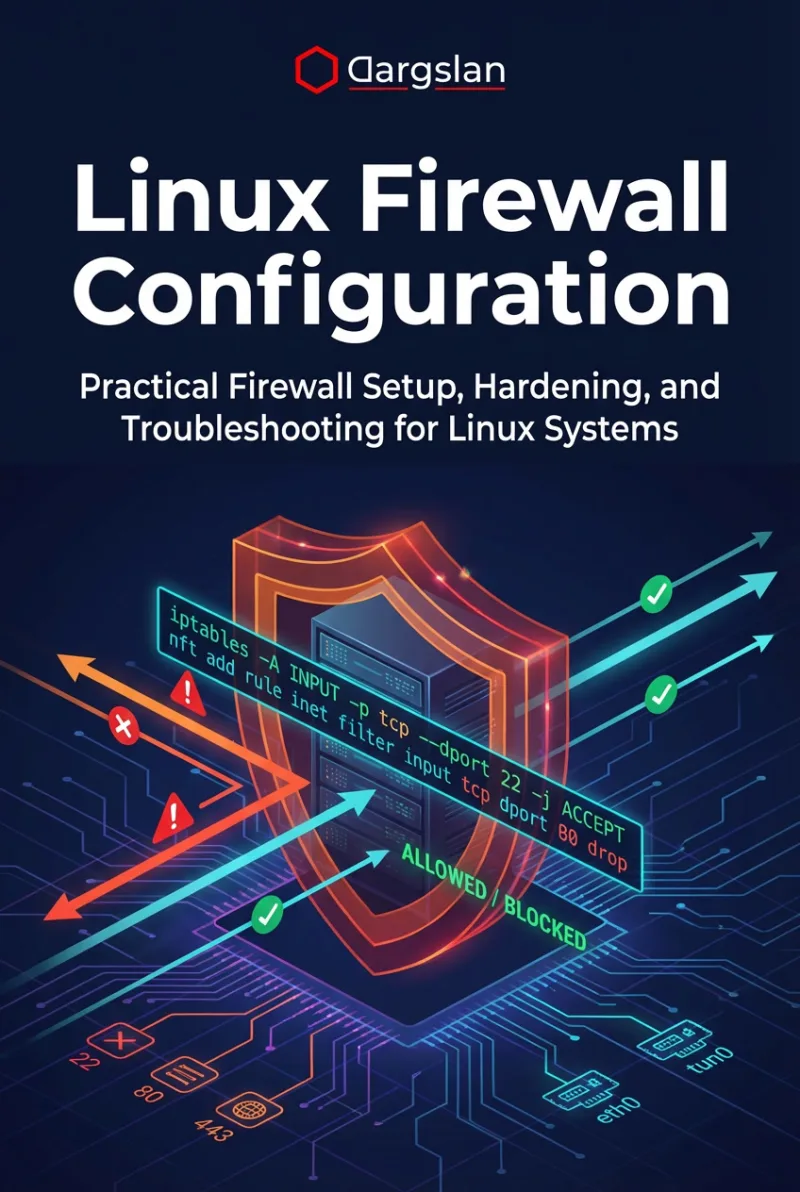
If you're managing Linux servers in 2026, you''ve likely encountered the question: should I use nftables or iptables? The answer is increasingly clear — nftables is the present and future of Linux firewalling, but understanding both tools remains essential for any system administrator.
In this guide, we break down every meaningful difference between nftables and iptables, explain when and how to migrate, and provide a free 6-page cheat sheet PDF you can download and keep next to your terminal.
What Changed and Why?
The Linux kernel introduced nf_tables (nftables) in kernel 3.13 back in 2014 as a replacement for the aging iptables framework. By 2026, nftables is the default firewall backend on all major distributions:
- Debian 10+ (Buster and later)
- Ubuntu 20.04+ (Focal and later)
- RHEL/CentOS/AlmaLinux 8+
- Fedora 18+
- Arch Linux (default since 2019)
Even if you're typing iptables commands, chances are they''re being silently translated to nftables via the iptables-nft compatibility layer. Run iptables -V — if the output mentions "nf_tables", you're already using nftables under the hood.
Key Differences at a Glance
| Feature | iptables | nftables |
|---|---|---|
| IPv4/IPv6 | Separate tools (iptables/ip6tables) | Unified inet family |
| Syntax | Flag-based (-A -j -p) | Human-readable (add rule ... accept) |
| Rule updates | Per-rule, serial | Atomic via nft -f |
| Tables | Pre-defined (filter, nat, mangle) | User-defined, any name |
| Sets | External ipset | Built-in named sets & maps |
| Performance | Linear rule evaluation | O(1) set lookups |
| Multi-port | Requires -m multiport | Native: { 80, 443 } |
Why nftables Wins: The Killer Features
1. Sets and Maps
The single biggest advantage of nftables is built-in sets and maps. Instead of maintaining a separate ipset tool, you can define sets directly in your firewall rules:
nft add set inet filter blocklist { type ipv4_addr; flags timeout; timeout 24h; }
nft add element inet filter blocklist { 1.2.3.4, 5.6.7.8 }
nft add rule inet filter input ip saddr @blocklist drop
Even more powerful are verdict maps, which let a single rule handle dozens of ports:
nft add map inet filter portpolicy { type inet_service : verdict; }
nft add element inet filter portpolicy { 22: accept, 80: accept, 443: accept }
nft add rule inet filter input tcp dport vmap @portpolicy
2. Atomic Rule Loading
With iptables, reloading rules means flushing and re-adding one by one — leaving a window where your server is unprotected. nftables loads entire rulesets atomically:
nft -f /etc/nftables.conf # All-or-nothing, zero downtime3. Flowtables for Wire-Speed Forwarding
For routers and gateways, nftables flowtables bypass the full netfilter stack for established connections, achieving near-wire-speed forwarding:
nft add flowtable inet filter ft { hook ingress priority 0; devices = { eth0, eth1 }; }
nft add rule inet filter forward ct state established flow add @ft accept
Migration Path: iptables to nftables
Migration doesn''t have to be scary. Here''s the recommended approach:
- Check your current backend:
iptables -V - Export existing rules:
iptables-save > /tmp/old-rules.txt - Auto-translate:
iptables-restore-translate -f /tmp/old-rules.txt > /etc/nftables.conf - Review and optimize the translated rules — add sets, consolidate multi-port rules
- Test in check mode:
nft -c -f /etc/nftables.conf - Apply:
nft -f /etc/nftables.conf - Enable on boot:
systemctl enable nftables
Pro tip: Before applying new rules over SSH, set a revert timer: at now + 5 min <<< "nft flush ruleset". If you lock yourself out, the rules auto-revert in 5 minutes.
Production-Ready Server Template
Here''s a battle-tested nftables configuration for a typical web server:
#!/usr/sbin/nft -f
flush ruleset

table inet filter {
  set blocklist {
    type ipv4_addr
    flags timeout
    timeout 24h
  }

  chain input {
    type filter hook input priority 0; policy drop;
    iifname lo accept
    ct state established,related accept
    ct state invalid drop
    ip saddr @blocklist drop
    ip protocol icmp limit rate 5/second accept
    tcp dport 22 limit rate 5/minute burst 10 packets accept
    tcp dport { 80, 443 } accept
    counter log prefix "nft-dropped: " drop
  }

  chain forward {
    type filter hook forward priority 0; policy drop;
  }

  chain output {
    type filter hook output priority 0; policy accept;
  }
}
Docker and nftables
Docker uses iptables by default, which can conflict with nftables. To use nftables with Docker:
- Add
{"iptables": false}to/etc/docker/daemon.json - Create manual nftables rules for Docker networking
- Restart Docker:
systemctl restart docker
This gives you full control over container networking rules through nftables.
Download the Free Cheat Sheet
We created a free 6-page PDF cheat sheet that covers everything in this article and more — including a complete command translation table, sets & maps reference, and a production server template you can copy-paste.
Download the nftables vs iptables Cheat Sheet (PDF)
FAQ
Is iptables deprecated?
While iptables is not officially removed from the kernel, it is considered legacy. All major Linux distributions now default to nftables, and the iptables-nft compatibility layer translates iptables commands to nftables internally. New projects should use nftables directly.
Can I use iptables commands with nftables?
Yes. The iptables-nft package provides a compatibility layer that accepts iptables syntax and translates it to nftables rules. However, mixing native nft and iptables-nft commands is not recommended as it can cause conflicts.
What about firewalld?
firewalld has used nftables as its default backend since version 0.6.0 (2018). If you use firewalld, you're already running nftables underneath. The nft command gives you more granular control when needed.
Is nftables faster than iptables?
Yes, especially with large rulesets. nftables uses set-based lookups (O(1) complexity) versus iptables'' linear rule evaluation (O(n)). For servers with hundreds of rules or large IP blocklists, the performance difference is significant.
How do I check which backend I''m using?
Run iptables -V. If the output includes "nf_tables", you're using the nftables backend. If it says "legacy", you're using the old iptables framework.