
Xen is an open-source Type 1 hypervisor originally developed at the University of Cambridge. It was the first hypervisor used by Amazon Web Services and remains a proven platform for enterprise and cloud virtualization. XCP-ng is the modern open-source fork, providing a complete virtualization solution with the Xen Orchestra management interface.
📥 Free Xen Hypervisor Cheat Sheet
Complete xl and xe command reference for Xen and XCP-ng administration.
Download Free PDF →Table of Contents
- Xen Architecture
- XCP-ng: The Open-Source Fork
- Domain Management with xl
- XenServer/XCP-ng with xe
- Storage Management
- Networking
- Migration & HA
- Best Practices
Xen Architecture
Xen uses a unique architecture based on domains:
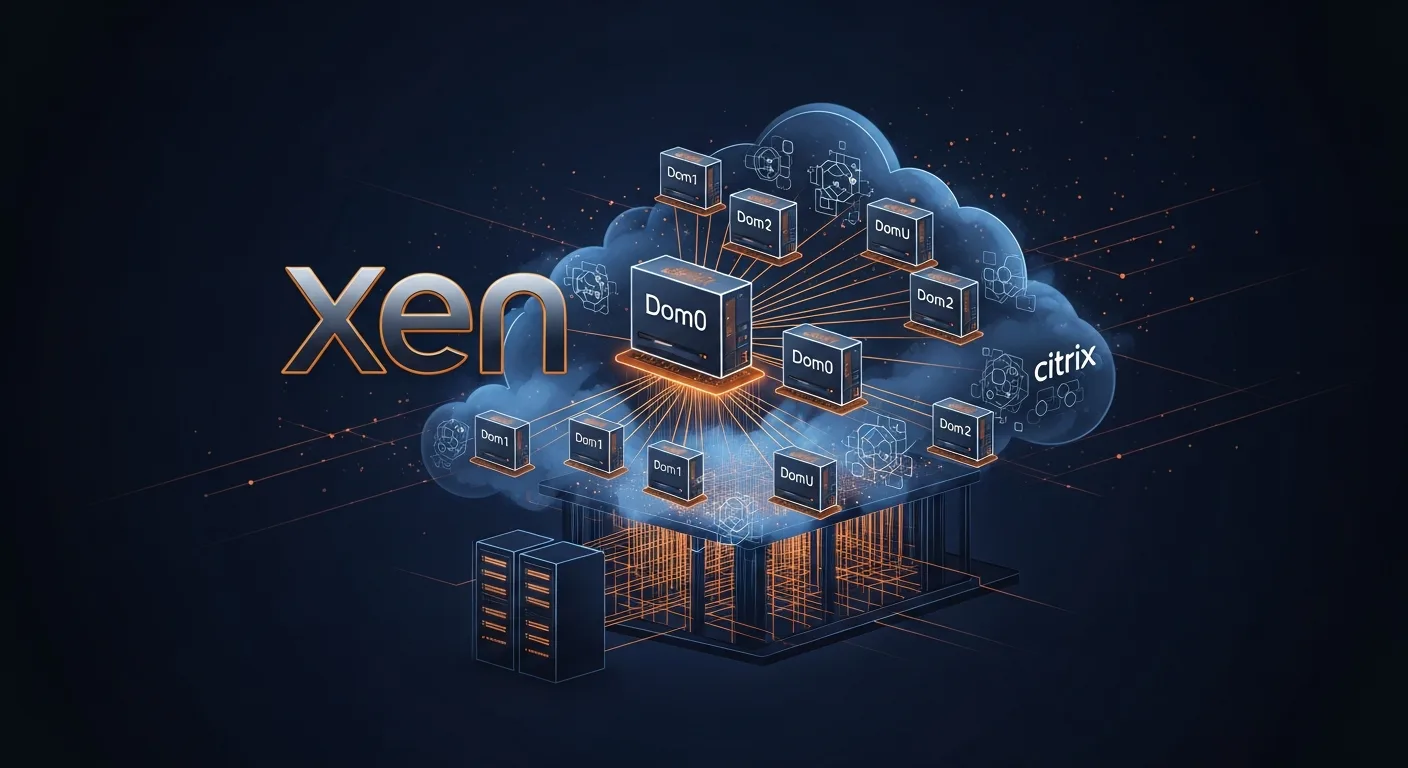
- Dom0 (Domain 0) — The privileged management domain that has direct hardware access. It runs a modified Linux kernel and manages all other domains
- DomU (Domain U) — Unprivileged guest domains (VMs). Can be either PV (paravirtualized) or HVM (hardware-assisted)
- PV (Paravirtualization) — Guest OS is modified to communicate with the hypervisor through hypercalls (better performance, Linux only)
- HVM (Hardware Virtual Machine) — Full hardware emulation using CPU extensions, supports unmodified OSes (including Windows)
- PVHVM — Hybrid approach: HVM with PV drivers for optimal performance
XCP-ng: The Open-Source Fork
XCP-ng is a turnkey open-source virtualization platform based on Xen, created as a fully open-source alternative to Citrix XenServer. It includes:
- Complete hypervisor and toolstack
- XAPI management layer (same API as XenServer)
- Xen Orchestra — Modern web-based management UI
- Full enterprise features with no artificial licensing restrictions
- Active community and commercial support options
Domain Management with xl
# Domain lifecycle
xl list                        # List all domains
xl create /etc/xen/vm1.cfg     # Create and start domain
xl shutdown myvm               # Graceful shutdown
xl destroy myvm                # Force destroy
xl reboot myvm                 # Reboot
xl pause myvm                  # Pause domain
xl unpause myvm                # Resume domain

# System info
xl info                        # Hypervisor information
xl dmesg                       # Xen kernel messages
xl top                         # Real-time domain monitor
xl uptime                      # Domain uptimes

# Console
xl console myvm                # Connect to domain console

# Resource management
xl vcpu-list                   # Show vCPU assignments
xl vcpu-set myvm 4             # Set vCPU count
xl mem-set myvm 4096           # Set memory (MB)
xl block-list myvm             # List block devices
xl network-list myvm           # List network interfaces
XenServer/XCP-ng with xe
# VM management
xe vm-list                     # List all VMs
xe vm-start vm=web1            # Start VM
xe vm-shutdown vm=web1         # Graceful shutdown
xe vm-reboot vm=web1           # Reboot
xe vm-param-list uuid=<uuid>  # VM parameters

# VM creation and cloning
xe vm-install template="Ubuntu Focal Fossa 20.04" new-name-label=web1
xe vm-clone vm=web1 new-name-label=web2

# Snapshots
xe vm-snapshot vm=web1 new-name-label=pre-update
xe snapshot-revert snapshot-uuid=<uuid>

# Export/Import
xe vm-export vm=web1 filename=web1.xva
xe vm-import filename=web1.xva
Storage Management
# Storage repositories
xe sr-list                     # List SRs
xe sr-param-list uuid=<uuid>  # SR details
xe vdi-list                    # List virtual disk images
xe vdi-create sr-uuid=<sr> name-label=data type=user virtual-size=100GiB

# Pool management
xe pool-list                   # Pool info
xe pool-param-list uuid=<uuid>
Networking
# Network management
xe network-list                # List networks
xe pif-list                    # Physical interfaces
xe vif-list                    # Virtual interfaces

# Create network
xe network-create name-label=internal

# Host management
xe host-list                   # List hosts in pool
xe host-cpu-info               # CPU information
Migration & HA
# Live migration
xe vm-migrate vm=web1 host=host2 live=true

# Pool HA
xe pool-ha-enable heartbeat-sr-uuids=<sr-uuid>
xe pool-ha-disable
xe pool-ha-compute-hypothetical-max-host-failures-to-tolerate
Best Practices
- Use PVHVM mode — Combines HVM compatibility with PV driver performance
- Install XenTools/guest agent — Required for graceful shutdown and live migration
- Use XCP-ng over XenServer — Full features without Citrix licensing restrictions
- Xen Orchestra for management — Modern web UI with continuous replication, backup, and DR
- Shared storage for clustering — NFS or iSCSI for live migration between hosts
- Regular Dom0 updates — Keep the management domain patched and secure
- Resource limits on Dom0 — Don't run application workloads in Dom0



