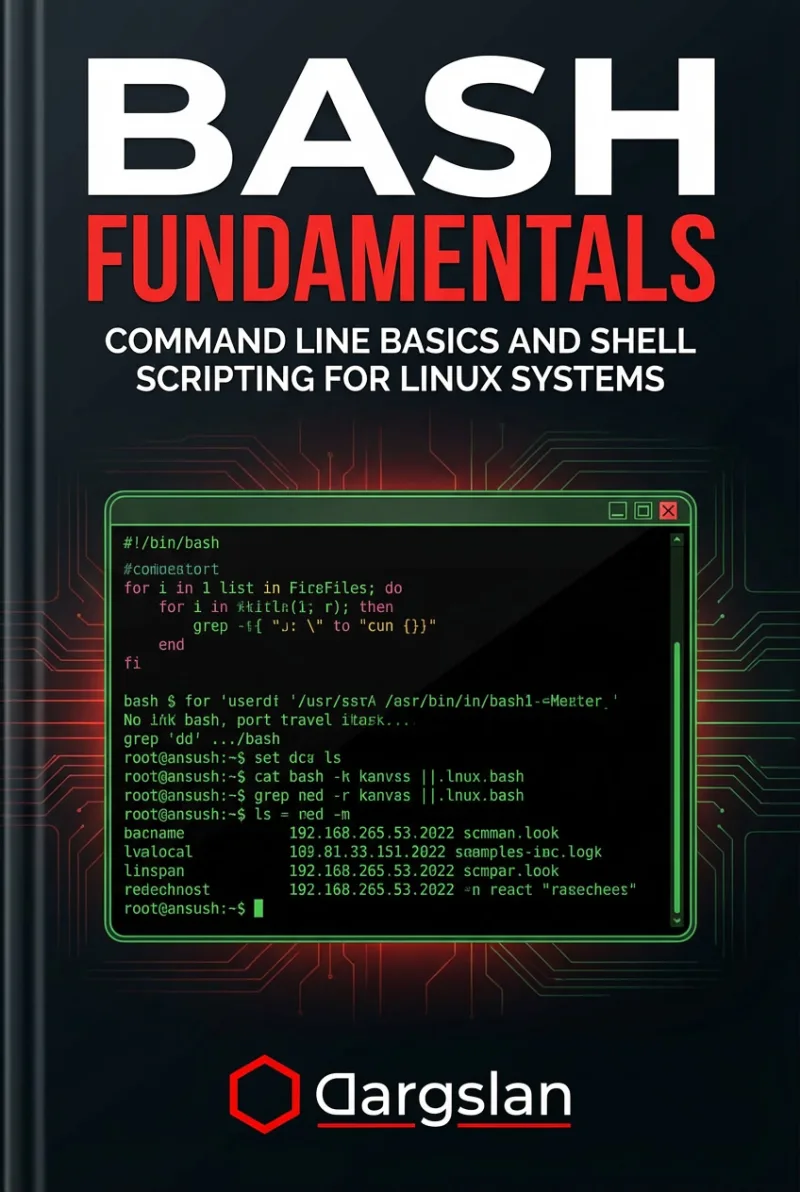
BASH Fundamentals
Command Line Basics and Shell Scripting for Linux Systems
What's Included:
At a Glance
BASH Fundamentals is a professional Bash / Shell eBook by Bas van den Berg, 463 pages, available as an instant PDF and EPUB download for €19.90 with lifetime access and free updates. Command Line Basics and Shell Scripting for Linux Systems.
- Length: 463 pages
- Format: PDF and EPUB (instant download)
- Language: English
- Topic: Bash / Shell
- Edition: 1st Edition
- Price: €19.90
Key Highlights
- Beginner-friendly command line introduction
- Real Bash scripting examples
- Automation-focused approach
- Error handling and debugging techniques
- Linux best practices
Overview
Learn Linux command line fundamentals and Bash scripting from scratch. Navigate files, automate tasks, and write reliable shell scripts for real-world Linux systems.
The Problem
Many Linux users rely on graphical tools and struggle with the command line, limiting their productivity and automation capabilities.
The Solution
This book teaches Bash step by step, helping you confidently use the Linux command line and write scripts to automate real tasks.
About This Book
Master the Linux Command Line with Bash
BASH Fundamentals is a practical, beginner-friendly guide to mastering the Linux command line and shell scripting using Bash—the default shell on most Linux distributions and macOS systems.
Whether you are a developer, system administrator, or IT professional, understanding Bash is essential for working efficiently in any Unix-like environment. This book takes you from basic terminal usage to writing structured, maintainable Bash scripts that automate real-world tasks.
What You Will Learn
- Linux shell fundamentals and how command-line interfaces work
- Essential command syntax, options, and arguments
- File and directory management using core utilities
- Pipes, redirection, and text processing with grep, sed, and awk
- Bash variables, arrays, loops, and conditional statements
- Writing and debugging structured Bash scripts
- Automating repetitive tasks and system administration workflows
- Working with environment variables and configuration files
- Error handling and script best practices
Who Is This Book For?
This book is designed for beginners who want to become proficient with the Linux command line, as well as intermediate users who want to improve their scripting skills. It is ideal for:
- System administrators managing Linux servers
- Developers working in Unix-like environments
- DevOps engineers automating infrastructure tasks
- IT professionals preparing for Linux certifications
- Anyone transitioning from Windows to Linux
Why This Book?
Unlike generic command references, this book focuses on understanding why commands work the way they do. Every concept is explained with practical examples and real-world use cases that you can immediately apply to your daily work.
By the end of this book, you will be confident navigating the Linux terminal, writing reliable automation scripts, and troubleshooting issues efficiently.
Prerequisites
No prior command-line experience is required. Access to a Linux system (physical, virtual, or WSL) is recommended for hands-on practice.
Author: Bas van den Berg
Who Is This Book For?
- Linux beginners
- System administrators
- DevOps engineers
- Developers working on Linux
- IT professionals learning automation
Who Is This Book NOT For?
- Advanced shell scripting experts
- Users looking only for GUI-based tools
- Non-Linux environments
Table of Contents
- What Bash Is and Why It Matters
- Understanding the Linux Shell Environment
- Navigating the File System
- Working with Files and Directories
- Understanding Commands and Options
- Pipes and Redirection
- Searching and Filtering Text
- Text Transformation Tools
- Variables and Quoting
- Conditions and Loops
- Writing Your First Bash Scripts
- Functions and Script Structure
- Error Handling and Debugging
- Automating Tasks with Bash
- Bash Best Practices
- From Bash Fundamentals to Advanced Topics
Requirements
- Basic computer literacy
- Access to a Linux system or VM
- No prior Bash knowledge required