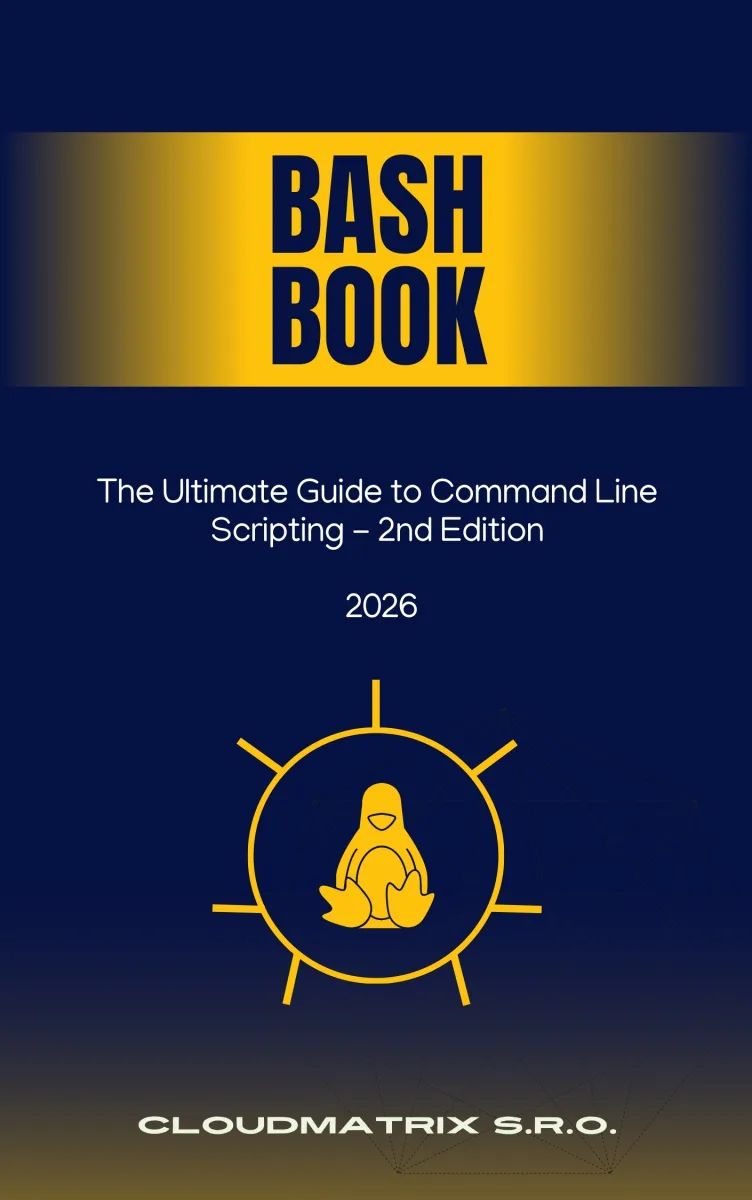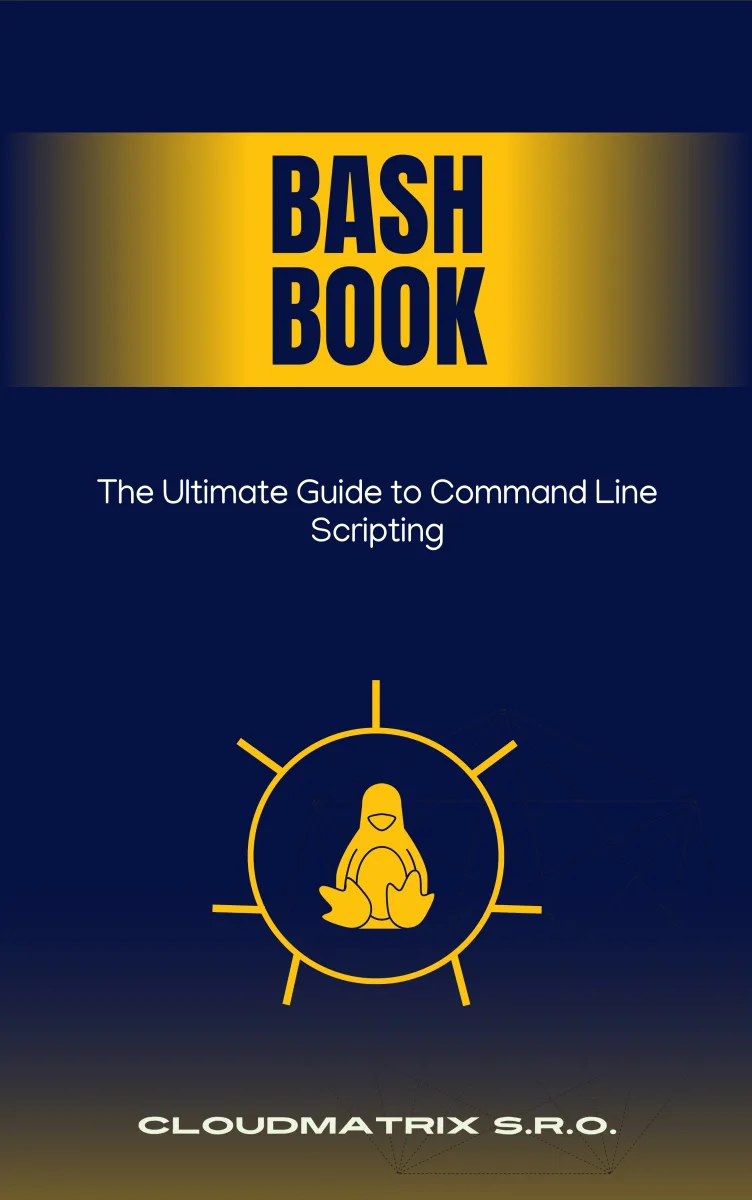
Bash Book
The Ultimate Guide to Command Line Scripting
What's Included:
At a Glance
Bash Book is a professional Scripting eBook by CloudMatrix Editorial Team, 452 pages, available as an instant PDF and EPUB download for €9.90 with lifetime access and free updates. The Ultimate Guide to Command Line Scripting.
- Length: 452 pages
- Format: PDF and EPUB (instant download)
- Language: English
- Topic: Scripting
- Edition: 1st Edition
- Price: €9.90
Key Highlights
- Comprehensive Bash scripting progression (beginner to advanced)
- File system navigation and permission management
- Text processing with grep, sed, awk, and regex
- Variables, loops, conditionals, and functions
- Input/output redirection and logging strategies
- Job control, background processes, and scheduling
- Networking automation and SSH scripting
- Secure scripting best practices
- Real-world automation projects
- Portable scripting across Linux, macOS, and Windows (WSL)
Overview
Master Bash scripting from fundamentals to advanced automation. Learn CLI efficiency, text processing, system administration, networking, and secure scripting.
The Problem
Many users rely on graphical interfaces and never unlock the efficiency of the command line. Even those who use Bash daily often rely on memorized commands without fully understanding scripting fundamentals.
Common challenges include:
- Repetitive manual tasks that could be automated
- Limited understanding of shell scripting structure
- Confusion around permissions and ownership
- Difficulty processing large text files efficiently
- Lack of secure scripting practices
Without structured learning, users plateau at a basic command level instead of achieving automation mastery.
The Solution
Bash Book provides a structured learning path from basic command-line usage to advanced system automation.
You will learn how to:
- Write robust, maintainable shell scripts
- Process and manipulate text efficiently
- Automate system administration tasks
- Debug scripts methodically
- Secure your shell scripting practices
- Build reusable automation tools
The result: greater productivity, deeper system control, and professional-level command-line confidence.
About This Book
Bash Book is a comprehensive guide to mastering the Bourne Again Shell — from command-line fundamentals to advanced scripting, automation, and system administration. Whether you are a beginner stepping into the terminal for the first time or an experienced user refining your workflow, this book provides a structured path to command-line mastery.
Bash is more than a command interpreter — it is a powerful scripting language that drives Linux and UNIX systems worldwide. Learning Bash unlocks the ability to automate tasks, manage systems efficiently, and build reliable operational workflows.
From Command Line Basics to Automation
This book begins with foundational shell concepts and gradually progresses into professional-grade scripting techniques:
- Navigating the file system and mastering CLI commands
- Managing files, permissions, and system resources
- Writing and structuring shell scripts
- Using control structures, functions, and variables effectively
Text Processing and System Control
You will develop powerful text-processing skills using:
grep,sed, andawk- Regular expressions
- Pipes, filters, and redirection
- Logging and error handling strategies
Advanced Automation and Administration
The later chapters explore networking, debugging, security practices, job scheduling, environment customization, and real-world scripting projects that reinforce practical knowledge.
This book is not about memorizing commands. It is about understanding the philosophy of efficiency, precision, and automation that defines effective Bash usage.
Who Is This Book For?
- Linux and UNIX users
- System administrators and DevOps engineers
- Developers working in server environments
- IT professionals seeking automation skills
- Students learning operating system fundamentals
Who Is This Book NOT For?
- Users looking exclusively for GUI-based tools
- Readers uninterested in scripting or automation
- Developers seeking deep programming language theory
- Advanced shell experts looking only for obscure edge cases
Table of Contents
- Introduction to Bash
- Basic Shell Concepts
- Working with Files and Directories
- Text Processing
- Shell Scripting Basics
- Variables and Parameters
- Control Structures
- Functions in Bash
- Input and Output
- Advanced Scripting
- Working with Regular Expressions
- Networking and Bash
- Debugging and Error Handling
- Security and Best Practices
- Bash and System Administration
- Customizing the Bash Environment
- Bash on Different Systems
- Bash Scripting Projects
- Resources and Further Learning
- Appendix and Cheat Sheets
Requirements
- Access to a Linux, macOS, or WSL environment
- Basic familiarity with using a computer terminal
- No prior scripting experience required
- Willingness to practice with hands-on exercises