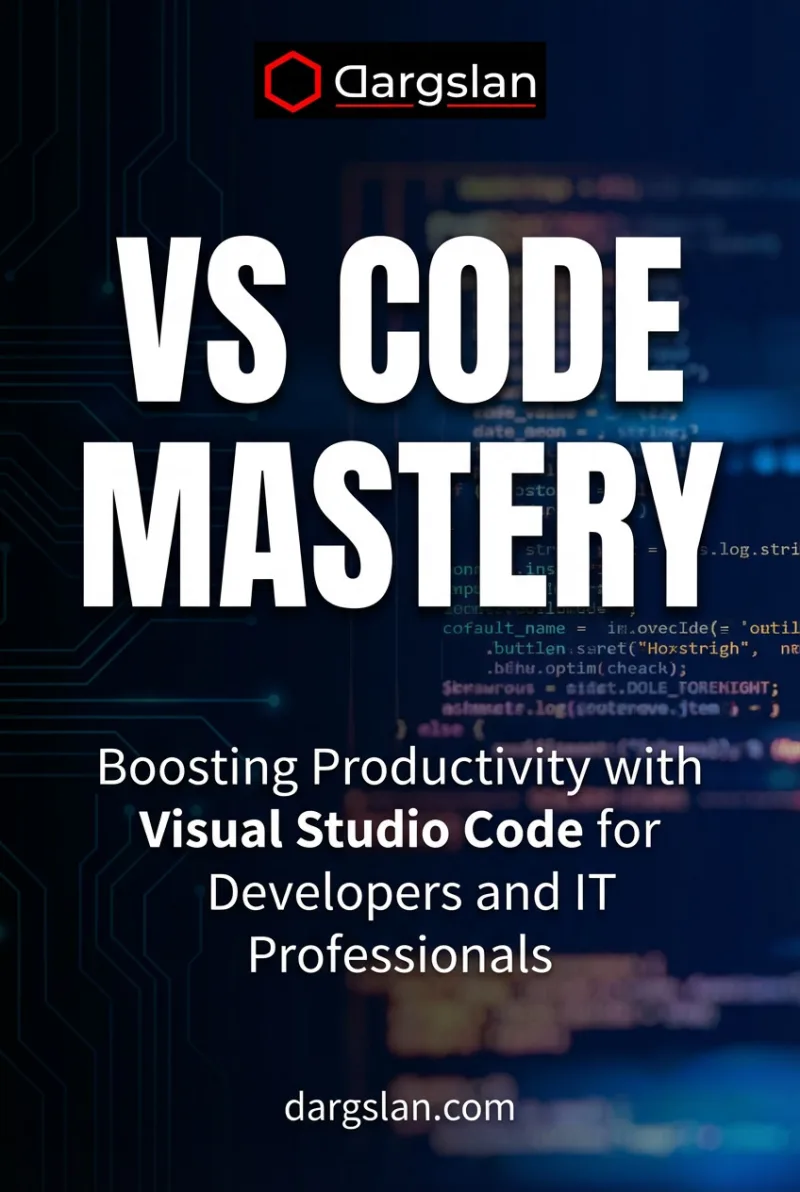
VS Code Mastery
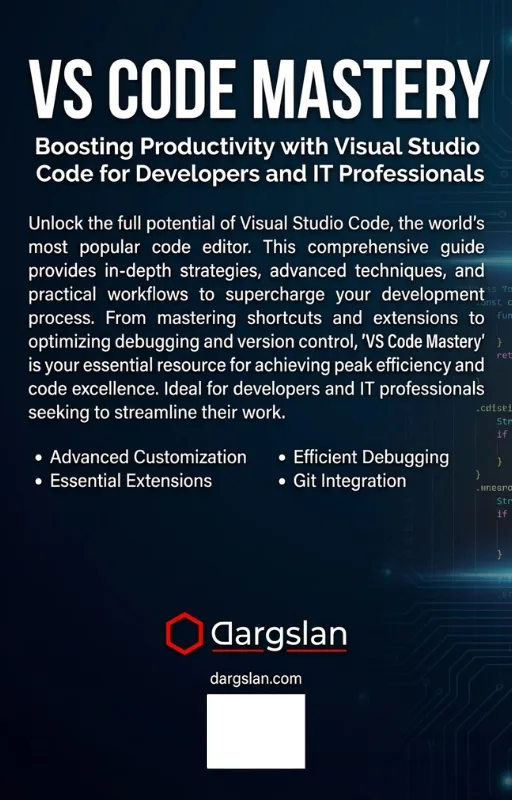
Boosting Productivity with Visual Studio Code for Developers and IT Professionals
What's Included:
At a Glance
VS Code Mastery is a professional PROGRAMMING & DEVELOPMENT eBook by Nico Brandt, 338 pages, available as an instant PDF and EPUB download for €0.00 with lifetime access and free updates. Boosting Productivity with Visual Studio Code for Developers and IT Professionals.
- Length: 338 pages
- Format: PDF and EPUB (instant download)
- Language: English
- Topic: PROGRAMMING & DEVELOPMENT
- Edition: 1st Edition
- Price: €0.00
Key Highlights
- Practical, workflow-focused approach
- Works for all major programming languages
- Covers Git, debugging, testing, and remote development
- Extension recommendations by role
- Settings and productivity best practices
Overview
Master Visual Studio Code and boost your productivity. Learn editing, debugging, extensions, Git integration, and remote workflows with practical, real-world examples for developers and IT professionals.
The Problem
Many developers use Visual Studio Code only at a basic level, missing powerful features that could dramatically improve productivity and code quality.
The Solution
This book teaches you how to configure, extend, and master VS Code to work faster, write cleaner code, and maintain consistent workflows across projects.
About This Book
Master Visual Studio Code and Work Faster Every Day
VS Code Mastery is a practical, hands-on guide designed to help developers and IT professionals unlock the full power of Visual Studio Code. VS Code has become the most popular code editor in the world, and knowing how to use it effectively can dramatically improve your productivity.
This book goes beyond basic editor usage. You will learn how to configure VS Code for speed, clarity, and productivity—whether you write code daily, manage infrastructure, or work across multiple programming languages and frameworks.
What You Will Learn
- Efficient code navigation: Go to Definition, Find All References, breadcrumbs
- Advanced editing techniques: multi-cursor, snippets, and Emmet
- Powerful search and replace with regex across projects
- Refactoring workflows that save hours of manual work
- Using IntelliSense, code completion, and language features effectively
- Git integration: staging, commits, branches, and merge conflicts
- Debugging code in any language with breakpoints and watch expressions
- Running tests directly in the editor
- Essential extensions for web development, Python, DevOps, and more
- Customizing settings, keybindings, and themes
- Remote development with SSH, containers, and WSL
- Workspace organization and multi-root workspaces
Who Is This Book For?
This book is designed for anyone who uses VS Code and wants to become more productive. It is ideal for:
- Software developers working in any programming language
- Web developers building frontend and backend applications
- DevOps engineers managing infrastructure as code
- Data scientists working with Python and Jupyter notebooks
- Anyone who spends significant time in a code editor
Why This Book?
This book is ideal for developers and IT professionals who want to turn VS Code into a personalized, high-performance development environment tailored to their workflow.
Prerequisites
Basic familiarity with VS Code is helpful but not required. The book starts from fundamentals.
Author: Nico Brandt
Who Is This Book For?
- Software developers
- Frontend and backend engineers
- DevOps and platform engineers
- IT professionals working with code
- Students and self-taught developers
Who Is This Book NOT For?
- Users looking for a simple text editor
- Readers who never write or manage code
- Those seeking IDE-specific frameworks only
Table of Contents
- Why VS Code Became the Standard
- VS Code Interface and Workflow Basics
- Editing Like a Pro
- Search, Replace, and Refactoring
- Settings and Configuration
- Themes, Fonts, and Accessibility
- Extensions That Matter
- Language Support and IntelliSense
- Integrated Terminal and Shells
- Git and Version Control in VS Code
- Debugging Fundamentals
- Running and Testing Code
- VS Code for Different Roles
- Remote Development and Containers
- Productivity Habits and Best Practices
- From VS Code Mastery to Expert Workflows
Requirements
- Basic computer skills
- Visual Studio Code installed
- Any operating system (Windows, macOS, Linux)