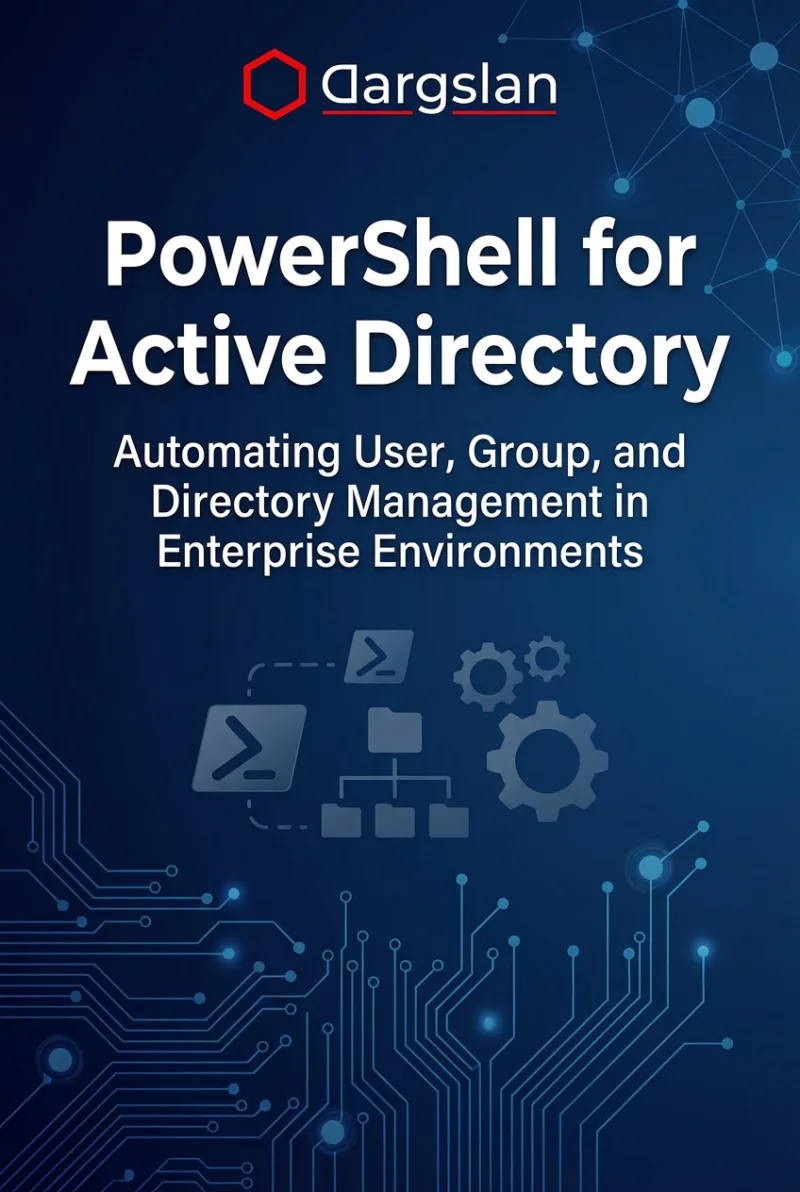
PowerShell for Active Directory
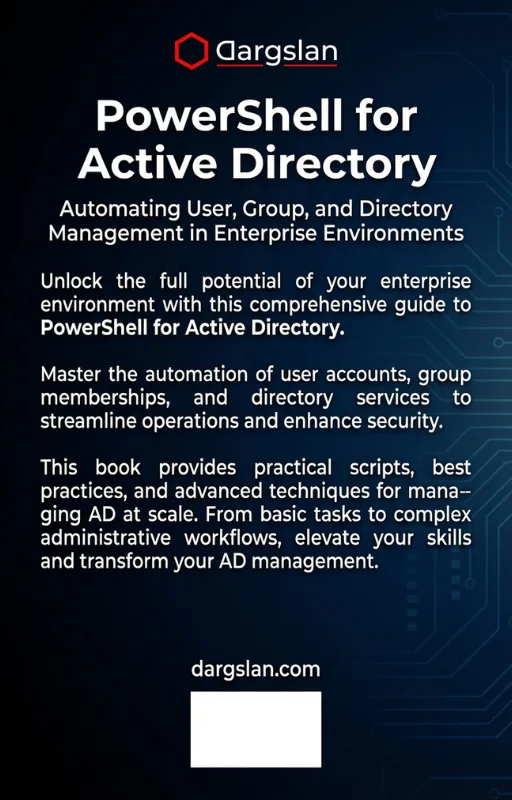
Automating User, Group, and Directory Management in Enterprise Environments
What's Included:
At a Glance
PowerShell for Active Directory is a professional PowerShell eBook by Asher Vale, 515 pages, available as an instant PDF and EPUB download for €22.90 with lifetime access and free updates. Automating User, Group, and Directory Management in Enterprise Environments.
- Length: 515 pages
- Format: PDF and EPUB (instant download)
- Language: English
- Topic: PowerShell
- Edition: 1st Edition
- Price: €22.90
Key Highlights
- Enterprise-scale AD automation
- User lifecycle and bulk operations
- PowerShell reporting and auditing
- Security and compliance scripting
- Production-ready PowerShell practices
Overview
Automate Active Directory with PowerShell. Learn user lifecycle management, group automation, bulk operations, reporting, and enterprise-ready AD scripting best practices.
The Problem
Manual Active Directory management is slow, error-prone, and difficult to scale in enterprise environments.
The Solution
This book shows how to automate Active Directory using PowerShell to manage users, groups, and security reliably and efficiently.
About This Book
Automate Active Directory with PowerShell
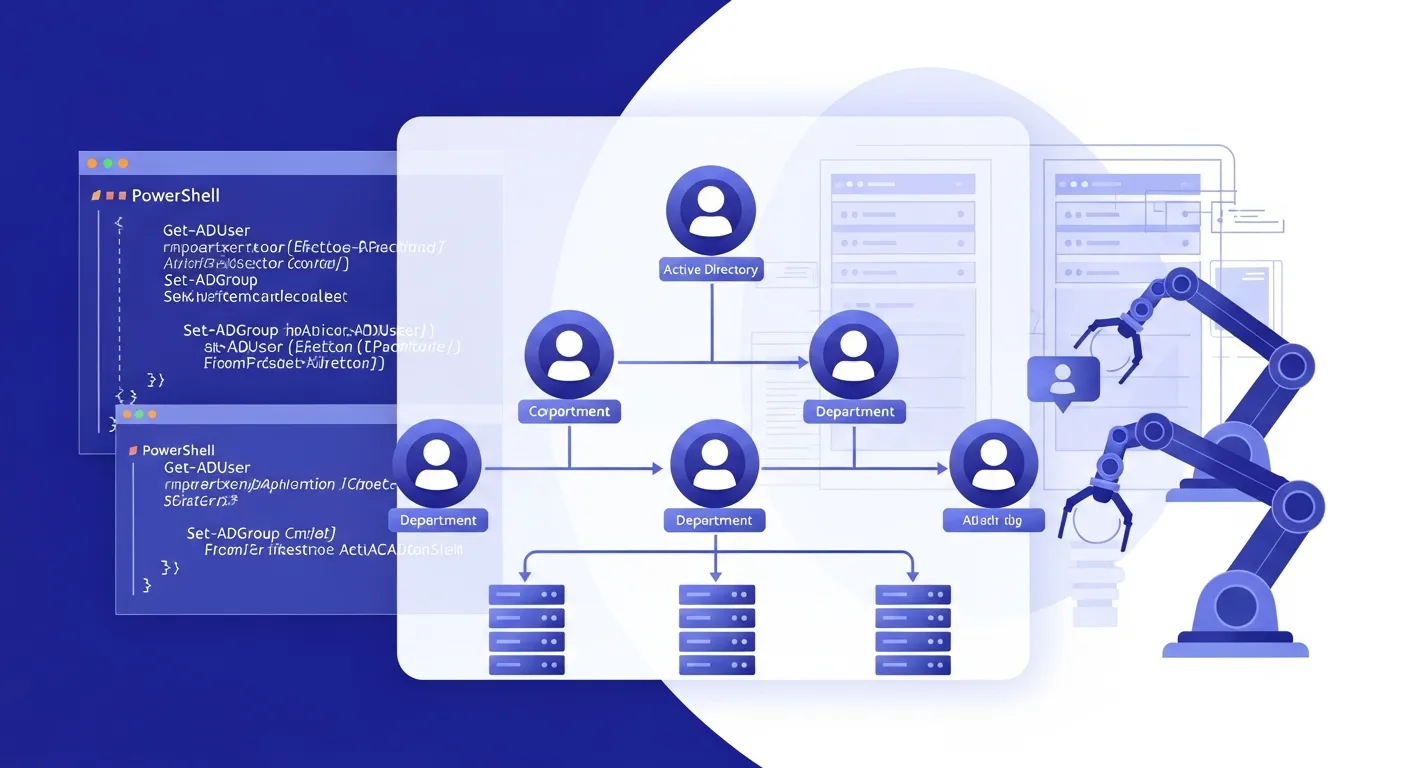
PowerShell for Active Directory is a practical, enterprise-focused guide to managing and automating Active Directory using PowerShell. Active Directory remains the backbone of identity management in most organizations, and PowerShell provides the most powerful way to administer it at scale.
This book teaches you how to replace manual, error-prone AD administration with reliable, repeatable automation. From user lifecycle management to bulk operations, security auditing, and compliance reporting, you will learn how to control Active Directory efficiently in enterprise environments.
What You Will Learn
- PowerShell Active Directory module fundamentals and cmdlet reference
- User account creation, modification, and lifecycle management
- Group management and membership automation
- Organizational Unit (OU) structure and delegation
- Bulk AD operations: mass user creation, updates, and migrations
- Advanced querying with LDAP filters and PowerShell filtering
- Reporting and exporting AD data to CSV, HTML, and other formats
- Security auditing: finding stale accounts, password issues, and privilege analysis
- Compliance checks and policy enforcement automation
- Error handling, logging, and production-ready script patterns
- Scheduling AD automation tasks with Task Scheduler
Who Is This Book For?
This book is designed for Windows system administrators and IT professionals who manage Active Directory. It is ideal for:
- Windows system administrators managing enterprise AD environments
- IT administrators automating repetitive AD tasks
- Help desk teams needing efficient user management tools
- Security professionals auditing Active Directory
- Anyone preparing for Microsoft certifications involving AD and PowerShell
Why This Book?
All examples are written for real-world enterprise environments and follow PowerShell best practices. You will build reusable scripts that save hours of manual work and reduce errors.
Prerequisites
Basic PowerShell knowledge and familiarity with Active Directory concepts is recommended.
Author: Asher Vale
Who Is This Book For?
- Windows system administrators
- Active Directory administrators
- IT operations and infrastructure teams
- PowerShell users expanding into AD automation
- Enterprise IT professionals
Who Is This Book NOT For?
- Non-technical users
- Small environments without Active Directory
- Readers looking for GUI-only administration
Table of Contents
- Why PowerShell for Active Directory
- Active Directory and PowerShell Architecture
- Preparing the Environment
- Discovering and Understanding AD Cmdlets
- Managing Users with PowerShell
- User Lifecycle Automation
- Managing Groups
- Working with Organizational Units
- Querying Active Directory Data
- Reporting and Documentation
- Securing Active Directory with PowerShell
- Monitoring and Compliance Tasks
- Bulk Operations at Scale
- Error Handling and Script Reliability
- Production-Ready AD Automation
- From AD Automation to Advanced Identity
Requirements
- Basic Windows and Active Directory knowledge
- PowerShell basics recommended
- Access to an Active Directory environment (lab or production)