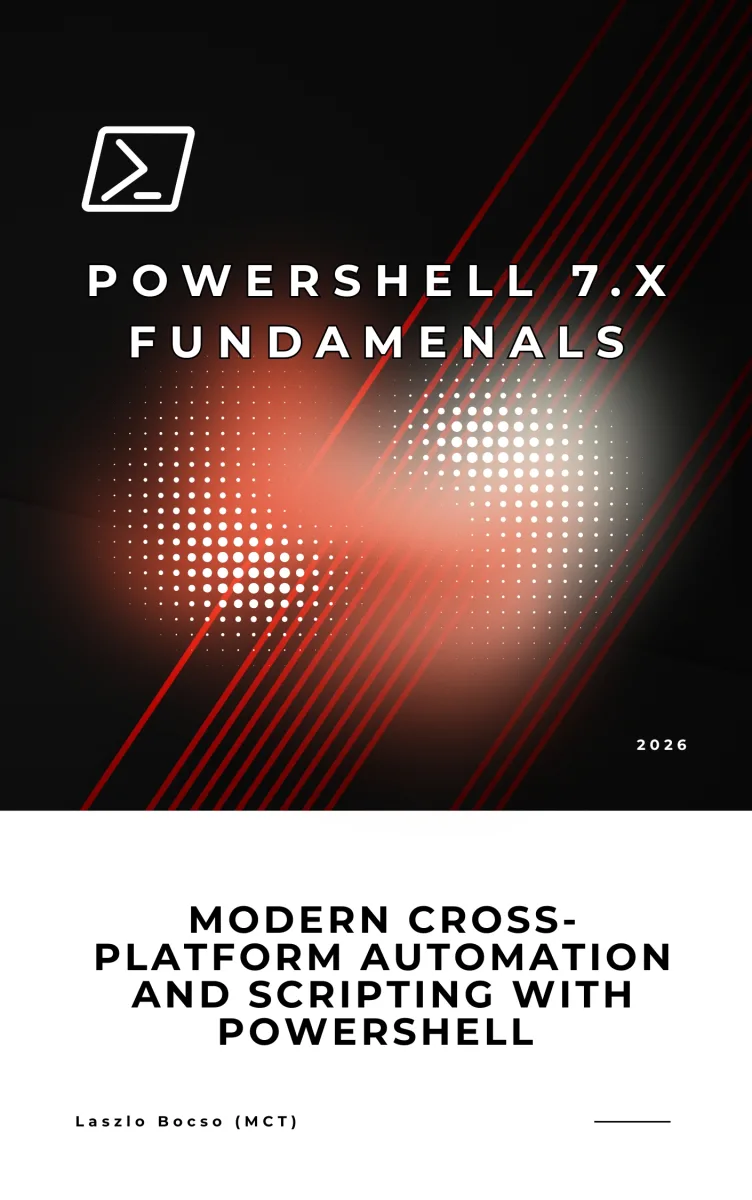
PowerShell 7 Fundamentals
Modern Automation and Scripting Across Windows, Linux, and macOS
What's Included:
At a Glance
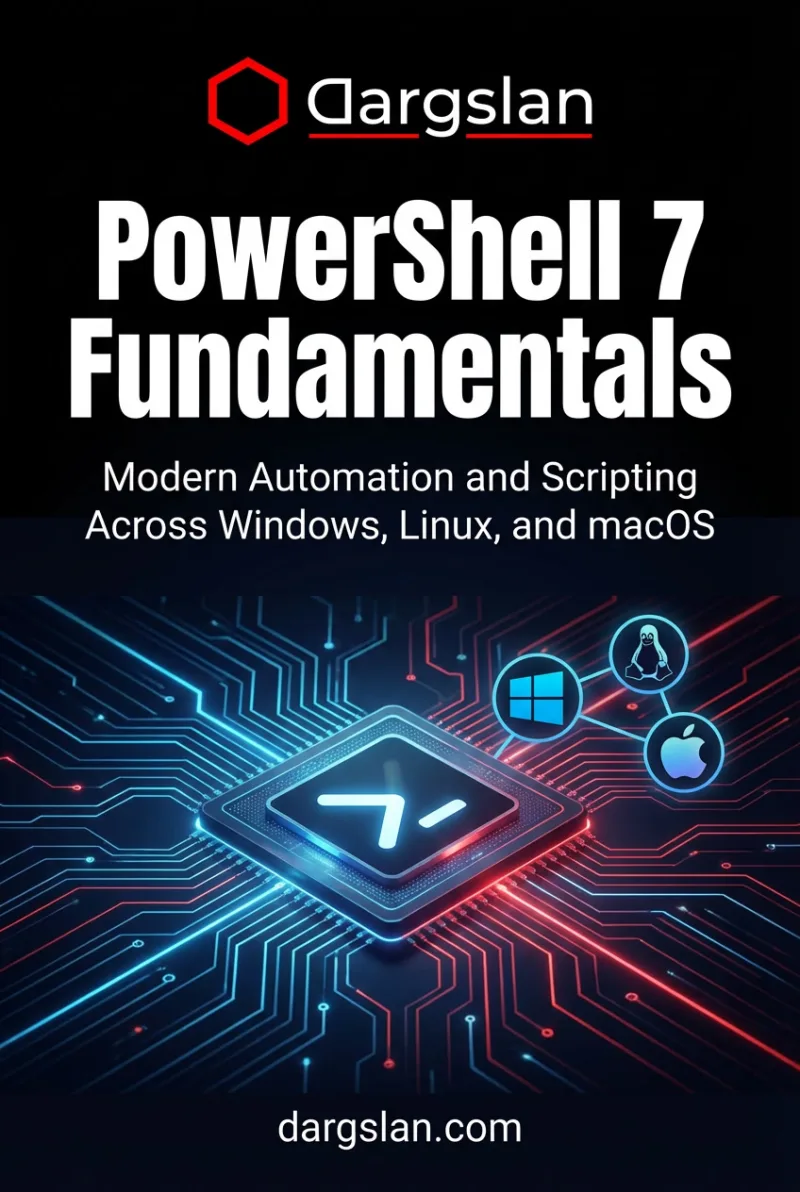
PowerShell 7 Fundamentals is a professional PowerShell eBook by Asher Vale, 555 pages, available as an instant PDF and EPUB download for €24.90 with lifetime access and free updates. Modern Automation and Scripting Across Windows, Linux, and macOS.
- Length: 555 pages
- Format: PDF and EPUB (instant download)
- Language: English
- Topic: PowerShell
- Edition: 1st Edition
- Price: €24.90
Key Highlights
- Cross-platform PowerShell 7 focus
- Object-oriented automation approach
- Practical scripting examples
- DevOps and cloud-ready workflows
- Clean and maintainable code practices
Overview
A hands-on introduction to PowerShell 7 for modern automation and scripting across Windows, Linux, and macOS environments.
The Problem
Many automation solutions are platform-specific, difficult to maintain, or lack structure, making cross-platform administration and DevOps workflows inefficient.
The Solution
This book teaches PowerShell 7 as a modern, object-based, cross-platform automation language designed for real-world scripting and scalable workflows.
About This Book
Modern Cross-Platform Automation with PowerShell 7
PowerShell 7 Fundamentals is a practical, modern introduction to PowerShell scripting and automation across Windows, Linux, and macOS. PowerShell 7 is the cross-platform evolution of PowerShell, bringing its powerful object-based pipeline and automation capabilities to every major operating system.
This book teaches PowerShell as a cross-platform automation language, focusing on real-world scripting, object pipelines, and maintainable automation practices that work in modern IT environments.
What You Will Learn
- Installing and configuring PowerShell 7 on Windows, Linux, and macOS
- Understanding the object-based PowerShell pipeline
- Core cmdlets and discovering commands with Get-Help and Get-Command
- Variables, data types, arrays, and hashtables
- Control flow: conditions, loops, and switch statements
- Functions: parameters, output, and building reusable code
- Scripts, modules, and organizing larger automation projects
- Error handling, try/catch, and debugging techniques
- Working with files, JSON, CSV, and API data
- Remote management and PowerShell Remoting
- Automation for system administration, networking, and cloud
- Best practices for production-ready PowerShell scripts
Who Is This Book For?
This book is designed for IT professionals and developers who want modern automation skills. It is ideal for:
- System administrators on Windows, Linux, or both
- DevOps engineers building cross-platform automation
- Developers who need scripting for build and deployment tasks
- IT professionals transitioning from legacy scripting languages
- Anyone who wants portable automation skills
Why This Book?
This book is ideal for system administrators, DevOps engineers, and developers who want modern, portable automation skills that work across platforms.
Prerequisites
No prior PowerShell experience required. Basic command-line familiarity is helpful.
Author: Asher Vale
Who Is This Book For?
- System administrators
- DevOps engineers
- Cloud administrators
- IT professionals
- Developers using automation
Who Is This Book NOT For?
- Readers with no scripting interest
- Pure GUI-only administrators
- Advanced PowerShell experts seeking niche internals
Table of Contents
- Why PowerShell 7
- Installing and Running PowerShell 7
- The PowerShell Object Pipeline
- Cmdlets and Command Structure
- Variables and Data Types
- Arrays, Hashtables, and Objects
- Conditional Logic
- Loops and Iteration
- Writing Functions
- Writing and Running Scripts
- Errors and Exceptions
- Debugging PowerShell Code
- Networking and Web Requests
- Automating Administrative Tasks
- PowerShell Modules
- PowerShell for Cloud and DevOps
- Writing Clean and Maintainable PowerShell
- PowerShell Best Practices
Requirements
- Basic command-line knowledge
- No prior PowerShell experience required
- Windows, Linux, or macOS system