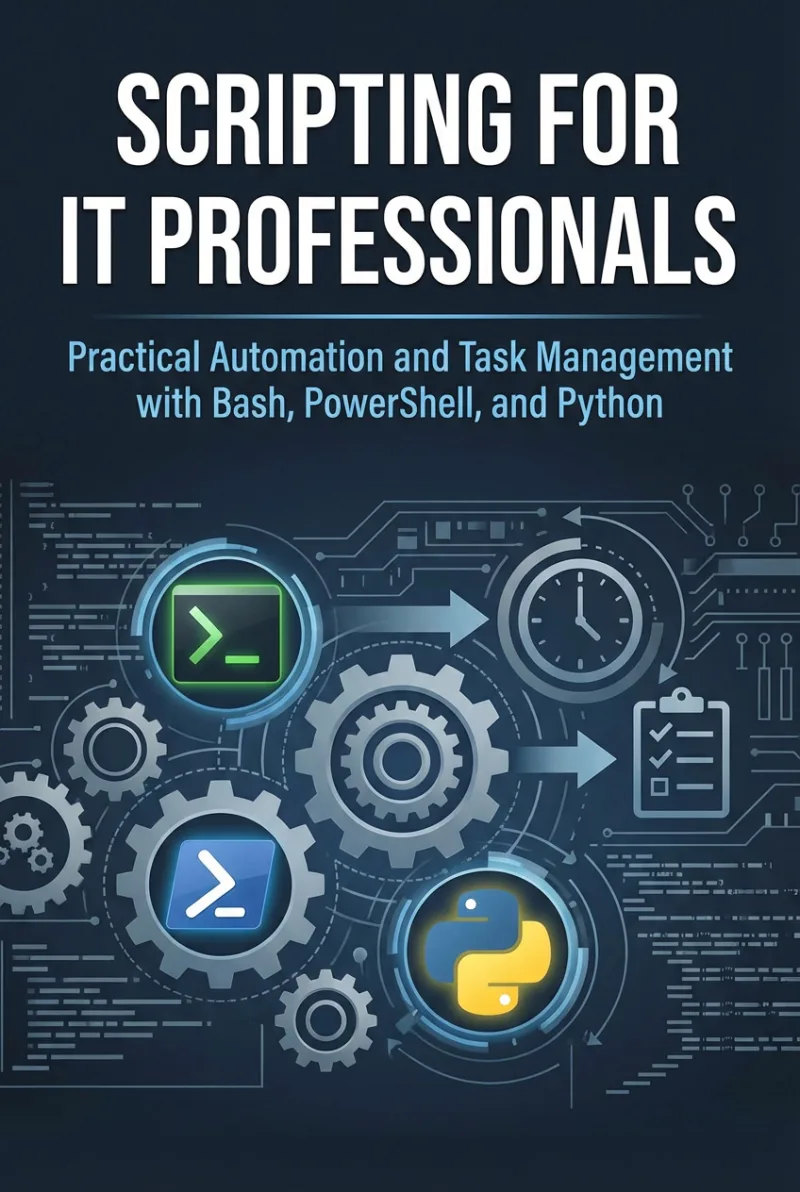
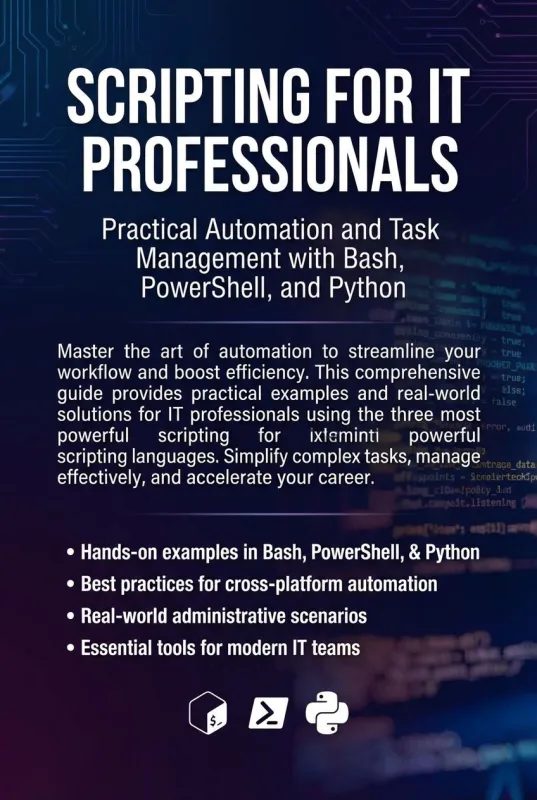
Scripting for IT Professionals
Practical Automation and Task Management with Bash, PowerShell, and Python
What's Included:
At a Glance
Scripting for IT Professionals is a professional Scripting eBook by Julien Moreau, 414 pages, available as an instant PDF and EPUB download for €13.90 with lifetime access and free updates. Practical Automation and Task Management with Bash, PowerShell, and Python.
- Length: 414 pages
- Format: PDF and EPUB (instant download)
- Language: English
- Topic: Scripting
- Edition: 1st Edition
- Price: €13.90
Key Highlights
- Practical automation examples across three scripting languages
- Real-world IT scenarios and workflow optimization
- Structured approach to resilient scripting
- Security-first automation mindset
- Career roadmap from scripter to automation engineer
Overview
Learn practical automation for real IT work using Bash, PowerShell, and Python. Turn repetitive tasks into reliable scripts and advance your IT career with structured automation skills.
The Problem
IT professionals often perform repetitive manual tasks that waste time and increase the risk of human error.
Without structured scripting knowledge, automation attempts become fragile, inconsistent, and difficult to scale.
The Solution
This book provides a practical framework for mastering Bash, PowerShell, and Python in real IT environments.
It transforms scripting from scattered commands into reliable, maintainable automation systems.
About This Book
Scripting for IT Professionals is a practical, career-focused guide to automation using Bash, PowerShell, and Python—three of the most essential scripting languages in modern IT environments.
If you've ever repeated the same command dozens of times, manually provisioned users late at night, or thought, "There has to be a better way," this book was written for you.
Automation Is No Longer Optional
In today’s IT landscape, scripting is not a bonus skill—it is a foundational one. System administrators, helpdesk engineers, DevOps practitioners, and cloud specialists are expected to automate tasks, streamline workflows, and eliminate repetitive manual processes.
Yet most scripting books either teach programming theory disconnected from IT work or provide isolated code snippets without structure. This book takes a different approach: it teaches scripting in context—through real-world IT scenarios.
Three Languages. One Practical Framework.
This book covers:
- Bash for Linux and server environments
- PowerShell for Windows and Microsoft ecosystems
- Python for cross-platform automation and API interaction
Rather than positioning these languages as competitors, the book helps you understand when and why to use each one. You will develop the mindset of an automation professional who selects tools strategically.
What You Will Master
Across sixteen structured chapters, you will learn:
- Core scripting fundamentals: variables, data types, logic, loops
- File and directory management automation
- Process and service management
- Working with structured data (JSON, CSV, logs)
- Consuming APIs from scripts
- Building resilient scripts with validation and error handling
- Implementing logging and monitoring
- Scheduling and idempotent automation design
- Security best practices in scripting
- Scaling automation across teams and infrastructure
The final chapter focuses on career growth—how scripting evolves into automation engineering, DevOps, and infrastructure leadership roles.
Real-World IT Scenarios
Every chapter connects scripting concepts directly to tasks IT professionals face daily: user management, log analysis, service monitoring, system provisioning, and cloud automation.
This is not an abstract programming book. It is a practical automation playbook for working IT professionals.
Long-Term Value
The appendices provide quick references for Bash, PowerShell, and Python, along with an automation checklist and a professional growth roadmap. This book is designed to remain a reference long after your first read.
If you want to move from repetitive manual work to reliable, scalable automation—and build a career around it—this book provides the blueprint.
Who Is This Book For?
- System administrators
- Helpdesk and IT support engineers
- DevOps beginners
- Cloud and infrastructure engineers
- IT professionals transitioning into automation roles
Who Is This Book NOT For?
- Advanced software engineers seeking deep algorithm theory
- Developers focused purely on application programming
- Readers with no basic command-line familiarity
Table of Contents
- Why Every IT Professional Must Script
- Choosing the Right Scripting Tool
- Variables, Data Types, and Input
- Logic and Control Flow
- Files and Directories
- Processes and Services
- Working with Structured Data
- Interacting with APIs
- Error Handling and Validation
- Logging and Monitoring Scripts
- Scheduling Scripts
- Idempotent Automation
- Secure Scripting
- Script Organization and Maintainability
- Scaling Automation in IT Environments
- From Scripter to Automation Engineer
Requirements
- Basic familiarity with command-line environments
- Access to a Windows or Linux system
- Willingness to practice hands-on scripting