Open your book.
Anywhere.
No app needed.
Read your Dargslan eBooks right in the browser — PDF on your desk, EPUB that reflows on your phone. Your place, bookmarks and settings follow you from device to device.
Included with every purchase · the full library with Unlimited · never uses your downloads
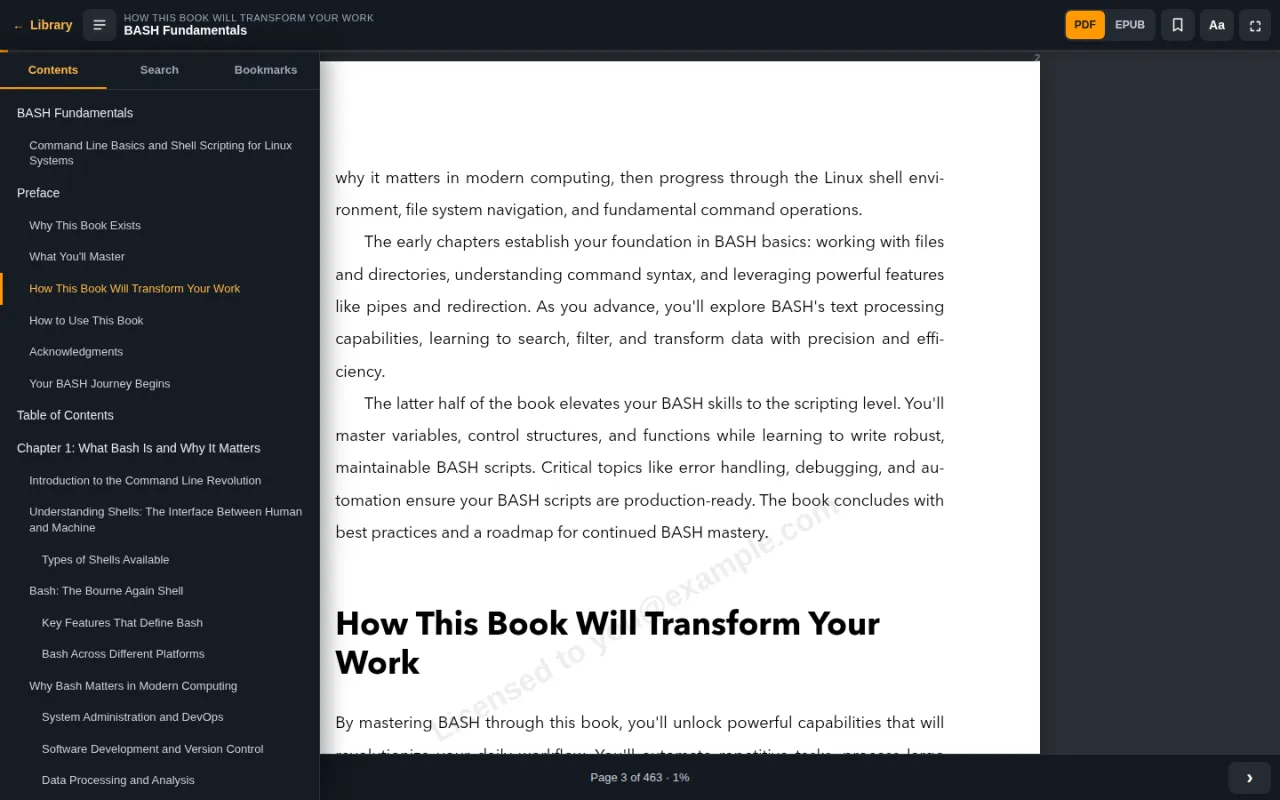
Find the page you need, fast
IT books are reference books. The reader is designed for jumping between chapters, looking up a command and coming back.
The whole book on one panel
Every chapter and section is one click away. The section you are reading is highlighted, and its name stays in the top bar so you always know where you are.
- Chapters and sub-sections from the book itself
- Current section shown while you scroll
- Progress bar and page counter at all times
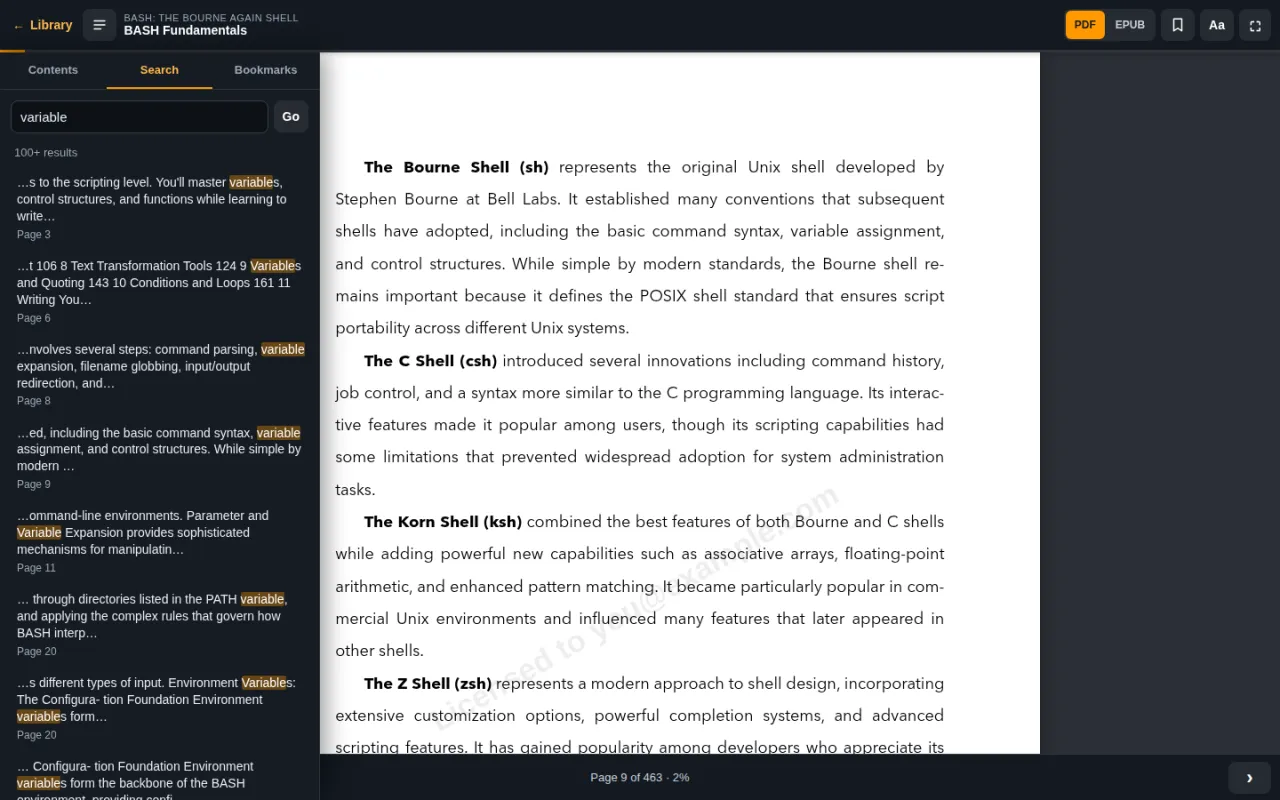
Search inside the book
Looking for that one flag or config file? Type it in. Results show the surrounding text and the page, so you can tell which match you want before you jump.
- Full-text search in PDF and EPUB
- Matches highlighted in context
- Bookmarks for the pages you return to
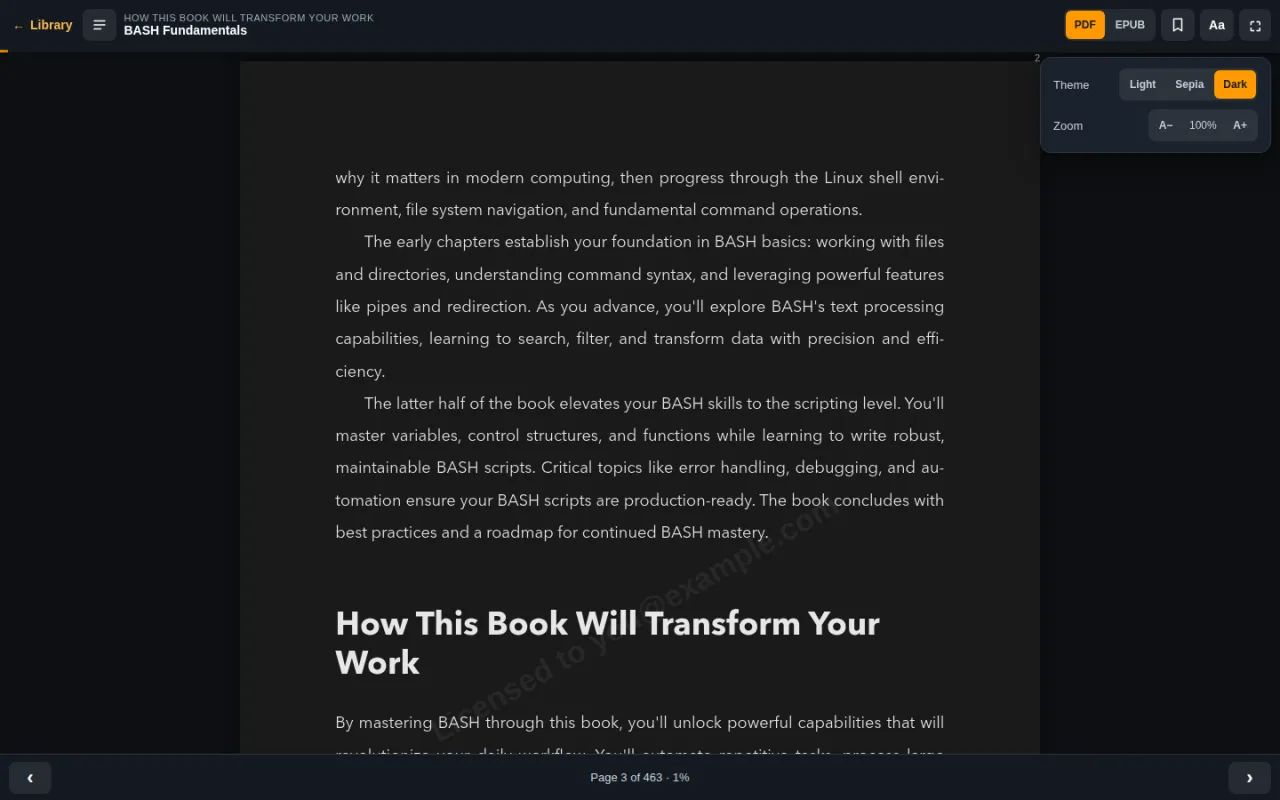
Late-night reading, easy on the eyes
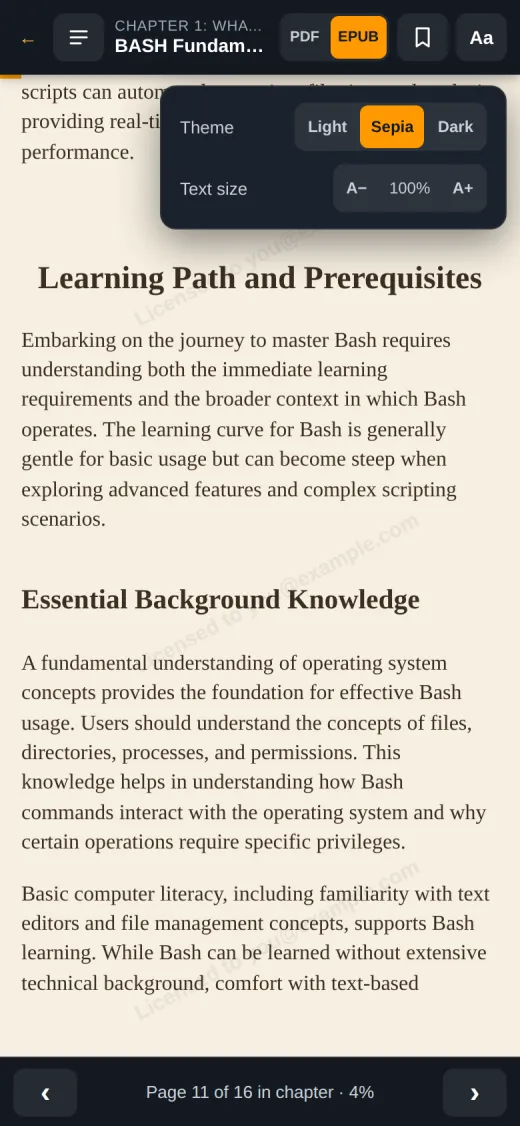
Choose light, sepia or dark. Zoom PDF pages or change the EPUB text size, then go fullscreen and leave everything else behind.
- Light, sepia and dark themes
- Zoom for PDF, text size for EPUB
- Fullscreen, keyboard arrows and swipe to turn pages
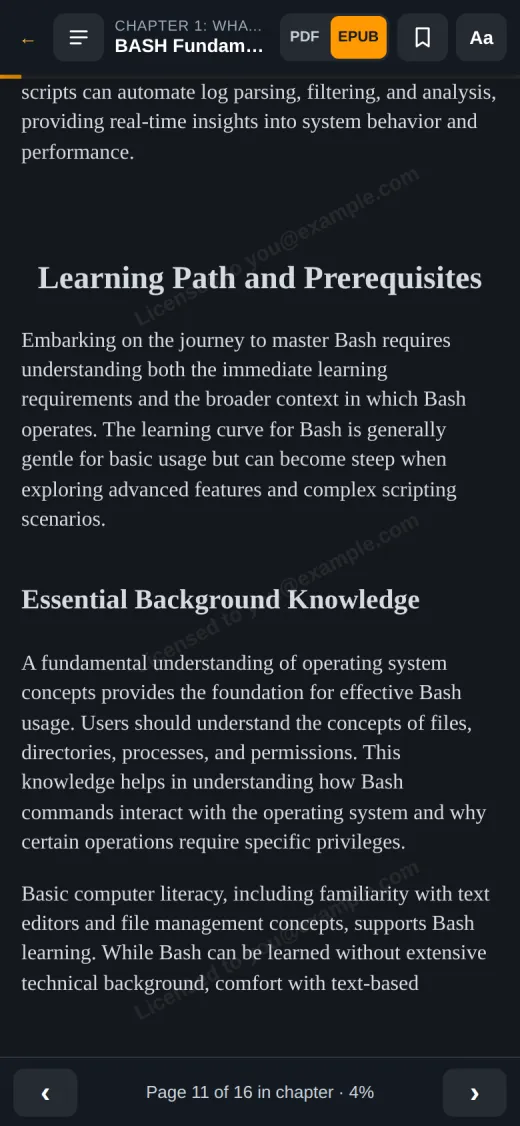
EPUB that fits the screen in your hand
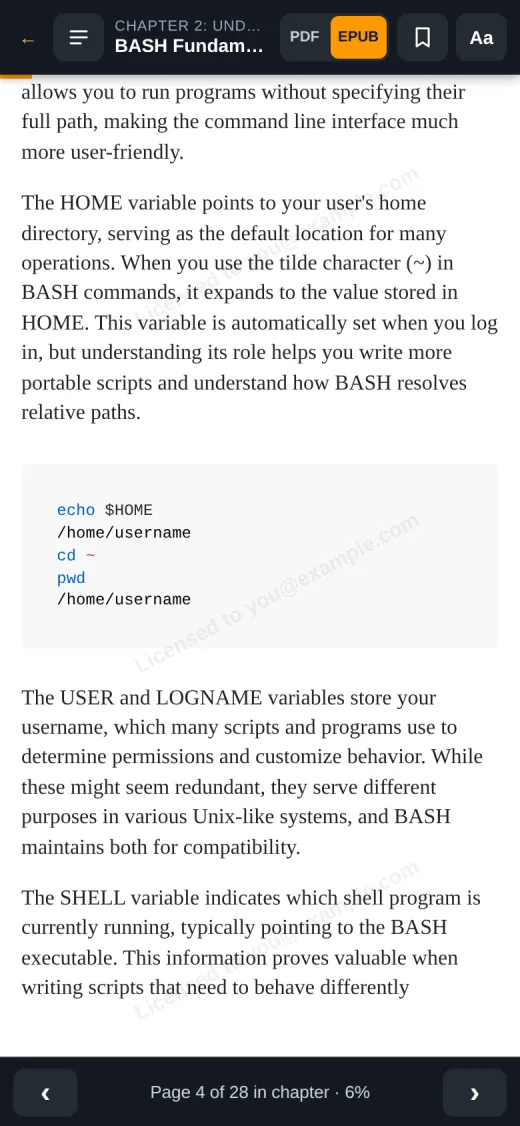
On phones the reader opens the EPUB edition, so text and code blocks reflow to the screen instead of making you pinch and zoom.
Already yours, or all of it
Every book you own
Each book you buy appears in My Library with a Read online button.
- Reading never uses one of your downloads
- Keeps working after a download link expires
- PDF and EPUB downloads stay available, DRM-free
The whole library — 276 books
While your subscription is active, open any book in the catalog straight from its page.
- Read every title online, not only your monthly picks
- Fair use: up to 10 new titles per day; books you started are always open
- Your monthly downloads to keep stay separate
Three steps to the first page
Get the book
Buy any eBook, or start a Dargslan Unlimited subscription.
Press Read online
In My Library, or on the book page while you are signed in.
Carry on anywhere
Sign in on another device and continue from the same page.
Licensed to you
Pages in the online reader carry a faint “Licensed to” line with your account email. It stays out of the way while you read and helps keep independent technical publishing sustainable.
You only see your own email — and your downloads remain DRM-free files you can keep.
Online reader FAQ
Do I need to install an app?
No. The reader runs in your browser on phones, tablets and computers. Open My Library, choose a book and press Read online.
Does reading online use one of my downloads?
No. Reading online never counts towards your download limit, and it keeps working even after a download link has expired.
Can I still download the PDF and EPUB?
Yes. The online reader is an extra. Downloads work exactly as before, and the files you download are DRM-free.
Will it remember where I stopped?
Yes. Your position and bookmarks are saved to your account, so you can stop on your laptop and continue on your phone.
Can I read offline?
The online reader needs an internet connection. For offline reading, download the PDF or EPUB and open it in any reader app.
Can I highlight or take notes?
Not yet. You can search the book and save bookmarks; highlights and notes are not available in the online reader at the moment.
What can Dargslan Unlimited subscribers read online?
While your subscription is active you can read every book in the catalog online. To keep the service fair, you can open up to 10 new titles per day; books you have already started are always available. Your monthly downloads are separate.
Your next chapter is one tap away
Pick a book, and start reading it in the browser the moment you buy it.