
What is Debian Linux?
Debian is one of the oldest, most respected, and most influential Linux distributions ever created. Founded by Ian Murdock in 1993, Debian is a community-driven, free operating system that prioritizes stability, security, and software freedom above all else. It serves as the foundation for over 120 other distributions, including Ubuntu, Linux Mint, Kali Linux, and Raspberry Pi OS.
In 2026, Debian remains the gold standard for production servers. While other distributions chase the latest packages, Debian Stable undergoes months of rigorous testing before release. The result: servers that run for years without unexpected breakdowns, a package repository with over 59,000 packages, and a security team that delivers timely patches for every CVE.
The current stable release is Debian 12 "Bookworm" (kernel 6.1 LTS), with long-term support extending to 2028. Whether you are building a web server, database server, mail server, or development environment, Debian gives you a rock-solid foundation to build on.
Why Choose Debian Over Other Distributions?
- Rock-Solid Stability: Debian Stable is the most reliable Linux distribution for servers. Packages are frozen, extensively tested, and only receive security updates. Production servers running Debian routinely achieve years of uptime without a single package-related issue.
- Largest Software Repository: With 59,000+ packages available through APT, Debian has more software than any other distribution. If it exists for Linux, it is almost certainly in the Debian repos.
- Universal Architecture Support: Debian officially supports 9 hardware architectures including amd64, arm64, armhf, and RISC-V. No other distribution comes close to this level of hardware support.
- No Corporate Control: Unlike Ubuntu (Canonical), Fedora (Red Hat), or SUSE (owned by EQT Partners), Debian is 100% community-driven. Over 1,000 volunteer developers maintain it, governed by the Debian Social Contract.
- Security Team: A dedicated security team monitors CVEs and releases patches through Debian Security Advisories (DSAs). Unattended-upgrades can apply these automatically.
- Foundation for Ubuntu: Ubuntu is built directly on Debian. Learning Debian means you understand the internals of Ubuntu, Linux Mint, and dozens of other Debian-based distributions.
Debian 12 Bookworm: What You Get
| Component | Version | Notes |
|---|---|---|
| Linux Kernel | 6.1 LTS | Long-term support kernel |
| Python | 3.11 | Default Python 3 |
| PHP | 8.2 | Current stable PHP |
| PostgreSQL | 15 | Latest LTS PostgreSQL |
| Nginx | 1.22 | Stable branch |
| Node.js | 18 LTS | Via nodesource or backports |
| OpenSSH | 9.2 | Modern SSH with Ed25519 |
| Systemd | 252 | Init system and service manager |
Installation Guide: Setting Up Debian 12
Download the netinst ISO (~600MB) from debian.org/distrib — it downloads packages during installation, ensuring you get the latest versions. For offline installs, use the full DVD image.
For servers, the critical installation choices are:
- Partitioning: Use LVM (Logical Volume Manager) for servers. It allows you to resize partitions without downtime. Create separate partitions for
/,/home,/var, and swap. - Software Selection: Deselect all desktop environments. Select only "SSH server" and "standard system utilities." Install everything else manually via APT.
- Root Password: Leave the root password blank during installation to enable sudo-only mode (recommended). Or set a strong root password for traditional root access.
# After first boot, update and install essentials
sudo apt update && sudo apt upgrade -y
sudo apt install -y vim htop curl wget git ufw fail2ban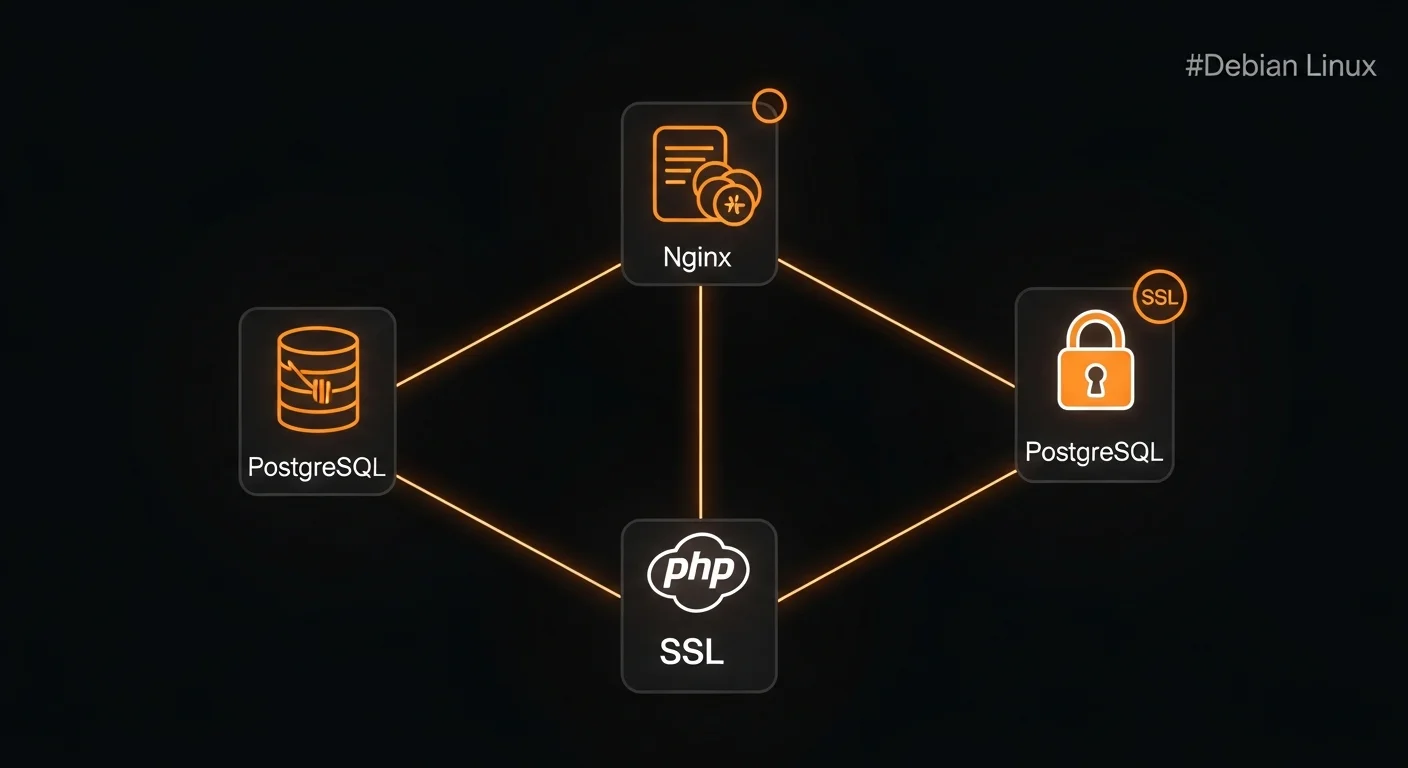
APT Package Management Essentials
APT (Advanced Package Tool) is Debian's package management system and one of the most powerful in the Linux world:
# Essential APT commands
sudo apt update                    # Refresh package index
sudo apt upgrade                   # Upgrade all packages
sudo apt install nginx postgresql  # Install packages
sudo apt remove package_name       # Remove (keep configs)
sudo apt purge package_name        # Remove + delete configs
sudo apt autoremove                # Remove orphaned dependencies
sudo apt search keyword            # Search packages
apt show package_name              # Show package details
dpkg -L package_name               # List files in a package
dpkg -S /path/to/file              # Find which package owns a file
Configure your repositories in /etc/apt/sources.list. For Debian 12, enable main, contrib, and non-free-firmware. Add bookworm-backports for newer versions of specific packages.
SSH Hardening for Production Servers
Every Debian server exposed to the internet needs SSH hardening. The defaults are too permissive for production:
# /etc/ssh/sshd_config - Key settings to change
Port 2222                        # Change from default 22
PermitRootLogin no               # Never allow root SSH
PasswordAuthentication no        # Force key-based auth only
MaxAuthTries 3                   # Limit failed attempts
AllowUsers deploy admin          # Whitelist specific users
ClientAliveInterval 300          # 5-minute idle timeout
Combine SSH hardening with fail2ban for brute-force protection. Fail2ban monitors /var/log/auth.log and automatically bans IP addresses after repeated failed login attempts.
Firewall Configuration: UFW and nftables
Debian 12 uses nftables as the default firewall backend. For simplicity, install UFW (Uncomplicated Firewall) which provides a user-friendly interface:
# UFW setup for a typical web server
sudo apt install ufw
sudo ufw default deny incoming
sudo ufw default allow outgoing
sudo ufw allow ssh               # ALWAYS allow SSH first!
sudo ufw allow 80/tcp            # HTTP
sudo ufw allow 443/tcp           # HTTPS
sudo ufw enable                  # Enable firewall
sudo ufw status verbose          # Verify rules
Critical warning: Always allow SSH before enabling UFW, or you will lock yourself out of a remote server. There is no undo button if you are not physically at the machine.
Web Server Setup: Nginx + PHP + PostgreSQL
A complete LEPP stack (Linux, Nginx, PostgreSQL, PHP) on Debian 12:
# Install the full stack
sudo apt install nginx php8.2-fpm php8.2-pgsql php8.2-mbstring php8.2-xml
sudo apt install postgresql postgresql-client
sudo apt install certbot python3-certbot-nginx

# Enable services
sudo systemctl enable --now nginx php8.2-fpm postgresql

# Get SSL certificate
sudo certbot --nginx -d example.com -d www.example.com
Nginx configuration for PHP sites goes in /etc/nginx/sites-available/. Create a symlink in sites-enabled/ and remove the default site. Test with nginx -t before reloading.
Security Hardening Checklist
A production Debian server should have all of these configured:
- Automatic security updates via unattended-upgrades
- SSH hardened with key-based auth, no root login, fail2ban
- Firewall enabled with only necessary ports open
- Kernel parameters hardened via /etc/sysctl.d/ (disable IP forwarding, enable SYN cookies)
- Separate partitions for /var, /tmp, /home to prevent disk-fill attacks
- Minimal packages installed — remove anything you do not need
- Log monitoring with logwatch or centralized logging
- Regular backups with tested restore procedures
Monitoring and Automation
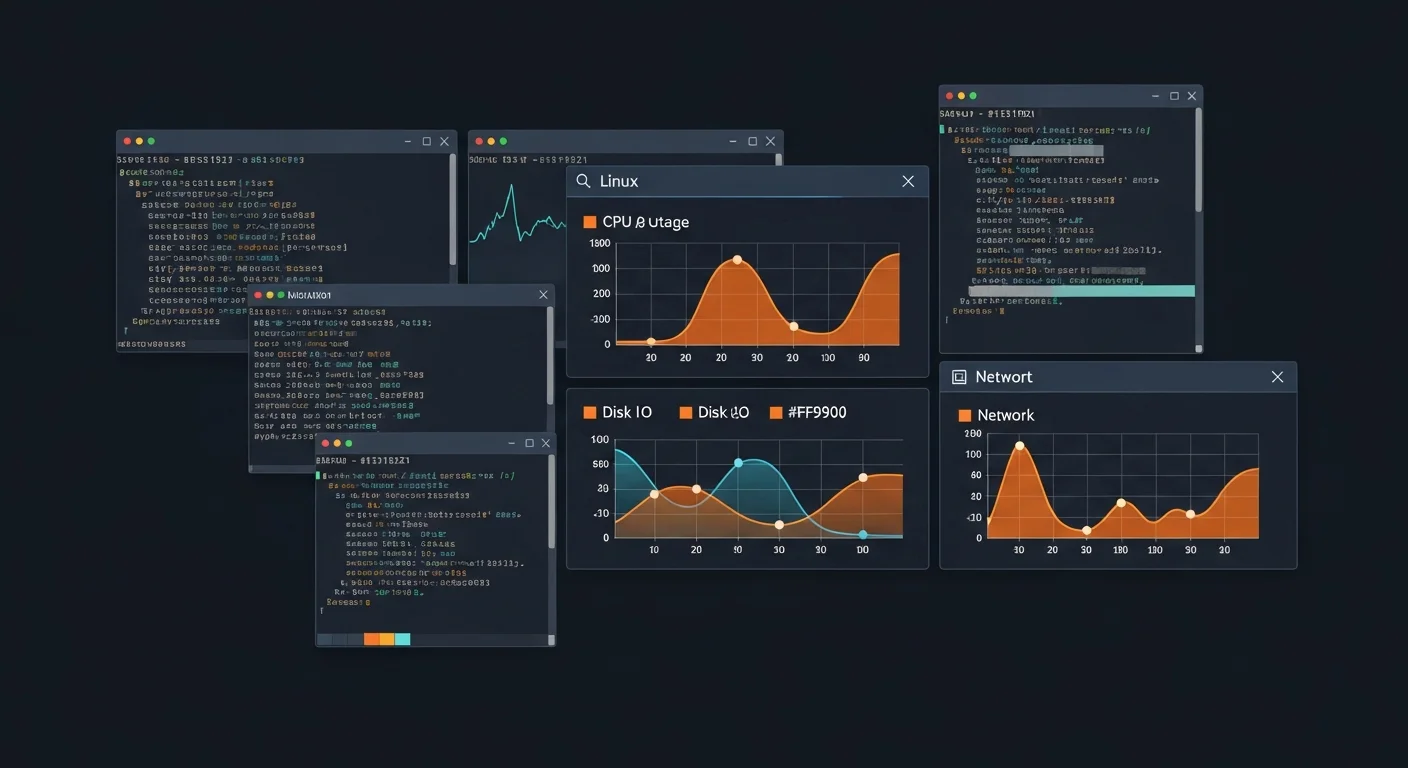
Essential monitoring commands every Debian administrator should know:
# System monitoring
htop                              # Interactive process viewer
free -h                           # Memory usage
df -h                             # Disk space
ss -tulnp                         # Listening ports
journalctl -u nginx -f            # Follow service logs
tail -f /var/log/auth.log         # Watch SSH logins
dmesg | tail -50                  # Kernel messages
Automate maintenance tasks with cron or systemd timers. Set up daily database backups, weekly system updates, and monthly log rotation. Always redirect cron output to log files for debugging.
Debian vs Ubuntu: Which Should You Choose?
| Feature | Debian | Ubuntu |
|---|---|---|
| Release Cycle | Every 2-3 years (Stable) | Every 6 months (LTS every 2 years) |
| Stability | Extremely stable, older packages | Newer packages, more frequent updates |
| Best For | Servers, stability, minimal installs | Desktops, quick setup, enterprise |
| Corporate Backing | Community-driven (no company) | Canonical Ltd. |
| Default Desktop | None (choose during install) | GNOME (customized) |
Bottom line: Choose Debian for servers where stability is paramount. Choose Ubuntu for desktops or when you need newer packages and commercial support. Both use the same package manager and most skills transfer directly.
What to Learn Next
- Containerization: Docker and Kubernetes on Debian
- Configuration management: Terraform and Ansible for automating Debian deployments
- Advanced networking: VLANs, bonding, bridging for complex server setups
- High availability: Clustering, load balancing, and failover configurations
- Performance tuning: Kernel parameters, I/O schedulers, and memory management
Recommended Books
- Debian Linux for Absolute Beginners — start from zero with Debian
- Debian System Administration — in-depth server management
- Debian Security and Hardening — advanced security techniques
- Ubuntu Server Administration — applicable to Debian-based systems
Download the Cheat Sheet
Get our free Debian Linux Complete Guide 2026 — a professional 15-page PDF covering installation, APT management, SSH hardening, firewall, web servers, databases, security, cron automation, and a quick reference card. Print it and keep it next to your terminal.



