
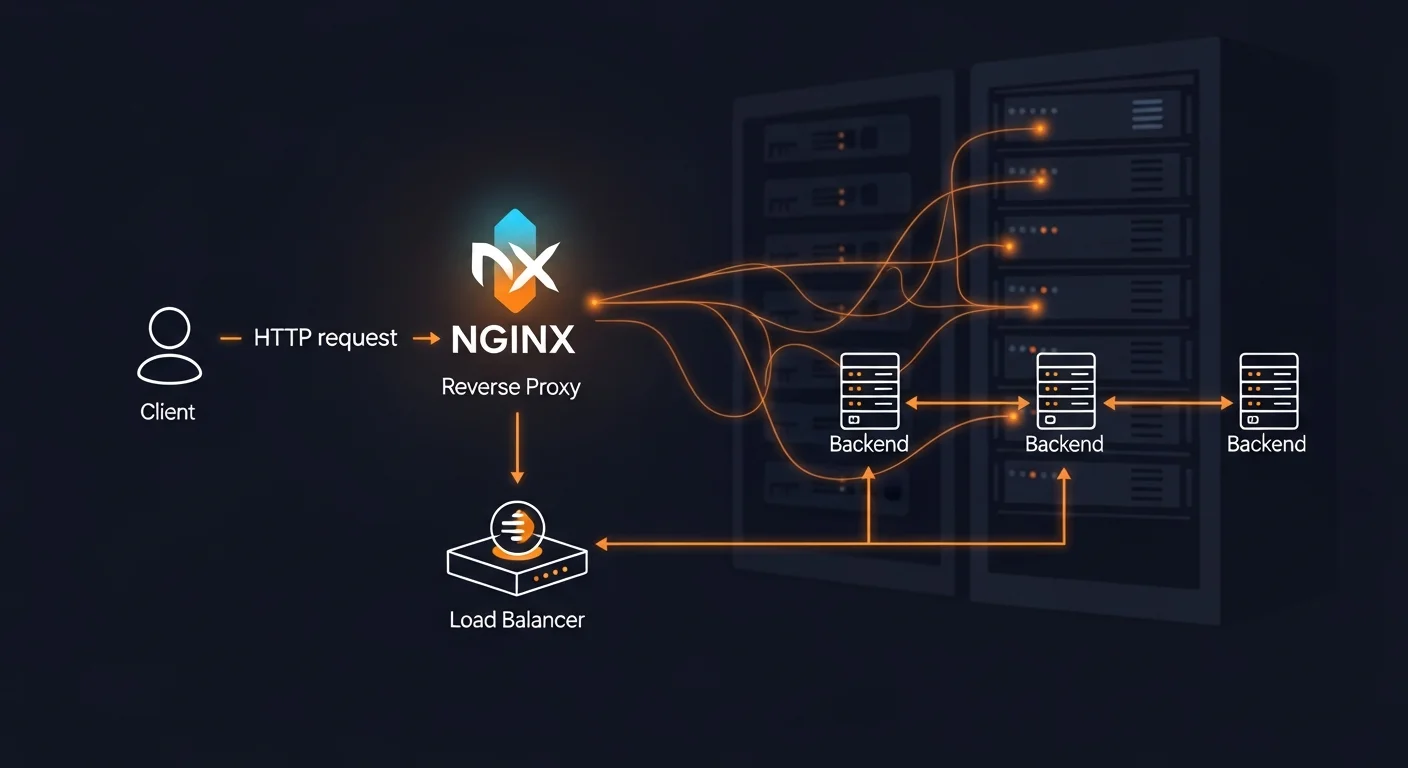
NGINX powers over one-third of the world's websites and is the go-to choice for high-performance web serving, reverse proxying, and load balancing. Whether you're deploying a simple static site or architecting a complex microservices infrastructure, NGINX provides the performance, flexibility, and reliability you need.
This complete guide takes you from zero NGINX knowledge to production-ready configurations, covering every essential topic with practical, copy-paste-ready examples.
What Is NGINX?
NGINX (pronounced "engine-x") is an open-source web server created by Igor Sysoev in 2004. Originally designed to solve the C10K problem (handling 10,000 concurrent connections), NGINX has evolved into a complete application delivery platform that serves as:
- Web Server — Serves static files (HTML, CSS, JS, images) with exceptional performance
- Reverse Proxy — Forwards requests to backend applications (Node.js, Python, PHP, etc.)
- Load Balancer — Distributes traffic across multiple backend servers
- SSL/TLS Terminator — Handles HTTPS encryption, offloading it from backend apps
- HTTP Cache — Caches responses to reduce backend load
- API Gateway — Routes and manages API traffic
NGINX vs Apache
| Feature | NGINX | Apache |
|---|---|---|
| Architecture | Event-driven, async | Process/thread per connection |
| Memory Usage | Low (fixed workers) | High (scales with connections) |
| Concurrency | 10,000+ connections | Hundreds of connections |
| Static Files | Excellent | Good (.htaccess overhead) |
| Dynamic Content | Via proxy (PHP-FPM) | Built-in (mod_php) |
| Market Share | ~34% (growing) | ~30% (declining) |
Installing NGINX
# Debian/Ubuntu
sudo apt update && sudo apt install nginx
sudo systemctl enable nginx
sudo systemctl start nginx

# Verify installation
nginx -v
curl http://localhost
After installation, NGINX starts automatically and serves a default welcome page on port 80.
NGINX Configuration Structure
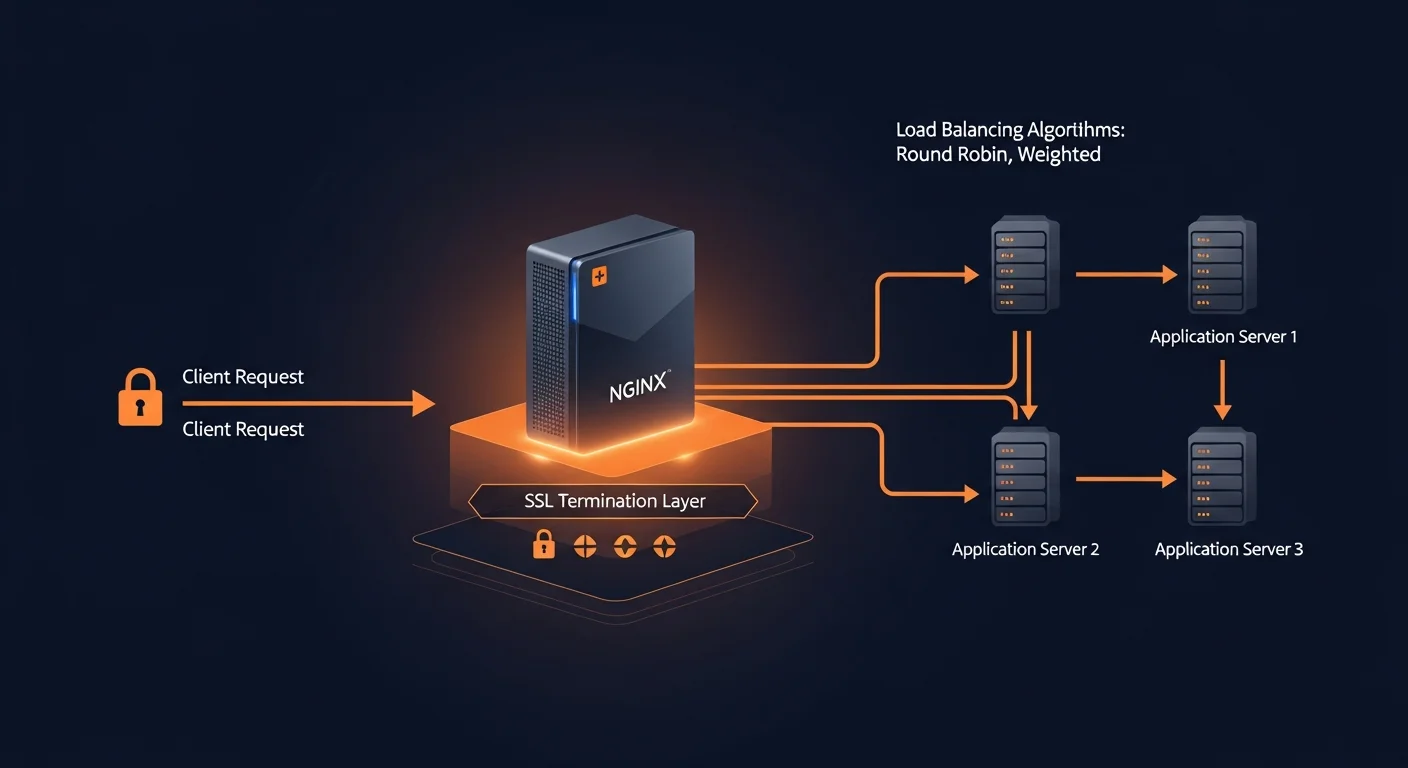
NGINX uses a hierarchical configuration structure. Understanding this hierarchy is key to mastering NGINX:
# /etc/nginx/nginx.conf — Main configuration
user www-data;
worker_processes auto;

events {
    worker_connections 1024;
    multi_accept on;
}

http {
    include /etc/nginx/mime.types;
    sendfile on;
    tcp_nopush on;
    keepalive_timeout 65;

    # Include all site configurations
    include /etc/nginx/sites-enabled/*;
}
Configuration Hierarchy
- Main context — Global settings (user, workers, pid)
- events { } — Connection handling parameters
- http { } — HTTP server settings (includes server blocks)
- server { } — Virtual host (domain) configuration
- location { } — URL path matching and handling
- upstream { } — Backend server groups for load balancing
Server Blocks (Virtual Hosts)
Server blocks allow you to host multiple websites on a single NGINX instance. Each domain gets its own server block with independent settings.
# /etc/nginx/sites-available/example.com
server {
    listen 80;
    listen [::]:80;
    server_name example.com www.example.com;
    root /var/www/example.com/public;
    index index.html index.php;

    location / {
        try_files $uri $uri/ /index.php?$query_string;
    }

    location ~ \.php$ {
        fastcgi_pass unix:/run/php/php8.3-fpm.sock;
        fastcgi_param SCRIPT_FILENAME $realpath_root$fastcgi_script_name;
        include fastcgi_params;
    }

    location ~ /\. {
        deny all;
    }
}

# Enable the site
sudo ln -s /etc/nginx/sites-available/example.com /etc/nginx/sites-enabled/
sudo nginx -t && sudo systemctl reload nginx
Location Blocks and URL Routing
Location blocks determine how NGINX handles requests based on the URL path. Understanding match types and their priority is essential:
| Priority | Syntax | Description |
|---|---|---|
| 1st | = /path | Exact match (fastest) |
| 2nd | ^~ /path | Prefix match (stops regex search) |
| 3rd | ~ pattern | Case-sensitive regex |
| 4th | ~* pattern | Case-insensitive regex |
| 5th | /path | Prefix match (default) |
Reverse Proxy Configuration
NGINX's reverse proxy capability is one of its most powerful features. It allows you to place NGINX in front of backend applications, handling SSL, static files, and load balancing.
# Proxy to Node.js application
server {
    listen 80;
    server_name app.example.com;

    location / {
        proxy_pass http://localhost:3000;
        proxy_http_version 1.1;
        proxy_set_header Host $host;
        proxy_set_header X-Real-IP $remote_addr;
        proxy_set_header X-Forwarded-For $proxy_add_x_forwarded_for;
        proxy_set_header X-Forwarded-Proto $scheme;
    }

    # WebSocket support
    location /ws/ {
        proxy_pass http://localhost:3000;
        proxy_http_version 1.1;
        proxy_set_header Upgrade $http_upgrade;
        proxy_set_header Connection "upgrade";
    }
}
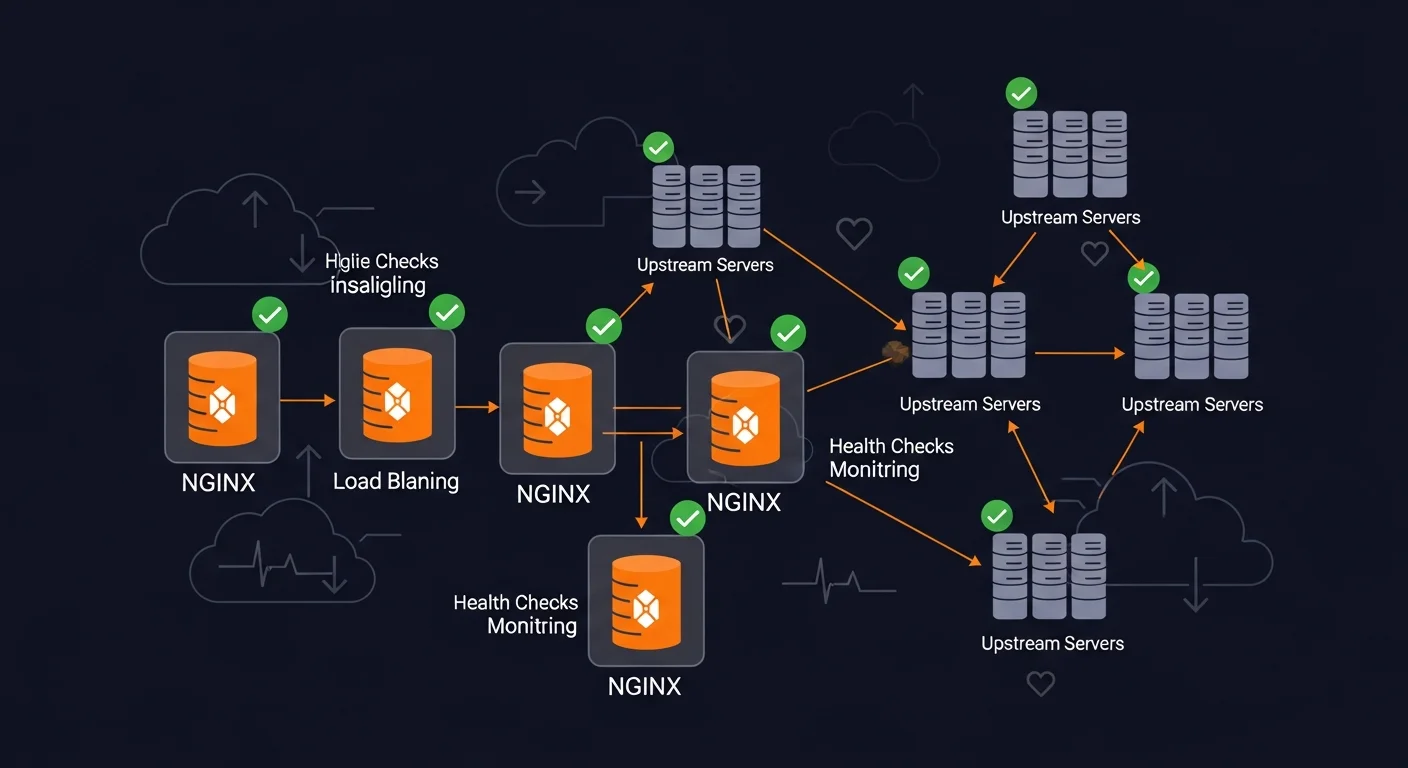
Load Balancing
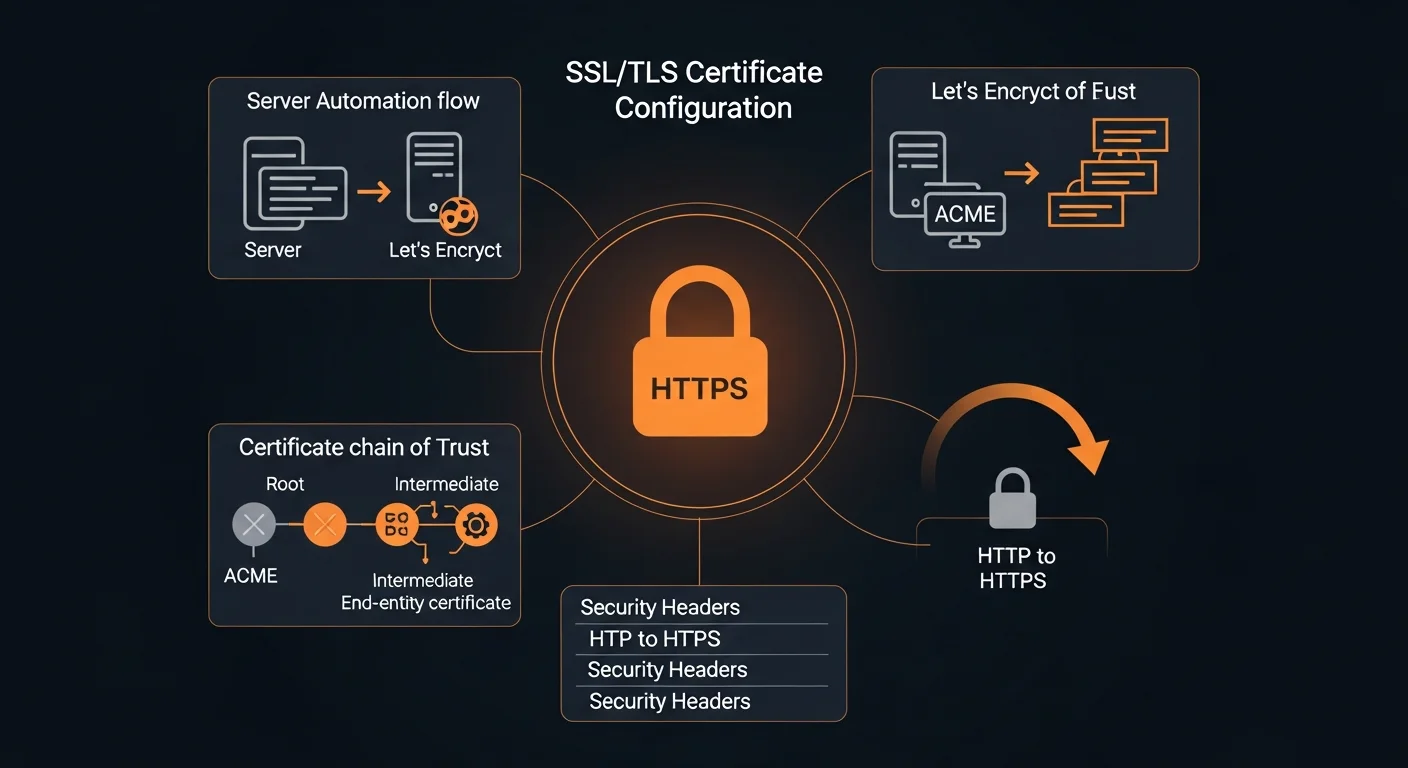
NGINX supports multiple load balancing algorithms for distributing traffic across backend servers:
# Round-robin (default)
upstream backend {
    server 192.168.1.10:8080;
    server 192.168.1.11:8080;
    server 192.168.1.12:8080;
}

# Weighted — server with weight=5 gets 5x more traffic
upstream backend_weighted {
    server 192.168.1.10:8080 weight=5;
    server 192.168.1.11:8080 weight=3;
    server 192.168.1.12:8080 weight=1;
}

# Least connections — sends to least busy server
upstream backend_lc {
    least_conn;
    server 192.168.1.10:8080;
    server 192.168.1.11:8080;
}

# IP hash — same client always goes to same server
upstream backend_sticky {
    ip_hash;
    server 192.168.1.10:8080;
    server 192.168.1.11:8080;
}

server {
    location / {
        proxy_pass http://backend;
    }
}
SSL/TLS and HTTPS
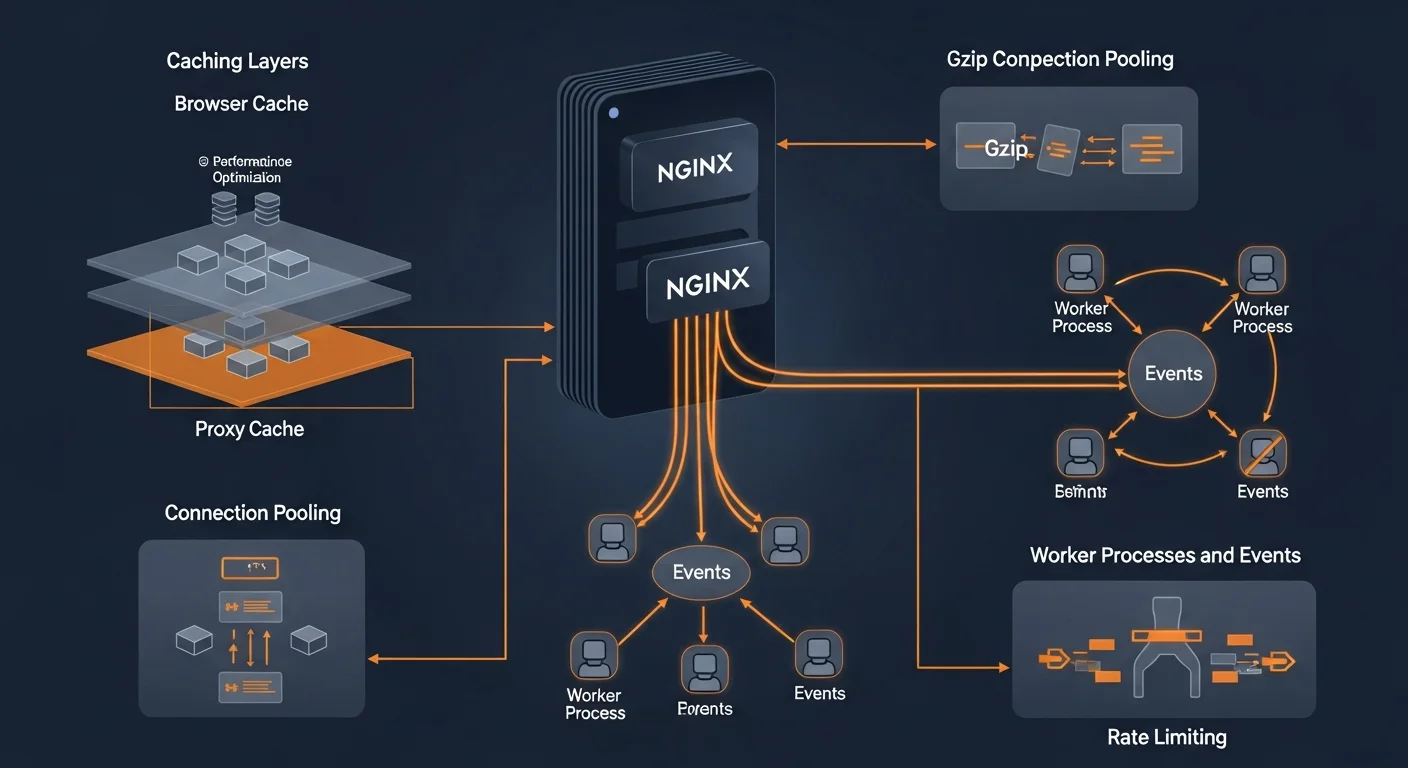
Securing your NGINX server with HTTPS is essential. Use Let's Encrypt for free, automated SSL certificates:
# Install Certbot
sudo apt install certbot python3-certbot-nginx

# Obtain certificate (auto-configures NGINX)
sudo certbot --nginx -d example.com -d www.example.com

# Test auto-renewal
sudo certbot renew --dry-run
Modern SSL Configuration
server {
    listen 443 ssl http2;
    server_name example.com;

    ssl_certificate /etc/letsencrypt/live/example.com/fullchain.pem;
    ssl_certificate_key /etc/letsencrypt/live/example.com/privkey.pem;

    ssl_protocols TLSv1.2 TLSv1.3;
    ssl_prefer_server_ciphers off;
    ssl_stapling on;
    ssl_stapling_verify on;
    ssl_session_cache shared:SSL:10m;

    # HSTS
    add_header Strict-Transport-Security "max-age=63072000; includeSubDomains; preload" always;
}

# HTTP to HTTPS redirect
server {
    listen 80;
    server_name example.com;
    return 301 https://$host$request_uri;
}
Security Headers and Hardening
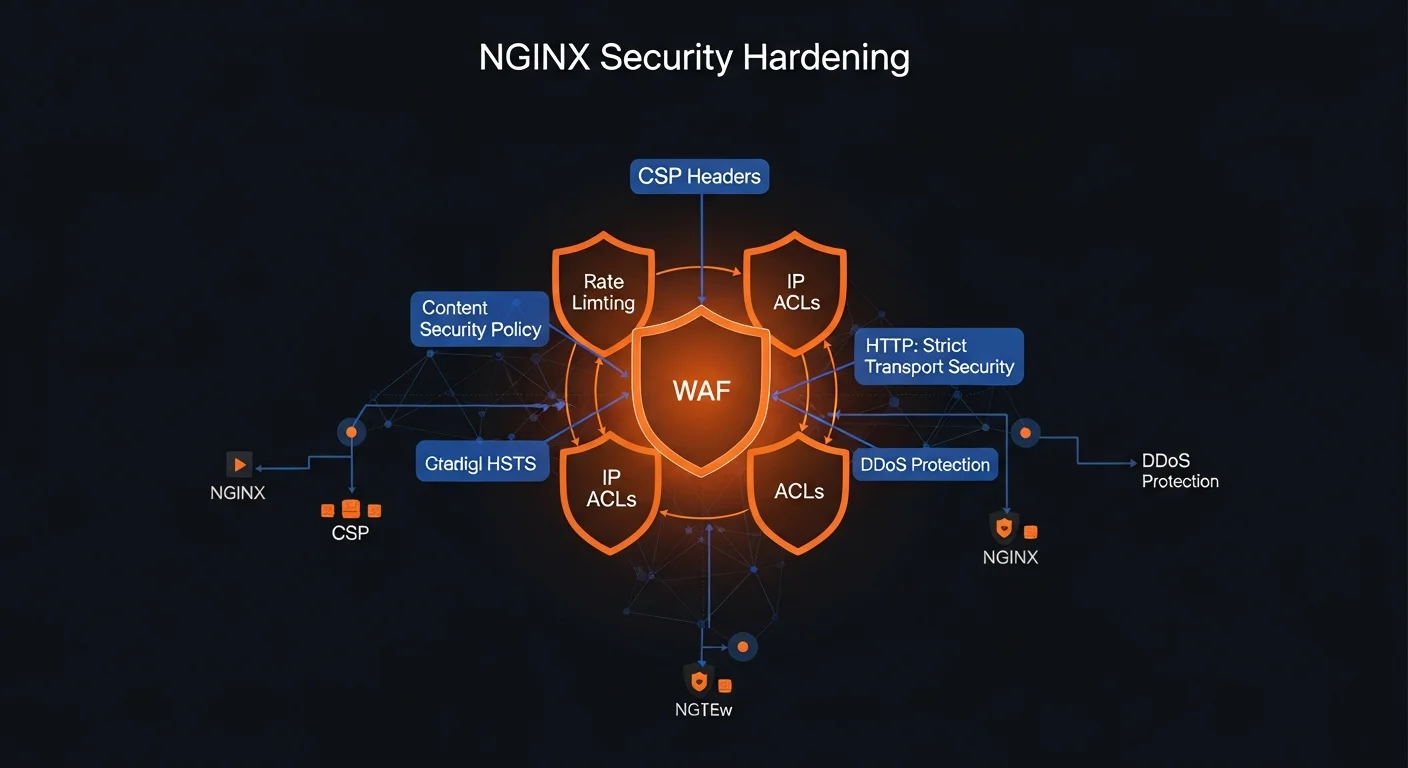
# Essential security headers
add_header X-Content-Type-Options "nosniff" always;
add_header X-Frame-Options "SAMEORIGIN" always;
add_header X-XSS-Protection "1; mode=block" always;
add_header Referrer-Policy "strict-origin-when-cross-origin" always;
add_header Permissions-Policy "camera=(), microphone=(), geolocation=()" always;

# Hide NGINX version
server_tokens off;

# Rate limiting
limit_req_zone $binary_remote_addr zone=API:10m rate=10r/s;
location /api/ {
    limit_req zone=API burst=20 nodelay;
    limit_req_status 429;
}
Performance Tuning
# /etc/nginx/nginx.conf
worker_processes auto;

events {
    worker_connections 4096;
    multi_accept on;
    use epoll;
}

http {
    sendfile on;
    tcp_nopush on;
    tcp_nodelay on;
    keepalive_timeout 65;
    keepalive_requests 1000;

    # Gzip compression
    gzip on;
    gzip_vary on;
    gzip_comp_level 6;
    gzip_min_length 1000;
    gzip_types text/plain text/css application/javascript application/json image/svg+xml;

    # Open file cache
    open_file_cache max=65535 inactive=60s;
    open_file_cache_valid 80s;
}
Docker Deployment
# docker-compose.yml
services:
  nginx:
    image: nginx:alpine
    ports:
      - "80:80"
      - "443:443"
    volumes:
      - ./nginx.conf:/etc/nginx/nginx.conf:ro
      - ./conf.d:/etc/nginx/conf.d:ro
      - ./certs:/etc/letsencrypt:ro
    depends_on:
      - app
    restart: unless-stopped

  app:
    build: .
    expose:
      - "3000"
    restart: unless-stopped
Recommended Resources
Continue your NGINX journey with these resources from Dargslan:
- NGINX Fundamentals — Complete deep dive into NGINX
- Linux Web Server Setup — Full web server deployment guide
- AlmaLinux 9 + NGINX + PHP-FPM — Production PHP stack
- AlmaLinux 9 for Web Hosting Beginners — Get started with hosting
- Secure Web Hosting with AlmaLinux 9 — Security-focused hosting
📥 Download the Free NGINX Cheat Sheet
20-page PDF covering server blocks, reverse proxy, SSL, caching, security, performance, and Docker deployment.
Get Your Free Cheat Sheet →


