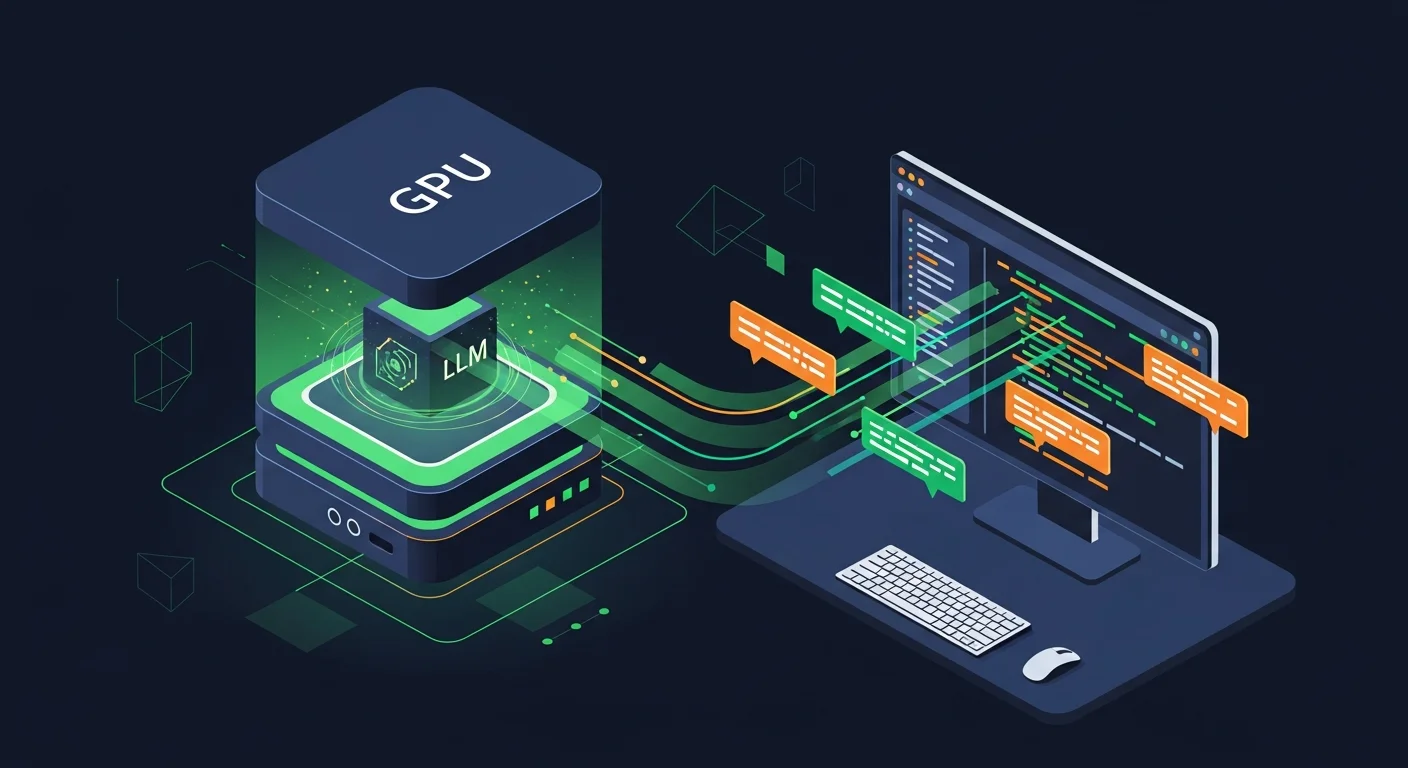
Quick summary: Self-hosting Ollama with one of the modern coding-tuned LLMs (Qwen2.5-Coder, DeepSeek-Coder-V2, Code Llama 70B) gives you cloud-Copilot-quality code completion without sending your code to third parties. The catch is hardware: serious code-assistance models need 24-48 GB of GPU VRAM, or a high-spec Apple Silicon Mac with unified memory. This guide covers the hardware that actually works in 2026 (GPU options, Mac options, the cost-per-month math), the models worth running, the IDE integration patterns, and the realistic latency you can expect compared to a cloud-hosted Copilot subscription.
Why Self-Host?
Three real reasons people self-host code assistance in 2026:
- Privacy. Your code never leaves your network. For regulated industries (healthcare, defense, financial), source code on a third-party server may be a compliance violation. For startups working on novel IP, the same concern applies less formally.
- Cost at scale. GitHub Copilot Business is roughly $19/user/month. For a 50-engineer team, that is $11,400/year. A workstation with a single 24GB GPU costs $3,000-5,000 and serves a small team adequately. The break-even is fast for any team above 10 engineers.
- Capability control. You choose the model, the quantization, the system prompt, the data the model has been trained on. If your security review concludes that "must use models with no Apache-licensed training data" is a real constraint, self-hosting is the only option.
The reasons not to self-host are equally real: cloud Copilot has the best ergonomics, the best context window utilization, and the lowest latency from the developer's perspective. For solo developers and small teams, paying $10-20/month is almost always the right answer.
The Hardware Decision
NVIDIA GPU options (the standard path)
| GPU | VRAM | Price (2026) | What it can run |
|---|---|---|---|
| RTX 4090 | 24 GB | ~$1,800 | Qwen2.5-Coder 32B (Q4), DeepSeek-Coder-V2 16B (full), Code Llama 34B (Q4) |
| RTX 5090 | 32 GB | ~$2,500 | Above plus DeepSeek-Coder-V2 16B (full + larger context) |
| RTX 6000 Ada | 48 GB | ~$7,500 | Code Llama 70B (Q4), DeepSeek-Coder-V2 236B (Q3, slow) |
| 2x RTX 4090 (NVLink) | 48 GB | ~$3,800 | Same as RTX 6000, faster inference |
| RTX A6000 | 48 GB | ~$5,500 | Same as RTX 6000 Ada, slightly slower |
The sweet spot for individual developers in 2026 is a single RTX 4090 or 5090 — fits Qwen2.5-Coder 32B (the current state-of-the-art open coding model in this size class) at usable speeds. For small teams (5-20 engineers sharing one box), 48 GB total VRAM is the right target.
Apple Silicon options (the unified-memory path)
| Mac | Unified Memory | Price (2026) | Notes |
|---|---|---|---|
| Mac Studio M4 Max | 64 GB | ~$3,500 | Comfortable for 32B models; great single-developer machine |
| Mac Studio M4 Ultra | 128 GB | ~$6,000 | Runs 70B models well; small-team-shared workhorse |
| Mac Studio M4 Ultra | 192 GB | ~$8,000 | Comfortable for the largest open models in 2026 |
Apple Silicon's unified memory architecture means the GPU and CPU share the same RAM pool. For a Mac with 128 GB unified memory, that is effectively 128 GB of "VRAM" for an LLM — far more than any consumer NVIDIA card. The trade-off is raw FLOPS: an M4 Ultra is faster than a single RTX 4090 for inference of large models that wouldn't fit on the 4090, but slower than the 4090 for small models that fit on both.
Practical note: a Mac Studio M4 Ultra with 128 GB unified memory has become the default "self-hosted code assistant box" recommendation in 2026 for individual developers and small teams. Quiet, low power, runs all current open coding models, costs roughly the same as 18-24 months of GitHub Copilot Business for a team of three.
The Models Worth Running
The open-source coding LLM landscape moves fast. As of mid-2026, these are the production-ready options:
Qwen2.5-Coder (Alibaba)
The current open-source coding model leader in 2026. Available in 0.5B / 1.5B / 3B / 7B / 14B / 32B parameter sizes. The 32B version at Q4 quantization is competitive with GPT-4 Turbo on coding benchmarks and runs comfortably on a 24 GB GPU. The 7B is good enough to be useful and runs on almost any modern laptop GPU. Apache 2.0 licensed.
DeepSeek-Coder-V2 (DeepSeek)
Mixture-of-experts architecture with 236B total parameters but only 21B active per token. The "Lite" variant (16B) is a good standalone model; the full 236B requires serious hardware (48+ GB VRAM at Q4) but is the strongest open-source option for hard problems. MIT licensed.
Code Llama (Meta)
The previous generation, still useful. The 70B at Q4 is solid; the 34B is the size that fits comfortably on most consumer hardware. Has been somewhat surpassed by Qwen2.5-Coder for new deployments but remains popular for organizations already invested in the Llama ecosystem. Custom Llama license (commercially usable for most cases, read the terms).
Granite Code (IBM)
Strong on enterprise languages (Java, COBOL). Less impressive on modern web/data-science workflows. Apache 2.0 licensed. Good fit if your codebase is heavily Java/JVM.
StarCoder2 (BigCode)
Open training data (the BigCode initiative publishes the dataset). Useful if your compliance review requires knowing what the model was trained on. 15B parameter sweet spot.
Setting Up Ollama
Ollama is the easiest local-LLM runtime in 2026. Single binary, runs on Linux/macOS/Windows, exposes an OpenAI-compatible API.
# Linux install
curl -fsSL https://ollama.com/install.sh | sh

# macOS install (or download .dmg from ollama.com)
brew install ollama

# Pull a model (32B Qwen2.5-Coder, ~20 GB download at Q4)
ollama pull qwen2.5-coder:32b

# Or smaller for laptops
ollama pull qwen2.5-coder:7b

# Start the server (auto-starts on macOS via brew services)
ollama serve

# Test it
curl http://localhost:11434/api/generate -d '{
  "model": "qwen2.5-coder:32b",
  "prompt": "Write a Python function that returns the nth Fibonacci number"
}'
Production deployment as a systemd service
# /etc/systemd/system/ollama.service
[Unit]
Description=Ollama LLM server
After=network-online.target

[Service]
Type=simple
User=ollama
Group=ollama
ExecStart=/usr/local/bin/ollama serve
Environment="OLLAMA_HOST=0.0.0.0:11434"
Environment="OLLAMA_MODELS=/var/lib/ollama/models"
Environment="OLLAMA_KEEP_ALIVE=1h"
Restart=on-failure
RestartSec=10s

# Sandboxing
NoNewPrivileges=true
ProtectSystem=strict
ProtectHome=true
ReadWritePaths=/var/lib/ollama

[Install]
WantedBy=multi-user.target
Bind on 0.0.0.0 only if you intend to serve other machines on your network. Add an Nginx reverse proxy with TLS in front of it for any setup beyond a single workstation.
IDE Integration: continue.dev
continue.dev is the open-source code-completion plugin that has become the standard for self-hosted setups. Available for VSCode, JetBrains, and Vim/Neovim.
VSCode setup
- Install the "Continue" extension from the marketplace.
- Open Continue's config (~/.continue/config.json).
- Add Ollama as a model provider:
{
  "models": [
    {
      "title": "Qwen2.5-Coder Local",
      "provider": "ollama",
      "model": "qwen2.5-coder:32b",
      "apiBase": "http://localhost:11434"
    }
  ],
  "tabAutocompleteModel": {
    "title": "Qwen2.5-Coder 7B (autocomplete)",
    "provider": "ollama",
    "model": "qwen2.5-coder:7b",
    "apiBase": "http://localhost:11434"
  }
}
The pattern: use the smaller model (7B) for fast tab-autocomplete and the larger model (32B) for chat/explain/refactor tasks. The smaller model needs to be very fast (sub-300ms) to feel responsive; the larger model can take a few seconds since you trigger it intentionally.
Performance expectations
| Setup | 7B autocomplete latency | 32B chat (256 tokens) |
|---|---|---|
| RTX 4090 (24 GB) | ~150 ms | ~3 sec |
| Mac Studio M4 Ultra (128 GB) | ~200 ms | ~5 sec |
| Mac M3 Max (64 GB) | ~250 ms | ~7 sec |
| GitHub Copilot (cloud) | ~80 ms | ~1.5 sec |
Cloud Copilot is faster, but local is fast enough that experienced users adapt within a week. The slower latency is more than compensated for, in many users' experience, by the privacy of not sending code over the wire.
The Cost Math: Self-Hosted vs Cloud
Solo developer, 1 user
- GitHub Copilot Individual: $10/month = $120/year
- Mac Studio M4 Max 64GB: $3,500 one-time + ~$5/month electricity = $3,560/year amortized over 1 year, or $415/year over 10 years
For a solo developer, Copilot wins on pure cost unless you keep the hardware for many years. The privacy/control argument has to be the deciding factor.
Small team, 10 users sharing a workstation
- GitHub Copilot Business: $19/month × 10 = $2,280/year
- Workstation with 2x RTX 4090: $5,000 one-time + ~$30/month electricity = $5,360/year first year, $360/year ongoing
Self-hosted breaks even after about 2.5 years. After that it is dramatically cheaper.
Large team, 100 users
- Copilot Business: $19/month × 100 = $22,800/year
- Two production-grade GPU servers: $30,000 one-time + ~$200/month electricity = $32,400 first year, $2,400/year ongoing
Self-hosted breaks even in roughly 18 months and saves $20,000+/year ongoing.
Operational Realities
1. Model updates are constant
The open-source coding LLM space ships major new releases every 2-3 months. Plan to evaluate and potentially swap models quarterly. Make this part of someone's job, not an ad-hoc weekend project.
2. Quantization quality varies
Q4_K_M is the current sweet spot for most consumer hardware — small enough to fit, high enough quality. Q5/Q6 are slightly better quality at higher VRAM cost. Q8 is "almost lossless" but doubles memory. Q3 is "noticeably degraded" but fits larger models.
3. Context window matters more than parameter count
For code assistance, the model needs to see enough context to understand what you are doing. Models with 32K+ context windows (Qwen2.5-Coder, DeepSeek-Coder-V2) are dramatically more useful than models with 8K context, even if the latter has more parameters. Configure Ollama with num_ctx=32768 in the modelfile if you have the VRAM headroom.
4. Tab autocomplete is what matters most
Most developer satisfaction with Copilot-style tools comes from inline autocomplete, not the chat sidebar. Optimize the small/fast model and the autocomplete latency over everything else.
5. Sharing one server across a team works
Ollama handles concurrent requests by queueing. For a team of 10-20 sharing a 48 GB GPU server, the user-perceived latency is fine — most autocomplete requests are subseconds and the queue rarely backs up.
The Privacy Story in Practical Terms
Cloud-based code assistants vary widely in their data handling. GitHub Copilot Business has explicit "your code is not used for training" guarantees and offers IP indemnification — for most enterprise use cases, the privacy story is acceptable. Other vendors are less clear. Either way, every keystroke you accept and every prompt you write is transmitted to a third party for inference.
Self-hosting eliminates this entirely. Your code never leaves your network; no third party sees your prompts or completions; no inference logs exist outside your own infrastructure. For organizations under strict data-residency requirements (EU, healthcare, defense), this is often the deciding factor. For organizations working on novel IP, it is at least a meaningful peace-of-mind benefit.
The trade-off is operational responsibility: you now own a piece of inference infrastructure and the model lifecycle. Most teams that make this trade decide it is worth it; some come back to cloud after concluding the operational burden does not match their team's capacity. Both decisions are defensible.
Frequently Asked Questions
Is the quality really comparable to Copilot?
For autocomplete, yes — Qwen2.5-Coder 32B is competitive with GitHub Copilot's underlying model on standard benchmarks and in subjective testing. For complex multi-file refactors, cloud Copilot still has an edge because of better tooling integration. For simple "complete this function" tasks, you cannot tell the difference.
Can I fine-tune a model on my own codebase?
Technically yes, practically rarely worth it. The base coding LLMs in 2026 are good enough that the marginal benefit of fine-tuning is small relative to the operational complexity. The exception: if you have a large proprietary DSL or framework not represented in public training data, fine-tuning can help.
What about RAG over my codebase?
continue.dev supports RAG (retrieval-augmented generation) — it indexes your local codebase and inserts relevant snippets into the model's context. This is more useful than fine-tuning for most teams; it gives the model awareness of your code without retraining.
Does Ollama work on Windows?
Yes — Ollama has a native Windows installer in 2026. WSL2 is also supported but not required.
Can I run multiple models simultaneously?
Yes — Ollama loads models on demand and unloads them after a configurable idle timeout (OLLAMA_KEEP_ALIVE). For a single-GPU setup, only one large model fits in memory at a time; switching has a 5-30 second load delay.
What about safety / jailbreak concerns?
Open coding models have weaker safety training than commercial chat models. For a developer-tools use case this is usually not an issue. If you are exposing the model to untrusted users (a public-facing chatbot), use a different model class.
One Real Team's Setup
A 25-engineer fintech team we know switched from GitHub Copilot to a self-hosted Qwen2.5-Coder setup in early 2026. Hardware: a single Threadripper workstation with two RTX 5090 GPUs, served from a colocation rack with a private VPN connection. Cost: $8,500 hardware + $60/month colo + $30/month electricity = roughly $9,580 first year. Equivalent Copilot Business cost: $5,700/year ongoing. Break-even at 20 months; ongoing savings thereafter. Compliance benefit: their audit team explicitly approved the self-hosted setup where they had been raising flags about cloud Copilot. Developer satisfaction: 4 out of 25 engineers complained about the slower chat latency in the first month; by month three, no one was asking to go back. Net assessment: very satisfied with the tradeoffs.
Further Reading from the Dargslan Library
- AI & Machine Learning category — local LLMs, model deployment, and AI infrastructure.
- DevOps & Cloud category — server provisioning, GPU scheduling, and infrastructure automation.
- Free cheat sheet library — printable references for Ollama, continue.dev, and common LLM operational tasks.
- Dargslan eBook library — comprehensive AI infrastructure and DevOps courses.
The Bottom Line
Self-hosting a code-assistance LLM is a serious option in 2026 — the open-source models are competitive, Ollama makes deployment trivial, and continue.dev is a polished IDE integration. Whether it makes sense for you depends on team size, privacy requirements, and willingness to operate the infrastructure. For solo developers, cloud Copilot is usually right; for teams above 10-20 engineers with privacy-sensitive code, self-hosting wins on both cost and control.