The Model Context Protocol (MCP) is revolutionizing how AI models interact with external tools and data sources. This comprehensive cheat sheet covers everything you need to configure MCP servers for Claude Desktop, VS Code, Cursor, and other AI-powered development environments.
What is MCP?
MCP is an open standard developed by Anthropic that enables AI models to securely connect to external data sources, tools, and services. Think of it as the "USB-C port" for AI — a universal interface that lets any AI model interact with any data source through a standardized protocol.
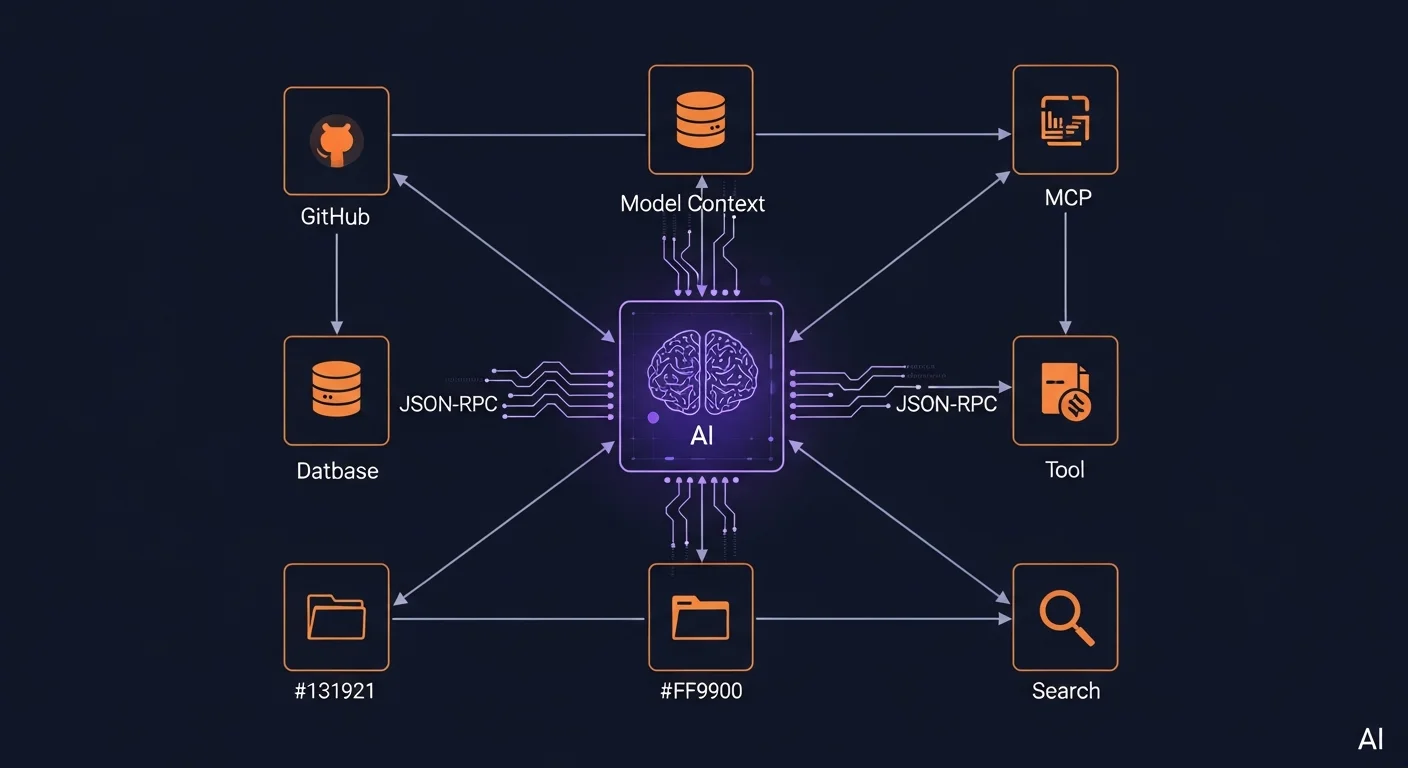
Key Topics Covered in This Guide
Claude Desktop Configuration
Learn how to set up MCP servers in Claude Desktop with the JSON configuration file. Configure filesystem access, GitHub integration, database connections, and more. The guide covers configuration file locations for macOS, Windows, and Linux.
IDE Integration: VS Code, Cursor & Windsurf
Set up MCP servers in your favorite development environment. VS Code uses GitHub Copilot Agent Mode, Cursor uses .cursor/mcp.json, and Windsurf uses its own configuration format — but the MCP server definitions are identical across all platforms.
Building Custom MCP Servers
Create your own MCP servers with TypeScript (using @modelcontextprotocol/sdk) or Python (using FastMCP). Define custom tools, resources, and prompts that any AI client can use. The guide includes complete server skeletons for both languages.
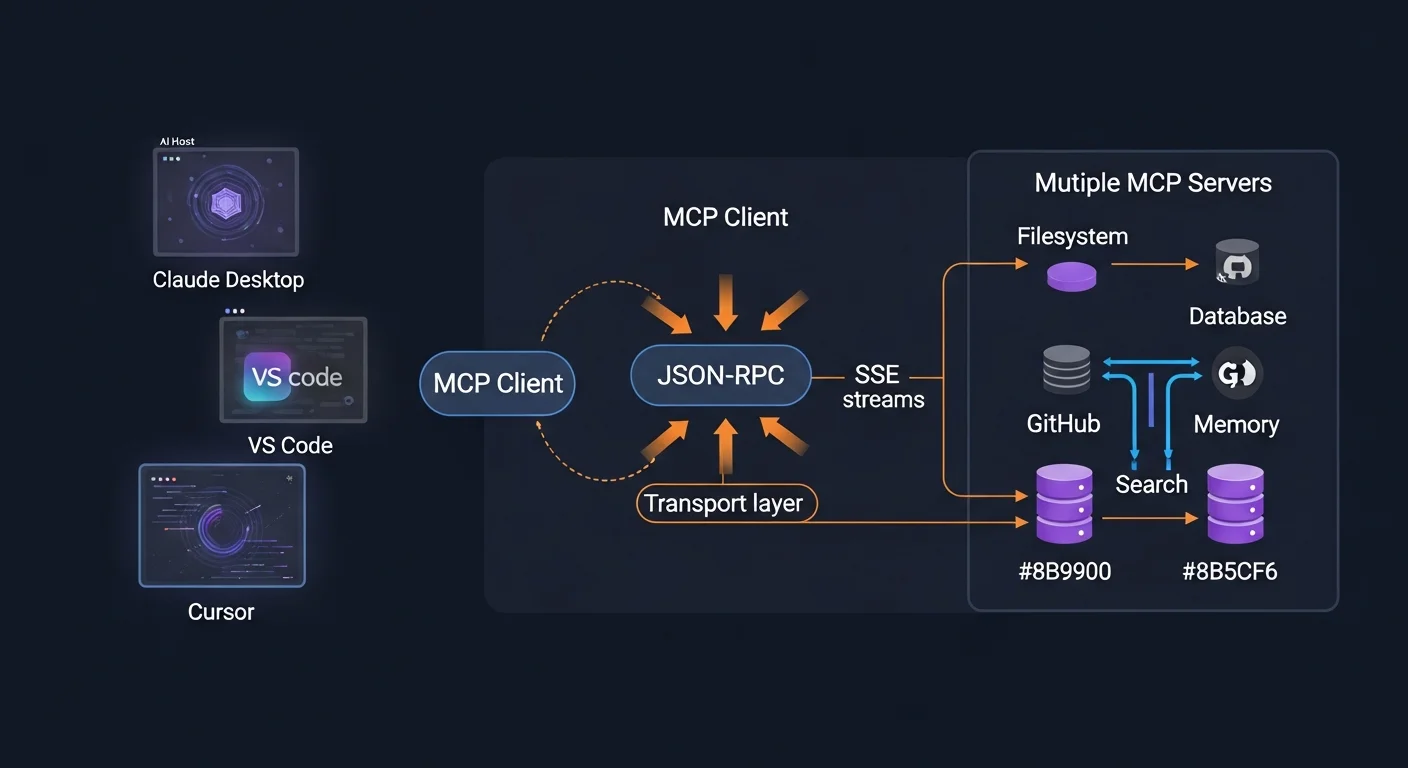
Official & Community MCP Servers
A comprehensive directory of 20+ official and community MCP servers including filesystem, GitHub, PostgreSQL, SQLite, Google Drive, Slack, Brave Search, Docker, Kubernetes, Notion, Linear, Stripe, and more.
Transport Types: stdio vs SSE vs Streamable HTTP
Understanding when to use each transport type: stdio for local desktop apps, SSE for remote server communication, and Streamable HTTP for modern production deployments.
Security Best Practices
Essential security checklist: principle of least privilege, environment variable management, input validation with Zod/Pydantic, authentication for remote servers, audit logging, Docker sandboxing, and network isolation.
Production Deployment
Deploy MCP servers in production using gateway architecture with Nginx reverse proxy, Docker Compose stacks, and team-wide shared server configurations.
Download the Free PDF
Get the complete 14-page AI MCP Server Configuration Guide as a free PDF cheat sheet. It covers everything from basic setup to production deployment, with code examples you can copy and paste directly.
Download MCP Server Guide PDF →
Recommended Books
Deepen your AI and automation knowledge with these carefully selected eBooks from the Dargslan library: