
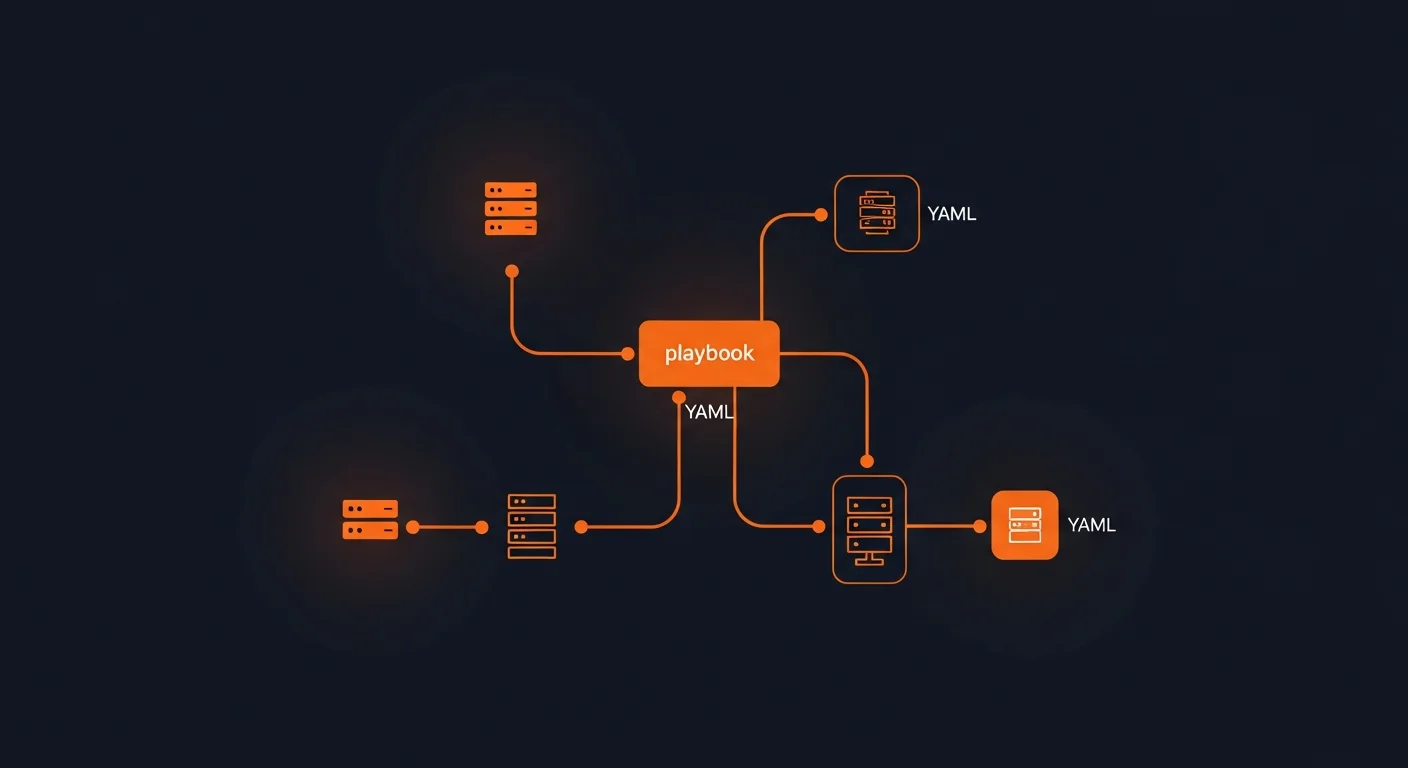
Managing servers manually is a recipe for disaster. Configuration drift, inconsistent environments, undocumented changes, and the "it works on my machine" problem — these are the daily struggles of any team managing more than a handful of servers. Ansible eliminates these problems with a simple, powerful approach: describe your desired infrastructure state in human-readable YAML, and let Ansible make it so.
In this comprehensive guide, you will learn everything from your first ad-hoc command to production-grade automation with roles, testing, secrets management, and CI/CD integration. Whether you manage 5 servers or 5,000, Ansible scales to meet your needs — without agents, without complexity.
Table of Contents
- What is Ansible?
- Why Choose Ansible?
- Installation & Setup
- Architecture & Core Concepts
- Inventory Management
- Ad-Hoc Commands
- Playbook Fundamentals
- Essential Modules
- Variables, Facts & Templating
- Conditionals, Loops & Blocks
- Roles & Ansible Galaxy
- Ansible Vault
- Error Handling & Debugging
- Testing with Molecule
- AWX / Automation Platform
- Cloud Provisioning & CI/CD
- Best Practices
- Resources & Next Steps
What is Ansible?
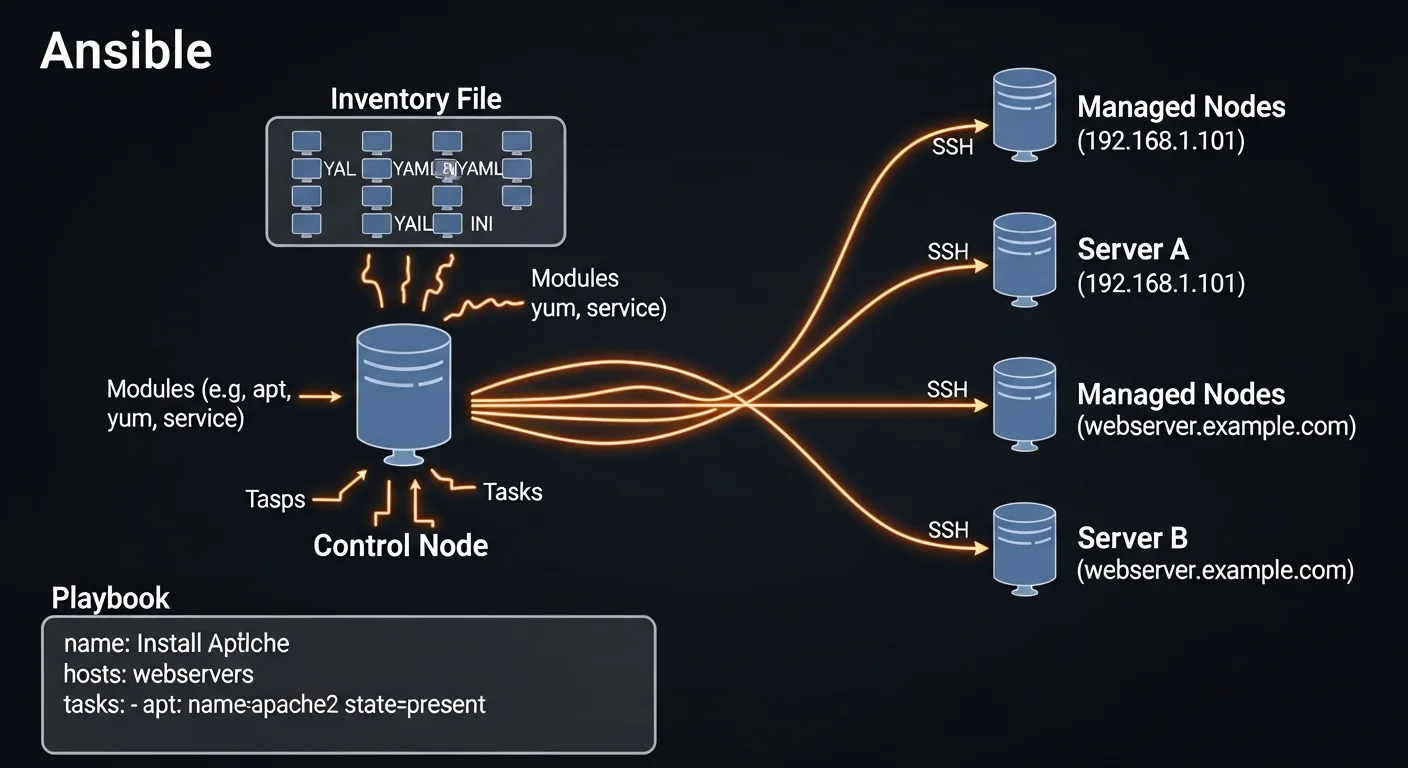
Ansible is an open-source automation platform by Red Hat that automates IT tasks including configuration management, application deployment, cloud provisioning, and orchestration. What makes Ansible unique among automation tools is its agentless architecture — it connects to your servers over SSH (or WinRM for Windows) and requires absolutely no software installation on the target machines.
This means you can start automating immediately. If you can SSH into a server, you can manage it with Ansible. No agents to install, no daemons to maintain, no additional ports to open in your firewall.
Ansible uses YAML for its configuration language, making playbooks readable by anyone on your team — not just the person who wrote them. This human-readable approach to infrastructure as code has made Ansible the most widely adopted automation tool in the industry.
Why Choose Ansible?
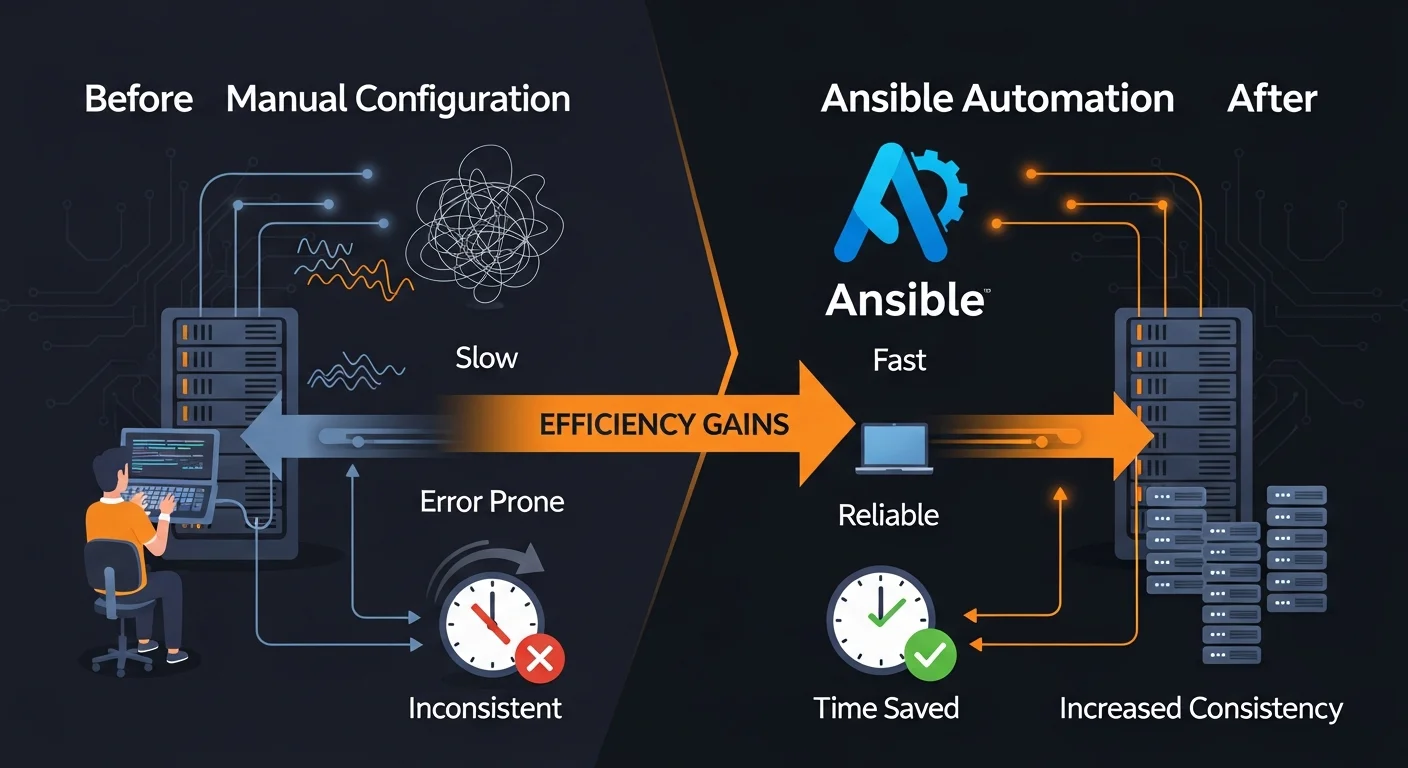
The configuration management and automation space has several strong contenders. Here is why Ansible consistently wins:
Agentless Architecture
Unlike Puppet and Chef, which require agent software on every managed node, Ansible uses SSH — the protocol your team already uses. This means:
- No agent installation, updates, or maintenance
- No additional ports to open in your firewall
- No PKI infrastructure to manage
- Simpler security audits
- Works on any system with SSH access
Low Learning Curve
YAML is not a programming language — it is a data serialization format. If you can read an indented list, you can read an Ansible playbook. This makes Ansible accessible to sysadmins, DevOps engineers, and developers alike, without requiring Ruby or Python expertise.
Idempotency
Ansible modules are idempotent by design. Running a playbook once or ten times produces the same end state. If Nginx is already installed and running, Ansible will not reinstall it — it will simply confirm the desired state and move on. This makes playbooks safe to run repeatedly.
Massive Community
Ansible Galaxy hosts over 30,000 reusable roles and collections. Chances are, someone has already written and tested automation for your exact use case.
Installation & Setup
Ansible only needs to be installed on your control node (the machine you run commands from). Managed nodes need nothing except SSH access and Python.
pip Installation (Recommended)
pip install ansible
ansible --version
System Package Manager
# Ubuntu / Debian
sudo apt update && sudo apt install ansible

# RHEL / CentOS / Fedora
sudo dnf install ansible-core

# macOS
brew install ansible
Configuration
Create an ansible.cfg in your project directory:
[defaults]
inventory = ./inventory/hosts.ini
remote_user = deploy
private_key_file = ~/.ssh/ansible_key
host_key_checking = False
forks = 20
log_path = /var/log/ansible.log

[privilege_escalation]
become = True
become_method = sudo

[ssh_connection]
pipelining = True
ssh_args = -o ControlMaster=auto -o ControlPersist=60s
Architecture & Core Concepts
Understanding Ansible's architecture helps you design better automation:
| Component | Description |
|---|---|
| Control Node | Machine where Ansible is installed and playbooks run from |
| Managed Nodes | Target servers managed by Ansible (no agent needed) |
| Inventory | List of managed nodes organized in groups with variables |
| Playbooks | YAML files defining the automation tasks to execute |
| Modules | Units of code executed on managed nodes (3000+ built-in) |
| Roles | Reusable automation packages with tasks, templates, and vars |
| Collections | Distributions of modules, roles, and plugins (Galaxy packages) |
| Plugins | Extensions for connections, callbacks, filters, and lookups |
Inventory Management
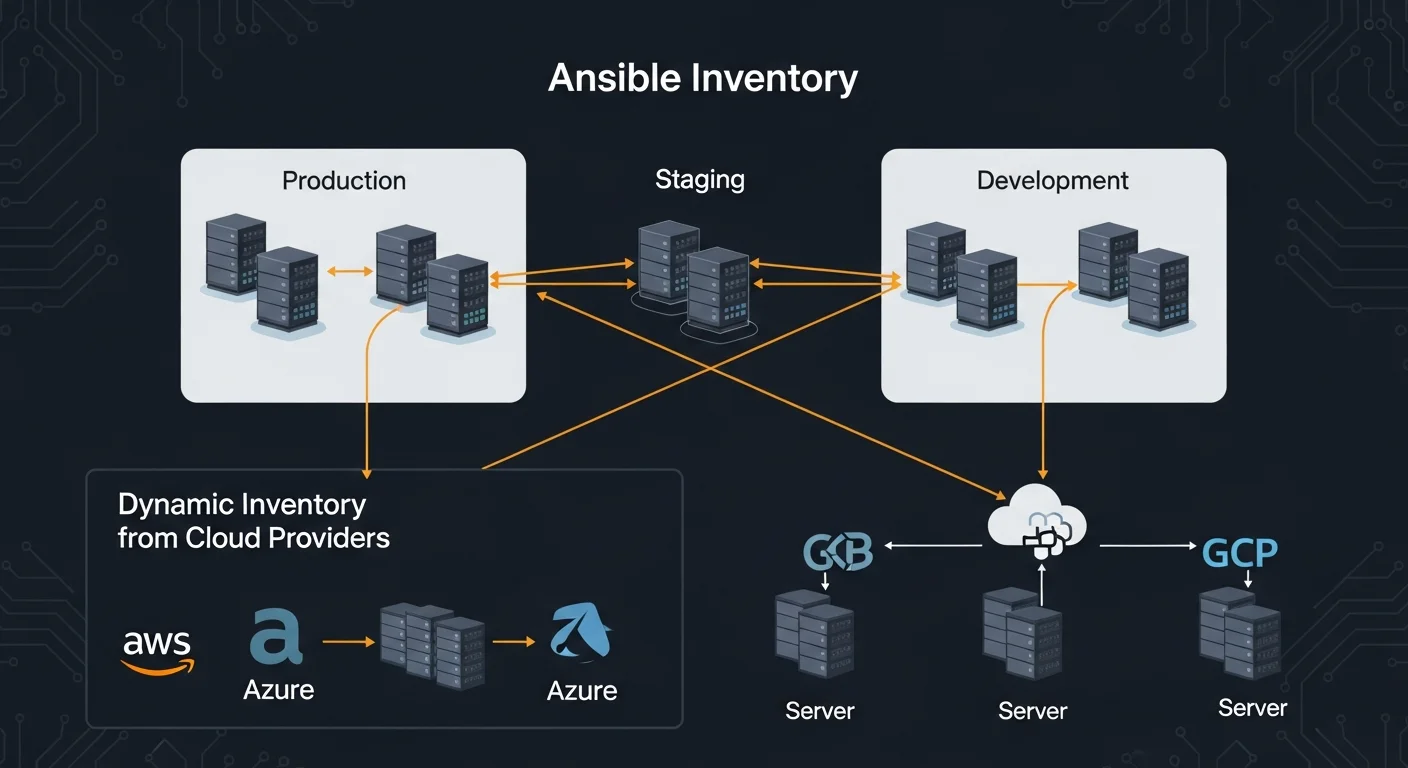
The inventory defines which hosts Ansible manages and how they are organized.
INI Format
[webservers]
web1.example.com ansible_host=192.168.1.10
web2.example.com ansible_host=192.168.1.11

[dbservers]
db1.example.com ansible_host=192.168.1.20

[production:children]
webservers
dbservers

[production:vars]
ansible_user=deploy
env=production
YAML Format
all:
  children:
    webservers:
      hosts:
        web1.example.com:
          ansible_host: 192.168.1.10
          http_port: 80
    dbservers:
      hosts:
        db1.example.com:
          ansible_host: 192.168.1.20
      vars:
        db_port: 5432
Host Patterns
Target specific hosts or groups in your commands:
all— All hosts in inventorywebservers— All hosts in webservers groupwebservers:dbservers— Union of two groupswebservers:&production— Intersection (hosts in both)webservers:!staging— Exclusion (webservers minus staging)
Dynamic Inventory
For cloud environments, use dynamic inventory plugins to automatically discover hosts from AWS, Azure, or GCP:
# inventory/aws_ec2.yml
plugin: amazon.aws.aws_ec2
regions:
  - eu-central-1
filters:
  tag:Environment: production
keyed_groups:
  - key: tags.Role
    prefix: role
Ad-Hoc Commands
Ad-hoc commands are one-liners for quick, immediate tasks:
# Ping all hosts
ansible all -m ping

# Check disk space
ansible webservers -m shell -a "df -h"

# Install a package
ansible webservers -m apt -a "name=nginx state=present" --become

# Restart a service
ansible webservers -m service -a "name=nginx state=restarted" --become

# Copy a file
ansible all -m copy -a "src=config.conf dest=/etc/app/config.conf"

# Gather system facts
ansible web1 -m setup -a "filter=ansible_os_family"
Playbook Fundamentals
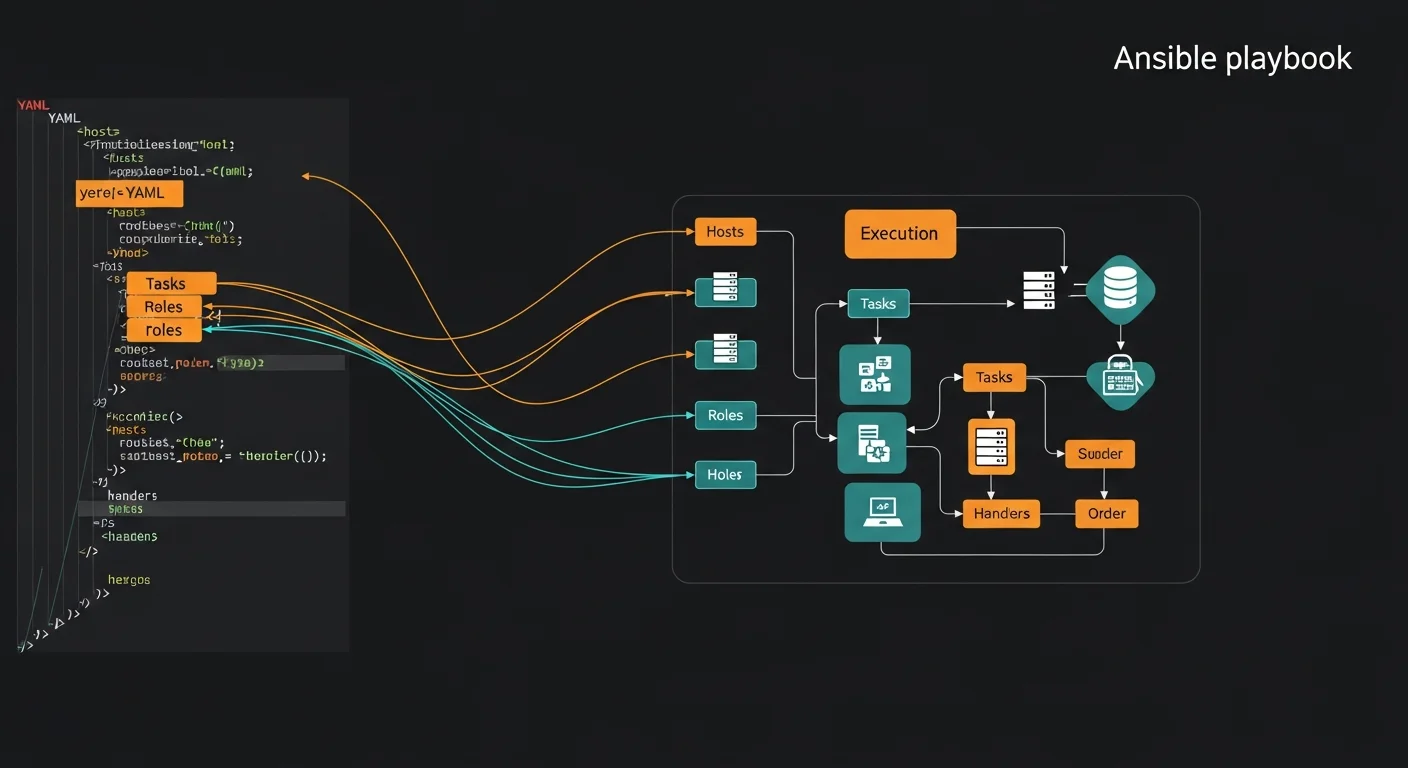
Playbooks are the heart of Ansible — YAML files that define your automation as a series of tasks:
---
- name: Configure web servers
  hosts: webservers
  become: true
  vars:
    http_port: 80
    doc_root: /var/www/html

  tasks:
    - name: Install Nginx
      apt:
        name: nginx
        state: present
        update_cache: yes

    - name: Deploy configuration
      template:
        src: nginx.conf.j2
        dest: /etc/nginx/nginx.conf
      notify: Restart Nginx

    - name: Ensure Nginx is running
      service:
        name: nginx
        state: started
        enabled: true

  handlers:
    - name: Restart Nginx
      service:
        name: nginx
        state: restarted
Running Playbooks
# Basic execution
ansible-playbook site.yml

# Dry run with diff
ansible-playbook site.yml --check --diff

# Limit to specific hosts
ansible-playbook site.yml --limit web1

# Run with tags
ansible-playbook site.yml --tags "install,configure"

# Extra variables
ansible-playbook site.yml -e "app_version=2.1.0"
Essential Modules
Ansible ships with 3000+ modules. Here are the ones you will use most:
| Module | Category | Purpose |
|---|---|---|
| apt / yum / dnf | Package | Install, update, remove packages |
| service / systemd | Service | Start, stop, restart, enable services |
| copy | File | Copy files to managed nodes |
| template | File | Render Jinja2 templates and deploy |
| file | File | Set permissions, ownership, create dirs |
| lineinfile | File | Add or modify lines in files |
| user / group | System | Manage users and groups |
| git | Source | Clone and pull Git repositories |
| uri | Network | Make HTTP/API requests |
| debug | Utility | Print variables and messages |
| assert | Utility | Validate conditions |
| wait_for | Utility | Wait for port, file, or condition |
Variables, Facts & Templating
Variables make your playbooks dynamic and reusable:
Variable Sources (lowest to highest priority)
- Role defaults (
roles/x/defaults/main.yml) - Inventory variables (
group_vars/,host_vars/) - Playbook vars (
vars:section) - Role vars (
roles/x/vars/main.yml) - Set_fact / registered vars (runtime)
- Extra vars (
-eon CLI — highest priority)
Jinja2 Templating
# templates/nginx.conf.j2
server {
    listen {{ http_port }};
    server_name {{ ansible_fqdn }};

    {% if ssl_enabled %}
    listen 443 ssl;
    ssl_certificate {{ ssl_cert }};
    {% endif %}

    {% for backend in app_backends %}
    upstream {{ backend.name }} {
        server {{ backend.host }}:{{ backend.port }};
    }
    {% endfor %}
}
Ansible Facts
Facts are automatically gathered system information:
{{ ansible_hostname }}           # web1
{{ ansible_os_family }}          # Debian
{{ ansible_default_ipv4.address }} # 192.168.1.10
{{ ansible_memtotal_mb }}        # 8192
{{ ansible_processor_cores }}    # 4
Conditionals, Loops & Blocks
Conditionals
- name: Install on Debian-based systems
  apt:
    name: nginx
    state: present
  when: ansible_os_family == "Debian"

- name: Install on RHEL-based systems
  dnf:
    name: nginx
    state: present
  when: ansible_os_family == "RedHat"
Loops
- name: Install multiple packages
  apt:
    name: "{{ item }}"
    state: present
  loop:
    - nginx
    - postgresql
    - redis
    - htop
Blocks (Try/Catch/Finally)
- name: Deploy with rollback
  block:
    - name: Deploy new version
      git:
        repo: "{{ app_repo }}"
        dest: /opt/app
        version: "{{ app_version }}"
  rescue:
    - name: Rollback
      git:
        repo: "{{ app_repo }}"
        dest: /opt/app
        version: "{{ previous_version }}"
  always:
    - name: Log result
      debug:
        msg: "Deployment completed"
Roles & Ansible Galaxy
Roles are the primary mechanism for organizing and reusing Ansible automation:
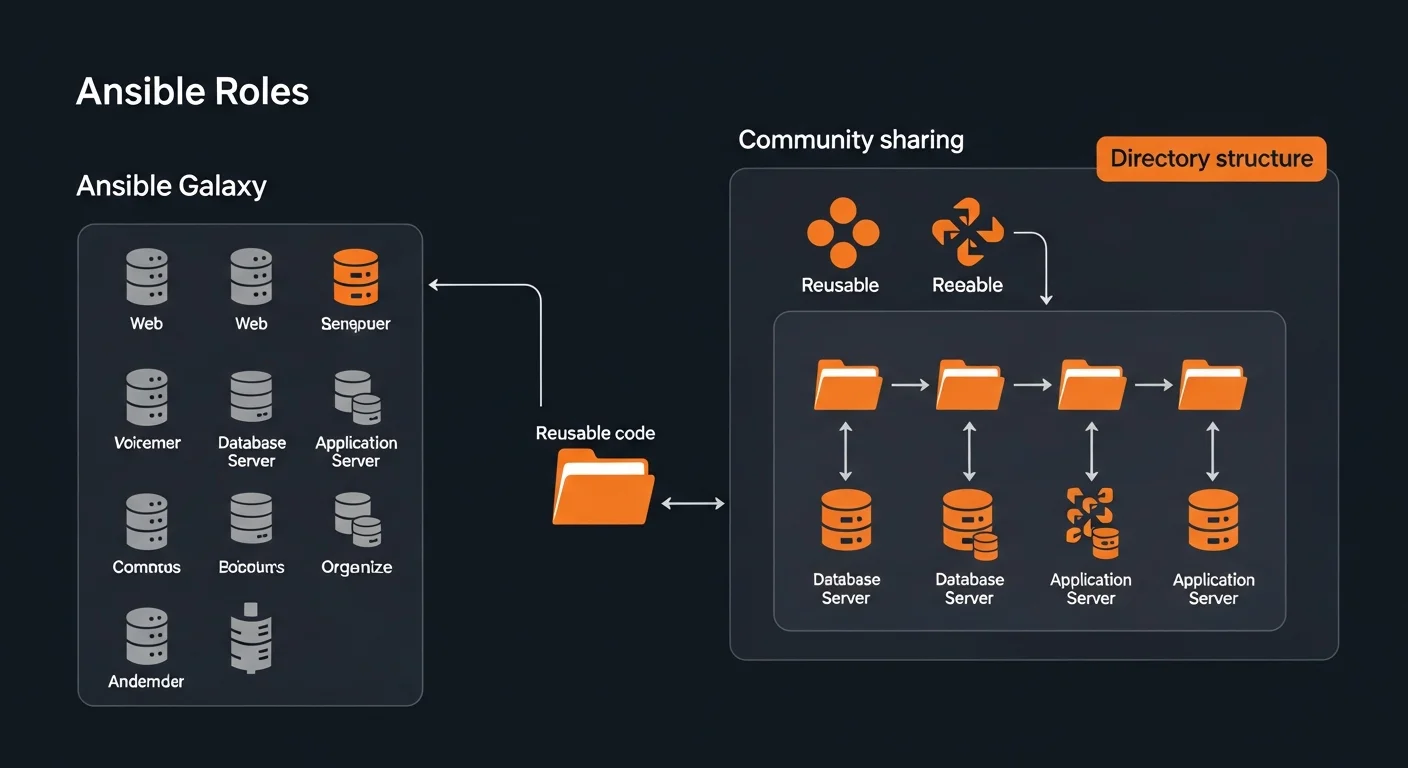
Role Structure
roles/nginx/
  defaults/main.yml     # Default variables (lowest priority)
  files/                # Static files
  handlers/main.yml     # Handler definitions
  meta/main.yml         # Dependencies and metadata
  tasks/main.yml        # Main task list
  templates/            # Jinja2 templates
  vars/main.yml         # Role variables (high priority)
Using Roles
---
- hosts: webservers
  roles:
    - common
    - { role: nginx, http_port: 8080 }
    - { role: app, tags: ["deploy"] }
Ansible Galaxy
# Install community roles
ansible-galaxy install geerlingguy.nginx
ansible-galaxy install geerlingguy.postgresql

# Install from requirements file
ansible-galaxy install -r requirements.yml
Ansible Vault
Vault encrypts sensitive data like passwords, API keys, and certificates:
# Create encrypted file
ansible-vault create secrets.yml

# Encrypt existing file
ansible-vault encrypt vars/prod-secrets.yml

# Edit encrypted file
ansible-vault edit secrets.yml

# Run playbook with vault
ansible-playbook site.yml --ask-vault-pass
ansible-playbook site.yml --vault-password-file ~/.vault_pass

# Encrypt a single string
ansible-vault encrypt_string "mypassword" --name "db_password"
Error Handling & Debugging
Build resilient playbooks with proper error handling:
- ignore_errors: yes — Continue execution even if task fails
- block/rescue/always — Try/catch/finally pattern
- failed_when — Custom failure conditions
- changed_when: false — Mark tasks as never changed
- --check --diff — Dry run before applying
- -v / -vvv / -vvvv — Increasing verbosity levels
Testing with Molecule
Molecule provides a testing framework for your Ansible roles:
# Install Molecule
pip install molecule molecule-plugins[docker]

# Initialize in existing role
molecule init scenario --driver-name docker

# Full test lifecycle
molecule test

# Individual stages
molecule create    # create test instance
molecule converge  # run role
molecule verify    # run tests
molecule destroy   # cleanup
AWX / Automation Platform
AWX is the open-source web UI for Ansible, providing RBAC, scheduling, credentials management, and a REST API for enterprise automation at scale.
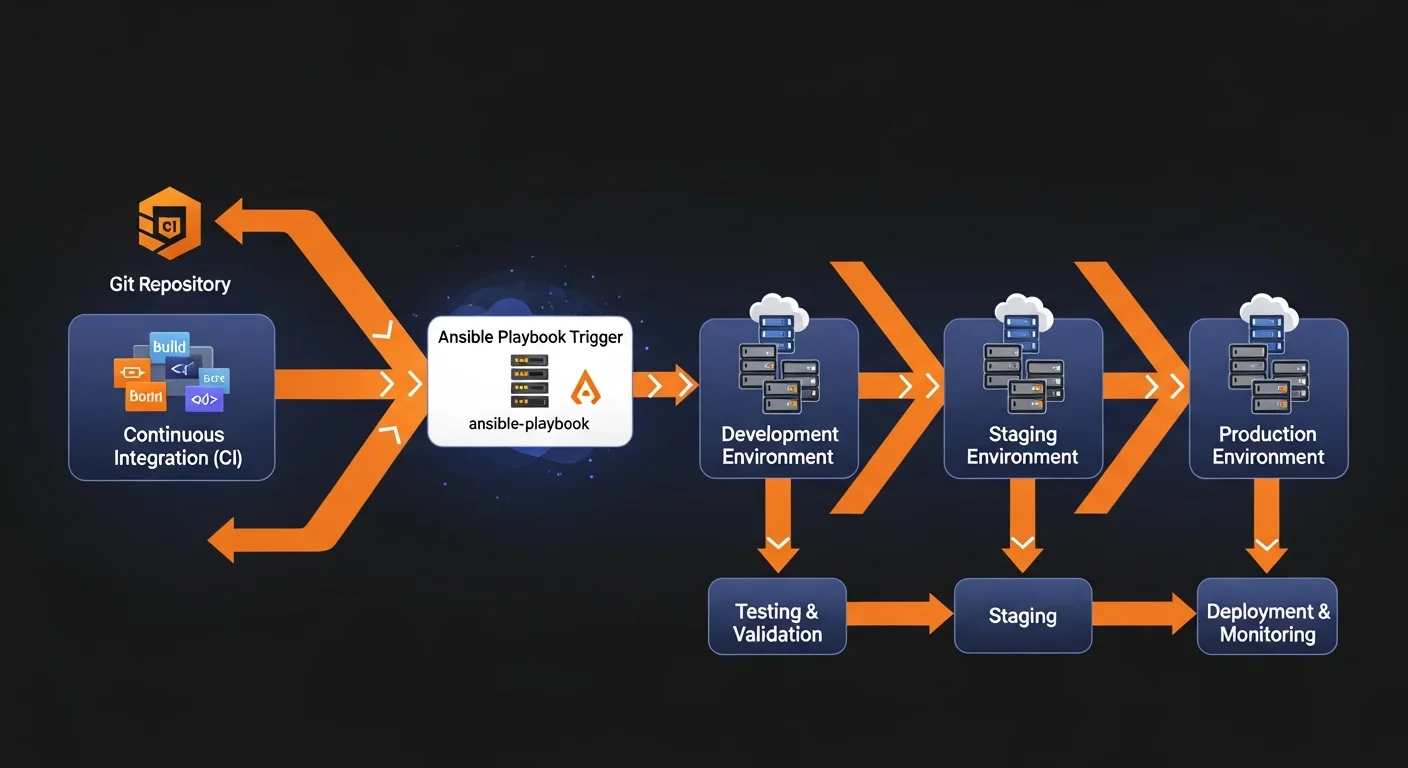
Cloud Provisioning & CI/CD
Cloud Modules
# Install cloud collections
ansible-galaxy collection install amazon.aws
ansible-galaxy collection install azure.azcollection
ansible-galaxy collection install google.cloud
GitHub Actions Integration
name: Deploy with Ansible
on:
  push:
    branches: [main]
jobs:
  deploy:
    runs-on: ubuntu-latest
    steps:
      - uses: actions/checkout@v4
      - name: Install Ansible
        run: pip install ansible
      - name: Run playbook
        run: ansible-playbook -i inventory/prod site.yml
        env:
          ANSIBLE_VAULT_PASSWORD: ${{ secrets.VAULT_PASS }}
Best Practices
- Always name tasks — Every task needs a clear, descriptive name
- Use roles — Break playbooks into focused, reusable roles
- Idempotency — Ensure playbooks are safe to run multiple times
- Use tags — Enable selective execution with
--tags - Version pin — Pin role and collection versions in requirements.yml
- Test first — Always
--check --diffbefore production changes - Vault all secrets — Never store passwords in plaintext
- Use handlers — Restart services via handlers, not direct tasks
- Document roles — README.md with variables, dependencies, examples
- Rolling deploys — Use
serial:to avoid full-fleet outages
Resources & Next Steps
Recommended Books
Deepen your Ansible and automation skills:
- Ansible Automation: From Zero to Production — Complete Ansible mastery from basics to advanced patterns
- Linux Administration Fundamentals — Master the systems that Ansible manages
- Docker Fundamentals — Container deployment and management with Ansible
- IT Infrastructure Management — Enterprise infrastructure patterns
- Webhook Automation in Practice — Event-driven automation patterns
Download the Cheat Sheet
Get our free Ansible Automation Complete Guide 2026 — a 16-page PDF reference covering playbooks, modules, inventory, roles, Vault, Molecule testing, AWX, cloud provisioning, and best practices.



