
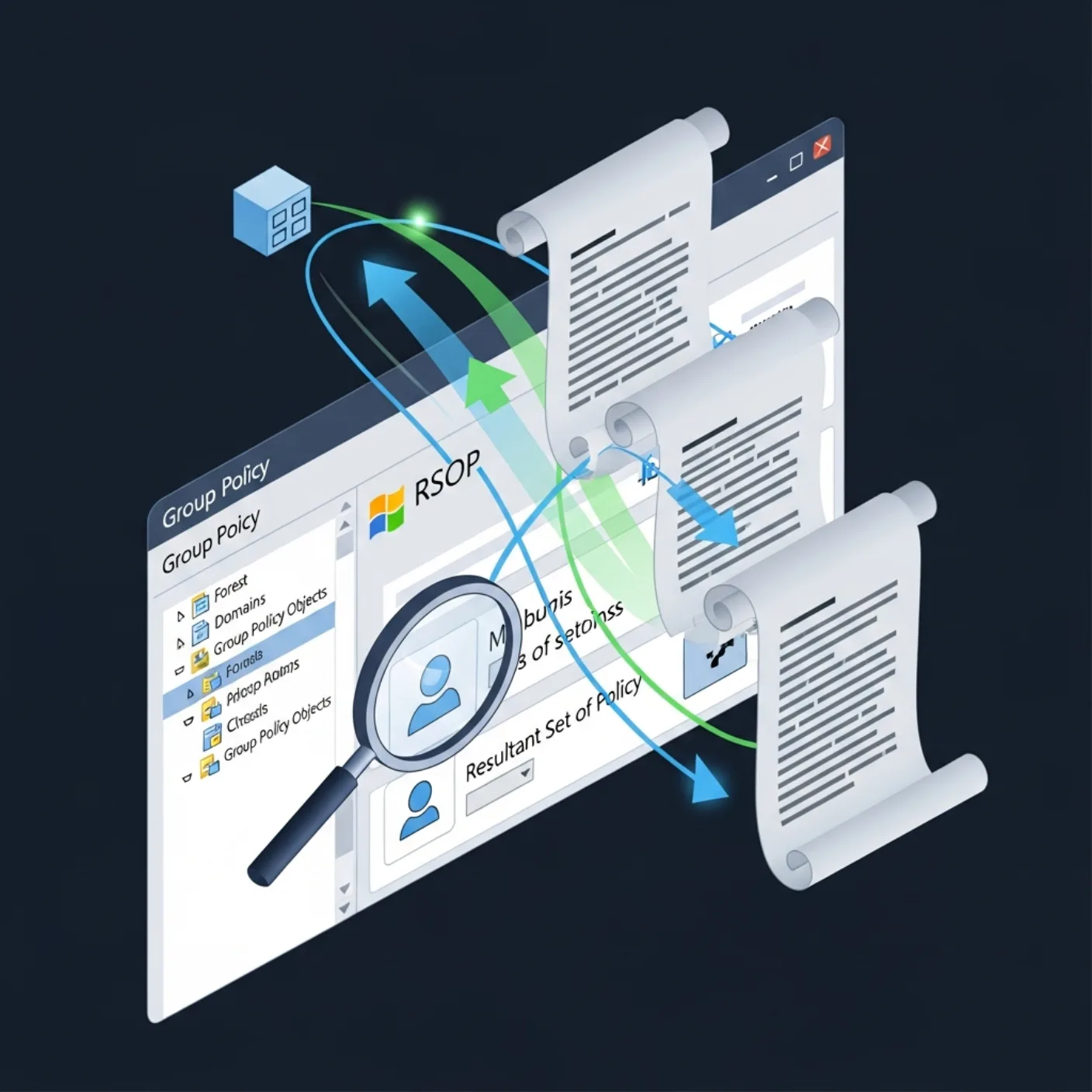
Group Policy "did not apply" almost always has one of five causes: the user is not in the security filter, the WMI filter excluded them, the slow-link threshold blocked the policy, the link is disabled at an OU level, or the client never reached the SYSVOL share. The diagnostic order below catches every one of them.
Table of Contents
gpresult /h is your first move
gpresult /h C:\rsop.html /f
gpresult /r /scope:computer
gpresult /r /scope:user
The HTML report is the entire diagnostic in one file. It lists every applied GPO, every denied GPO with the reason (Not Applied — Empty / Disabled / Filtering: Denied (Security)), and every applied registry setting.
Reading the report
Two sections matter most:
- Applied GPOs — the policies that ran. If your expected policy is not here, scroll to Denied.
- Denied GPOs — every policy and the reason it did not apply. The reason is the diagnostic.
RSoP modeling for users you cannot log in as
You cannot run gpresult as the user from the helpdesk console. Group Policy Modeling in gpmc.msc simulates the result. From PowerShell:
Get-GPResultantSetOfPolicy -ReportType Html `
    -User CONTOSO\jdoe -Computer SRV01 -Path C:\jdoe-srv01.html
gpsvc.log when the report is empty
If gpresult returns no policies and the host is domain-joined, the Group Policy Service log is the next stop:
reg add HKLM\Software\Microsoft\Windows\NT\CurrentVersion\Diagnostics /v GPSvcDebugLevel /t REG_DWORD /d 0x30002 /f
gpupdate /force
type C:\Windows\Debug\Usermode\gpsvc.log
Look for entries like "could not contact a domain controller" (DNS / firewall), "access denied reading SYSVOL" (machine account), or "GPO version mismatch" (replication problem).
WMI filter pitfalls
WMI filters are evaluated against the client's WMI namespace. The two failure modes:
- The query references a class that does not exist on the client (a Windows 10 filter applied to a Server 2022 host where the class moved).
- WMI itself is broken on the client.
# Validate from the client side:
Get-WmiObject -Query 'SELECT * FROM Win32_OperatingSystem WHERE ProductType=1'
Security filter pitfalls
The default security filtering is Authenticated Users. Removing it is the most common cause of "the new GPO does not apply to anyone". Restore with:
Set-GPPermission -Name 'Software Deployment' `
    -PermissionLevel GpoApply -TargetName 'Authenticated Users' -TargetType Group
Security filters need both the read AND the apply permission. Group-only filters often have apply but no read.
SYSVOL replication
If the GPO version on one DC differs from another, clients hit different versions:
dfsrdiag.exe replicationstate /member:dc01
dcdiag /test:replications
repadmin /showrepl
Diagnostic checklist
- gpresult /h confirms applied vs denied policies (1 pt)
- RSoP modeling produces the same result as a real login (1 pt)
- gpsvc.log has no errors in the last 24h (1 pt)
- WMI filters validated with Get-WmiObject from the client (1 pt)
- SYSVOL replication healthy across all DCs (1 pt)
Beyond gpresult: policy precedence, WMI filters and loopback
The standard troubleshooting flow is to run gpresult /h and read the report. When that report does not match what is actually applied — and it often does not — the cause is one of three things: precedence order, a WMI filter that returns false, or loopback processing replacing the user policy at the computer level.
Read the precedence chain explicitly
Group Policy applies in LSDOU order: Local, Site, Domain, OU. Within an OU, link order matters and "Enforced" overrides everything else. The HTML report shows the winning value but not always why.
# Show the GPOs that applied and their order
gpresult /scope:user /v | Select-String 'Applied Group Policy Objects', 'GPO:'

# Inspect link order at a specific OU
Get-GPInheritance -Target 'OU=Workstations,OU=IT,DC=corp,DC=local' |
    Select -ExpandProperty GpoLinks |
    Sort-Object Order |
    Format-Table Order, DisplayName, Enforced, Enabled -AutoSize
Verify WMI filters are returning what you think
A WMI filter that returns no results silently skips the GPO. Test the filter from the target machine itself:
# Example filter: Windows 11 Enterprise
$filter = "SELECT * FROM Win32_OperatingSystem WHERE Version LIKE '10.0.2%' AND OperatingSystemSKU = 4"
Get-CimInstance -Query $filter
# Empty result -> filter excludes this machine -> GPO does not apply
Loopback processing: the silent surprise
When a GPO has Loopback Processing enabled in Replace mode, user-side settings come from the computer's OU, not the user's. A user with carefully configured drive maps in their OU will see none of them on a loopback-replace machine.
# Identify GPOs with loopback enabled
Get-GPO -All | ForEach-Object {
$report = Get-GPOReport -Guid $_.Id -ReportType Xml
if ($report -match 'LoopbackMode') {
[pscustomobject]@{
Name = $_.DisplayName
Mode = if ($report -match '(.*?) ') { $Matches[1] } else { 'Unknown' }
}
}
}
Common pitfalls
- Running
gpresultas the wrong user. The report is for the user who runs it. To see another user's policy usegpresult /user CORP\jane /scope:userfrom an admin shell. - Forgetting that gpupdate does not refresh everything. Software Installation, Folder Redirection and some startup-script changes need a reboot.
gpupdate /force /bootautomates that. - Editing a GPO that does not apply. Confirm the link target with
Get-GPInheritancefirst. A common cause of "my policy does nothing" is editing a GPO linked to the wrong OU. - Slow-link detection misfiring on VPN. If clients on VPN see policy not applied, the slow-link threshold is too high. Set the threshold via Computer Configuration > Administrative Templates > System > Group Policy.
- Ignoring SYSVOL replication. A GPO edited on one DC may not have replicated.
repadmin /showreplconfirms.
A 25-minute Group Policy diagnostic flow
When a user reports "my drive maps are gone" or "the corporate wallpaper disappeared", the right diagnostic flow drains the ticket in under half an hour without guessing. Follow the steps in order — each one rules out a class of cause.
- Minute 0–3 — Confirm the gap. RDP or sit at the affected machine. Run
whoami /groupsand confirm the user is in the expected security groups. A missing group membership explains the missing policy more often than a GPO bug does. - Minute 3–8 — gpresult /h.
gpresult /h C:\temp\gpr.html /scope:userand/scope:computer. Open both. Scan the "Applied GPOs" and "Denied GPOs" sections — denial reasons are usually obvious (security filtering, WMI filter, disabled link). - Minute 8–13 — DC and replication. Identify which DC the client is talking to:
nltest /dsgetdc:corp.local /pdc. Confirm SYSVOL on that DC has the latest version:repadmin /showrepl <dc>. Replication lag explains "policy is not applied yet" on a freshly edited GPO. - Minute 13–18 — WMI and slow-link. If a GPO is "denied due to WMI filter", run the filter query manually:
Get-CimInstance -Query <filter>. Empty result confirms exclusion. For VPN clients, check the slow-link threshold and the connection speed at the time of policy refresh. - Minute 18–23 — Application log.
Get-WinEvent -LogName Application -MaxEvents 200 | Where-Object ProviderName -match 'Group Policy'. Each Client-Side Extension (Drive Maps, Folder Redirection, Software Installation) writes its own success/failure events here. - Minute 23–25 — refresh and confirm.
gpupdate /force, then re-rungpresult. If the gap persists, the problem is the GPO itself (next ticket: edit the GPO); if it disappears, the problem was timing or a transient DC issue (close ticket, monitor for recurrence).
For chronic "policy applies sometimes" reports, enable verbose Group Policy logging: gpedit.msc → Computer Configuration → Administrative Templates → System → Group Policy → Logging and tracing. The trace files in %windir%\debug\usermode\gpsvc.log are dense but conclusive.
Long-term Group Policy health: preventing the next mystery
Most Group Policy mysteries are not GPO bugs — they are accumulated complexity. A domain that started with twenty policies has two hundred a decade later, half of them edited by people who have left the organisation, and the precedence chain takes hours to reason about. Three habits keep the complexity in check.
The first habit is a quarterly GPO inventory. Pull every GPO with Get-GPO -All, export the report for each, and tag with three pieces of metadata: business owner, last review date, and a one-sentence purpose. Any GPO without metadata after the inventory is a candidate for retirement. The first inventory is painful; subsequent ones add only the new GPOs and confirm the existing ones, which takes an hour.
The second is a link audit. Get-GPInheritance over every OU produces a tree of which policies apply where. The tree should be flat — three or four levels at most. Deeper trees indicate that someone has used OU nesting as a substitute for security filtering, and every deeper level multiplies the precedence-debugging time. Flatten when you can; document the exceptions when you cannot.
The third is change tracking through source control. Export every GPO weekly with Backup-GPO, commit the result, and the diff between weeks is the change history. The git log tells you what was edited, by whom, and when, even if the auditing inside Active Directory has gaps. The export script is short; the audit value is significant.
Pair these habits with a few operational rules: no two GPOs configure the same setting (split or merge them), no GPO with security filtering for a single user (that is a script, not a policy), and no GPO with both user and computer settings (split into two for clarity). Each rule trades a small constraint for a large reduction in future debugging time.
The ultimate measure of Group Policy health is the time it takes a new administrator to answer "why did this user get this setting?". In a maintained domain it is minutes; in a neglected one it is hours or days. The investment in inventory, link discipline and version control is what moves the answer from one to the other.
FAQ
What about gpupdate /force?
It triggers an immediate refresh, but does not bypass any filter. Use it after a fix to confirm — not as a fix in itself.
Why does loopback processing trip people up?
Loopback in Replace mode discards user-side GPOs from the user's normal OU and only applies user-side GPOs linked at the computer's OU. It is correct for terminal servers, surprising everywhere else.
Can I see GPO history?
The Group Policy Management Console (GPMC) stores history if AGPM (Advanced Group Policy Management) is licensed. Without AGPM, the change history lives in your change-control system.
What is the difference between gpresult /r and gpresult /h?
/r is a console summary, fast. /h writes a full HTML report with every setting, including unapplied ones with the reason. Use /r first, /h when /r is not enough.
How do I diagnose Group Policy Preferences (GPP) drive maps?
Trace logging via HKLM\SOFTWARE\Microsoft\Windows\CurrentVersion\Group Policy\State\Machine\Extension-List. Each CSE writes an event log entry; filter Application log for source Group Policy Drive Maps.
Can I test policy changes without a reboot?
gpupdate /force handles most. For targets that need restart, use gpupdate /force /target:user in a remote session and have the user log off/on rather than full reboot.
What replaces gpresult on Azure-joined devices?
dsregcmd /status for join state and Microsoft Endpoint Manager (Intune) reports for policy. Group Policy as a transport does not apply on AAD-only devices.



