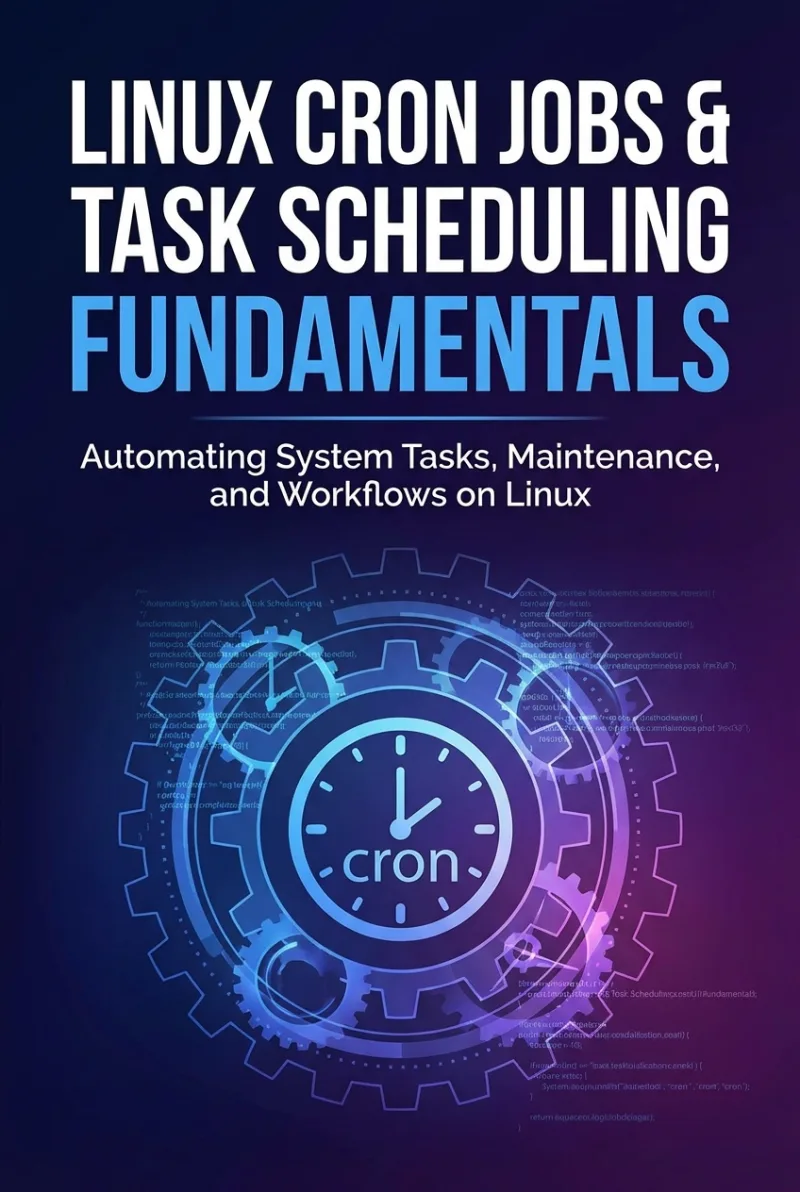
Linux Cron Jobs & Task Scheduling Fundamentals
Automating System Tasks, Maintenance, and Workflows on Linux
What's Included:
At a Glance
Linux Cron Jobs & Task Scheduling Fundamentals is a professional Linux Fundamentals eBook by Miles Everhart, 350 pages, available as an instant PDF and EPUB download for €10.90 with lifetime access and free updates. Automating System Tasks, Maintenance, and Workflows on Linux.
- Length: 350 pages
- Format: PDF and EPUB (instant download)
- Language: English
- Topic: Linux Fundamentals
- Edition: 1st Edition
- Price: €10.90
Key Highlights
- Complete cron fundamentals explained clearly
- Advanced cron expression mastery
- Production logging and monitoring strategies
- Security hardening for scheduled tasks
- Systemd timer configuration and templates
- Backup and maintenance automation examples
- Multi-server orchestration guidance
- DevOps workflow integration
- Automation architecture design principles
- Comprehensive cheat sheets and safety checklists
Overview
Master Linux cron jobs and systemd timers to automate backups, maintenance, logging, and DevOps workflows. Learn secure, reliable, production-grade task scheduling on Linux.
The Problem
Many Linux users learn cron informally and incompletely. As a result:
- Cron expressions are copied without full understanding
- Jobs fail silently without proper logging
- Scripts lack error handling and monitoring
- Security risks are introduced through unsafe permissions
- Jobs overlap and cause resource exhaustion
- Automation does not scale across multiple systems
Fragile automation may work temporarily—but it eventually creates outages, data loss, or security exposure.
The Solution
Linux Cron Jobs & Task Scheduling Fundamentals provides a structured, security-first approach to Linux automation.
- Clear explanations of cron internals and execution behavior
- Production-grade logging and monitoring patterns
- Secure scripting and credential management techniques
- Systemd timer implementation and migration strategies
- Real-world automation case studies
- Architecture-level thinking for reliable systems
You’ll move beyond isolated cron entries and begin designing automation systems that are reliable, scalable, and maintainable.
About This Book
Linux Cron Jobs & Task Scheduling Fundamentals is a practical, production-focused guide to automating system tasks on Linux using cron and systemd timers.
Every Linux system depends on reliable automation. Backups must run. Logs must rotate. Certificates must renew. Reports must generate. When automation fails, systems break silently — often at the worst possible moment. This book teaches you how to design scheduling systems that are not only functional, but secure, observable, and resilient.
Rather than teaching cron as isolated command snippets, this book walks you through a structured progression — from understanding cron expressions to building robust, production-grade automation architectures across multiple Linux servers.
What You'll Learn
- How cron works internally and how Linux scheduling is structured
- Creating, editing, and managing crontabs safely
- Writing reliable automation scripts for scheduled execution
- Conditional execution and time-based logic patterns
- Monitoring and logging scheduled tasks effectively
- Securing cron jobs and protecting sensitive credentials
- Preventing overlapping jobs, runaway processes, and silent failures
- Understanding and implementing systemd timers
- When to use cron vs. systemd timers
- Automating backups and routine maintenance
- Orchestrating automation across multiple servers
- Integrating scheduled tasks into DevOps workflows and CI/CD pipelines
- Designing scalable, fault-tolerant automation systems
This book bridges the gap between “it works on my server” and true production-ready automation.
Automation done poorly creates risk. Automation done correctly creates leverage.
Who Is This Book For?
- Linux system administrators
- DevOps engineers
- Developers managing their own servers
- Students learning Linux fundamentals
- Home server and self-hosting enthusiasts
Who Is This Book NOT For?
- Readers unfamiliar with the Linux command line
- GUI-only system administrators
- Developers uninterested in infrastructure or automation
Table of Contents
- Why Task Scheduling Matters
- Understanding Cron Basics
- Creating and Managing Crontabs
- Scripted Automation
- Conditional and Time-Based Logic
- Monitoring and Logging Cron Jobs
- Securing Scheduled Tasks
- Preventing Automation Risks
- Introduction to systemd Timers
- Advanced Timer Configuration
- Backup Automation
- System Maintenance Automation
- Automation Across Multiple Servers
- Integrating with DevOps Workflows
- Designing Reliable Automation Systems
- From Sysadmin to Automation Engineer
- Appendices and Reference Materials
Requirements
- Basic familiarity with the Linux command line
- Access to a Linux system (VM or server recommended)
- Basic understanding of shell scripting (helpful but not mandatory)
- Willingness to test and simulate scheduled tasks