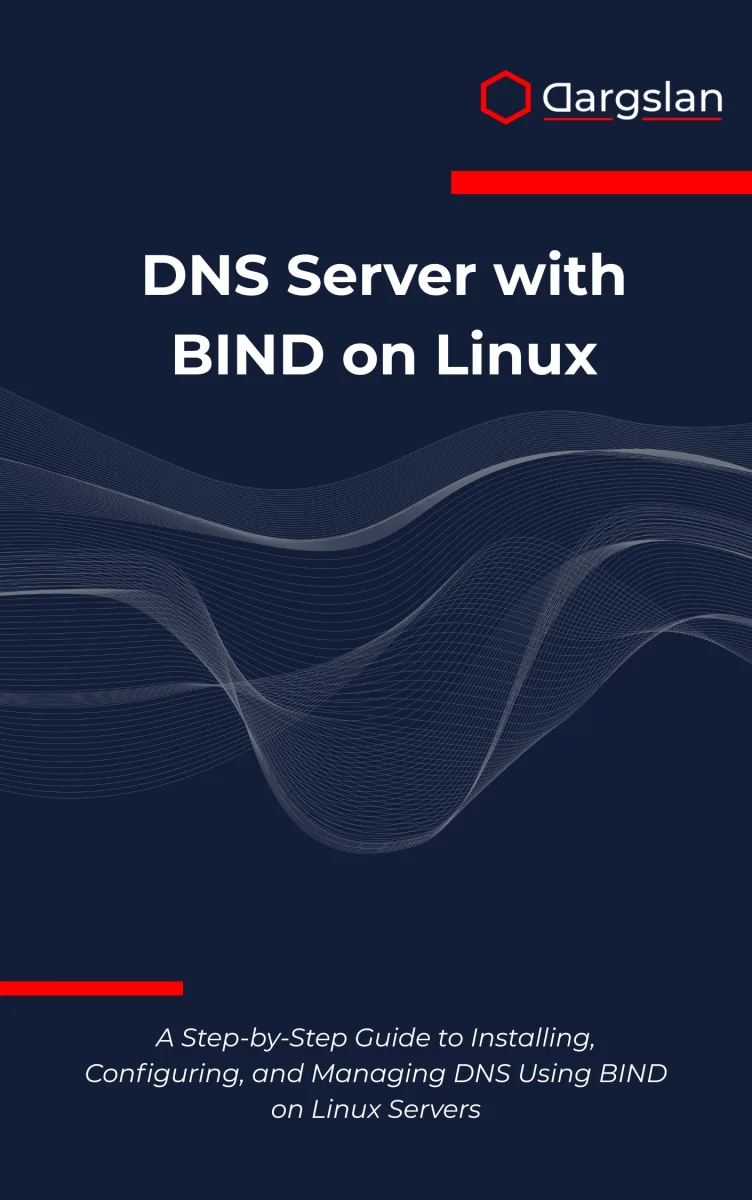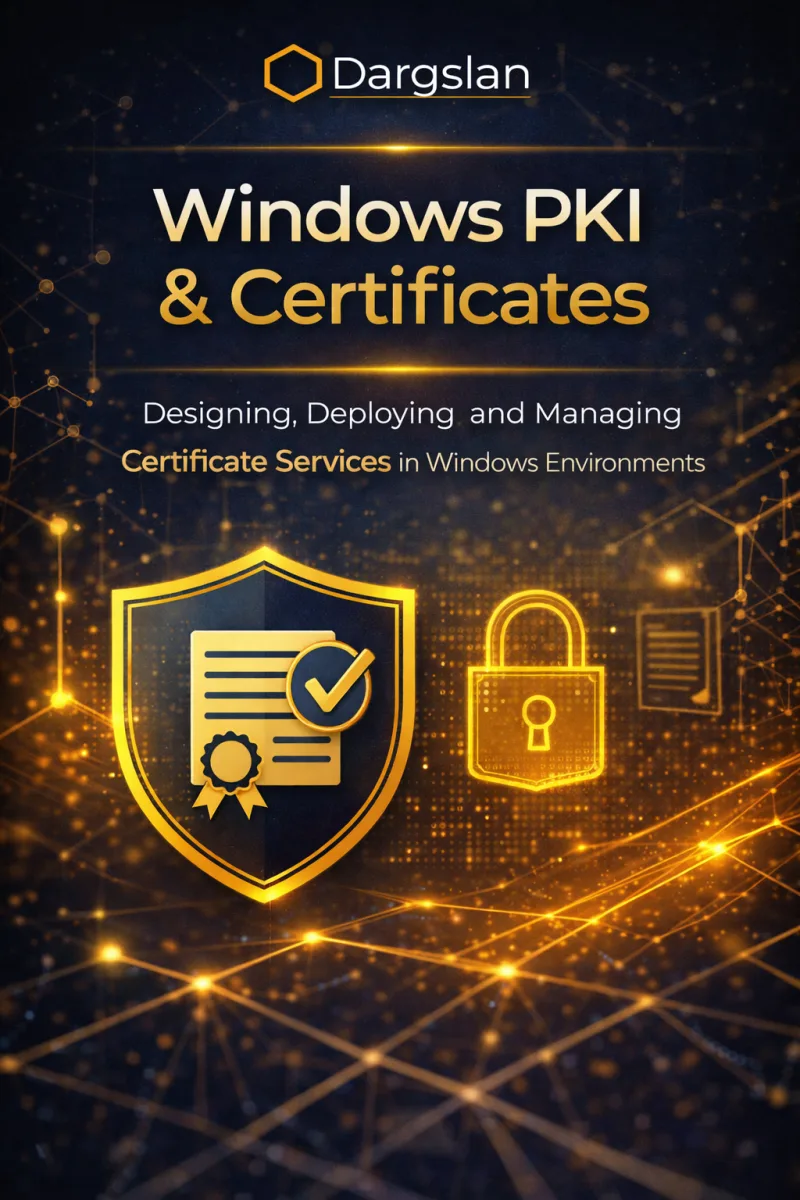

Windows PKI & Certificates
Designing, Deploying, and Managing Certificate Services in Windows Environments
What's Included:
At a Glance
Windows PKI & Certificates is a professional Windows Security eBook by Even R. Whitlock, 318 pages, available as an instant PDF and EPUB download for €14.90 with lifetime access and free updates. Designing, Deploying, and Managing Certificate Services in Windows Environments.
- Length: 318 pages
- Format: PDF and EPUB (instant download)
- Language: English
- Topic: Windows Security
- Edition: 1st Edition
- Price: €14.90
Key Highlights
- Enterprise-grade Windows PKI design
- Active Directory integrated Certificate Services
- Certificate templates and auto-enrollment
- Secure PKI architecture and hardening
- Certificate lifecycle and revocation management
- Monitoring and troubleshooting Windows PKI
- Hybrid and cloud PKI scenarios
- Operational best practices and governance
Overview
Learn how to design, deploy, and manage Windows PKI and Certificate Services. Secure Active Directory, authentication, SSL/TLS, and enterprise environments.
The Problem
Many Windows environments rely heavily on certificates without a properly designed PKI. Poor certificate management leads to security risks, outages, failed authentication, and compliance issues.
The Solution
This book provides a structured, Windows-focused approach to designing, deploying, and operating secure PKI infrastructure using Microsoft Certificate Services and Active Directory integration.
About This Book
Master Windows PKI and Certificate Services
Windows PKI & Certificates is a practical, enterprise-focused guide to designing, deploying, and managing Public Key Infrastructure (PKI) in Windows environments. Digital certificates are at the core of modern Windows security, from Active Directory authentication to secure communications and application trust.
PKI underpins nearly every critical Windows infrastructure service, and understanding how to implement it correctly is essential for security professionals and Windows administrators.
What You Will Learn
- PKI fundamentals and cryptography concepts for administrators
- Windows Certificate Services architecture and components
- Designing scalable and secure PKI hierarchies
- Deploying offline root and online subordinate Certificate Authorities
- Certificate templates: design, security, and permissions
- Certificate enrollment: manual, auto-enrollment, and NDES
- Certificate lifecycle management: renewal and archiving
- Revocation and validation: CRLs and OCSP
- Key archival and recovery
- Securing and hardening PKI infrastructure
- Monitoring, troubleshooting, and disaster recovery
- PKI in hybrid environments with Azure AD
- Common PKI use cases: SSL/TLS, code signing, smart cards
Who Is This Book For?
This book is designed for Windows administrators implementing certificate services. It is ideal for:
- Windows Server administrators
- Security engineers implementing PKI
- Active Directory administrators
- IT professionals preparing for Microsoft security certifications
- Organizations needing internal certificate infrastructure
Why This Book?
This book focuses on real-world Windows Server deployments, not abstract PKI theory. Every concept is explained through the lens of Microsoft technologies and enterprise requirements.
Prerequisites
Windows Server and Active Directory experience is recommended.
Author: Evan R. Whitlock
Who Is This Book For?
- Windows system administrators
- Security engineers and architects
- IT professionals responsible for certificates and authentication
- Administrators managing Active Directory environments
- IT teams preparing for compliance and audits
Who Is This Book NOT For?
- Home users or desktop-only Windows users
- Readers looking for Linux-only PKI solutions
- Absolute beginners with no Windows Server knowledge
Table of Contents
- Why PKI Matters
- Cryptography Basics for Administrators
- Windows Certificate Services Architecture
- PKI Design and Planning
- Installing a Root Certification Authority
- Deploying Subordinate Certification Authorities
- Certificate Templates Explained
- Certificate Enrollment Methods
- Certificate Lifecycle Management
- Certificates for Common Use Cases
- Securing the PKI Infrastructure
- Certificate Revocation and Validation
- Monitoring and Troubleshooting PKI
- Backup, Recovery, and Disaster Planning
- PKI in Hybrid and Cloud Environments
- PKI Governance and Best Practices
Requirements
- Basic Windows Server administration knowledge
- Familiarity with Active Directory concepts
- No prior PKI experience required