Helm is the package manager for Kubernetes, simplifying the deployment and management of complex applications on Kubernetes clusters. Using reusable templates called Charts, Helm lets you define, install, upgrade, and rollback Kubernetes applications with a single command. This guide covers everything from chart basics to advanced templating and production patterns.
Whether you are deploying your first application to Kubernetes, managing dozens of microservices, or building a platform team that needs standardized deployment patterns — Helm is the industry standard tool for Kubernetes application management. This comprehensive guide takes you from installation to chart authoring expert.
What is Helm?
Helm is a graduated CNCF project that serves as the de facto package manager for Kubernetes. Just as apt manages packages on Debian or dnf on Fedora, Helm manages applications on Kubernetes clusters. A Helm Chart is a collection of files that describe a related set of Kubernetes resources — deployments, services, configmaps, secrets, and more.
Helm 3 (the current version) removed the server-side Tiller component that was a major security concern in Helm 2, making it simpler and more secure. Helm 3 stores release information as Kubernetes Secrets in the target namespace.
Why Helm in 2026?
Kubernetes YAML manifests are powerful but verbose — a typical microservice requires Deployment, Service, ConfigMap, HPA, PDB, and NetworkPolicy resources. Helm solves this complexity through:
Templating: Write manifests once with variables, reuse across environments (dev, staging, production) with different values files.
Packaging: Bundle all resources into a versioned Chart that can be shared, stored in registries, and deployed consistently.
Release Management: Track deployments as releases with full history, enabling instant rollbacks to any previous version.
Dependency Management: Charts can depend on other charts — your application chart can automatically include PostgreSQL, Redis, and other dependencies.
Installation & Setup
Install Helm on your workstation (it uses your existing kubectl configuration):
# Linux (script)
curl https://raw.githubusercontent.com/helm/helm/main/scripts/get-helm-3 | bash

# macOS (Homebrew)
brew install helm

# Windows (Chocolatey)
choco install kubernetes-helm

# Verify
helm version
Helm uses your ~/.kube/config to connect to Kubernetes clusters. Ensure kubectl is configured and can reach your cluster before using Helm.
Core Concepts
Helm revolves around three core concepts:
Chart: A package of pre-configured Kubernetes resources. Charts contain templates, default values, metadata, and optional dependencies. Think of it as a Kubernetes application blueprint.
Release: An instance of a chart deployed to a cluster. You can install the same chart multiple times (e.g., postgres-dev and postgres-prod), each creating a separate release with independent lifecycle.
Repository: A server that hosts and shares charts. The official Artifact Hub (artifacthub.io) indexes thousands of community charts. You can also host private chart repositories using ChartMuseum, Harbor, or OCI registries.
Chart Structure
A Helm chart is a directory with a specific structure:
mychart/
├── Chart.yaml           # Chart metadata (name, version, description)
├── values.yaml          # Default configuration values
├── charts/              # Dependency charts
├── templates/           # Kubernetes manifest templates
│   ├── deployment.yaml
│   ├── service.yaml
│   ├── ingress.yaml
│   ├── configmap.yaml
│   ├── hpa.yaml
│   ├── _helpers.tpl     # Template helper functions
│   ├── NOTES.txt        # Post-install instructions
│   └── tests/
│       └── test-connection.yaml
├── .helmignore          # Patterns to ignore when packaging
└── README.md
The Chart.yaml defines the chart metadata including API version, name, version (chart version), and appVersion (application version):
apiVersion: v2
name: myapp
description: A Helm chart for my application
type: application
version: 1.2.0
appVersion: "3.5.1"
dependencies:
  - name: postgresql
    version: "15.x"
    repository: "https://charts.bitnami.com/bitnami"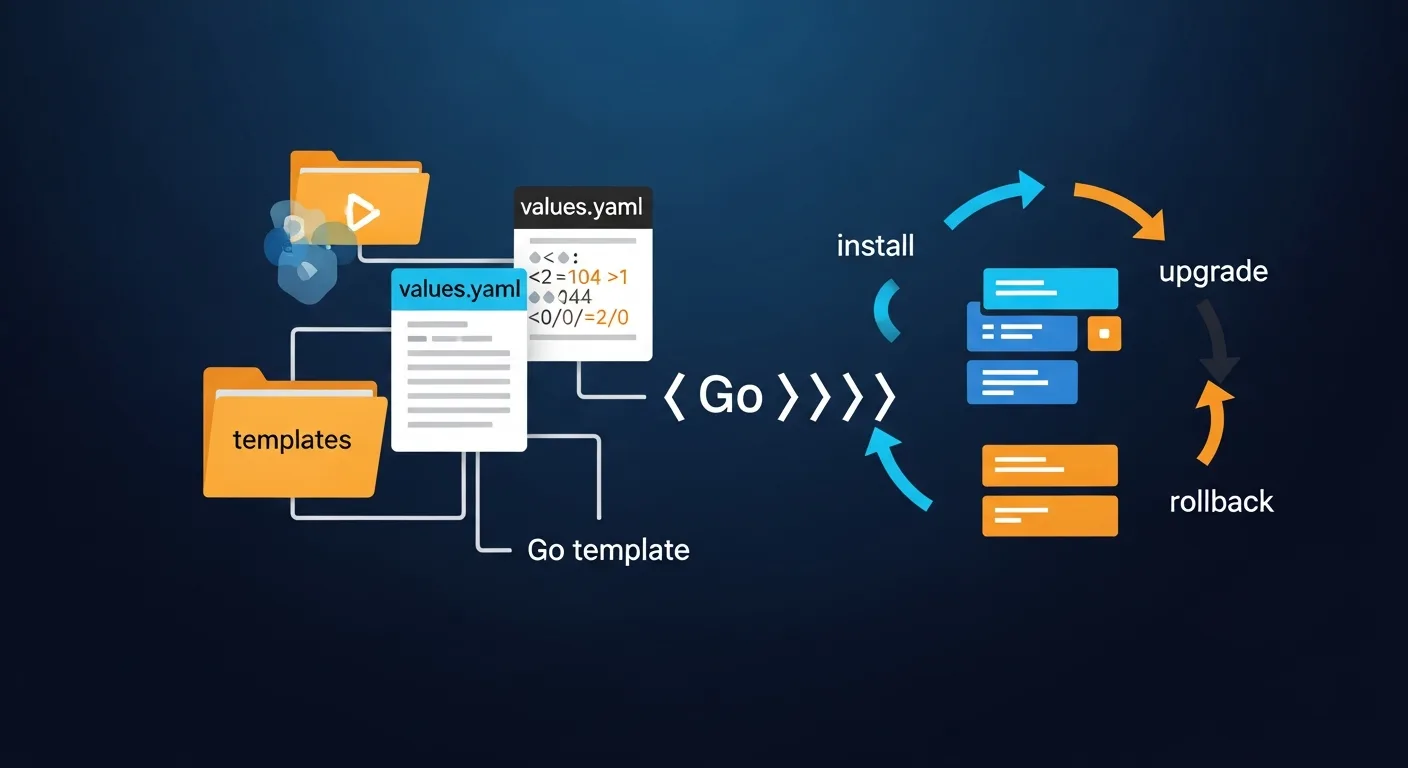
Templating with Go Templates
Helm templates use Go template syntax to generate Kubernetes manifests. Values from values.yaml are injected using {{ .Values.key }} syntax:
apiVersion: apps/v1
kind: Deployment
metadata:
  name: {{ include "myapp.fullname" . }}
  labels:
    {{- include "myapp.labels" . | nindent 4 }}
spec:
  replicas: {{ .Values.replicaCount }}
  selector:
    matchLabels:
      {{- include "myapp.selectorLabels" . | nindent 6 }}
  template:
    spec:
      containers:
        - name: {{ .Chart.Name }}
          image: "{{ .Values.image.repository }}:{{ .Values.image.tag }}"
          ports:
            - containerPort: {{ .Values.service.port }}
          {{- if .Values.resources }}
          resources:
            {{- toYaml .Values.resources | nindent 12 }}
          {{- end }}
The _helpers.tpl file defines reusable template functions for labels, names, and selectors that keep your templates DRY and consistent.
Values & Configuration
Values provide the configuration interface for your chart. Default values live in values.yaml, and users can override them during installation:
# values.yaml
replicaCount: 2
image:
  repository: myapp
  tag: "3.5.1"
  pullPolicy: IfNotPresent
service:
  type: ClusterIP
  port: 80
ingress:
  enabled: true
  hostname: myapp.example.com
resources:
  limits:
    cpu: 500m
    memory: 256Mi
  requests:
    cpu: 100m
    memory: 128Mi
# Override values at install time
helm install myapp ./mychart --set replicaCount=3
# Or use a separate values file
helm install myapp ./mychart -f values-production.yamlEssential Commands
# Add a chart repository
helm repo add bitnami https://charts.bitnami.com/bitnami
helm repo update

# Search for charts
helm search repo nginx
helm search hub wordpress    # Search Artifact Hub

# Install a chart
helm install my-release bitnami/nginx

# Install with custom values
helm install my-release bitnami/nginx -f custom-values.yaml -n production

# Upgrade a release
helm upgrade my-release bitnami/nginx --set replicaCount=3

# Rollback to previous version
helm rollback my-release 1

# List releases
helm list --all-namespaces

# Get release status and history
helm status my-release
helm history my-release

# Uninstall a release
helm uninstall my-release

# Render templates locally (dry run)
helm template my-release ./mychart --debug

# Package chart for distribution
helm package ./mychart
Chart Repositories
Helm charts can be stored in traditional chart repositories (HTTP servers with an index.yaml) or in OCI-compatible registries (Docker Hub, GitHub Container Registry, Harbor):
# OCI registry (modern approach)
helm push mychart-1.0.0.tgz oci://ghcr.io/myorg/charts
helm install my-release oci://ghcr.io/myorg/charts/mychart --version 1.0.0

# Artifact Hub (https://artifacthub.io) - the central hub for charts
# Browse thousands of community charts with documentation and security info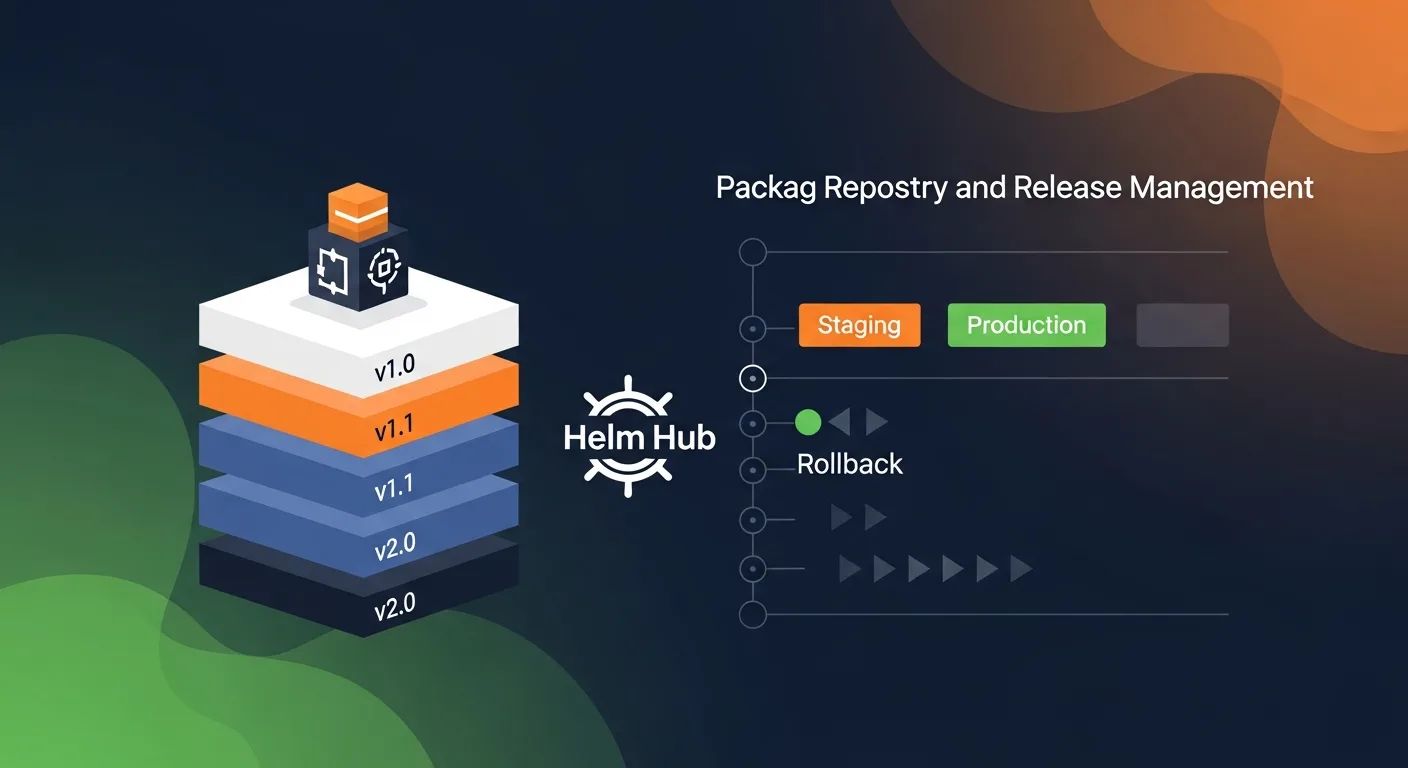
Release Management
Helm tracks every installation and upgrade as a release with a numbered revision. This enables powerful lifecycle management:
# Install (revision 1)
helm install myapp ./mychart -f values-prod.yaml

# Upgrade (revision 2)
helm upgrade myapp ./mychart -f values-prod.yaml --set image.tag=3.6.0

# Something broke? Rollback to revision 1
helm rollback myapp 1

# View full history
helm history myapp
# REVISION  STATUS      DESCRIPTION
# 1         superseded  Install complete
# 2         superseded  Upgrade complete
# 3         deployed    Rollback to 1
Release data is stored as Kubernetes Secrets in the release namespace, so it persists even if your workstation is lost.
Hooks & Tests
Helm hooks execute resources at specific points in the release lifecycle — before install, after upgrade, before delete, etc. Common uses include database migrations, cache warming, and notification:
apiVersion: batch/v1
kind: Job
metadata:
  name: {{ .Release.Name }}-db-migrate
  annotations:
    "helm.sh/hook": pre-upgrade
    "helm.sh/hook-weight": "0"
    "helm.sh/hook-delete-policy": hook-succeeded
spec:
  template:
    spec:
      containers:
        - name: migrate
          image: "{{ .Values.image.repository }}:{{ .Values.image.tag }}"
          command: ["python", "manage.py", "migrate"]
      restartPolicy: Never
Helm vs Alternatives
| Feature | Helm | Kustomize | ArgoCD | Terraform |
|---|---|---|---|---|
| Approach | Templating | Overlay/Patching | GitOps | Declarative IaC |
| Learning Curve | Moderate | Low | Moderate | High |
| Packaging | Charts (versioned) | No packaging | Uses Helm/Kustomize | Modules |
| Rollback | Built-in | Manual (git) | Git revert | State-based |
| Dependencies | Chart dependencies | Component refs | Application sets | Module deps |
| Release Tracking | Yes (K8s Secrets) | No | Git history | State file |
| K8s Native | Yes | Yes (built into kubectl) | Yes | Multi-cloud |
Best Practices
1. Version your charts semantically — Use version for chart changes and appVersion for application version. Follow SemVer strictly.
2. Use _helpers.tpl for DRY templates — Define label selectors, naming conventions, and common patterns as named templates.
3. Always set resource requests and limits — Default values should include sensible resource constraints.
4. Implement health checks in deployments — Add readiness and liveness probes in your deployment templates.
5. Use helm template for validation — Render manifests locally before applying to catch template errors early.
6. Store charts in OCI registries — Modern OCI-based storage is more secure and integrates with existing container infrastructure.
7. Pin dependency versions — Always specify exact or minor-range versions for chart dependencies.
8. Use Helm Secrets for sensitive data — Encrypt values files containing secrets using helm-secrets plugin with SOPS.
Recommended Resources
Continue your Helm learning with these professional eBooks from the Dargslan store, each designed with real-world examples and production-ready configurations.