Why PostgreSQL?
PostgreSQL is the world's most advanced open-source relational database. First released in 1996 with roots going back to 1986 at UC Berkeley, PostgreSQL is known for its reliability, feature richness, extensibility, and SQL standards compliance. It handles workloads from single-machine applications to massive data warehouses with thousands of concurrent users.
PostgreSQL by the Numbers
| Metric | Value | Why It Matters |
|---|
| Extensions | 1,000+ | PostGIS, pg_trgm, hstore, and more |
| Standards compliance | Most SQL-compliant | Your SQL skills are portable |
| Max database size | Unlimited | Scales from small apps to petabytes |
| ACID compliance | Full | Data integrity guaranteed |
| JSON support | Native JSONB | Document + relational in one database |
Who Uses PostgreSQL?
Some of the world's largest companies rely on PostgreSQL: Apple (iCloud), Instagram (primary database with Django), Spotify (user data), Reddit, Stripe (payment processing), and GitLab.
PostgreSQL vs Other Databases
| Feature | PostgreSQL | MySQL | SQLite |
|---|
| Type | Object-relational | Relational | Embedded |
| ACID | Full | InnoDB only | Full |
| JSON | JSONB (indexed) | JSON (basic) | JSON (text) |
| Full-text search | Built-in | Basic | FTS5 extension |
| Concurrency | MVCC (excellent) | Table/row locks | File-level locks |
| Best for | Complex apps, analytics | Web apps (LAMP) | Mobile, embedded |
Installation and Setup
Installing PostgreSQL
# Ubuntu/Debian
sudo apt update
sudo apt install postgresql postgresql-contrib
sudo systemctl start postgresql
sudo systemctl enable postgresql

# macOS (Homebrew)
brew install postgresql@17
brew services start postgresql@17

# Docker (recommended for development)
docker run -d --name postgres \
  -e POSTGRES_PASSWORD=mysecret \
  -p 5432:5432 \
  postgres:17
Initial Configuration
-- Connect as postgres superuser
sudo -u postgres psql

-- Create a new user
CREATE USER myapp WITH PASSWORD 'secretpassword';

-- Create a database
CREATE DATABASE myappdb OWNER myapp;

-- Grant privileges
GRANT ALL PRIVILEGES ON DATABASE myappdb TO myapp;

-- Connect to the new database
\c myappdb
Security: Always change the default postgres password and configure pg_hba.conf to restrict access. Never use trust authentication in production.
psql Command-Line Client
| Command | Description |
|---|
\l | List all databases |
\c dbname | Connect to database |
\dt | List tables in current schema |
\d tablename | Describe table structure |
\di | List indexes |
\dv | List views |
\df | List functions |
\du | List roles/users |
\x | Toggle expanded display |
\timing | Toggle query timing |
\i filename | Execute SQL file |
\q | Quit psql |
Useful psql Features
-- Export query results to CSV
\copy (SELECT * FROM users) TO '/tmp/users.csv' CSV HEADER

-- Import CSV data
\copy users FROM '/tmp/users.csv' CSV HEADER

-- Enable timing for all queries
\timing on

-- Show expanded output for wide tables
\x auto
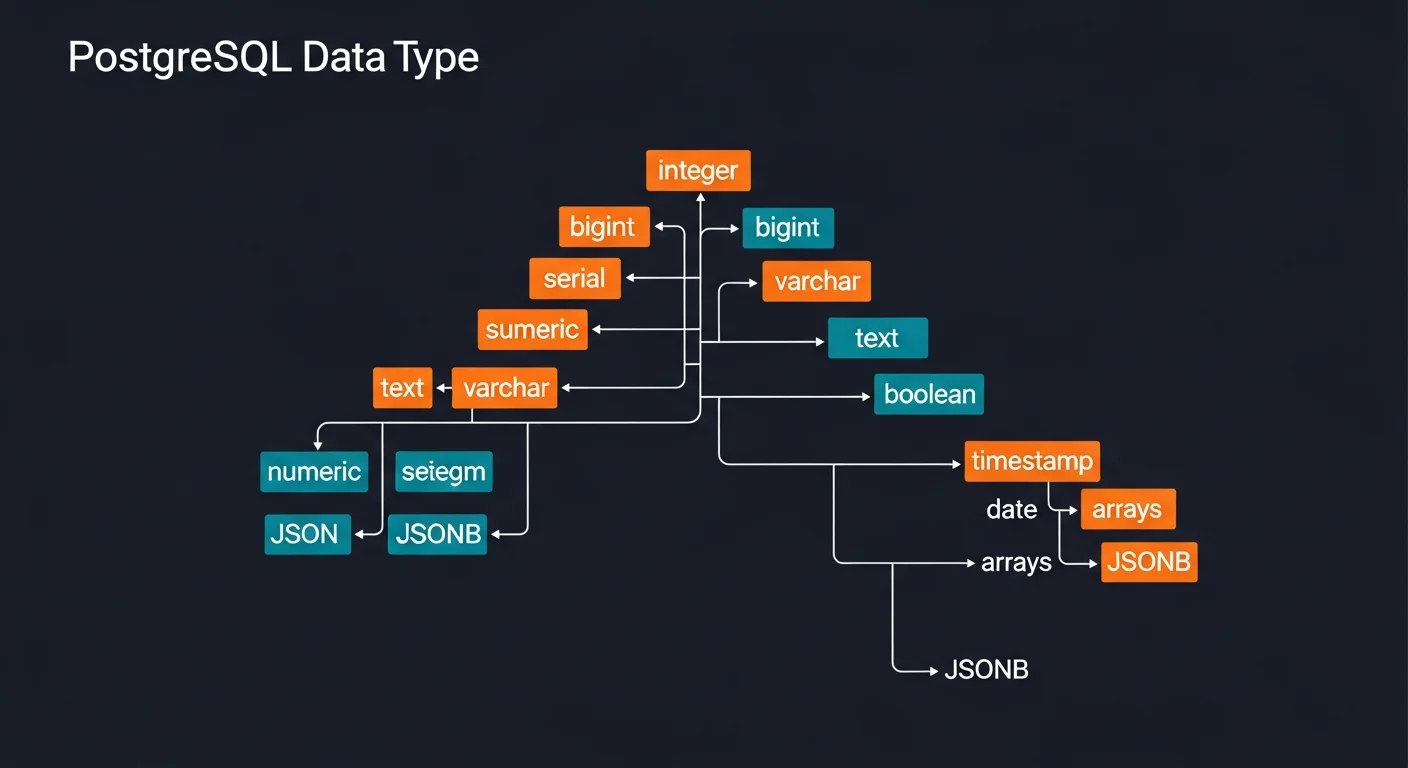
Data Types
Numeric Types
| Type | Size | Description |
|---|
smallint | 2 bytes | -32,768 to +32,767 |
integer | 4 bytes | -2 billion to +2 billion |
bigint | 8 bytes | Very large integers |
serial | 4 bytes | Auto-incrementing integer |
numeric(p,s) | Variable | Exact decimal (use for money) |
real / double precision | 4/8 bytes | Floating-point (approximate) |
Text, Date/Time, and Special Types
| Type | Example | Description |
|---|
text | 'hello world' | Variable-length, no limit (recommended) |
varchar(n) | 'hello' | Variable-length with limit |
timestamptz | 2026-03-13 14:30+01 | Date + time with timezone (recommended) |
date | 2026-03-13 | Date only |
boolean | true / false | Boolean value |
uuid | gen_random_uuid() | Universally unique identifier |
jsonb | {"key": "value"} | Binary JSON (indexed, recommended) |
integer[] | {1,2,3} | Array of integers |
inet | 192.168.1.0/24 | IP address |
Best Practice: Use text instead of varchar for most strings. Use timestamptz (not timestamp) for all timestamps. Use numeric for money, never float.
Creating Tables
CREATE TABLE users (
    id          SERIAL PRIMARY KEY,
    email       VARCHAR(255) UNIQUE NOT NULL,
    name        TEXT NOT NULL,
    age         INTEGER CHECK (age >= 0 AND age <= 150),
    role        VARCHAR(20) DEFAULT 'user',
    is_active   BOOLEAN DEFAULT true,
    created_at  TIMESTAMPTZ DEFAULT NOW(),
    updated_at  TIMESTAMPTZ DEFAULT NOW()
);

-- Foreign key relationship
CREATE TABLE orders (
    id          SERIAL PRIMARY KEY,
    user_id     INTEGER NOT NULL REFERENCES users(id)
                ON DELETE CASCADE,
    product     TEXT NOT NULL,
    total       NUMERIC(10,2) NOT NULL,
    status      VARCHAR(20) DEFAULT 'pending',
    ordered_at  TIMESTAMPTZ DEFAULT NOW()
);

-- Many-to-many
CREATE TABLE user_roles (
    user_id  INTEGER REFERENCES users(id) ON DELETE CASCADE,
    role_id  INTEGER REFERENCES roles(id) ON DELETE CASCADE,
    PRIMARY KEY (user_id, role_id)
);
INSERT, UPDATE, DELETE
INSERT with RETURNING
-- Single row
INSERT INTO users (email, name, age)
VALUES ('alice@example.com', 'Alice', 30);

-- Multiple rows
INSERT INTO users (email, name, age) VALUES
    ('bob@example.com', 'Bob', 25),
    ('carol@example.com', 'Carol', 35);

-- RETURNING (get the inserted data back)
INSERT INTO users (email, name)
VALUES ('eve@example.com', 'Eve')
RETURNING id, email, created_at;

-- UPSERT (insert or update)
INSERT INTO users (email, name)
VALUES ('alice@example.com', 'Alice Updated')
ON CONFLICT (email) DO UPDATE
SET name = EXCLUDED.name, updated_at = NOW();
UPDATE and DELETE
-- Update with RETURNING
UPDATE users SET name = 'Alice Smith', updated_at = NOW()
WHERE id = 1 RETURNING *;

-- Delete with condition
DELETE FROM users WHERE is_active = false
    AND created_at < NOW() - INTERVAL '1 year';

-- TRUNCATE (fast delete all)
TRUNCATE TABLE orders RESTART IDENTITY CASCADE;
SELECT Queries
Filtering and Sorting
-- WHERE conditions
SELECT * FROM users WHERE age BETWEEN 20 AND 30;
SELECT * FROM users WHERE role IN ('admin', 'moderator');
SELECT * FROM users WHERE name ILIKE '%alice%';  -- case-insensitive
SELECT * FROM users WHERE phone IS NULL;

-- ORDER BY and pagination
SELECT * FROM users ORDER BY created_at DESC LIMIT 10;
SELECT * FROM users ORDER BY id LIMIT 10 OFFSET 20;  -- page 3
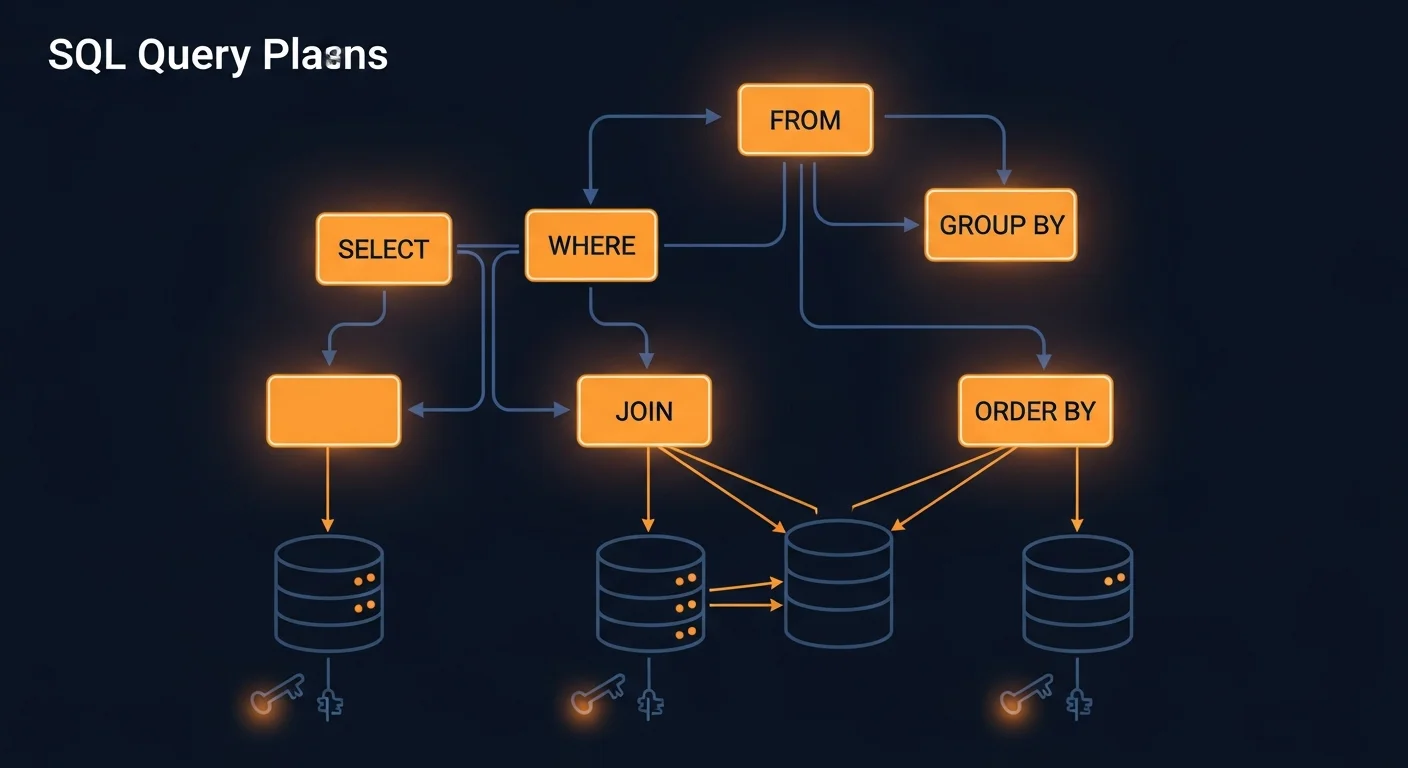
Joins
-- INNER JOIN (matching rows from both)
SELECT u.name, o.product, o.total
FROM users u
INNER JOIN orders o ON o.user_id = u.id;

-- LEFT JOIN (all users, matching orders or NULL)
SELECT u.name, COUNT(o.id) AS order_count
FROM users u
LEFT JOIN orders o ON o.user_id = u.id
GROUP BY u.id, u.name;

-- Multiple joins
SELECT u.name, o.product, p.price
FROM users u
JOIN orders o ON o.user_id = u.id
JOIN products p ON p.id = o.product_id;
Aggregates and Grouping
-- Revenue per product
SELECT product,
    COUNT(*) AS times_sold,
    SUM(total) AS revenue,
    AVG(total) AS avg_order
FROM orders
GROUP BY product
HAVING SUM(total) > 1000
ORDER BY revenue DESC;

-- Daily stats
SELECT DATE(ordered_at) AS day,
    COUNT(*) AS orders,
    SUM(total) AS daily_revenue
FROM orders
GROUP BY DATE(ordered_at)
ORDER BY day DESC;
Subqueries and CTEs
-- CTE (Common Table Expression)
WITH active_users AS (
    SELECT * FROM users WHERE is_active = true
),
recent_orders AS (
    SELECT * FROM orders
    WHERE ordered_at > NOW() - INTERVAL '30 days'
)
SELECT au.name, COUNT(ro.id) AS recent_orders
FROM active_users au
LEFT JOIN recent_orders ro ON ro.user_id = au.id
GROUP BY au.id, au.name;

-- Recursive CTE (org chart)
WITH RECURSIVE org_tree AS (
    SELECT id, name, manager_id, 1 AS level
    FROM employees WHERE id = 1
    UNION ALL
    SELECT e.id, e.name, e.manager_id, t.level + 1
    FROM employees e
    JOIN org_tree t ON e.manager_id = t.id
)
SELECT * FROM org_tree ORDER BY level, name;
Window Functions
-- Rank within each department
SELECT department, name, salary,
    RANK() OVER (
        PARTITION BY department
        ORDER BY salary DESC
    ) AS dept_rank
FROM employees;

-- Running total per user
SELECT user_id, ordered_at, total,
    SUM(total) OVER (
        PARTITION BY user_id
        ORDER BY ordered_at
    ) AS running_total
FROM orders;
Indexes
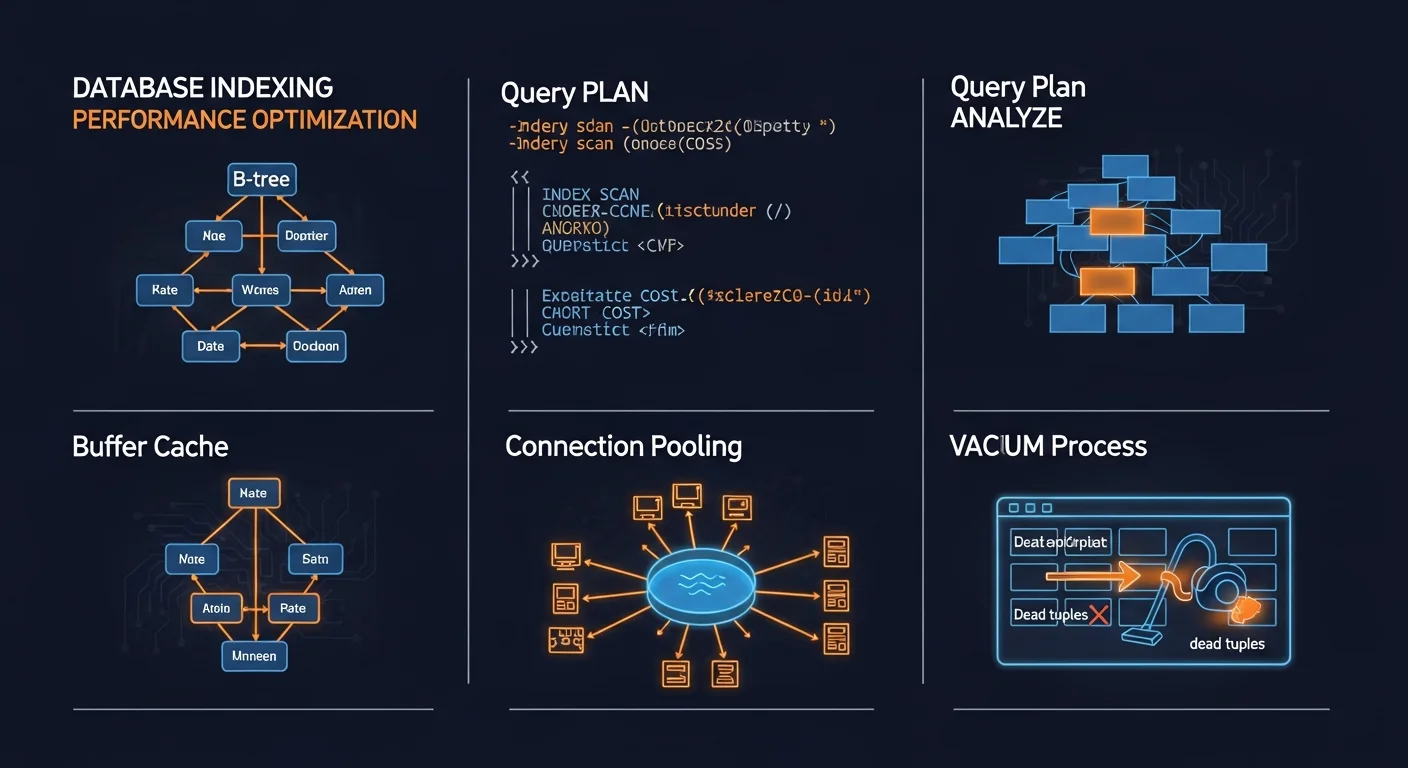
-- B-tree index (default, most common)
CREATE INDEX idx_users_email ON users (email);

-- Partial index (only active users)
CREATE INDEX idx_active_users
    ON users (email) WHERE is_active = true;

-- GIN index for JSONB
CREATE INDEX idx_data_jsonb ON products USING GIN (metadata);

-- Concurrent index creation (no table lock)
CREATE INDEX CONCURRENTLY idx_name ON users (name);

-- Check index usage
SELECT indexrelname, idx_scan, idx_tup_read
FROM pg_stat_user_indexes
ORDER BY idx_scan DESC;
JSON/JSONB
-- JSONB operators
SELECT * FROM events WHERE data->>'type' = 'purchase';
SELECT * FROM events WHERE data @> '{"type": "click"}';

-- Update JSONB
UPDATE events SET data = data || '{"processed": true}'
WHERE id = 1;

-- Index for JSONB
CREATE INDEX idx_events_data ON events USING GIN (data);
Always JSONB: Use JSONB, not JSON. JSONB is binary, supports indexing, and is faster for queries. JSON only stores text and has no indexing support.
Functions and Procedures
-- Simple function
CREATE OR REPLACE FUNCTION full_name(first TEXT, last TEXT)
RETURNS TEXT AS $$
BEGIN
    RETURN first || ' ' || last;
END;
$$ LANGUAGE plpgsql IMMUTABLE;

-- Function returning a table
CREATE OR REPLACE FUNCTION get_active_users()
RETURNS TABLE (id INT, name TEXT, email TEXT) AS $$
BEGIN
    RETURN QUERY
    SELECT u.id, u.name, u.email
    FROM users u WHERE u.is_active = true;
END;
$$ LANGUAGE plpgsql STABLE;
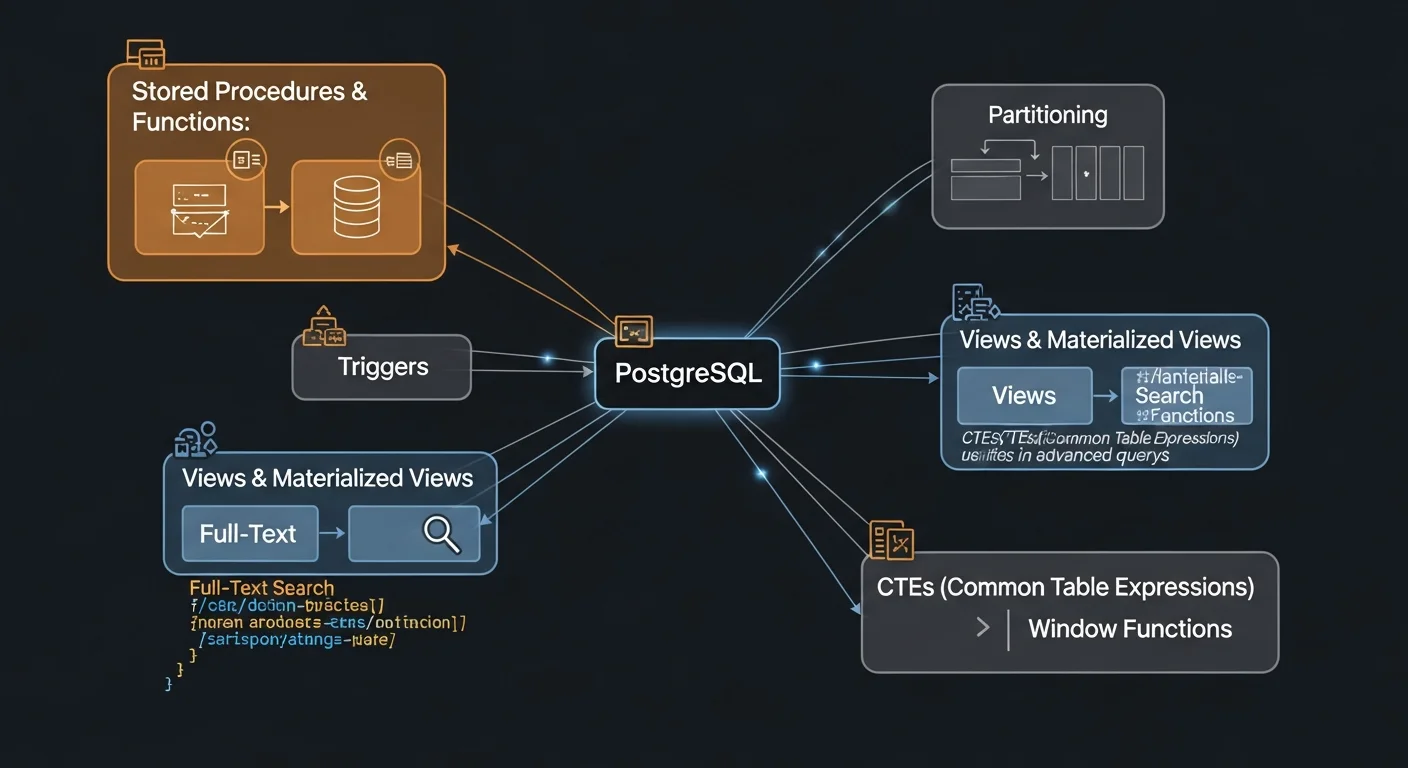
Triggers
-- Auto-update updated_at timestamp
CREATE OR REPLACE FUNCTION update_timestamp()
RETURNS TRIGGER AS $$
BEGIN
    NEW.updated_at = NOW();
    RETURN NEW;
END;
$$ LANGUAGE plpgsql;

CREATE TRIGGER trg_users_updated
    BEFORE UPDATE ON users
    FOR EACH ROW
    EXECUTE FUNCTION update_timestamp();
Security and Roles
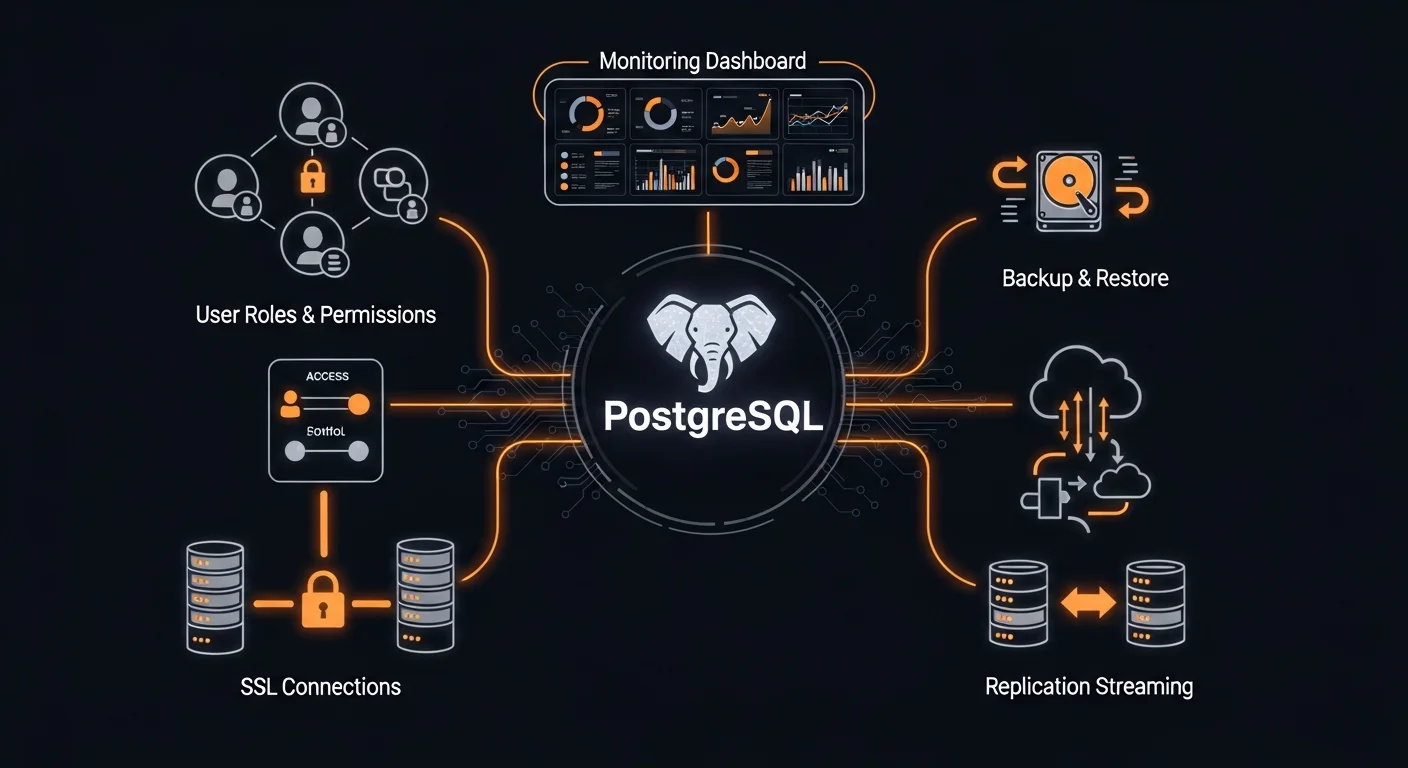
-- Create roles with specific permissions
CREATE ROLE readonly;
GRANT USAGE ON SCHEMA public TO readonly;
GRANT SELECT ON ALL TABLES IN SCHEMA public TO readonly;

-- Row-Level Security
ALTER TABLE documents ENABLE ROW LEVEL SECURITY;
CREATE POLICY user_docs ON documents
    FOR ALL
    USING (owner_id = current_setting('app.user_id')::INT);
Backup and Replication
# Logical backup
pg_dump -U postgres -Fc mydb > backup.dump

# Restore
pg_restore -U postgres -d mydb -j 4 backup.dump

# Streaming replication setup
pg_basebackup -h primary -U replicator -D /data -P -R
-- Query plan analysis
EXPLAIN (ANALYZE, BUFFERS) SELECT * FROM users WHERE age > 25;

-- Key settings (postgresql.conf)
-- shared_buffers = 25% of RAM
-- effective_cache_size = 50-75% of RAM
-- work_mem = 64-256MB
-- random_page_cost = 1.1 (SSD)

-- Maintenance
VACUUM ANALYZE;
REINDEX TABLE users;
Free PostgreSQL Cheat Sheet Download
Download our free 20-page PostgreSQL Complete Guide PDF covering everything from installation and SQL basics to advanced features like window functions, JSONB, triggers, security, replication, and performance tuning.
What's included:
- Complete SQL reference with examples
- All data types with recommendations
- Joins: INNER, LEFT, RIGHT, FULL, LATERAL
- Window functions and CTEs
- Index types and optimization
- JSONB operators and queries
- Functions, triggers, and procedures
- Security, backup, and replication
- Performance tuning checklist
Download Free PostgreSQL Cheat Sheet (PDF)




