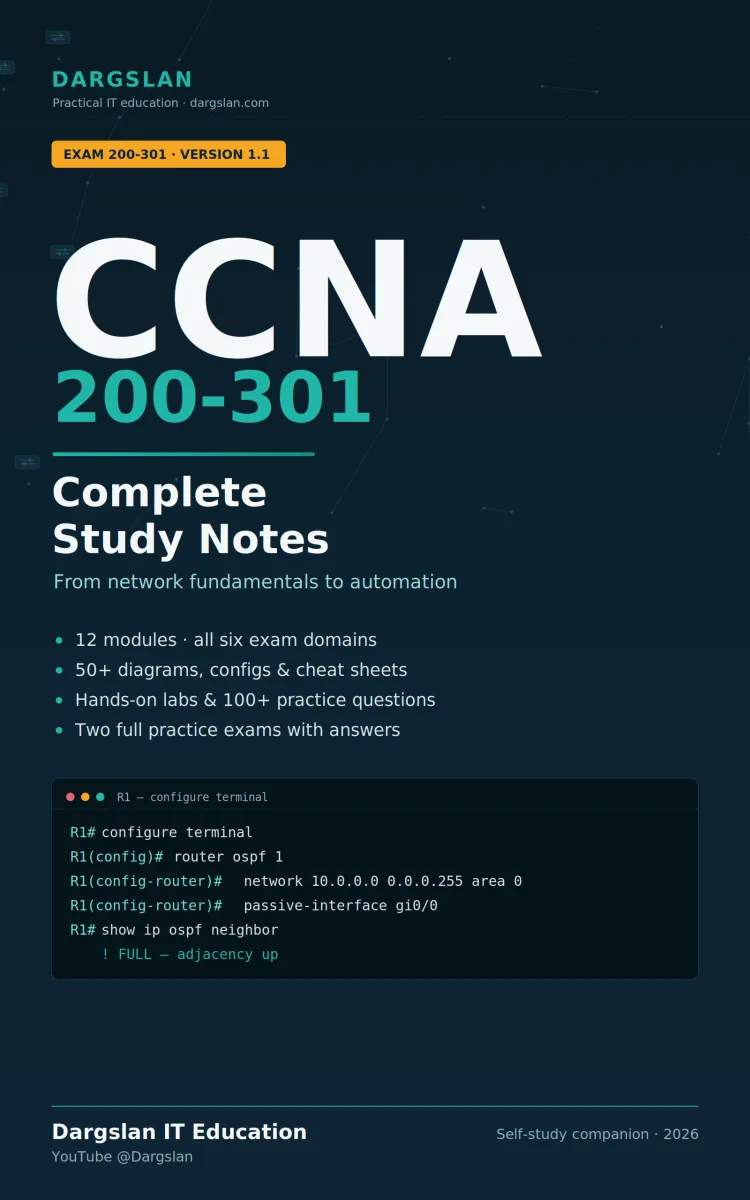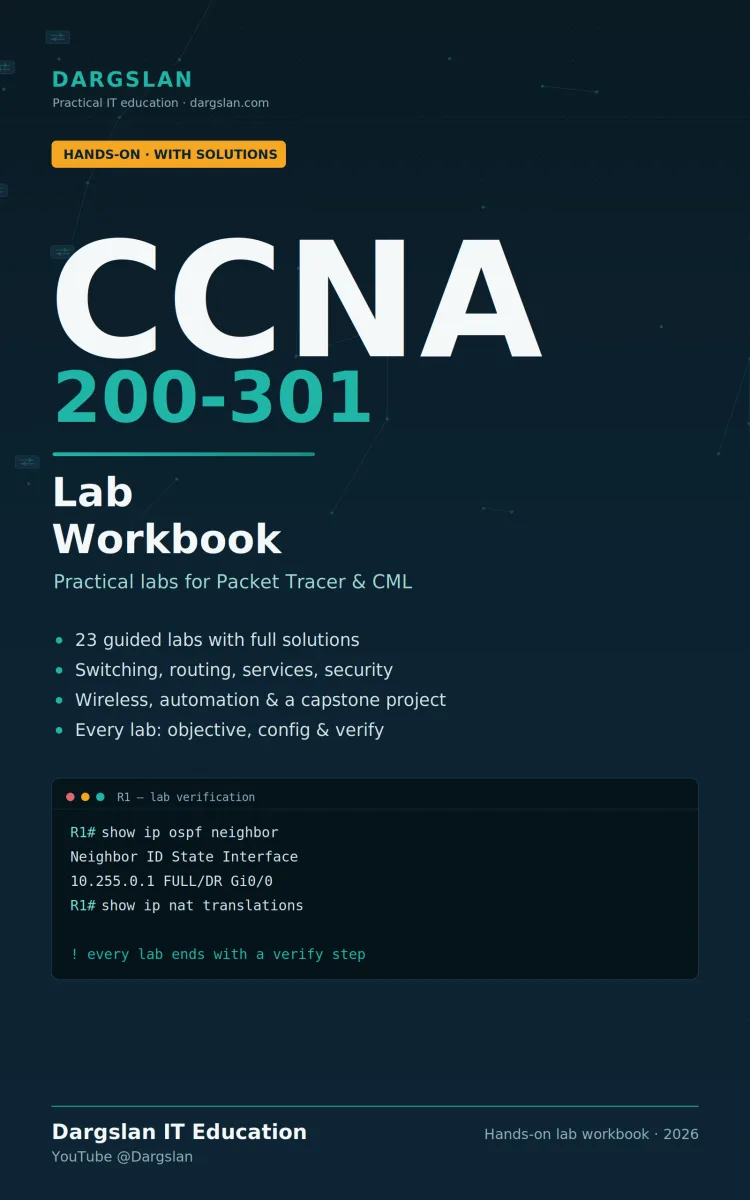
CCNA 200-301 Lab Workbook Guide
What's Included:
At a Glance
CCNA 200-301 Lab Workbook Guide is a professional NETWORKING & SECURITY eBook by Dargslan, 80 pages, available as an instant PDF and EPUB download for €9.90 with lifetime access and free updates. Stop reading about networking. Start building it. CCNA Lab Workbook: Hands-On with Solutions turns theory into skill with 23 guided labs you build yourself in C...
- Length: 80 pages
- Format: PDF and EPUB (instant download)
- Language: English
- Topic: NETWORKING & SECURITY
- Edition: 1st Edition
- Price: €9.90
Key Highlights
- 23 guided labs across 8 sections, foundations to capstone.
- A complete worked solution for every lab — configuration plus verification.
- Mixed depth — short drills and large, realistic project labs.
- Topology diagrams for accurate setup of every scenario.
- Full capstone project — a complete branch network, end to end.
- Troubleshooting reference — symptom → cause → the command that proves it.
- Complete command summary — grouped by task, plus a show/verify master list.
- Exam-day recall card — the traps and must-knows in one place.
- Runs on free tools — Cisco Packet Tracer or CML, no hardware needed.
Overview
Stop reading about networking. Start building it.
CCNA Lab Workbook: Hands-On with Solutions turns theory into skill with 23 guided labs you build yourself in Cisco Packet Tracer or CML. Every lab gives you a clear objective, a topology to recreate, tasks to attempt — then the full worked solution so you're never stuck.
This is the practice the CCNA 200-301 exam actually rewards: typing real commands, breaking things, and verifying your work. You don't just learn what OSPF or a VLAN is — you configure it, confirm it, and fix it when it breaks.
What's inside
23 hands-on labs across 8 sections, from CLI basics to a full capstone build.
Every lab includes the complete solution — configuration commands plus the show commands to verify it.
Mixed depth — quick foundational drills and large, realistic project labs.
Topology diagrams so you can recreate each setup exactly.
A capstone project — build a complete branch network end to end (VLANs, routing, DHCP, OSPF, NAT, ACLs, SSH).
Troubleshooting reference — symptom → cause → the command that proves it.
Complete command summary — every command grouped by task, plus an exam-day recall card.
Covers the full hands-on scope
Device setup & CLI, switching & VLANs, trunking, spanning tree, EtherChannel, static and OSPF routing, IPv6, DHCP, NAT, HSRP, NTP/Syslog, ACLs, Layer-2 hardening, wireless (WLC), and automation (REST/JSON, Ansible).
Who it's for
CCNA 200-301 candidates who want real configuration practice, not just reading.
Beginners and career-changers building hands-on confidence from zero.
Instructors who need ready-to-run labs with solutions.
Lab it, break it, verify it. That's how the skills stick.
A Dargslan IT Education workbook. · dargslan.com · YouTube @Dargslan
The Problem
You can watch every CCNA video and read every study guide cover to cover, and still freeze the moment you sit at a live CLI. That's because the Cisco CCNA 200-301 doesn't test what you can recognize — it tests what you can configure and troubleshoot. Those are motor skills, and reading builds none of them.
Most learners hit the same wall: they understand the concepts but have nowhere to practice them safely, no structured set of exercises, and — worst of all — no reliable answers. They try a lab, get stuck, and have no way to know if their configuration is even correct. Scattered free labs rarely come with solutions, and almost never build toward a complete, real-world network.
The Solution
CCNA Lab Workbook: Hands-On with Solutions gives you 23 structured labs you build yourself in Cisco Packet Tracer or CML — each one with a complete, verified solution so you're never stuck.
Every lab follows the same proven rhythm: a clear objective, a topology to recreate, an addressing plan, and tasks to attempt on your own. Then you check yourself against the exact configuration commands, confirm it with the right show commands, and push further with an optional challenge. You practice the precise loop the exam rewards: configure, verify, fix. By the final capstone project, you've built a complete branch network from scratch — and the skills are yours for good.
About This Book
The hands-on CCNA companion: 23 labs, every one solved
CCNA Lab Workbook: Hands-On with Solutions exists for one reason: you cannot pass the Cisco CCNA 200-301 — or do the job afterward — by reading alone. The exam tests configuration and troubleshooting, and those are skills you build only by typing commands, watching them fail, and fixing them. This workbook gives you 23 structured labs to do exactly that, with a complete solution behind every single one.
Each lab runs in free, accessible tools: Cisco Packet Tracer or Cisco Modeling Labs (CML). No physical gear, no excuses. You get a clear objective, a topology diagram to recreate, an addressing plan, and a set of tasks to attempt on your own. Then you check yourself against the full worked solution — the exact configuration commands — followed by the verification (show) commands that prove it works. Every lab ends with an optional challenge to stretch you further.
What you get
- 23 guided labs across 8 sections, ordered from foundations to a full capstone project.
- A complete solution for every lab — configuration plus verification, never a dead end.
- Mixed depth by design — short foundational drills to build fluency, and large multi-part project labs that mirror real networks.
- Topology diagrams for accurate recreation of each scenario.
- A start-here primer — choose your simulator, learn CLI navigation, and adopt good verification habits before lab one.
- A troubleshooting reference — symptom → likely cause → the command that confirms it, organized by OSI layer.
- A complete command summary — every command grouped by task, a full show/verify master list, keyboard shortcuts, and an exam-day recall card.
The full hands-on CCNA scope
You'll configure and verify: device setup, SSH and hardening; VLANs, trunking, inter-VLAN routing, port security; spanning tree, EtherChannel; static, default and floating routes; single-area OSPF; IPv6 addressing and routing; DHCP and relay; PAT and static NAT; HSRP first-hop redundancy; NTP and Syslog; standard and extended ACLs; DHCP snooping and Dynamic ARP Inspection; wireless LANs on a WLC; and network automation with REST/JSON and Ansible.
The capstone project
The workbook builds to a single end-to-end project: a complete branch office network. You combine VLANs, inter-VLAN routing, DHCP, an OSPF link to headquarters, NAT to the internet, an edge ACL, and SSH-only management — then verify the whole thing works together. It's the moment every separate skill clicks into one picture.
Why this workbook works
- Solutions you can trust. No half-finished labs — every task has a verified answer.
- Built for recall. Attempt first, then check. Active practice beats passive reading.
- Consistent and clear. Every lab follows the same rhythm, so you always know what to do next.
- A keeper. The command summary and troubleshooting reference stay useful long after the exam.
Who it's for
- CCNA 200-301 candidates who want serious configuration practice.
- Beginners and career-changers building hands-on confidence from zero.
- IT professionals refreshing practical skills before recertifying.
- Instructors who need ready-to-run labs with full solutions.
Lab it, break it, verify it. Recognition gets you partway — building it makes it yours.
A Dargslan IT Education workbook. · dargslan.com · YouTube @Dargslan
Who Is This Book For?
- CCNA 200-301 candidates who want real configuration practice, not just more reading.
- Beginners and career-changers building hands-on confidence from zero.
- Self-studiers who need structured labs with trustworthy solutions.
- Visual, learn-by-doing people who retain skills better by building than by reading.
- IT professionals refreshing practical skills before recertifying.
- Help-desk and support technicians moving up into network roles.
- Instructors and trainers who need ready-to-run labs with full answers.
Who Is This Book NOT For?
- Anyone wanting a pure theory book — this is a hands-on lab workbook, not a textbook. (Pair it with a study guide for concepts.)
- Readers unwilling to open a simulator and actually type the commands.
- Experienced engineers (CCNP and above) who already configure this in their sleep.
- People looking for exam dumps or shortcuts — this builds genuine skill.
- Those preparing for a different certification (Network+, CCNP, CCIE) — this targets the CCNA 200-301.
Table of Contents
- Before You Begin — lab setup, addressing plan & CLI primer
- Device Basics & CLI
- Switching & VLANs
- Routing (static, OSPF, IPv6)
- IP Services (DHCP, NAT, HSRP, NTP/Syslog)
- Security (ACLs, DHCP snooping, hardening)
- Wireless & Automation (WLC, REST/JSON, Ansible)
- Capstone Project — build a complete branch network
- Appendix A — Troubleshooting Reference
- Appendix B — Command Summary
Requirements
- A network simulator: Cisco Packet Tracer (free with Cisco NetAcad) or CML. No physical gear required.
- Basic computer literacy — comfortable with a PC and a command line.
- A willingness to type every command rather than just read it.
- Helpful but not required: a CCNA study guide for the underlying theory.
- No prior certification needed — the workbook starts with a setup primer and CLI basics.