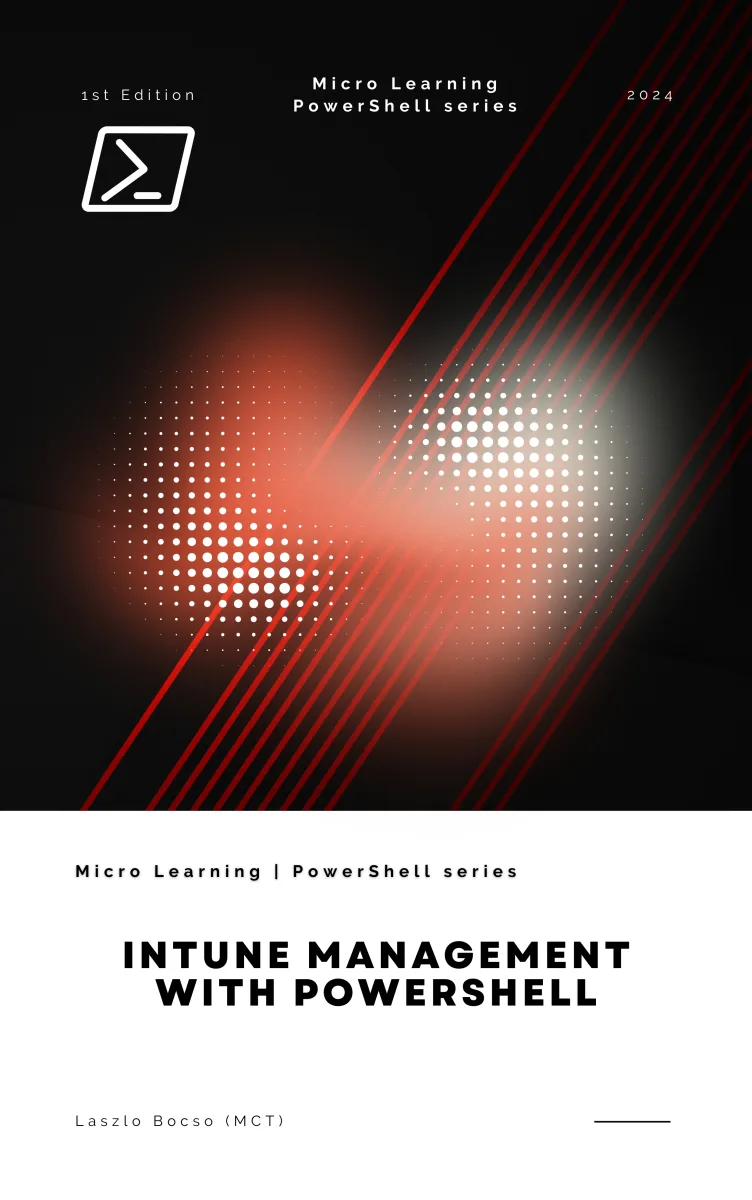
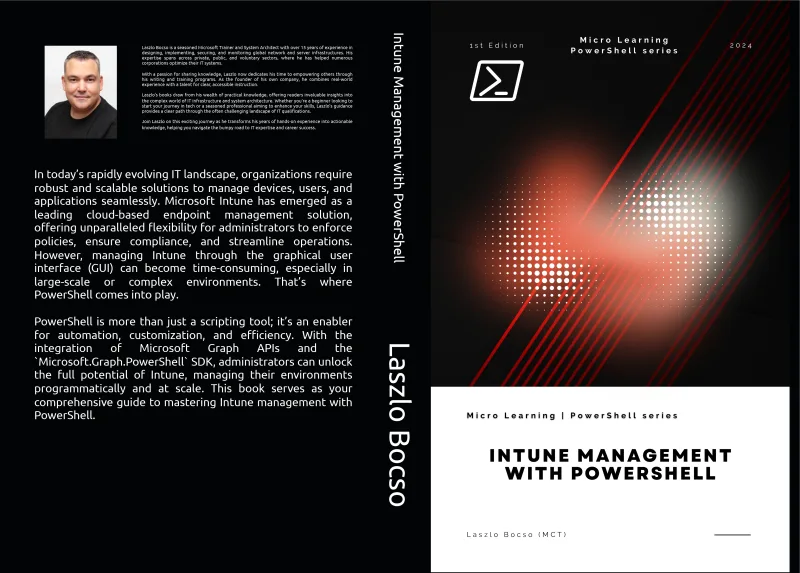
Intune Management with PowerShell
What's Included:
At a Glance
Intune Management with PowerShell is a professional PowerShell eBook by Laszlo Bocso, 399 pages, available as an instant PDF and EPUB download for €10.90 with lifetime access and free updates. Learn how to manage Microsoft Intune using PowerShell and Microsoft Graph. Automate device management, policies, apps, and reporting with practical scripting ex...
- Length: 399 pages
- Format: PDF and EPUB (instant download)
- Language: English
- Topic: PowerShell
- Edition: 1st Edition
- Price: €10.90
Key Highlights
- Managing Microsoft Intune with PowerShell
- Using Microsoft Graph PowerShell SDK
- Device management automation
- Application deployment via scripts
- Configuration profile automation
- Compliance policy management
- User and group management with PowerShell
- Custom reporting and monitoring
- Troubleshooting Intune environments programmatically
- Real-world automation scenarios
Overview
Learn how to manage Microsoft Intune using PowerShell and Microsoft Graph. Automate device management, policies, apps, and reporting with practical scripting examples.
The Problem
Managing Microsoft Intune environments through the graphical interface works well for small environments, but quickly becomes inefficient in larger deployments.
Common challenges include:
- Manually managing large numbers of devices
- Repeating the same configuration tasks across environments
- Limited automation through the GUI
- Difficulty generating custom reports
- Slow troubleshooting workflows
Without automation, Intune management becomes time-consuming and prone to human error.
The Solution
Intune Management with PowerShell provides a structured approach to automating endpoint management using PowerShell and Microsoft Graph.
You will learn how to:
- Connect securely to Microsoft Intune using PowerShell
- Automate device and application management
- Deploy configuration profiles programmatically
- Create automated compliance and monitoring reports
- Troubleshoot Intune environments using scripts
- Integrate Intune management into automation pipelines
The result is a more scalable, efficient, and reliable endpoint management strategy.
About This Book
Intune Management with PowerShell is a practical guide for IT administrators who want to automate and scale Microsoft Intune management using PowerShell and Microsoft Graph.
While the Intune portal provides powerful graphical management tools, large environments quickly outgrow manual administration. PowerShell enables administrators to automate tasks, manage devices and policies programmatically, and integrate Intune workflows into broader automation pipelines.
Automate Microsoft Intune Management
This book shows you how to leverage the Microsoft.Graph.PowerShell SDK and Microsoft Graph API to perform administrative tasks directly from scripts. Instead of repetitive manual work in the portal, you'll learn to manage your entire Intune environment using automation.
Master PowerShell for Endpoint Management
Starting with PowerShell fundamentals, the book quickly progresses into real administrative workflows including:
- Connecting to Microsoft Intune with PowerShell
- Authenticating using Microsoft Graph
- Managing devices and compliance policies
- Deploying and maintaining applications
- Automating configuration profiles
- Managing users and groups
- Generating reports and monitoring compliance
Build Automation Workflows
The later chapters focus on advanced automation techniques, helping you create reusable scripts, automate reporting, troubleshoot issues programmatically, and integrate Intune management into broader IT automation environments.
By the end of the book, you'll be able to manage Microsoft Intune environments efficiently using PowerShell and modern automation techniques.
Who Is This Book For?
- Microsoft Intune administrators
- IT system administrators managing endpoint devices
- Microsoft 365 and Azure administrators
- DevOps engineers automating device management
- IT professionals learning PowerShell automation
Who Is This Book NOT For?
- Readers without basic IT administration knowledge
- Developers looking for application development with PowerShell
- Users without access to Microsoft Intune environments
- Professionals focused only on GUI-based device management
Table of Contents
- Introduction to Microsoft Intune
- Getting Started with PowerShell
- Connecting to Intune with PowerShell
- Managing Devices in Intune
- Managing Applications with PowerShell
- Configuration Profiles
- Managing Policies
- User and Group Management
- Automating Intune Workflows
- Monitoring and Reporting
- Troubleshooting with PowerShell
- Advanced Intune Automation
- Real-World Scenarios and Use Cases
- Appendices and Reference Guides
Requirements
- Basic understanding of IT administration
- Access to Microsoft Intune or Microsoft 365 environment
- Basic familiarity with PowerShell recommended
- Windows environment with PowerShell installed