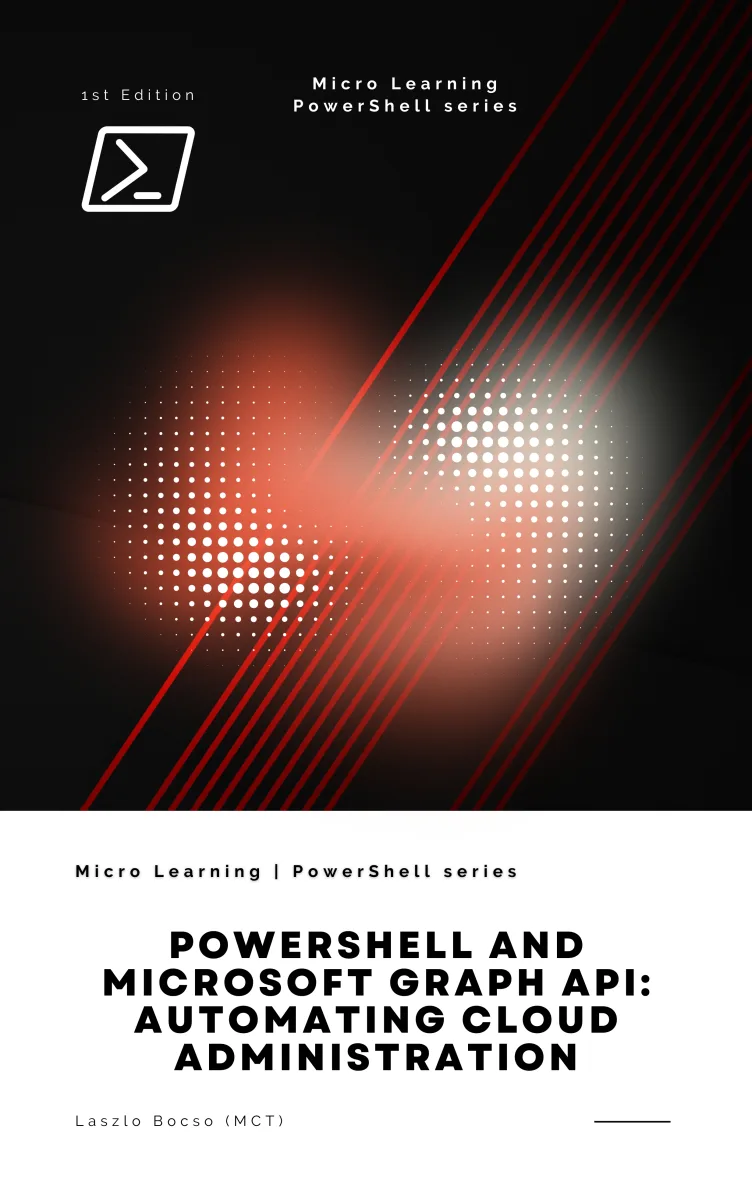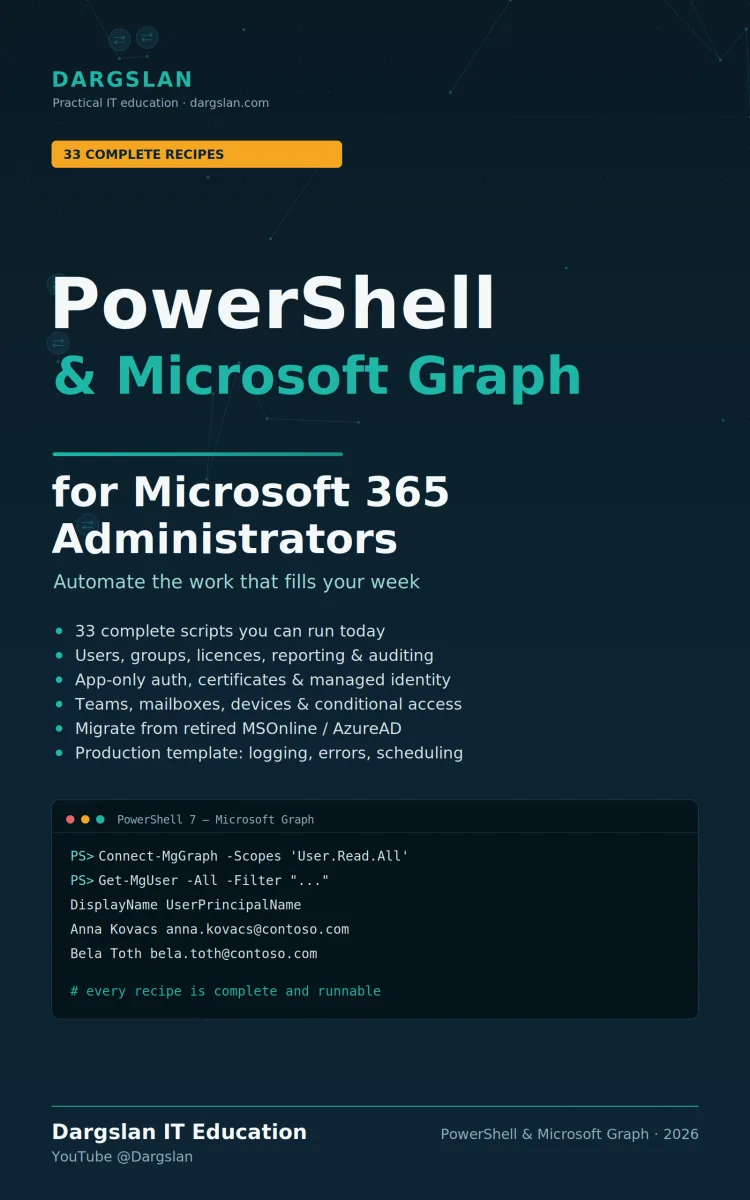
Automate Microsoft 365 with PowerShell and the Microsoft Graph API.
What's Included:
At a Glance
Automate Microsoft 365 with PowerShell and the Microsoft Graph API. is a professional PowerShell eBook by Miles Everhart, 470 pages, available as an instant PDF and EPUB download for €14.90 with lifetime access and free updates. Automate Microsoft 365 with PowerShell and the Microsoft Graph API. Master authentication, user and group management, and automation for Exchange Online, Teams,...
- Length: 470 pages
- Format: PDF and EPUB (instant download)
- Language: English
- Topic: PowerShell
- Edition: 1st Edition
- Price: €14.90
Key Highlights
- Combine PowerShell with the modern Microsoft Graph API for full M365 automation
- Secure authentication strategies for token-based Graph API access
- Master the Microsoft Graph PowerShell SDK from the ground up
- Automate the full user and group identity lifecycle, including bulk CSV provisioning
- Service-specific automation for Exchange Online, Teams, SharePoint, and OneDrive
- Advanced Graph techniques: filtering, paging, and batch operations for scale
- Schedule and orchestrate unattended, recurring automation tasks
- Hybrid automation strategies for mixed on-premises and cloud environments
- Security best practices for protecting sensitive operations and API access
- Built-in auditing and compliance scripting with automated logging and reporting
- Real, ready-to-adapt PowerShell examples with proper error handling
- Five reference appendices: Graph Explorer guide, command cheat sheet, sample scripts, permissions map, and troubleshooting
Overview
Automate Microsoft 365 with PowerShell and the Microsoft Graph API. Master authentication, user and group management, and automation for Exchange Online, Teams, SharePoint, and OneDrive—plus scheduling, security, and compliance. The hands-on scripting guide for M365 admins and IT pros.
The Problem
Managing Microsoft 365 by hand doesn't scale. As your organization grows, the point-and-click admin centers that once felt manageable become a bottleneck. Provisioning users, assigning licenses, configuring mailboxes, building Teams, and pulling compliance reports turn into hours of repetitive, error-prone clicking—work that varies from one administrator to the next and leaves audit trails patchy at best.
The stakes are real: inconsistent configurations create security gaps, manual errors cause outages and rework, and the lack of reliable documentation makes compliance reporting a recurring headache. Meanwhile, every hour spent clicking through admin portals is an hour not spent on strategic initiatives. Many IT pros know PowerShell could help, but the shift to the modern Microsoft Graph API—with its authentication models, permissions, and SDK—feels like an intimidating leap.
The Solution
The Scripting Edge turns Microsoft 365 administration from manual labor into reliable, scalable automation. It bridges the gap between traditional PowerShell scripting and the modern Microsoft Graph API, giving you a clear, hands-on path from your first authenticated Graph call to enterprise-grade automation across every M365 service.
Twelve focused chapters and five reference appendices walk you through authentication, the Graph PowerShell SDK, user and group management, and service-specific automation for Exchange Online, Teams, SharePoint, and OneDrive. You'll master advanced techniques like filtering, paging, and batching, then add scheduling, hybrid strategies, security, and compliance. Every concept comes with real PowerShell examples—bulk provisioning, error handling, audit logging—you can adapt immediately. The result: automation that's fast, consistent, fully auditable, and built to scale with your organization.
About This Book
The Scripting Edge: Automate Microsoft 365 with PowerShell and Graph API is your complete, hands-on guide to transforming repetitive Microsoft 365 administration into reliable, scalable automation. By combining the familiar power of PowerShell with the modern, unified Microsoft Graph API, this book gives IT professionals, system administrators, and power users the toolkit they need to manage cloud infrastructure efficiently—without sacrificing security or compliance.
Microsoft 365 environments are inherently complex, spanning interconnected services like Exchange Online, Microsoft Teams, SharePoint, OneDrive, and Azure Active Directory. Manual, point-and-click administration of these services is time-consuming, error-prone, and impossible to scale. This book bridges the gap between traditional PowerShell scripting and modern cloud API integration, showing you how to harness both technologies to build robust automation that grows with your organization.
Why Scripting Microsoft 365 Matters
Consider provisioning 500 new users with specific group memberships, license assignments, and mailbox configurations. Done manually, that's 80–125 hours of repetitive work with a high risk of inconsistency and human error. With a well-built script, the same job takes a few hours—including development—and runs with perfect uniformity, automatic logging, and built-in error handling. This is the scripting edge: turning hours of manual effort into minutes of automated, auditable execution that frees you to focus on strategic work.
What You'll Learn
Across twelve focused chapters and five practical appendices, this guide follows a logical progression from foundational concepts to enterprise-grade implementations. You'll start with Microsoft Graph API fundamentals and authentication, then move through service-specific automation, and finish with advanced topics like hybrid strategies, security, and compliance.
You'll master essential, real-world scripting skills including:
- Authentication strategies for secure, token-based Graph API access from PowerShell
- Microsoft Graph PowerShell SDK fundamentals and best practices
- User and group management that automates the entire identity lifecycle, including bulk provisioning from CSV
- Exchange Online automation for mailboxes, mail flow, and configuration
- Microsoft Teams automation for team provisioning and communication workflows
- SharePoint and OneDrive automation for document management and content operations
- Advanced Graph techniques including filtering, paging, and batch operations for performance at scale
- Scheduling and orchestration for unattended, recurring automation
- Hybrid automation strategies for mixed on-premises and cloud environments
- Security-focused practices for protecting sensitive operations and API access
- Auditing and compliance scripting with automated logging and reporting
PowerShell and Graph API: A Powerful Combination
PowerShell's object-oriented architecture, extensive cmdlet library, pipeline functionality, and robust error handling make it uniquely suited to system administration. Microsoft Graph API extends that power by offering a single, unified endpoint to access nearly every service in the Microsoft 365 ecosystem—users and groups, mail and calendar, files and SharePoint, Teams and chats, security and compliance, and device management. Together, they give you direct, scriptable access to the entire platform from Windows, Linux, or macOS.
Throughout the book, you'll see real PowerShell examples that demonstrate exactly how this works: constructing authenticated Graph API calls, building bulk-provisioning functions with proper try-catch error handling, and implementing audit-logging routines that automatically generate compliance documentation for every operation.
Built for Scale, Consistency, and Compliance
Automation isn't just about saving time—it's about creating reliable, consistent, and repeatable processes. This book shows how scripting delivers constant performance regardless of user volume, manageable complexity even in multi-tenant scenarios, and version-controlled change management. In an era of strict regulatory requirements, you'll learn to bake auditing directly into your scripts, producing timestamped, attributed records of every action for effortless compliance reporting.
A Reference You'll Return To
Each chapter builds on the last while offering standalone examples you can implement immediately. The extensive appendices serve as an ongoing reference, including a Microsoft Graph Explorer guide, a PowerShell-to-Graph command cheat sheet, ready-to-use sample scripts and templates, a Graph permissions map organized by service, and comprehensive troubleshooting guidance for API and SDK issues.
Who Should Read This Book
Whether you're new to Microsoft Graph API or a seasoned PowerShell scripter looking to modernize your automation approach, this book accelerates your path to scripting mastery. The combination of PowerShell's familiar syntax with Graph API's comprehensive capabilities unlocks unprecedented possibilities for Microsoft 365 automation—helping you build solutions that are reliable, consistent, scalable, and ready for the modern cloud-first workplace.
Welcome to The Scripting Edge. Let's transform how you manage Microsoft 365.
Who Is This Book For?
- Microsoft 365 and Office 365 administrators looking to automate daily operations
- System administrators managing Exchange Online, Teams, SharePoint, and OneDrive
- IT professionals who know PowerShell and want to modernize with the Graph API
- Azure AD / Entra ID admins automating identity lifecycle and provisioning
- DevOps and automation engineers building unattended M365 workflows
- Security and compliance teams needing automated auditing and reporting
- Power users and consultants managing multiple tenants at scale
Who Is This Book NOT For?
- Complete beginners with no exposure to PowerShell or command-line scripting
- End users who only need to use Microsoft 365 apps, not administer them
- Administrators who exclusively prefer point-and-click admin centers and won't script
- Developers seeking a general Graph API guide for C#, JavaScript, or other languages rather than PowerShell
- Those looking for coverage of non-Microsoft cloud platforms like Google Workspace or AWS
Table of Contents
- Introduction to Microsoft Graph API
- Authenticating to Microsoft Graph from PowerShell
- Microsoft Graph PowerShell SDK Basics
- Managing Users and Groups
- Exchange Online Automation
- Microsoft Teams Automation
- SharePoint and OneDrive Automation
- Graph Filtering, Paging, and Batching
- Scheduling Automation Tasks
- Hybrid Automation Strategies
- Securing API Access
- Auditing and Compliance
- Appendix: Microsoft Graph Explorer Guide
- Appendix: PowerShell vs Graph Command Cheat Sheet
- Appendix: Sample Scripts and Templates
- Appendix: Graph Permissions Map by Service
- Appendix: Troubleshooting API and SDK Issues
Requirements
- Working knowledge of PowerShell fundamentals (cmdlets, variables, loops, functions)
- A Microsoft 365 tenant with administrative access for hands-on practice
- PowerShell 7.x (cross-platform) or Windows PowerShell installed
- Permission to register or use an Azure AD / Entra ID app for Graph API authentication
- Basic understanding of Microsoft 365 services (Exchange, Teams, SharePoint, OneDrive)
- Familiarity with REST and JSON concepts is helpful but not required